


Rajesh’s Dilemma: Why This Back-to-School Season Feels Different
Rajesh sat in his small shop in Indore, scrolling through his phone while his daughter Priya studied for her Class 9 exams. She shared a laptop with her brother, and it crashed twice last week during online classes. He’d saved Rs.25,000 for her education this year, but didn’t know where to start with a back-to-school computer checklist. Like thousands of parents in Tier 2 and Tier 3 cities across India, Rajesh wanted to give his daughter the right tools without breaking the bank.
If you’re feeling the same pressure, you’re not alone. The new academic year brings excitement, but also stress about getting your child the right technology setup. A proper back-to-school computer checklist isn’t just about buying any device. It’s about choosing wisely, setting it up correctly, and making sure your student has everything they need to succeed.
Understanding Your Back-to-School Computer Checklist Needs
Before you shop, ask yourself what your child actually needs. Will they attend online classes, submit assignments, watch educational videos, or code and create projects? Different students need different setups. A Class 5 student learning basic computer skills has different needs than a Class 12 student preparing for competitive exams.
According to the Central Board of Secondary Education, digital literacy is now a core skill across Indian schools. Your back-to-school computer checklist should reflect this reality. You’ll want to think about whether a desktop vs laptop for students makes more sense for your home and budget.
Start by listing what your child’s school requires. Check their website, read the admission materials, and talk to teachers. Some schools mandate specific software or operating systems. Others just need basic internet access and a word processor. This clarity saves you money and prevents buying unnecessary items.
Essential Hardware: Building Your Student Computer Setup Guide
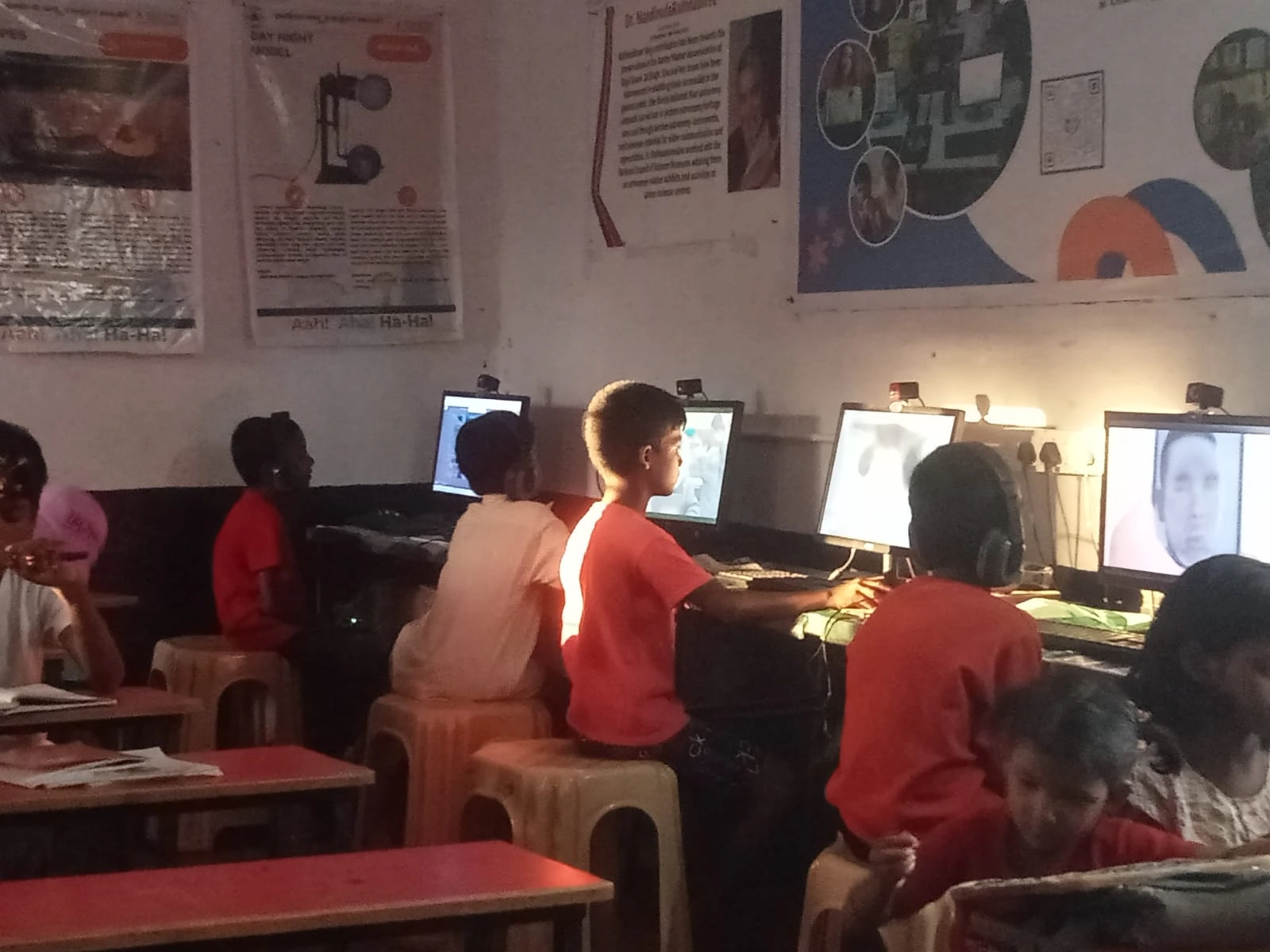
Your student computer setup guide should start with the main device. A good educational computer needs enough power for multitasking but doesn’t need to be expensive. Look for at least 8GB RAM and 128GB storage space. These specs handle video calls, document editing, and educational software smoothly.
You’ll also need a reliable keyboard and mouse if you choose a desktop setup. An ergonomic chair is important too, especially if your child studies for long hours. Your eyes and posture matter, even at a young age. A basic webcam and microphone help with online classes and presentations.
- Processor: Intel or AMD with at least 4 cores for smooth performance
- RAM: 8GB minimum for comfortable multitasking
- Storage: 128GB SSD for fast boot times and file access
- Display: 21-24 inch monitor if you’re buying a desktop, or 14-15 inch for laptops
- Connectivity: WiFi 5 or better for stable online learning
The Apna PC by Apni Pathshala offers exactly this setup for Rs. 21,000 (excluding shipping and GST). It comes with 8GB RAM and 128GB SSD, designed specifically for Indian students. You’re not paying for gaming features or unnecessary power. You’re getting what students actually need.
Software and Tools: Back-to-School Tech Essentials
Your computer checklist for students isn’t complete without the right software. Your child needs a reliable operating system, office tools, and educational applications. Zorin OS is a user-friendly Linux system that works great for students. It’s secure, free from viruses, and won’t slow down over time like some other systems.
Office work is essential for every student. LibreOffice gives you word processing, spreadsheets, and presentations without expensive software licenses. Your child can easily create projects, submit assignments, and collaborate with classmates. Scratch is brilliant for introducing coding concepts in a fun, visual way.
The Apna PC comes pre-loaded with Zorin OS, LibreOffice, and Scratch. You also get Apni Prerna, a student monitoring tool that helps parents track study progress without being intrusive. It’s designed for Indian families who want to support their children’s learning while respecting their independence.
Internet and Connectivity: The Backbone of Modern Learning
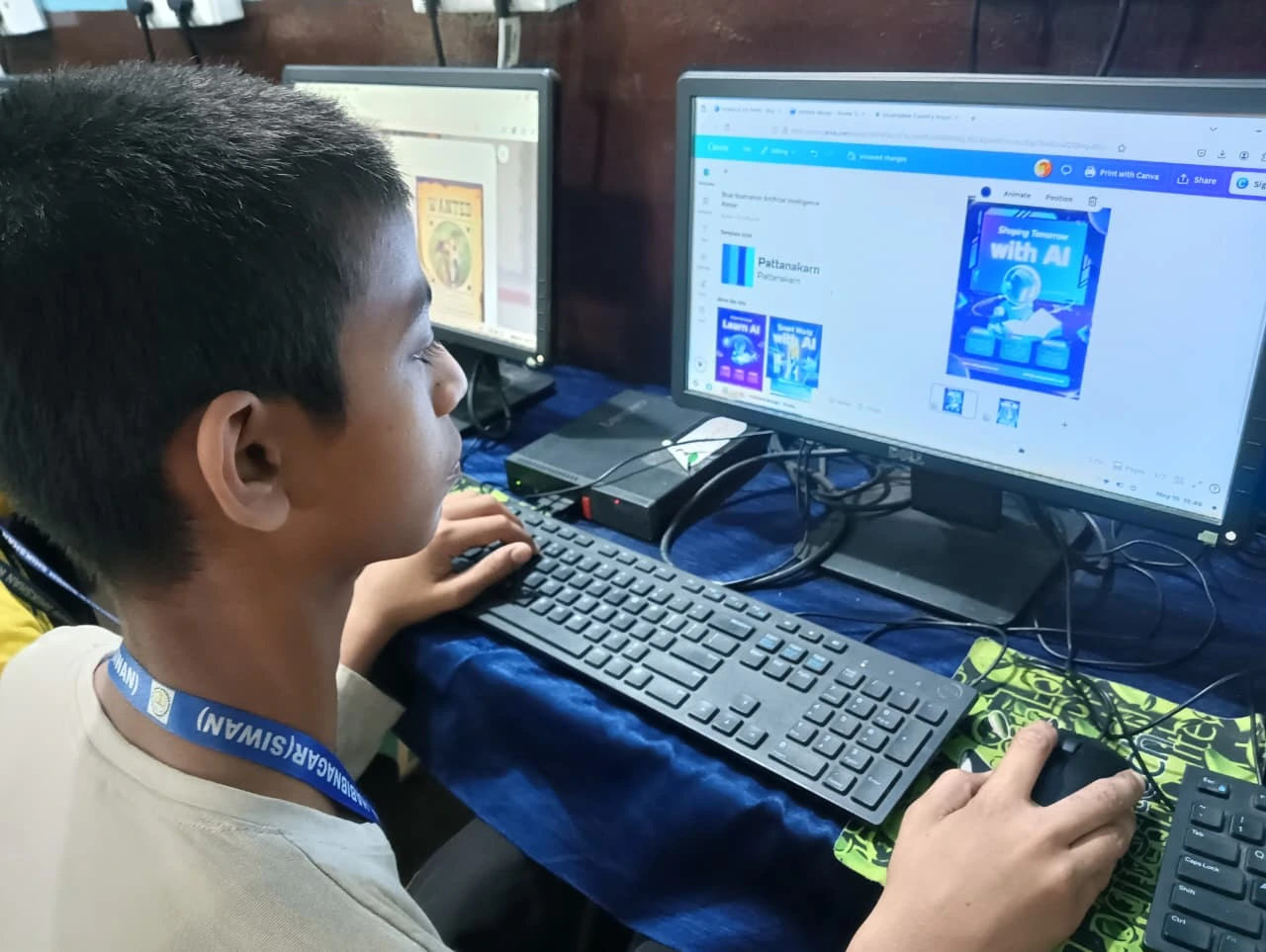
A computer without internet is like a textbook without words. Check your home WiFi strength in the study area. You might need a WiFi extender if the signal’s weak. A wired Ethernet connection works even better if your router’s nearby.
Consider your internet plan’s speed and data limits. Video calls and streaming educational content need at least 5 Mbps download speed. Many Tier 2 and Tier 3 cities now have affordable broadband options. Compare providers in your area and read reviews from other families.
Safety and Security: Protecting Your Child Online
Your checklist must include safety measures. Install antivirus software and set up parental controls. Teach your child about strong passwords and not sharing personal information online. UNESCO global education research shows that digital safety is as important as digital skills.
Create separate user accounts for family members. Your child’s account should have limited permissions. Regular backups protect important school files from accidental loss. Set screen time limits to encourage healthy study habits and breaks.
Budget-Friendly Alternatives and Smart Shopping
You don’t need the latest model or the most expensive brand. Consider whether a refurbished vs new computer makes sense for your budget. Refurbished devices are tested, certified, and come with a warranty. They’re perfect for students and save you money.
Look for end-of-season sales and educational discounts. Many retailers offer special pricing during back-to-school season. Check if your child’s school has partnerships with computer companies. Sometimes you can get bulk discounts.
Setting Up Your Computer: First Steps Matter
Once you bring your computer home, take time to set it up properly. Create user accounts for each family member. Install all necessary software and updates. Organise folders for different subjects and projects so your child stays organised.
Spend an hour learning the system yourself. You’ll be more confident helping your child when they have questions. Show them where to find files, how to use the office tools, and basic troubleshooting steps. This investment in learning pays off throughout the year.
Your Back-to-School Computer Checklist Summary
- Hardware basics: 8GB RAM, 128GB SSD, good keyboard and mouse
- Software: Reliable OS, office tools, educational apps
- Connectivity: Strong WiFi or Ethernet connection
- Safety: Antivirus, parental controls, password security
- Comfort: Ergonomic chair, proper desk height, good lighting
- Organisation: Folder structure, backup system, study schedule
Getting your child ready for the new academic year means thinking beyond just buying a computer. It means creating an environment where they can learn, create, and grow. The right tools make this possible. The Apna PC gives you a complete, affordable solution designed for Indian students. Your child deserves technology that supports their dreams without draining your savings. Visit apnapc.com to learn more.