


Yes, a home desktop is better for students who study at home because it offers a larger screen, comfortable ergonomics, and a dedicated learning space that reduces distractions and improves focus. Unlike laptops, a desktop keeps your child’s study area organised and encourages longer, uninterrupted study sessions.
This article explains why a home desktop works well for student learning, what features matter most, and how to choose one that fits your needs.
Why is a home desktop better for student learning?
A home desktop provides a permanent study setup that your child returns to each day, building a routine and habit around learning. The larger screen reduces eye strain during long study hours, and the separate keyboard and mouse allow better posture than hunching over a laptop.
Desktops are also more affordable than laptops with the same power, and they don’t overheat or lose performance over time the way portable devices do. A desktop stays in one place, so your child isn’t tempted to study in bed or move between rooms, which breaks concentration.
What features should a student desktop have?
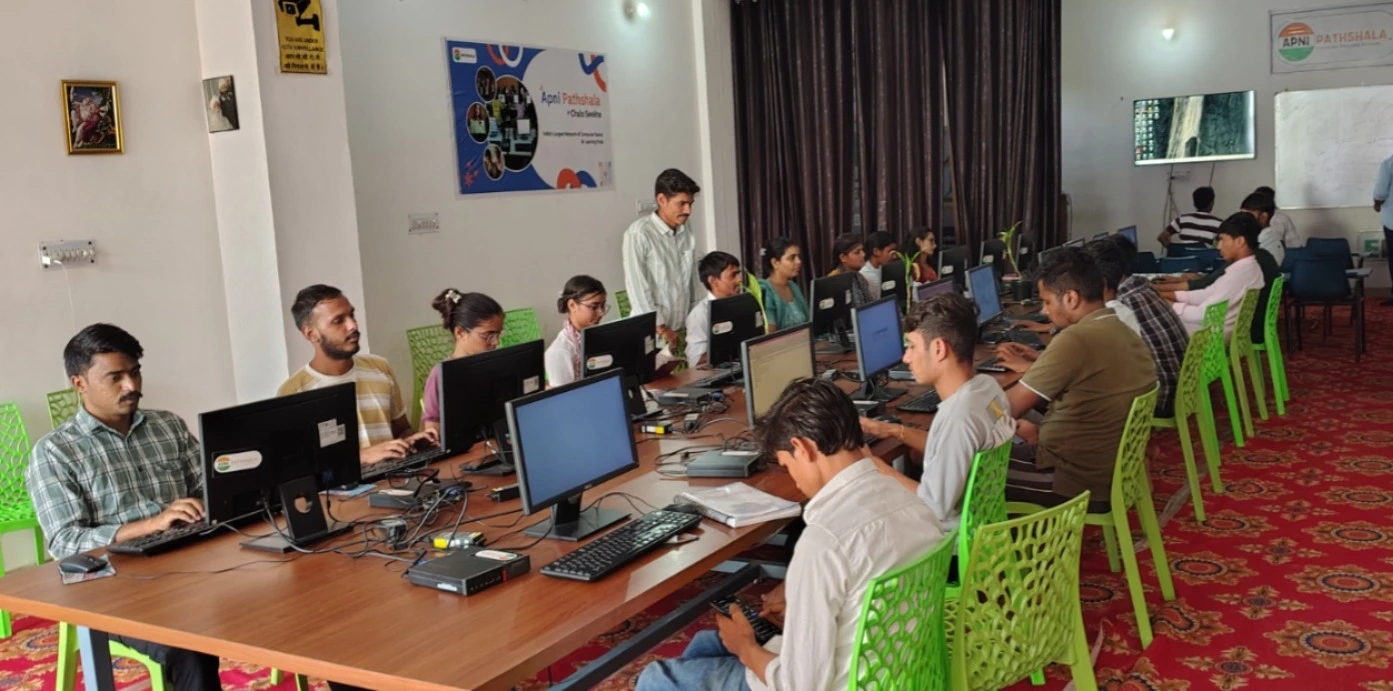
A student desktop needs enough processing power to run educational software smoothly, at least 8GB of RAM for multitasking, and solid storage to hold study materials without slowing down. The screen should be at least 21 inches to reduce eye fatigue, and the keyboard and mouse should be comfortable for hours of typing and clicking.
Software matters too. Your desktop should come with tools like LibreOffice for writing assignments, Scratch for learning coding, and monitoring software that lets you track your child’s study time and screen use. A reliable operating system like Linux keeps the device secure and virus-free.
How does a home desktop compare to a laptop for students?
Both have uses, but a home desktop wins for daily study. Comparing an Apna PC vs a laptop for students shows that desktops offer better value, larger screens, and fewer overheating issues. Laptops are portable, which is useful for travel or classes outside the home, but they cost more for the same power.
| Feature | Home Desktop | Laptop |
|---|---|---|
| Screen size | 21 inches or larger | 13 to 15 inches |
| Posture and comfort | Separate keyboard and mouse, better ergonomics | Built-in keyboard, hunching risk |
| Cost for the same power | Lower | Higher |
| Portability | Fixed location | Can move between rooms |
| Overheating | Rare | Common during heavy use |
| Best for | Home study routine | Travel and flexibility |
For a child who studies mostly at home, a desktop removes the temptation to take the device to bed or other distracting spaces. It also lasts longer because it doesn’t get knocked around or closed roughly like a laptop.
How can you set up a productive study space with a home desktop?
Place your desktop in a quiet corner away from the TV, kitchen, and other family activity. Use a desk at the right height so your child’s eyes are level with the top of the screen, and position the keyboard and mouse within arm’s reach to avoid strain.
Add good lighting above or beside the desk to prevent screen glare. Set clear study hours when the desktop is for schoolwork only, and use parental monitoring tools to track progress. A home computer for student education works best when the whole family respects the study space and time.
What is Apna PC and how does it support home study?
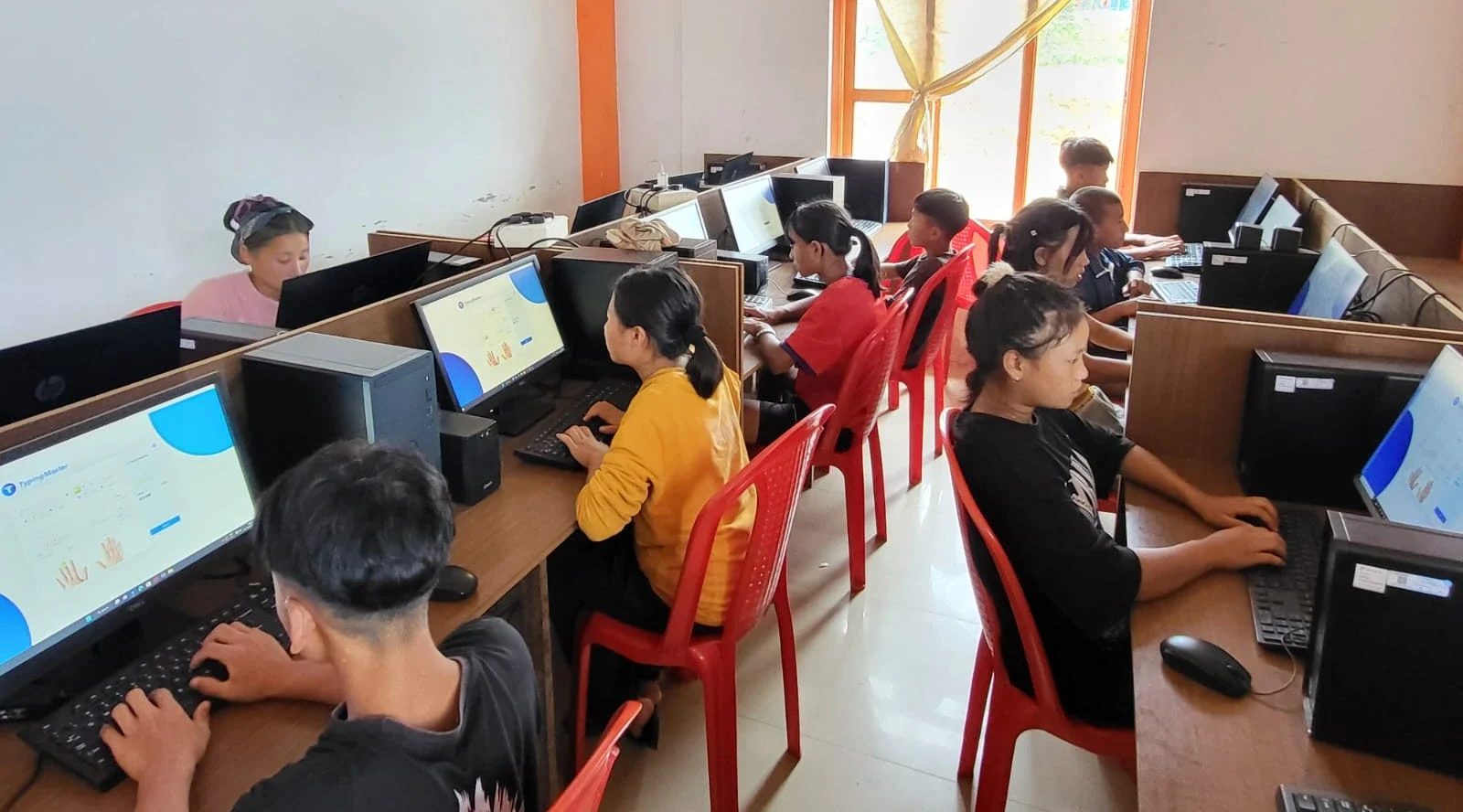
Apna PC by Apni Pathshala is built specifically for home learning. It runs Zorin OS (a Linux system), has 8GB RAM and 128GB SSD storage, and comes pre-loaded with Apni Prerna (parent and student monitoring), LibreOffice, and Scratch.
Designed for study, not gaming, the device helps your child stay focused on schoolwork. A desktop as a complete learning station means everything your child needs for online classes, assignments, and research is in one secure, monitored space.
What online learning platforms work well with a home desktop?
Your child can access DIKSHA, the government’s digital learning platform, which offers free courses and resources aligned with the school curriculum. Most online classes run smoothly on a desktop because the larger screen makes it easier to watch lessons and take notes at the same time.
Educational websites, video tutorials, and coding platforms like Scratch all run reliably on a Linux desktop. The Ministry of Education website also lists approved digital resources that your child can use for homework and revision.
Frequently Asked Questions
Can a home desktop replace a school computer lab?
A home desktop covers most learning needs for homework, online classes, and research, but it cannot replace hands-on lab work in science or IT labs at school. However, it prepares your child well for independent study and reduces the need for after-school computer classes.
Is Linux safe for students to use?
Yes, Linux is very safe for students. It has strong built-in security, resists viruses, and is free from malware that affects Windows devices. Many schools and governments use Linux for the same reasons.
How long does a home desktop last for student use?
A well-maintained desktop lasts several years for student work. Regular updates, dust cleaning, and avoiding heavy gaming keep it running smoothly. Unlike laptops, desktops are easier and cheaper to repair if a part fails.
What monitoring tools help parents track study time?
Apna PC comes with Apni Prerna, which lets you see how long your child studies and what apps they use. You can set time limits and receive reports, helping you balance study with breaks and outdoor play. A home desktop is a smart choice for any parent who wants to support their child’s learning with a reliable and focused study tool. Visit apnapc.com to learn more.