

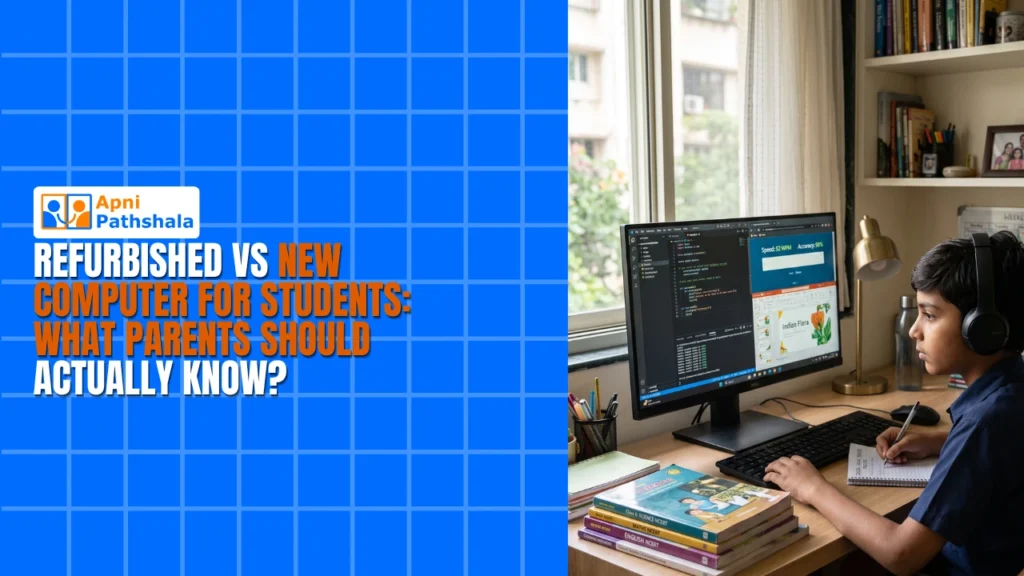
Priya’s Dilemma: Why One Mother’s Computer Decision Changed Everything
Priya sat in her small living room in Indore, staring at her laptop screen. Her son Arjun had just finished 8th grade, and his school was pushing for every student to have a personal computer for coding classes and online assignments. She’d saved for three years, but the prices still shocked her. A new laptop from a big brand would cost Rs. 60,000 to Rs. 80,000. Her neighbour had suggested a refurbished one for Rs.25,000. Priya didn’t know what to trust. Should she stretch her budget for something new, or take the risk with a refurbished device? This choice felt bigger than just buying a computer.
If you’re a parent in a Tier 2 or Tier 3 Indian city facing the same question, you’re not alone. The choice between a refurbished vs new computer for students isn’t simple. It involves your budget, your child’s needs, warranty support, and how long the device will actually last. Let’s break down what you really need to know.
Understanding What You’re Actually Buying
A personal computer for your child isn’t just a machine. It’s a tool for learning, a gateway to digital skills, and increasingly, a requirement for school. When you’re deciding between a refurbished and a new computer for your student, you’re really asking: which option gives your child the best learning experience without draining your savings?
New computers come with a full manufacturer’s warranty, usually 1 to 2 years. They’ve never been used, so there’s no hidden damage or worn-out batteries. But you pay premium prices for this peace of mind. Refurbished computers have been returned, repaired, and tested by professionals. They cost 30 to 50 per cent less, but warranties are shorter, typically 6 to 12 months.
Here’s what most parents don’t realise: the difference in actual performance between a new and refurbished computer can be almost nothing. A refurbished laptop with 8GB RAM and an SSD will run your child’s educational software just as fast as a new one with the same specs.
The Real Cost of Ownership
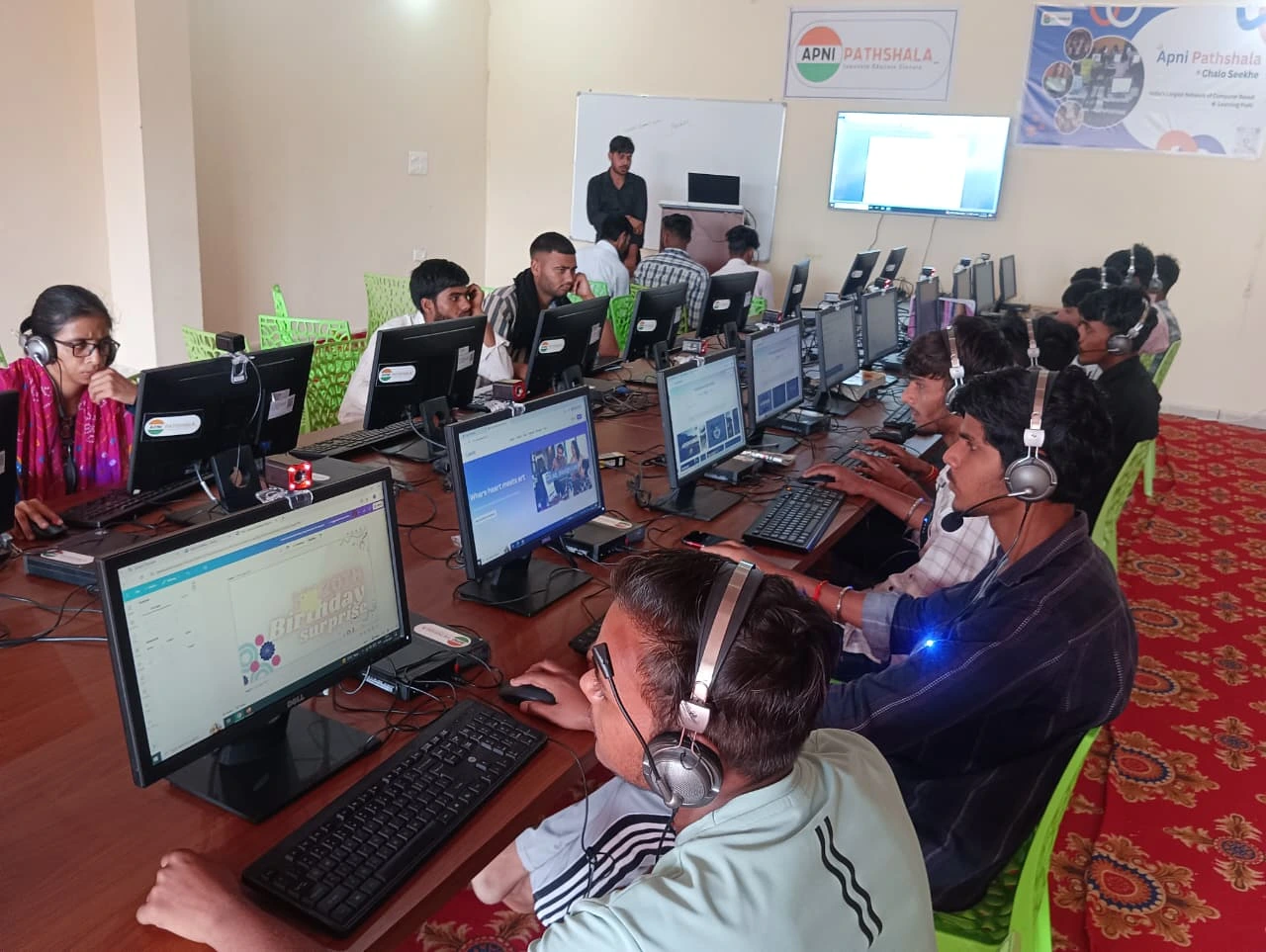
Price tag isn’t the only cost you’ll face. Think about what happens after the warranty ends. New computers from established brands often have longer-term support and easier access to spare parts in Indian cities. Refurbished devices might be harder to repair if something breaks after the warranty period.
Your child will also need software. Some refurbished computers come with bloated software that slows them down. Others arrive with nothing pre-installed, forcing you to buy licenses for Microsoft Office or antivirus programs. This can add another Rs. 5,000 to Rs. 10,000 to your total cost.
Here’s where smart buying matters. Look for a refurbished computer that comes pre-loaded with educational software and has clear documentation of what’s included. Don’t just look at the hardware specs. Ask about the software, the warranty terms, and the seller’s reputation.
What Your Child Actually Needs?
Your son or daughter doesn’t need a gaming laptop or a high-end workstation. They need a device that can handle Google Classroom, video calls, document editing, and maybe some coding practice. This means you’re looking for:
- 8GB RAM minimum: Enough to run multiple browser tabs and educational apps without freezing
- 128GB SSD storage: Fast boot times and enough space for schoolwork, projects, and downloads
- Good battery life: At least 6 hours for school use and studying away from home
- Reliable operating system: Windows, macOS, or Linux all work fine. What matters is that it’s stable and supported.
Both new and refurbished computers can meet these requirements. The question is which one gives you better value for your specific situation.
Why the Apna PC Option Changes the Equation?
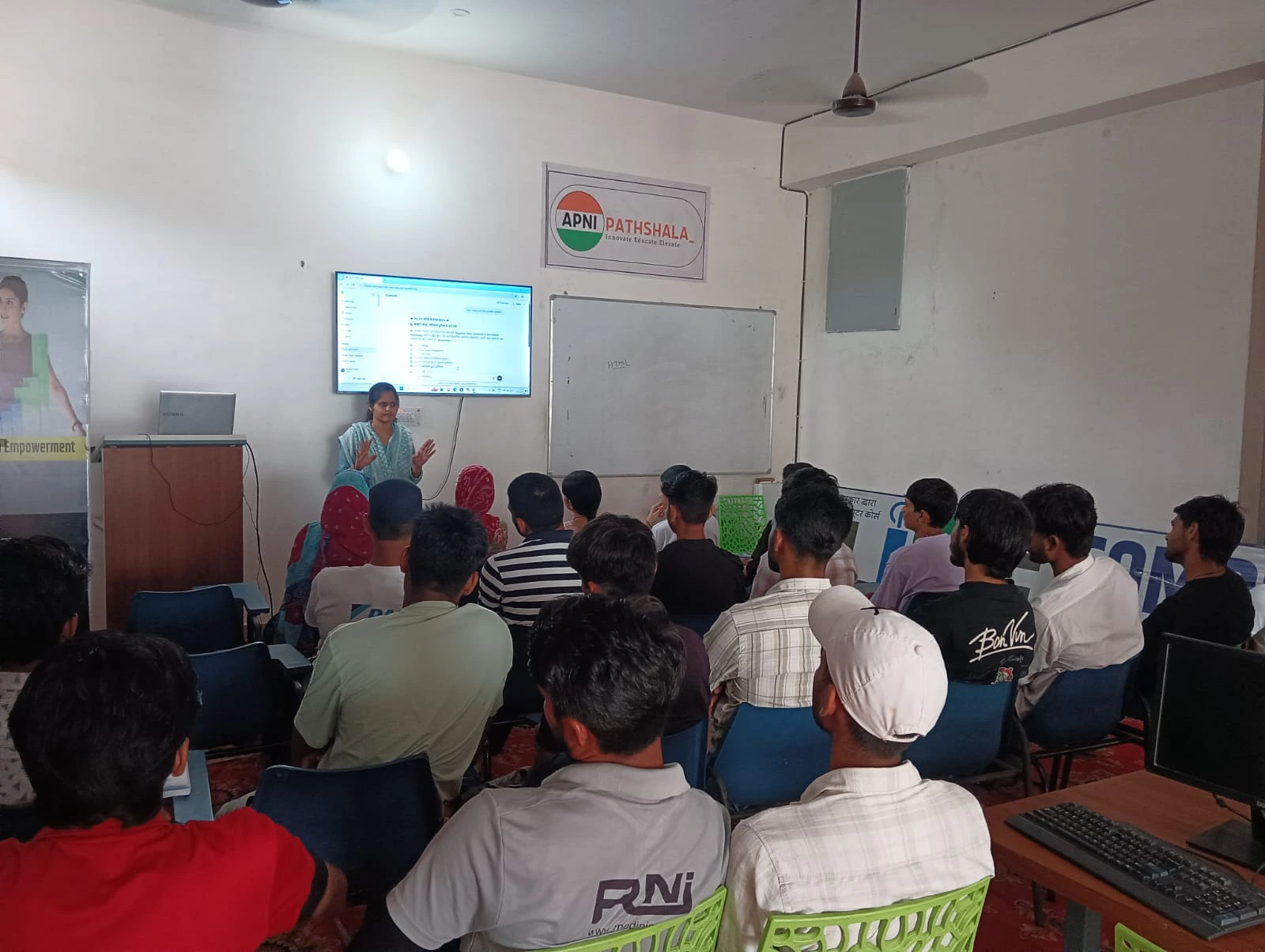
There’s a third path that many parents in India haven’t considered yet. Educational computers designed specifically for students. The Apna PC, built by Apni Pathshala for Indian students, costs just Rs.21,000 (before shipping and GST). It comes with 8GB RAM, 128GB SSD, and runs on Zorin OS, which is student-friendly and free.
What makes this different isn’t just the price. The device comes pre-loaded with Scratch for coding, LibreOffice for documents, and Apni Prerna for student monitoring. Your child gets everything they need on day one. No hunting for software. No extra costs. No confusion about what’s included. This is what a computer for education should actually look like.
For parents investing in computers, this option sits between the budget refurbished models and expensive new laptops. You’re not gambling on someone else’s used device. You’re getting a new machine built for what your child actually does in school.
Making Your Decision
Ask yourself this question: Do I have Rs. 60,000+ to spend without stress? Then a new branded laptop is fine. Can I only afford Rs. 20,000 to Rs. 30,000? Then look carefully at refurbished options or educational computers. Do I want guaranteed support and pre-loaded software without the premium price? Then an educational computer designed for Indian students makes sense.
Your decision also depends on your access to service centres. In bigger cities, you can get refurbished laptops repaired more easily. In smaller towns, having a device with strong warranty support matters more. Check what support options are available in your city before you buy.
The Digital India initiative is pushing to ensure more students have access to computers. That means prices are coming down and options are growing. You don’t have to choose between your budget and your child’s education anymore.
Priya eventually chose an educational computer built for students like her son. Arjun got his coding classes, his online assignments, and his parents got peace of mind. Your family can have the same outcome. Visit apnapc.com to learn more.