

Rajesh’s Dilemma: Finding the Right Student PC
Rajesh sat in his small shop in Indore, scrolling through laptop listings on his phone. His daughter Priya had just been promoted to Class 8, and her school was pushing for “digital learning.” The problem? Every computer he looked at cost between 40,000 and 60,000 rupees. His monthly profits barely covered rent and groceries. Then he found Apna PC for just Rs. 21,000. But he had one burning question: what’s actually inside this student PC? Is it worth buying, or is it just another cheap device that will break in six months?
What Is Apna PC?
Apna PC is an educational computer built by Apni Pathshala, a team that understands what Indian students actually need. This isn’t a gaming laptop or a fancy ultrabook. It’s a student PC designed specifically for learning, homework, online classes, and digital projects.
The Hardware: What Powers Your Student PC
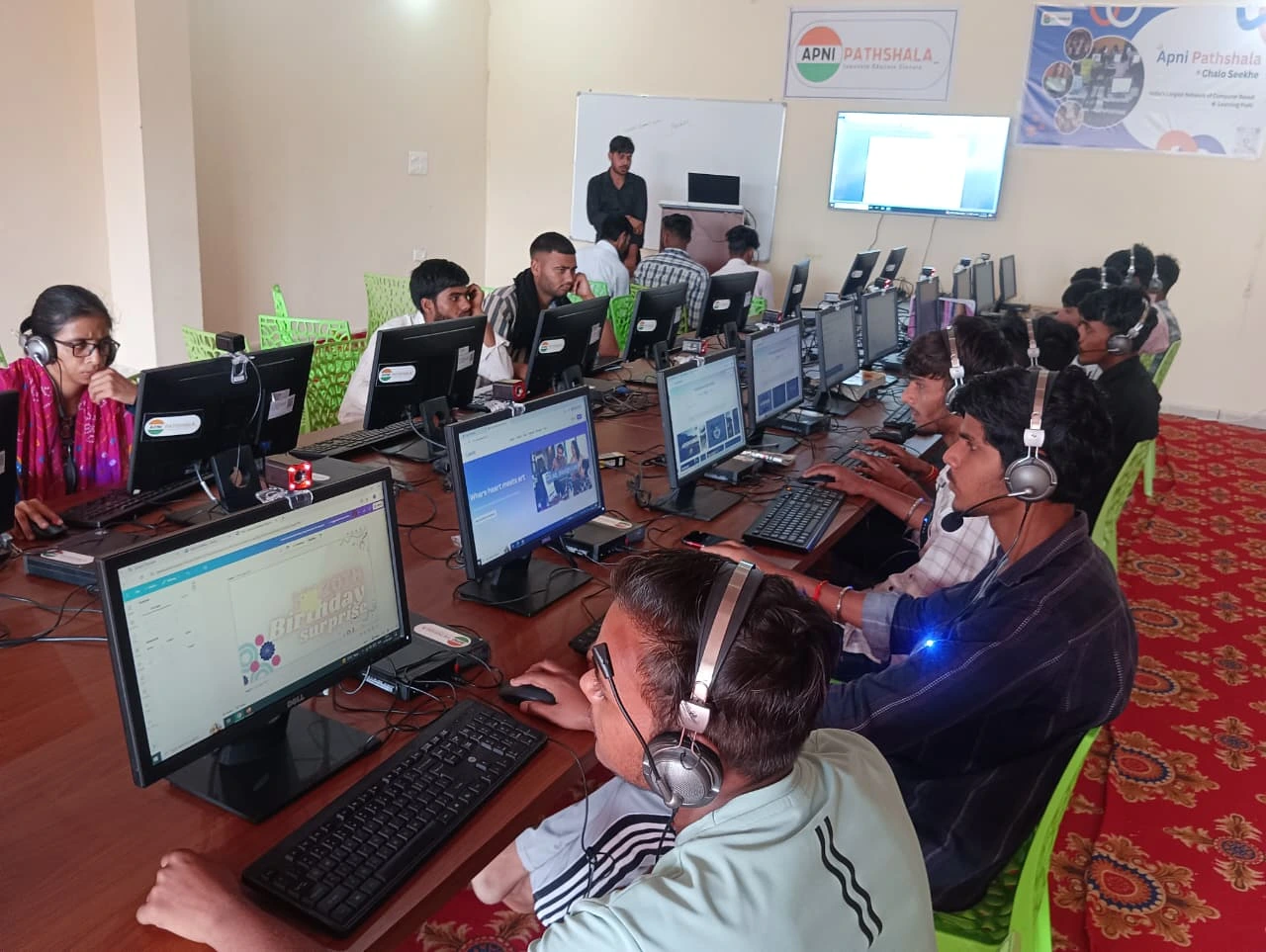
Let’s start with the core components that make this educational computer work.
- 8GB RAM: This is the sweet spot for student work. You can run multiple browser tabs for research, have a document open, and stream an online class without your computer slowing down. If you’re wondering about specifications, we’ve written about how much RAM a student really needs on our site.
- 128GB SSD: Your student PC comes with solid-state storage, not the older hard drives. This means faster boot times and quicker file access. Your child won’t waste 5 minutes waiting for the computer to start up before their online class begins.
- Compact Design: The Apna PC fits on any desk without taking up too much space. This matters in Indian homes where space is precious.
The Software: Everything Pre-loaded and Ready
Here’s where Apna PC becomes special. The educational computer comes with software that’s already set up for learning.
- Zorin OS: a lightweight, secure Linux-based operating system. It won’t slow down your student PC with unnecessary bloatware. Zorin OS is built for productivity, and it runs smoothly even on modest hardware.
- LibreOffice: Your child gets a complete office suite for free. Word processing, spreadsheets, presentations- everything a student needs for schoolwork. No need to buy Microsoft Office or hunt for pirated versions.
- Scratch: a visual programming language that teaches coding logic. Students learn by dragging blocks and creating interactive projects. It’s used in schools across India and around the world to introduce programming concepts.
- Apni Prerna: a student monitoring system developed by Apni Pathshala. Parents can track their child’s learning progress and see which applications their child is using. It’s not surveillance; it’s a tool to support your child’s education.
Why This Matters for Indian Students?
The DIKSHA digital learning platform and initiatives like the Digital India initiative have pushed schools toward online learning. Your student PC is compatible with these platforms. Your child can attend online classes, submit assignments, and access educational resources without any problems.
Real-World Performance: What Can Your Student Actually Do?
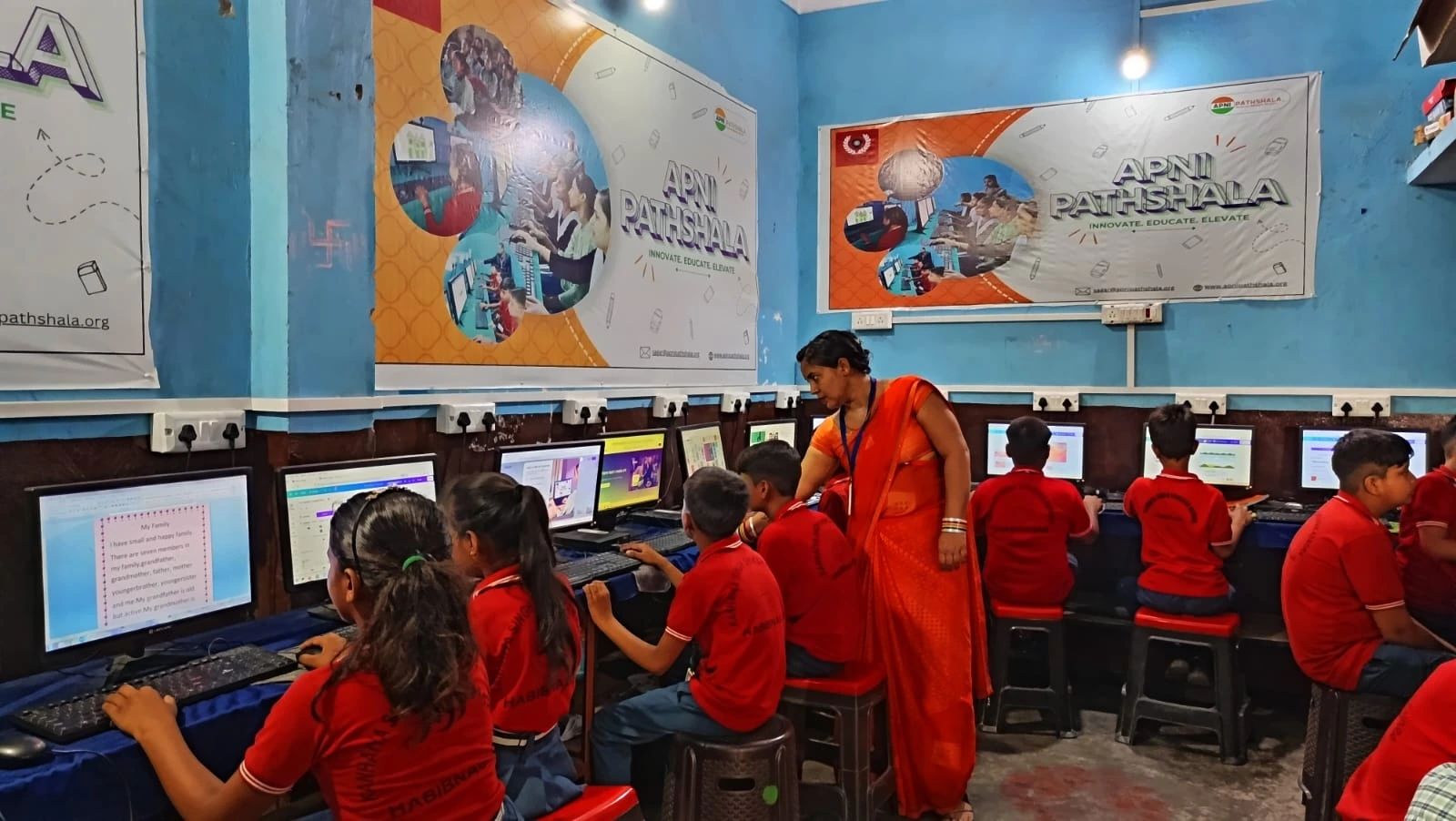
- Attend video classes on Google Meet, Zoom, or Microsoft Teams without lag.
- Complete assignments in LibreOffice and submit them online
- Research topics using a web browser with multiple tabs open
- Create coding projects in Scratch for computer science classes.
- Watch educational videos without buffering.
- Work on group projects using online collaboration tools.
The Investment: Is It Worth It?
Rajesh’s concern about durability is valid. Quality matters when you’re spending money. The Apna PC is built to last, with reliable components and a system designed for long-term use. The 8GB RAM and 128GB SSD are standard specifications that will remain relevant for years of schooling.
Compare this to buying a budget laptop at 30,000 to 40,000 rupees that comes bloated with trial software and unnecessary programs. You’ll spend more money and get a slower educational computer.