


Getting a child’s first computer right shapes their relationship with digital tools for years. A poorly chosen first computer, too slow to run school applications or filled with distracting defaults, teaches a student that computers are frustrating obstacles. A well-chosen first computer builds confidence, independent study habits, and digital literacy that carries forward through school and beyond.
Why Does the First Computer Matter More Than Later Upgrades?
First experiences define expectations. A student whose first computer experience is frustrating, because of lag, crashes, or constant distractions, associates computers with difficulty. That association is hard to change even with a better device later. A student whose first computer experience is smooth and productive, completing school work quickly, building coding projects in Scratch, and accessing curriculum content without obstacles, builds a positive association that makes future computer use easier and more purposeful.
What Makes Apna PC Appropriate as a First Student Computer?
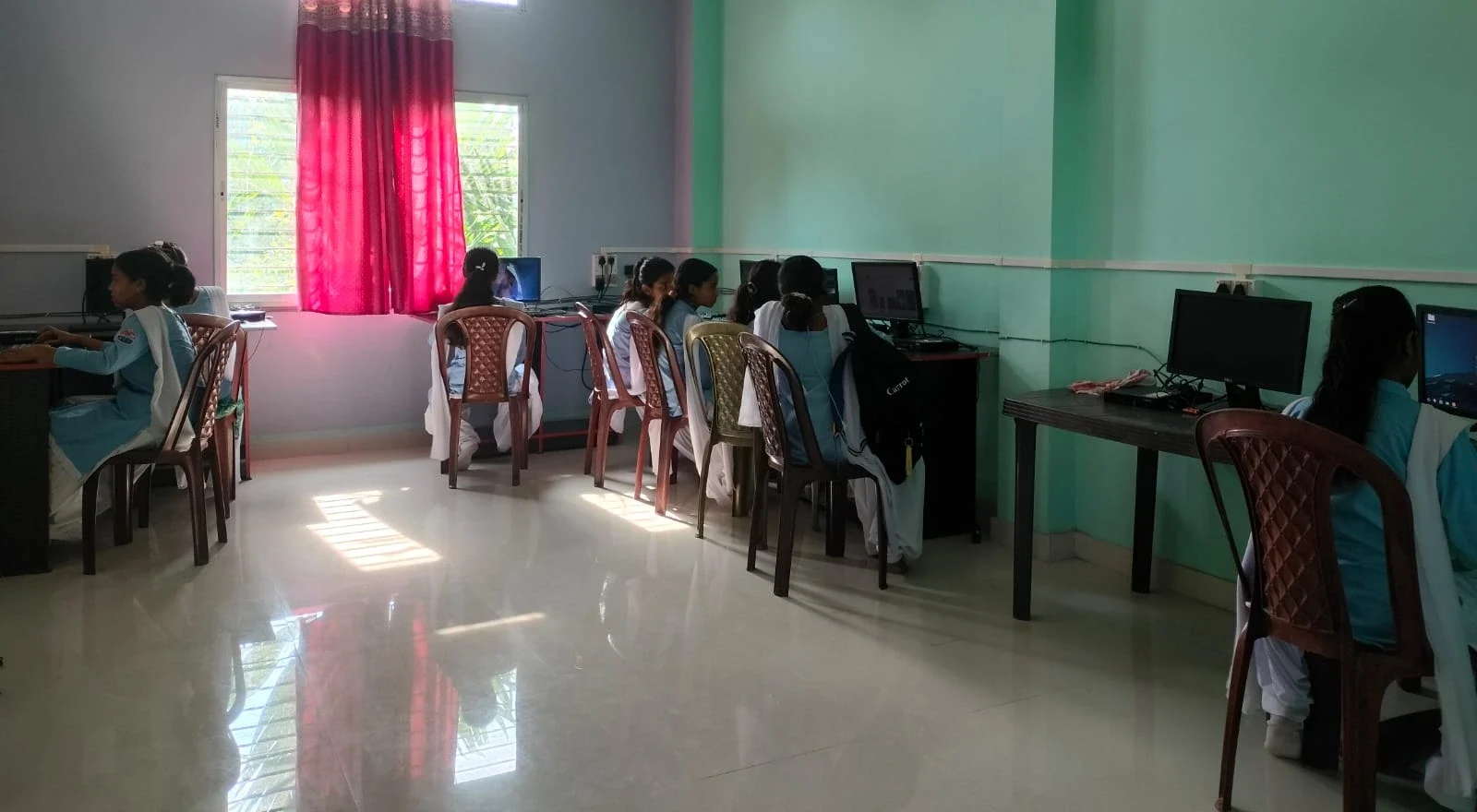
Apna PC is designed for students who have not had a personal computer before. Zorin OS is clean and straightforward, with no confusing technical settings that require expert knowledge to navigate. The pre-loaded software, LibreOffice for documents, Scratch for coding, and Apni Prerna for progress monitoring, provides the tools a student needs without requiring parents to set anything up after delivery.
At Rs.30,000 (shipping and GST excluded), it is designed for Indian families who want their student to have a proper learning tool rather than a repurposed adult device. The 8GB RAM and 128GB SSD provide enough performance for all educational applications without the lag that would create a negative first experience.
How Does a Dedicated First Computer Differ From a Shared Family Device?
| Factor | Shared Family Device | Dedicated First Computer (Apna PC) |
|---|---|---|
| Always available | No, shared around adult needs | Yes, belongs to the student |
| Study-focused setup | No, general household use | Yes, pre-configured for learning |
| Progress tracking | No | Yes, via Apni Prerna monitoring |
| Associated with study | Mixed associations | Study association from day one |
What Habits Do Students Build From a Well-Chosen First Computer?
Students who have their own computer from early secondary school or upper primary school build four specific habits that students without personal access typically do not develop at the same pace:
- Independent research: finding curriculum content on DIKSHA and government education platforms without being directed
- Digital writing: drafting, editing, and formatting written work in LibreOffice beyond handwriting practice
- Coding basics: working through Scratch projects at their own pace without waiting for a computer lab session
- Self-monitoring: reviewing progress through Apni Prerna and identifying which subjects need more time
What Should Parents Consider Before Buying a First Student Computer?
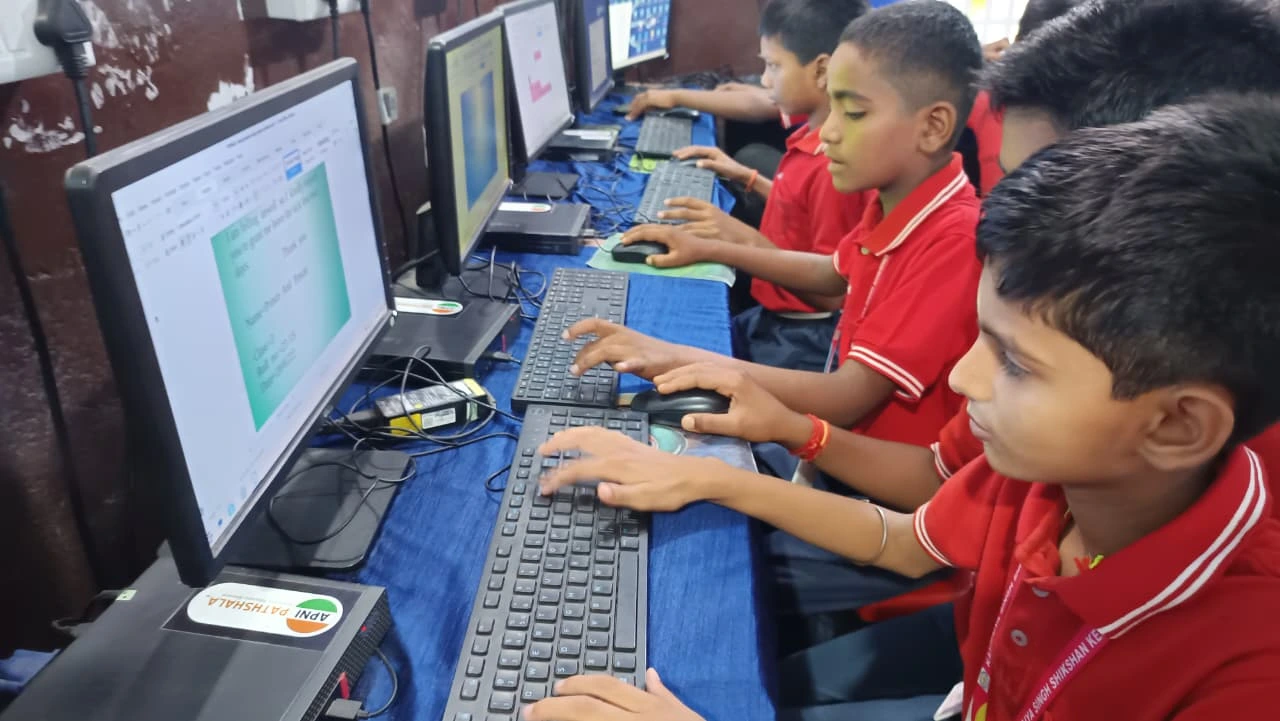
Three questions worth asking before purchasing:
- Is the student old enough to use a computer for specific school tasks independently? Students who can sit for a focused session on a specific task are generally ready.
- Does the household have a consistent place for the computer? A permanent desk location supports habit formation better than a laptop that moves around the home.
- Can the family set clear rules about when the computer is used? The clearest rule is: homework and study before entertainment, and no entertainment on a device with no entertainment installed.
Frequently Asked Questions
How young is too young for a first personal computer?
Students in Class 4 and above generally benefit from a dedicated student computer when they have specific school tasks that require one, such as typing assignments, online platform access, or coding practice. Younger students benefit more from guided use on a shared device with a parent present. The right age depends on whether the student has tasks that require the computer, not on the device’s capability.
Is a desktop better than a laptop as a first student computer?
A desktop setup like Apna PC works well for a first student computer because it stays in one consistent location, creating a fixed study environment. Laptops offer portability but tend to move from room to room, which makes it harder to associate the device with focused study. For a student whose main use case is home study, a desktop with a fixed location is typically more effective for building study habits than a portable device that travels around the household. See more at how to buy the right first computer for a child in India.
What should parents do if the student only uses the first computer for entertainment?
Apna PC’s design prevents this by not including games or social media apps. The natural default on the device is study. If a student is finding entertainment through the browser, Apni Prerna’s monitoring shows which websites were visited and for how long, allowing parents to have a specific conversation rather than a general one. The first month of a new computer often includes some exploration; the structure of Apna PC and consistent parental review of Apni Prerna data tends to settle this into a productive routine within a few weeks.
How does Apna PC support a student’s curiosity beyond the curriculum?
Apna PC’s pre-loaded tools allow students to explore coding through Scratch, creative writing through LibreOffice, and research through DIKSHA and standard web browsers. Students who are curious about science, history, or engineering have the tools to explore those interests independently. How structure supports a child’s natural curiosity explains why a focused setup does not limit exploration but actually enables more of it by reducing the distractions that interrupt exploration. See more at the benefits of a personal computer for students.
Getting a child’s first computer right sets the foundation for years of effective home learning. Apna PC is designed for that purpose. Visit apnapc.com to learn more.