

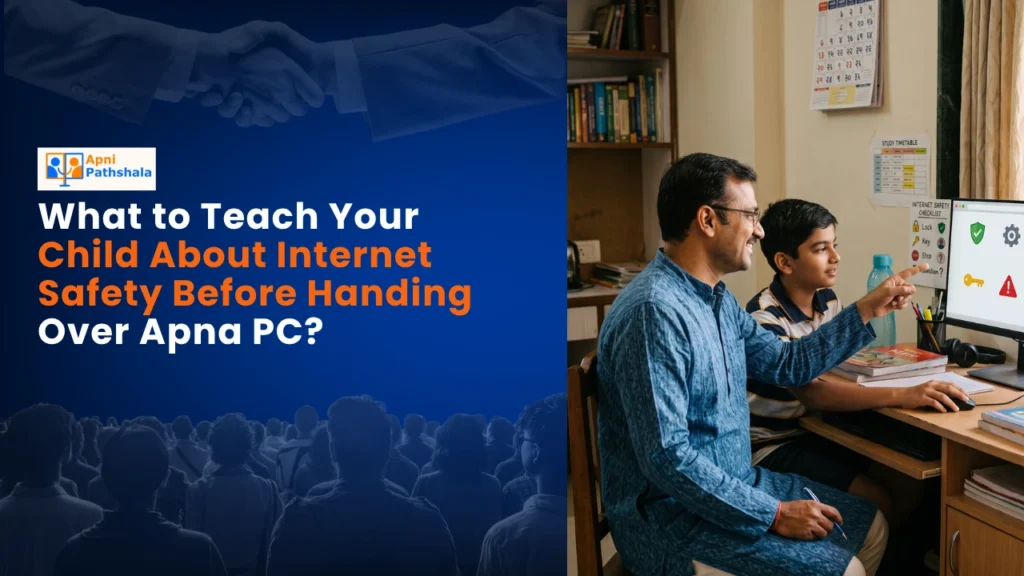
Priya’s Worry: When Your Child Gets Their First Computer
Priya sat in her small flat in Indore, staring at the Apna PC box her husband had just brought home. Her son Arjun was turning 10 tomorrow, and this computer was supposed to help him with his studies. But her stomach twisted with worry about internet safety. What if he stumbled onto something harmful online? What if strangers contacted him? She’d heard stories from other mothers in her WhatsApp group that kept her up at night.
You’re probably feeling something similar if you’re buying your child their first computer. The excitement of opening up new learning opportunities comes mixed with real fear about online safety for kids. But here’s the truth: with the right preparation and tools, you can give your child the gift of digital learning while keeping them protected.
Why Internet Safety Matters More Than Ever
India’s digital landscape has transformed dramatically. According to Internet usage statistics in India, millions of children now access online content daily. Your child isn’t just learning from textbooks anymore, they’re exploring a world of information, creativity, and connection.
But this digital world also has real dangers. Cyberbullying, inappropriate content, and online predators are threats you can’t ignore. The good news? Most risks can be managed with proper child internet safety practices and the right computer setup. When you choose a device like Apna PC specifically designed for children, you’re already taking a smart first step.
Teaching your child about internet safety before handing over their new computer isn’t about creating fear. It’s about building confidence and responsibility. Think of it like teaching them to cross the street safely, you’re not keeping them home, you’re preparing them to navigate the world wisely.
Five Critical Internet Safety Lessons Your Child Needs
1. Passwords Are Like Your House Keys
Sit down with your child and explain that passwords protect their digital home. They shouldn’t share passwords with anyone, not even best friends. Create a strong password together using a mix of letters, numbers, and symbols. Write it down in a safe place only you and your child know about. This simple habit prevents so many problems down the line.
2. Not Everyone Online Is Who They Say They Are
This is crucial. Tell your child that people online might pretend to be someone they’re not. A “friend” in a game might actually be an adult with bad intentions. Teach them never to share personal information like their address, school name, or phone number online. Make it a rule: if someone asks for personal details, they tell you immediately.
3. Screenshots Last Forever
Your child needs to understand that anything they share online can be saved, copied, and shared by others. Even if they delete something, it might still exist somewhere. This includes photos, videos, and messages. Encourage them to think before they post: “Would I be okay if my teacher saw this?”
4. Some Websites and Apps Aren’t Safe for Kids
Be honest about your monitoring approach. Explain that you’ll be checking their online activity not to spy on them, but to keep them safe. Show them how parental controls work on their Apna PC. When they understand the reason behind the rules, they’re more likely to follow them. You can help your child adjust to Apna PC safety features together as a team.
5. If Something Feels Wrong, Tell an Adult
Create an environment where your child feels comfortable coming to you with problems. Whether it’s a strange message, upsetting content, or someone asking them to keep secrets, they should know they can tell you without getting in trouble. Make it clear that you’re their ally, not their enemy.
Setting Up Your Apna PC for Safe Learning
Apna PC comes pre-loaded with Zorin OS and Apni Prerna, a student monitoring system built specifically for Indian families. This isn’t about spying; it’s about having visibility into your child’s learning journey. The system helps you monitor your child’s study progress and ensure they’re using their computer productively.
The device includes LibreOffice for document creation and Scratch for learning the basics of coding. With 8GB RAM and 128GB SSD, it runs smoothly for educational tasks. At just Rs. 30,000 (shipping and GST excluded), Apna PC is specifically designed for Indian families in Tier-2 and Tier-3 cities who want a reliable, safe computer for their children.
Set up parental controls together with your child. Show them what you’re monitoring and why. This transparency builds trust. Establish clear rules about screen time, which websites are allowed, and when the computer can be used. Rules work best when children understand the reasoning behind them.
Building Digital Citizenship, Not Just Internet Safety
Teaching internet safety is really about raising a digitally responsible child. It’s about helping them become someone who makes good choices online, treats others with respect in digital spaces, and understands the consequences of their actions. The Digital India initiative emphasises that digital literacy includes ethical behaviour and safety awareness.
Have regular conversations about their online experiences. Ask them what they’re learning, what games they’re playing, who they’re talking to. Make these conversations normal and non-threatening. When they know you’re interested and supportive, they’re more likely to come to you with problems.
Remember Priya’s worry? By the time Arjun had been using his computer for a month, she realised her fears had lessened significantly. She wasn’t worried because she’d prepared him well, set up the right tools, and stayed involved in his digital life. Your journey can be similar.
Internet safety isn’t a one-time lesson; it’s an ongoing conversation that evolves as your child grows. Start these conversations today, before you hand over that new computer. Visit apnapc.com to learn more.