


A distraction-free learning computer is one set up so that study comes first: entertainment sites are blocked, social media is limited during study hours and learning platforms are easy to reach. Apna PC is built this way, with child-safety software and curated study tools, for Rs. 30,000.
Many students juggle notifications, platforms and temptations every day. A dedicated learning device removes those barriers so your child can focus on studies.
Why does educational software matter for focus?
The right software decides what your child sees when they sit down to study. A device that opens to learning tools, not entertainment, makes concentration much easier than willpower alone.
Apna PC includes pre-installed learning applications, content filters and productivity tools aligned with study needs in India. Whether your child is preparing for JEE, NEET, board exams or regular coursework, these tools give a clear structure. Our guide on multitasking and student focus explains why one task at a time helps.
What features does Apna PC include for distraction-free study?
Apna PC comes pre-configured to block entertainment websites, limit social media during study hours and prioritise learning platforms. This is smart design that supports study goals, not punishment.
- Content filtering: automatic filtering protects younger learners.
- Time-management controls: study hours stay for study.
- Browsing history tracking: parents can see how time is spent.
- Learning platforms: access to the DIKSHA digital learning platform, which offers free, government-backed resources aligned with NCERT.
These child-safety features protect younger learners while giving older students appropriate independence.
How does it keep the study environment safe and ad-free?
Distraction-free learning needs the right tools, not only willpower. Apna PC avoids ad-heavy websites, pop-ups and malicious content that often appear on free learning sites, so your child studies on a clean computer.
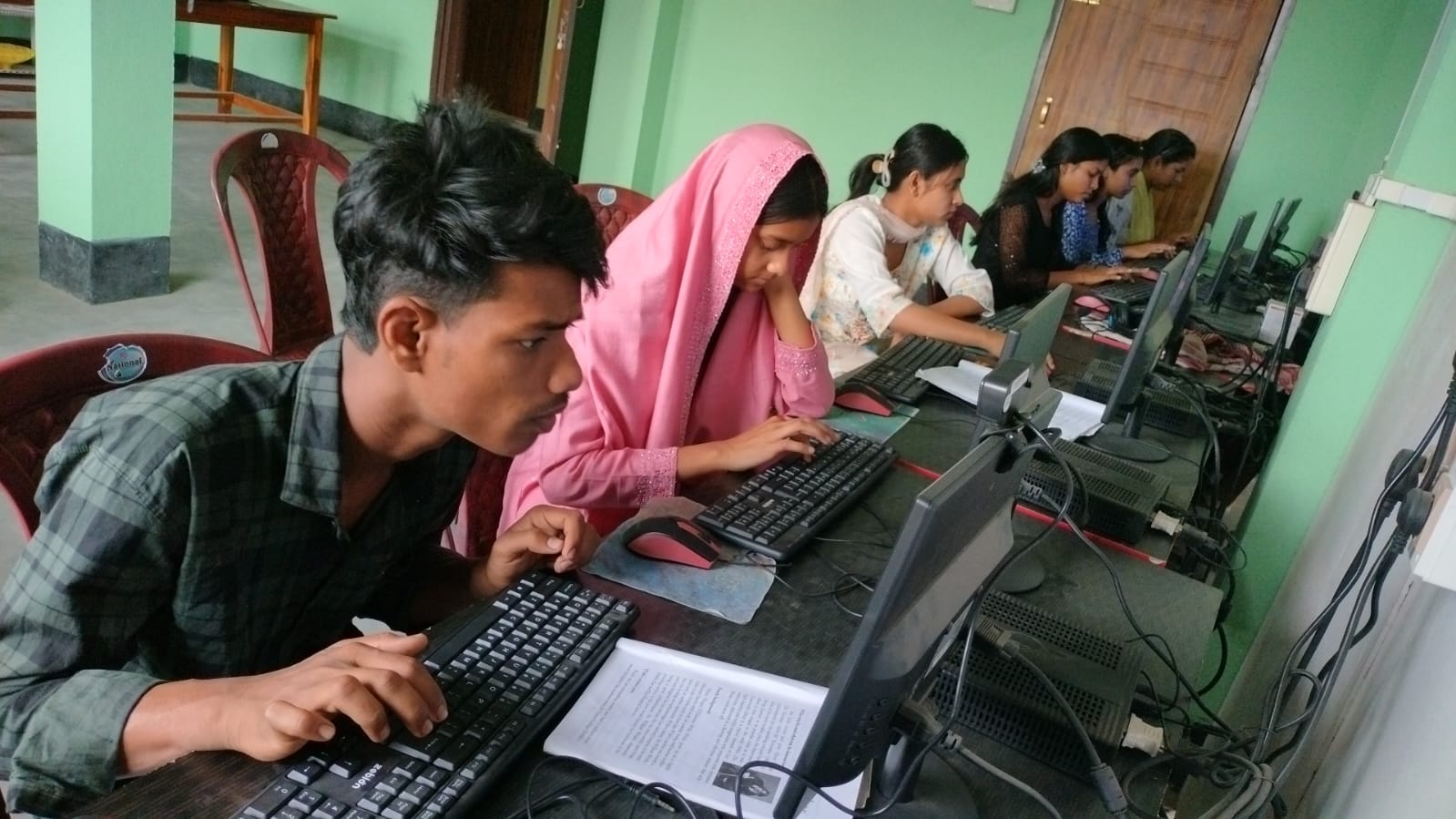
The safe environment means fewer malware risks and less exposure to inappropriate content. Parents can set up different user profiles for different age groups, so each child gets the right level of access. Families across India, including in cities like Kolkata, get these safety standards at an affordable price. Read our parents’ guide to distraction-free computers for setup tips.
How does a distraction-free computer help with exam preparation?
Competitive exam preparation needs focused study sessions, and fewer distractions help students use that time well. Students preparing for JEE, NEET or board exams benefit from a setup without the constant pull of social media.
The computer comes with productivity tools, offline learning resources and exam-focused applications. Your child can take mock tests, open study materials and track progress in one place. See our distraction-free exam prep guide for more detail.
Is a distraction-free study computer affordable?
Yes. At Rs. 30,000, Apna PC is priced so middle-class Indian families can afford a proper learning tool without buying an expensive device.
The price covers the hardware, pre-installed software, child-safety features and technical support, with transparent pricing and no subscription surprises.
How does the right computer build healthy study habits?
Good tools help children study smarter, not only longer. Built-in timers, break reminders and focus-tracking features encourage healthy study patterns.
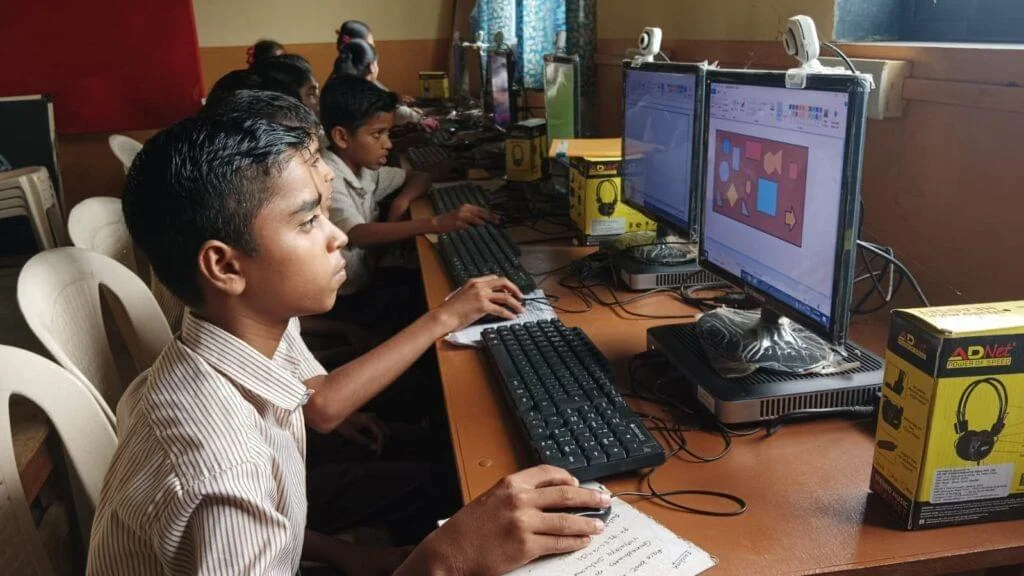
Apna PC also supports comfortable study with blue-light filters, ergonomic setup guides and balanced screen-time scheduling. For background on how learning technology fits into schooling here, see Education in India on Wikipedia. For simple habits, read how study breaks help kids focus better.
What support do parents get after buying?
Regular software updates keep tools current, and technical support is available to fix problems quickly. Apna PC keeps pace with new learning platforms, updated safety standards and useful tools for Indian students.
Frequently Asked Questions
Can my child still use YouTube for studies?
Parents control this through the settings. Entertainment sites can be blocked during study hours while learning platforms stay available. If your child needs a specific educational video, you can adjust access, so study content stays reachable without opening the door to endless entertainment.
Can siblings of different ages share one Apna PC?
Yes. Parents can set up separate user profiles for different age groups. Each child gets access suited to their age, so a younger child has stricter filtering while an older student preparing for board exams has more independence for research.
Will blocking distractions make my child feel restricted?
Usually not, when it is explained well. The aim is to keep study time for study, not to punish. Talk to your child about why the settings exist, agree on study hours together and give older children more freedom as they show they can manage it.
Your child deserves a study environment that supports their goals and protects their wellbeing. Visit Apna PC to see the features, safety options and payment plans.