


We built Apna PC because Indian families needed an affordable education PC that is ready for schoolwork, not an expensive laptop or a cheap computer that keeps crashing. It is a study computer made for students in Tier 2 and Tier 3 cities, with learning software and gentle parental monitoring included.
For example, a shopkeeper whose child’s school moves online may see a laptop at Rs.80,000 while earning a monthly profit of Rs.15,000. That gap between need and budget is why Apna PC exists.
What problem did families in Tier 2 and Tier 3 cities face?
They needed a computer for school but could only find options that were too expensive or too unreliable. Children in Indore, Nagpur, Lucknow or Vijayawada need computers for projects, coding classes and online exams.
Laptops are expensive, tablets are too small, and old, slow computers waste study time. Parents told us they wanted the best education for their children but quality computers cost too much. Teachers mentioned late assignments because devices crashed, and some parents were choosing between a computer and tuition fees.
There was nothing in between an unaffordable laptop and low-quality junk, and nothing built for Indian students or their budgets.
Why choose an education PC instead of any computer?
A regular computer is not built for learning. It comes with games, ads and distractions, children drift to YouTube, parents cannot see what is happening and the software often slows down after a few months.
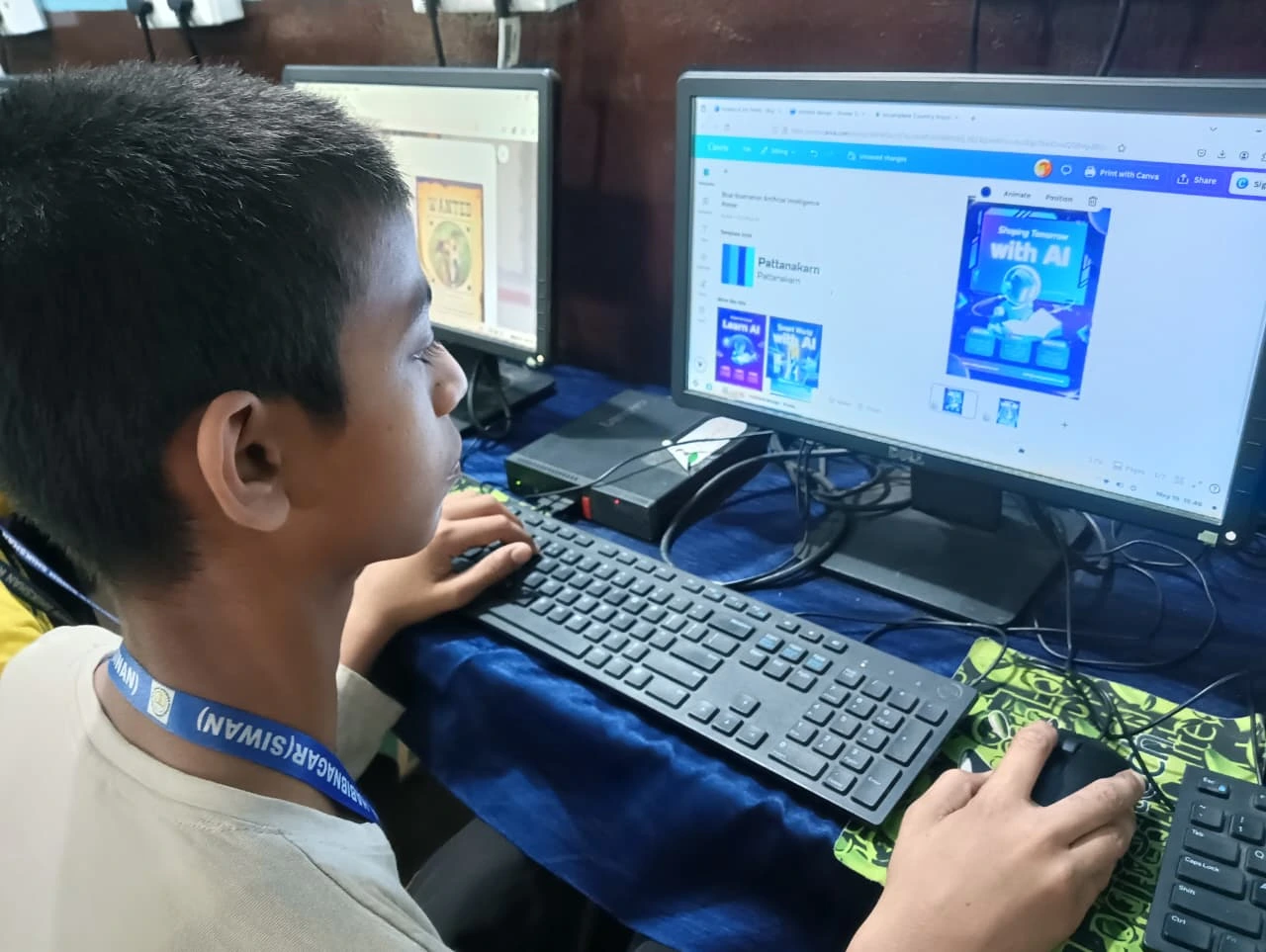
An education PC is different. We started with Zorin OS, a clean, fast and secure operating system, and added Apni Prerna, our own monitoring tool that shows study time without spying. LibreOffice handles documents and spreadsheets, and Scratch teaches coding.
The specs matter too. 8GB RAM lets your child run 10 browser tabs, a video call and LibreOffice together without lag, and a 128GB SSD loads files in seconds. That is not overkill. It is what lets a child focus on studying instead of waiting.
How much does Apna PC cost and why?
Apna PC costs Rs.30,000 (before shipping and GST). We reached this price by removing features nobody uses and choosing parts that last rather than parts that impress.
We worked with manufacturers who understand Indian schools. We are Apni Pathshala, an education company, and our goal is not the fanciest computer but a fair chance for every child.
If you are comparing options, read our guide on refurbished vs new computers for students, or see why a desktop can beat a laptop for learning.
What does a child get on day one?
A computer that is ready to use straight out of the box, with no setup and no wasted weekend installing software.
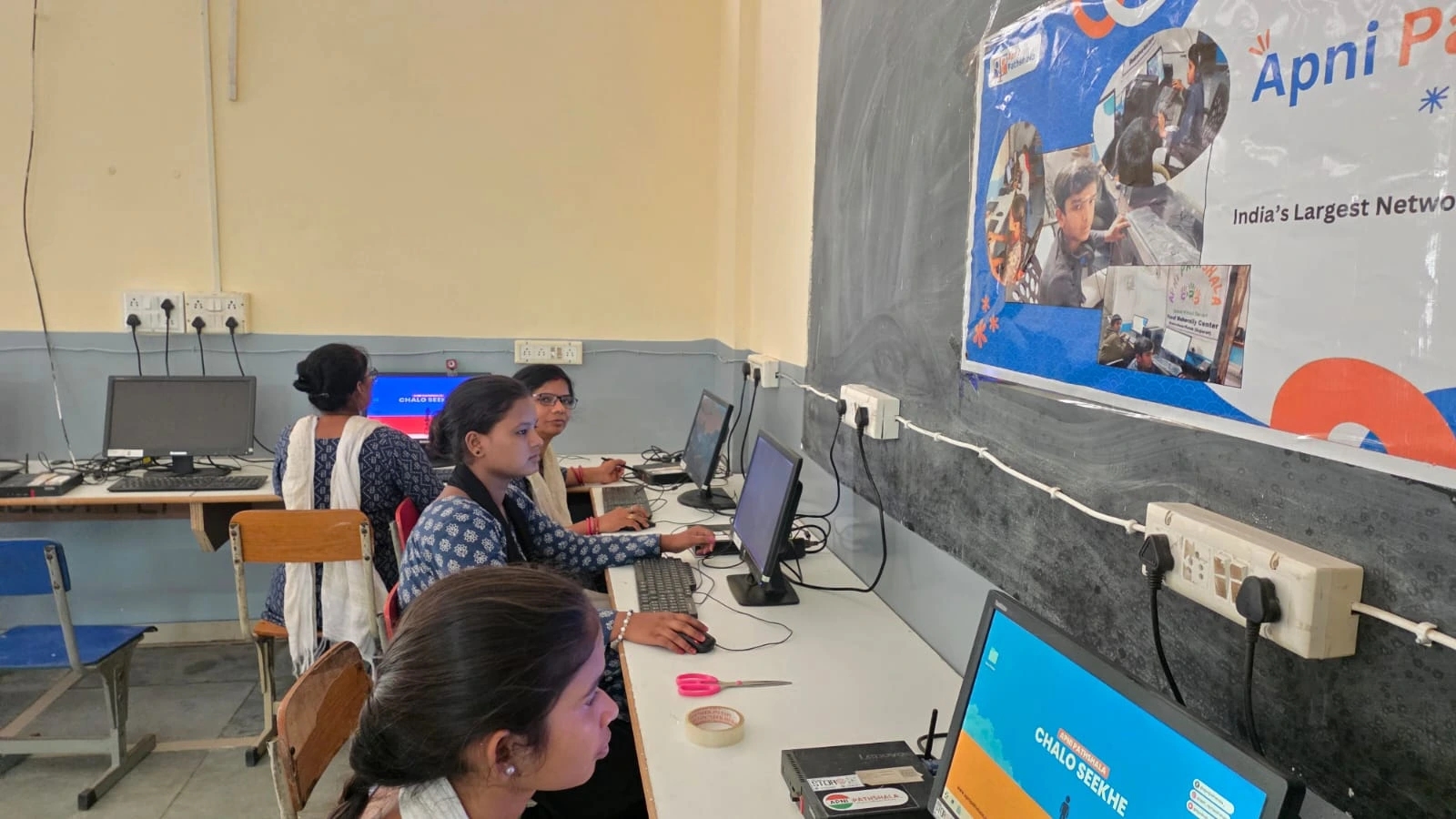
- Zorin OS: fast, secure and built for learning, with no bloatware
- Apni Prerna: shows study hours and app usage, so your child is not watched constantly but you are not blind either
- LibreOffice: documents, spreadsheets and presentations, compatible with Microsoft Office files
- Scratch: learn coding by making games and animations, no experience needed
Your child sits down and starts learning, not installing or troubleshooting.
How does an education PC compare with other options?
It sits between costly laptops and unreliable cheap computers. Here is the difference at a glance.
| Option | Main problem |
|---|---|
| Expensive laptop | Out of reach for many family budgets |
| Tablet | Screen too small for real study work |
| Old or cheap computer | Slow, crashes and wastes study time |
| Education PC | Built for study, ready to use, priced for families |
Why does this matter for a child’s future?
Digital skills are now part of everyday schooling and work, and children need to learn how computers work, not only finish homework on them. Background on how schooling is organised is in the Education in India overview, and the Ministry of Education shares national education policy and programmes.
Children need to code, create and compete with peers in bigger cities who have had computers for years. An education PC gives that chance because it is reliable, affordable and built for Indian classrooms, internet speeds and budgets. See how affordable computers are closing the education gap.
Frequently Asked Questions
Who is Apna PC designed for?
Apna PC is designed for Indian school students, especially in Tier 2 and Tier 3 cities, whose families want a reliable study computer without paying for an expensive laptop. It suits children who need a computer for projects, coding classes, online exams and everyday homework.
Does it work with Microsoft Office files?
Yes, LibreOffice opens and saves files compatible with Microsoft Office. Your child can write documents, build spreadsheets and create presentations, then share them with teachers or classmates who use Office, without needing a separate paid licence on the computer.
Does my child need to set anything up first?
No, the computer is ready to use out of the box. Zorin OS, Apni Prerna, LibreOffice and Scratch come preinstalled, so your child can start learning on day one instead of spending a weekend installing software or fixing settings.
Can parents see what their child is doing?
Yes, through Apni Prerna, which shows study hours and app usage. It is designed to keep parents informed without constant watching, so children keep some independence while parents can still guide their study habits and spot problems early.
To see the study computer we built for Indian students, visit Apna PC.