

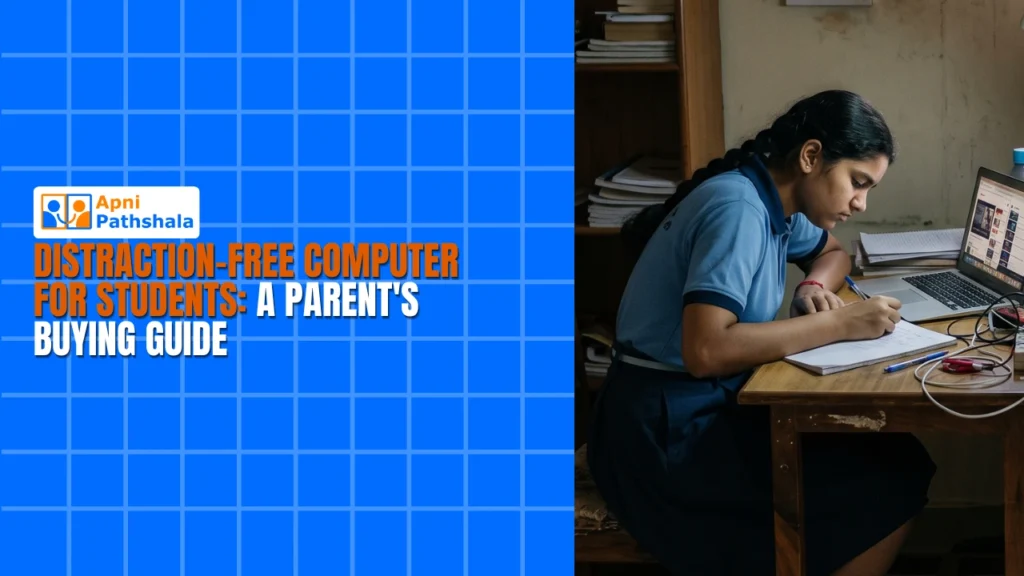
A distraction-free computer for students is a study-only device that has no social media or games installed and lets parents see how it is used. It helps children focus on schoolwork because the temptations of a regular laptop are simply not there, so learning becomes the default.
For example, a Class 7 student on an ordinary laptop might keep YouTube open behind a homework tab and switch windows whenever a parent walks past. A study-only computer removes that problem at the source.
Why does my child need a distraction-free computer?
Your child needs one because constant notifications, social media and entertainment apps make it very hard to focus. A study-only computer is not about being strict or controlling. It creates an environment where learning is the default rather than something your child has to fight for.
When your child sits down at a computer built for learning, there is no Instagram, TikTok or gaming app waiting. There is no temptation, so no willpower is needed.
Regular laptops are built to keep users hooked, and many notifications are designed to grab attention. For a young student, that is like trying to study in a shopping mall during sale season. Our post on the hidden cost of notifications explains this further.
How does a safe computer address screen time and online safety worries?
A safe computer gives you visibility into what your child is doing, without spying. Most parents worry about how long their child spends online, which websites they visit and whether they are talking to strangers.
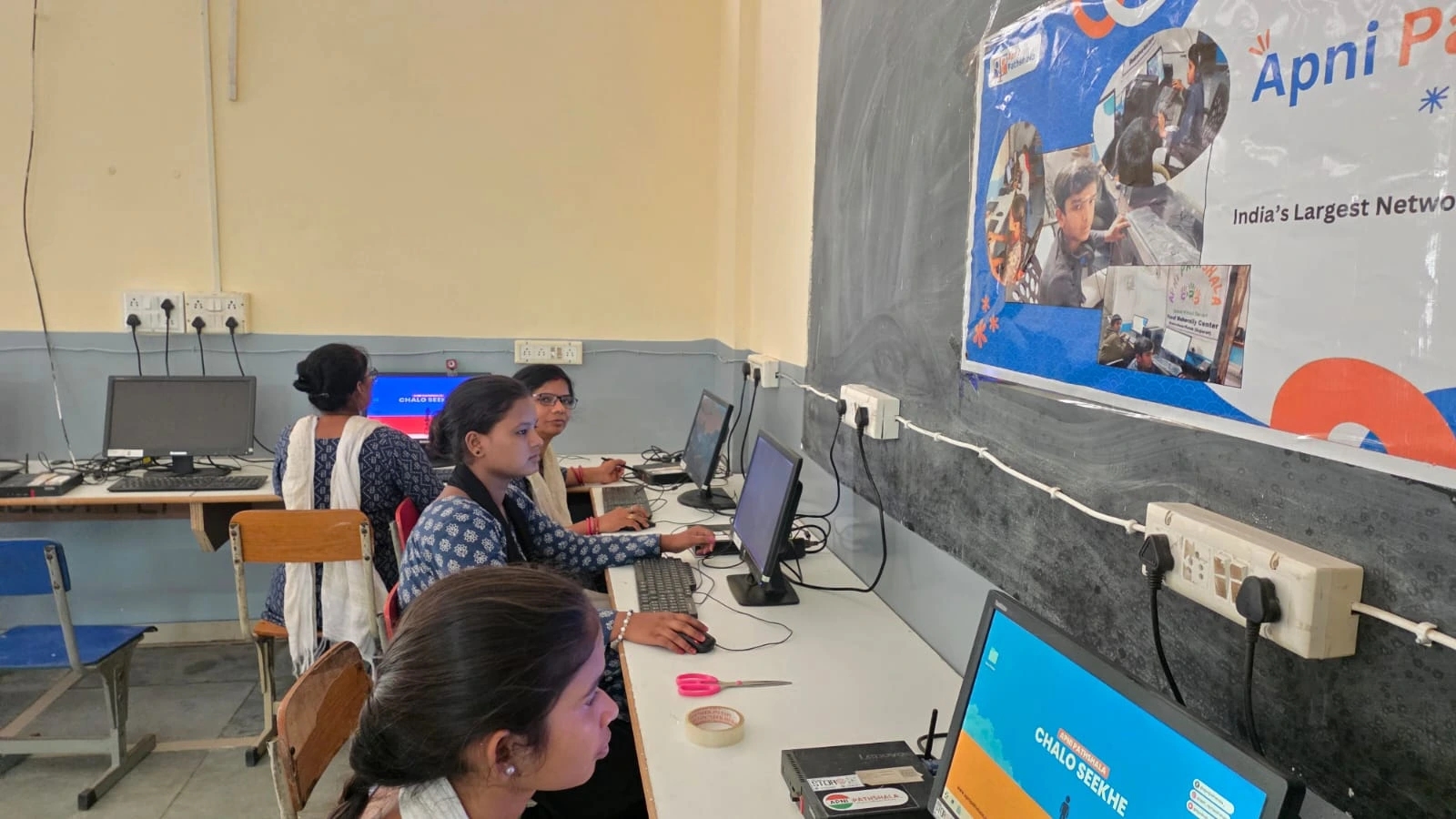
With a parental control computer, you can see which educational resources your child uses, how long they study and whether they are staying on track. You are present and aware, not invasive, and you can rest easier knowing the device is designed for safety rather than engagement.
What makes a study-only computer different from a regular laptop?
A study-only computer is like a library that holds only textbooks and reference material, not magazines or comics. Its operating system is set up to prioritise education and safety, not engagement.
- Educational software only: LibreOffice for documents and presentations, Scratch for coding, and access to genuine learning platforms
- No social media or gaming: these apps are not installed and cannot be easily added
- Built-in monitoring: you know what your child is doing without being invasive
- Enough performance: handles schoolwork, homework and online classes without lag
What do you get with Apna PC as a distraction-free computer?
Apna PC is a distraction-free computer made by Apni Pathshala, an organisation that understands the Indian education system. It costs Rs. 30,000 (before shipping and GST), which makes it affordable for families across Tier 2 and Tier 3 cities.
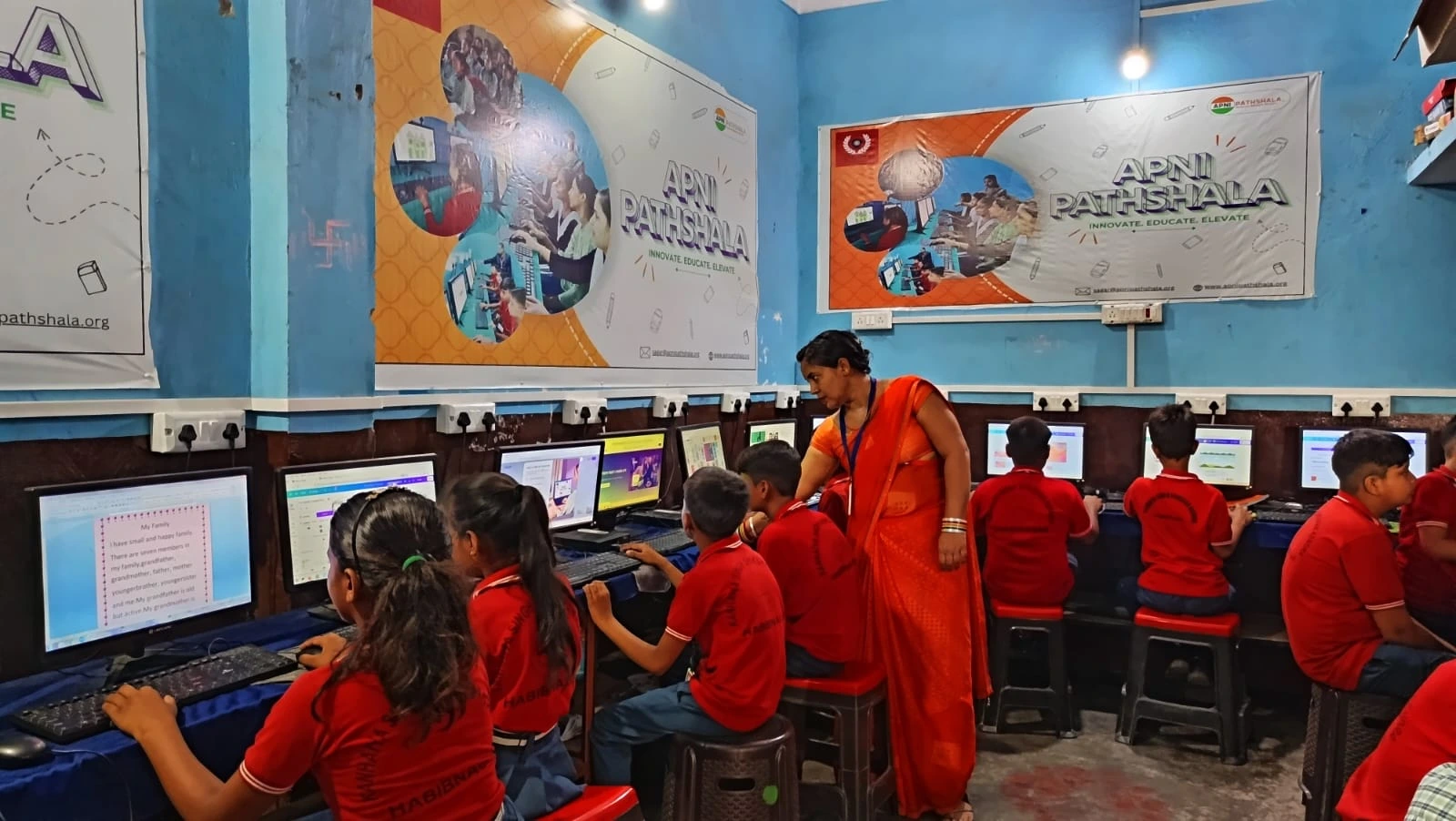
- Zorin OS: a clean, easy operating system built for focus
- Apni Prerna: a parental control tool that gives you insights without being creepy
- Preloaded educational tools: LibreOffice, Scratch and resources aligned with the Central Board of Secondary Education (CBSE) curriculum
- Solid hardware: 8GB RAM and 128GB SSD, so online classes and projects run without lag
To compare this approach with add-on apps, read Apni Prerna versus parental control apps.
How does a safe computer change the way a child studies?
Without distractions, children usually stop fighting the device and start settling into study. They spend less effort looking for ways around restrictions and more time on the actual work.
Over time, this builds better study habits. Your child learns that deep focus is a skill, and that it feels good. They can still use the DIKSHA digital learning platform, watch educational videos, complete online assignments and join virtual classes. Everything they need for school is there, and the distractions are gone.
Is a parental control computer right for your family?
It probably is if your child gets distracted easily. Ask yourself:
- Does your child get distracted easily?
- Are you worried about their screen time?
- Do you want to know what they are doing online?
- Are they struggling with focus despite being bright?
If you answered yes to even two of these, a distraction-free computer could suit your family. You are not taking technology away. You are giving your child the right kind of technology. As we note in the biggest advantage a student can have, the ability to focus deeply is worth more than it looks.
What should you know before buying?
At Rs. 30,000, a study-only computer costs about as much as a mid-range smartphone, but it is used for studying, not scrolling. Your child can use it for years through school and beyond.
It comes ready to use, with no complicated setup and no decisions about which apps to install. For a full pre-purchase list, see our parents’ checklist before buying.
Frequently Asked Questions
Can my child still attend online classes on a study-only computer?
Yes. A study-only computer blocks entertainment and social media, not learning. Your child can join virtual classes, use DIKSHA, watch educational videos and submit online assignments. The 8GB RAM and 128GB SSD on Apna PC handle online classes and projects without lag.
Will a study-only computer feel like a punishment to my child?
Usually not, if you present it as their own study space. Because there is nothing to sneak around, children tend to stop fighting the device and settle into work. Explaining that the computer is built for their schoolwork and projects helps them see it as a tool, not a restriction.
Is a distraction-free computer better than installing parental control apps?
For many families it is simpler. Parental control apps sit on top of a device built for entertainment, and children often find ways around them. A study-only computer starts without games or social media, so there is less to block and less to argue about at home.
If you want your child to focus without constant interruptions, a safe study computer is a good place to start. Visit Apna PC to learn more.