


A typical study routine on a computer has five parts: setting up before class, online lessons, project work, revision and planning the next day. A dedicated study computer such as Apna PC keeps each part focused, because it handles video, documents and notes together without the distractions of a phone.
If you are considering an affordable study computer, you are probably asking: Will it help my child be more productive? Can it handle online classes and revision? Is Rs. 30,000 really enough? Here is what a typical day can look like.
How should a child start the study day on a computer?
Start about 30 minutes before the first online class. Your child switches on the computer, opens the learning platform, checks the schedule and pulls up yesterday’s notes in a document editor.
This is the first productivity win. A dedicated study computer removes the pull of social media, gaming and endless browsing that comes with phones and shared family laptops, so the productive study setup is clean and ready.
Apna PC is built for exactly this purpose. It is not overpowered or unnecessarily expensive, and it is not underpowered either.
Can a study computer handle online classes smoothly?
Yes. A proper study computer can run a video class, a shared document and a note-taking app at the same time, so your child can follow the lesson without switching devices.
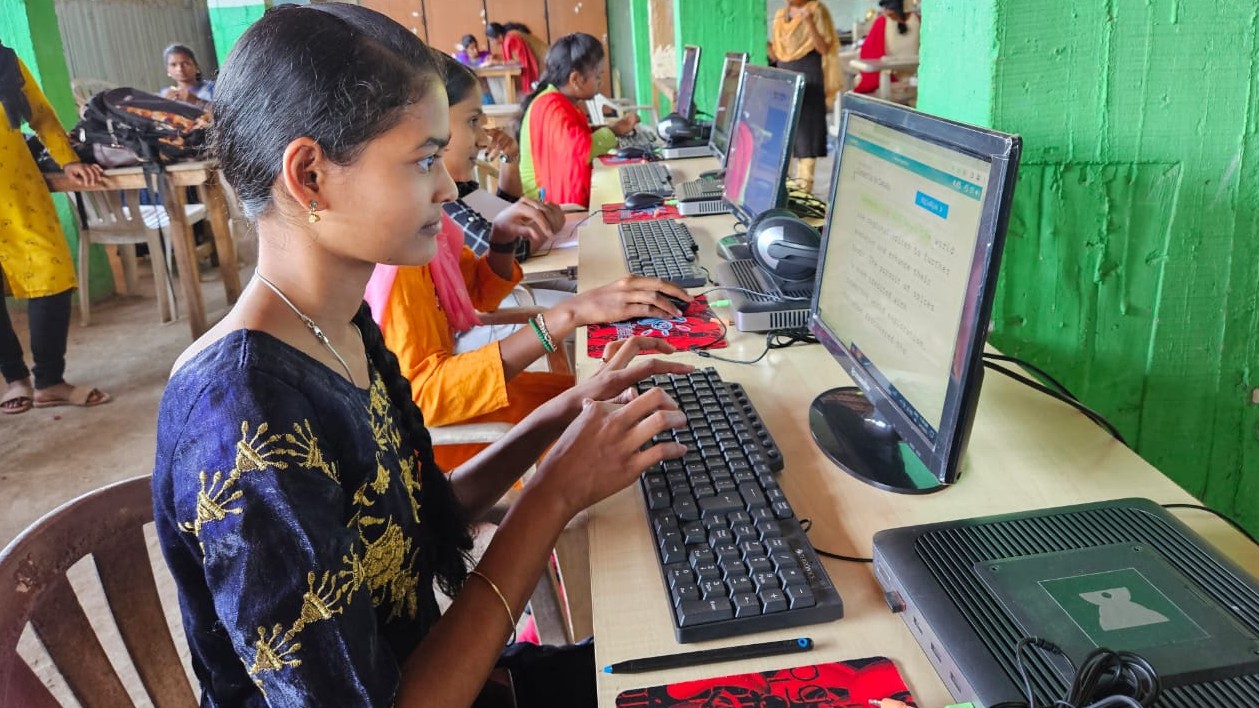
A good setup for online classes includes:
- A proper desk and good lighting
- The screen at eye level
- A screen large enough to see everything clearly, unlike a phone
- The ability to type notes while listening, pause to think and rewind recorded lectures
For students preparing for NEET, JEE or board exams, this matters a lot. Live classes, recorded content and organised notes all sit in one place. See our guide to a distraction-free JEE and NEET setup for specific tips.
How does a computer help with project and research work?
A computer lets your child keep several browser tabs, educational videos and a typed assignment open at once without slowing down. After lunch is a good time for project work, such as a history assignment.
This is where many students lose time. Cheap computers stutter when several things are open, and phones are too small for serious research. A study computer built for students is powerful enough for real work, affordable for parents and reliable for daily use. When the tool does not fight back, projects often finish sooner.
Why is revision easier on a study computer?
Revision is easier because notes, concept videos and practice problems can all be organised by subject, date and topic. Your child can search months of notes in seconds.
Compare that with paper notes scattered across notebooks or cramped notes on a phone screen. Online learning platforms, digital textbooks and educational apps all run smoothly on one device. If you are deciding between device types, read why a desktop suits students better than a laptop.
How can a child stay focused during evening study?
Make the study computer the only screen during evening study. With no social media notifications and no family members borrowing the device to check something, your child stays connected to learning resources and away from digital noise.
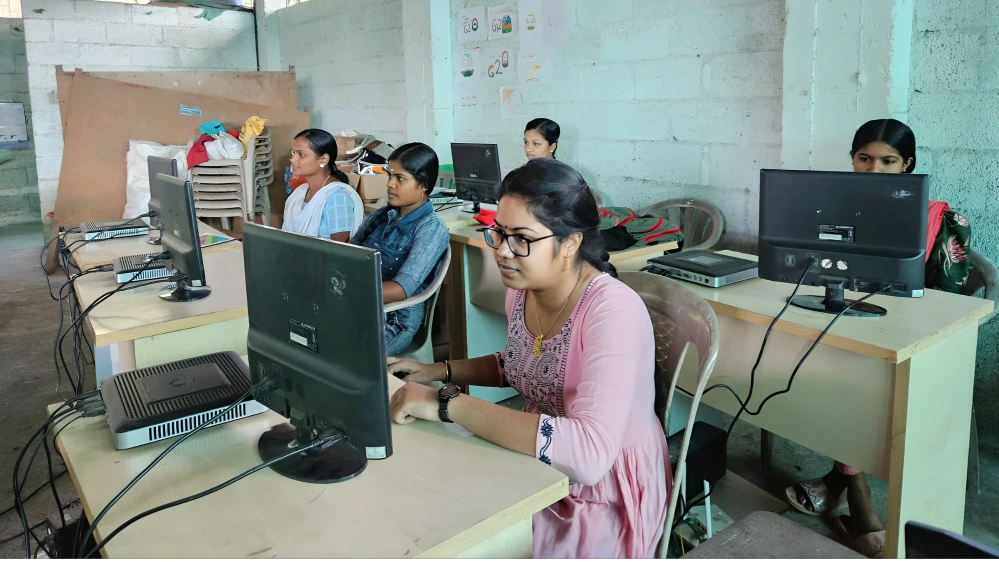
This focused time is when real learning happens. Student productivity is not about working longer. It is about working smarter with the right tools, and a computer kept for academics naturally creates that environment. Our tips on a distraction-free study space can help.
How should a child end the study day?
End with a short review: what was learned today, what is due next and what to study tomorrow. Then back up files and shut the computer down properly.
Parents often notice their child becoming calmer and more organised about exams. The computer is not magic. It simply removes friction from learning. The Digital India initiative also focuses on making technology more widely available for learning.
Is a study computer worth it for your child?
For most students who study online regularly, yes. At Rs. 30,000, Apna PC gives a reliable setup for online learning without a premium price.
A study computer that starts quickly, handles several tasks and stays reliable year after year removes barriers to learning. It lets your child focus on understanding concepts, solving problems and building knowledge. For more ideas on structuring the day, read how to build a study routine that sticks.
Frequently Asked Questions
How many hours a day should a child study on a computer?
It depends on age and workload, but most school students do well with two to four hours of focused computer study on school days, split into sessions with breaks. Include time for offline reading and written practice too, so the computer supports learning rather than replacing every other method.
Should my child take breaks between online classes?
Yes, short breaks help your child stay alert. A five to ten minute break between sessions to stretch, drink water and rest the eyes away from the screen works well. Longer breaks for meals and outdoor time keep energy steady through the day.
Can siblings share one study computer?
Siblings can share one computer if each child has a fixed time slot and separate folders for their work. Problems usually start during exam season, when both need the device at the same time, so plan the timetable ahead and give priority to whoever has the nearest exam.
Your child deserves tools that work with them, not against them. Visit Apna PC to learn more.