

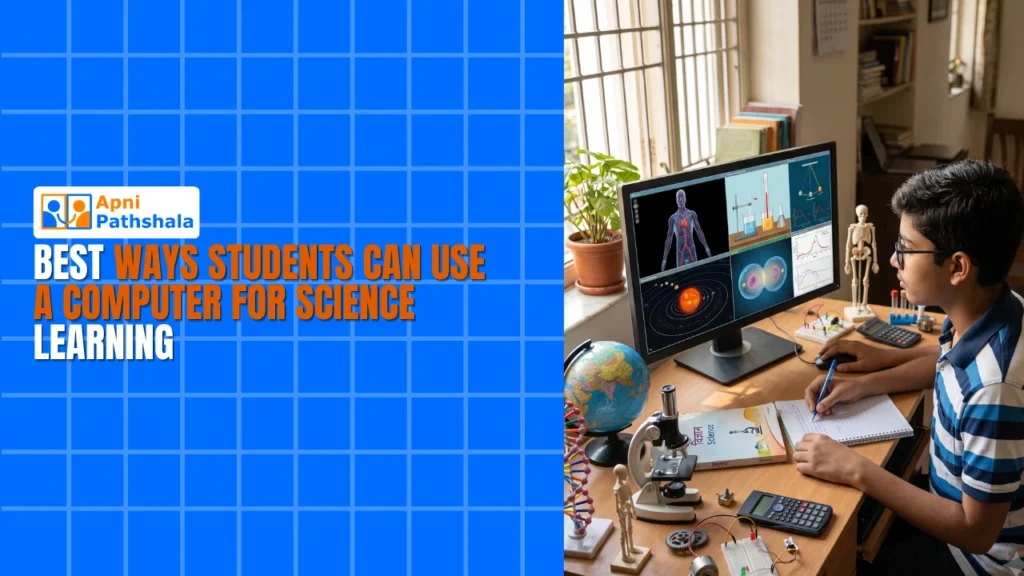
Students can use a computer for science learning by running virtual experiments, watching animations of complex processes, recording experiment data in spreadsheets and building simple simulations. A home computer turns science from a textbook subject into something your child can test, see and explain, at their own pace and without an expensive lab.
For example, a student given a photosynthesis project with only two library books on the topic could find interactive simulations, videos and step-by-step guides on a computer within an evening.
Why does your child need a computer for science learning?
Science needs hands-on practice, visual explanations and real data, and a computer gives all three at home. Reading textbooks alone is no longer enough.
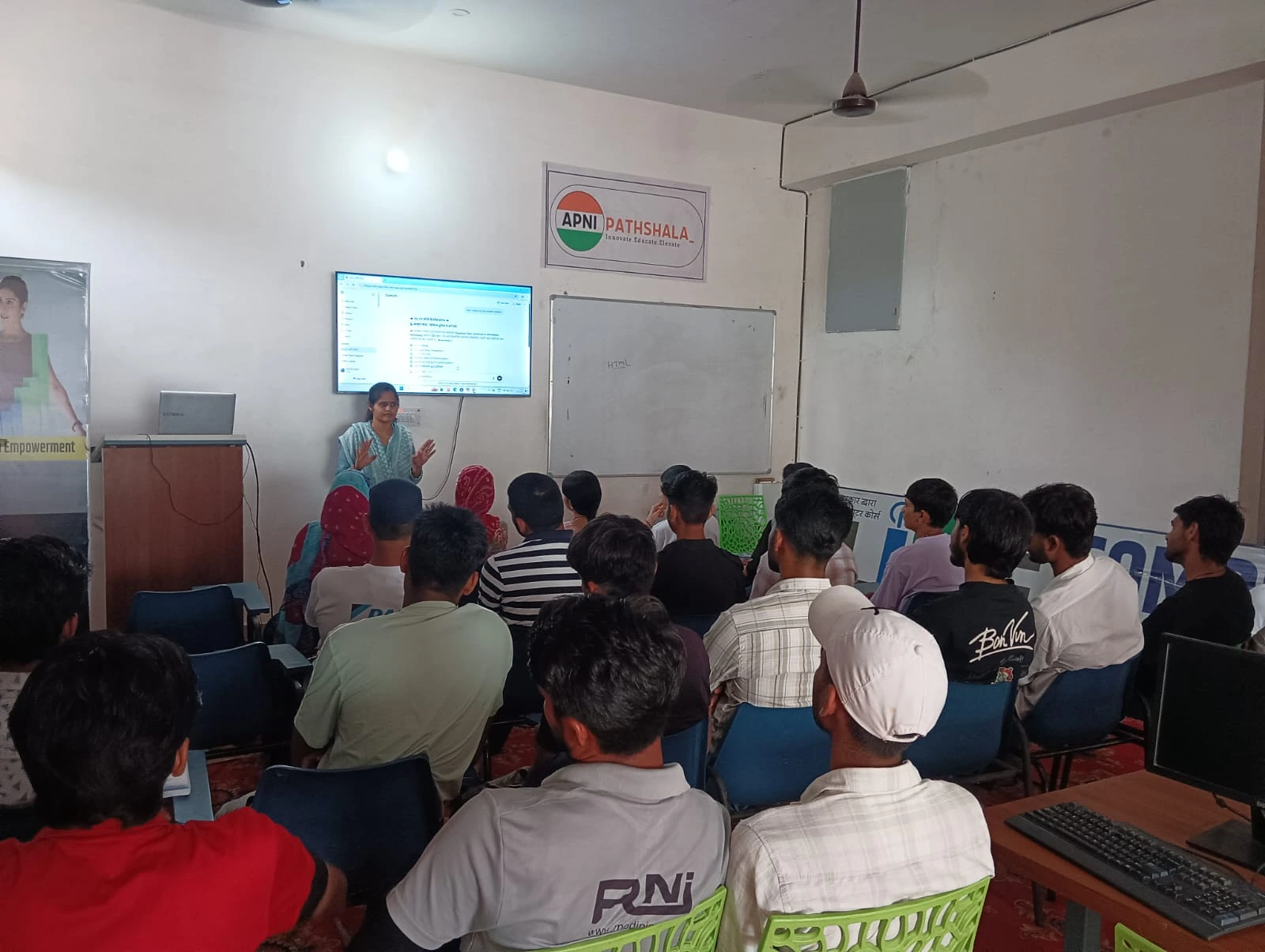
Many schools in Tier 2 and Tier 3 cities lack advanced lab equipment or science software. A child may sit through a 40 minutes class and understand only half of it, then come home to a textbook and no way to practise. On a computer, they can pause, rewind and revisit explanations, which helps you bridge the gap between school and home learning.
Which virtual science experiments can a child do at home?
A child can try chemistry, biology, physics and astronomy experiments on screen that would cost thousands of rupees in a real lab.
- Chemistry simulations: mix virtual chemicals and observe reactions without spills or accidents. Websites like PhET Interactive Simulations let them experiment safely.
- Biology visualisations: zoom into cells and explore organs through 3D models instead of static diagrams.
- Physics demonstrations: change variables such as gravity, speed or friction and see results instantly, which makes the laws of motion easier to grasp.
- Astronomy: explore planets, stars and galaxies with planetarium software.
Apna PC comes pre-loaded with Scratch, so your child can also build their own science simulations, such as a virtual ecosystem or a model of the solar system, combining coding with science.
How can digital tools improve student experiments?
A computer helps your child plan, record and present experiments properly. Experiments do not need to be complicated.
- Research: use free platforms like the DIKSHA digital learning platform for lesson plans, videos and study material before starting.
- Record data: use LibreOffice spreadsheets, pre-loaded on Apna PC, to turn messy notebook numbers into clear tables, charts and graphs.
- Document: add photos or videos and build a digital portfolio that shows the work step by step. This is real-world learning at home.
Which science projects work well on a home computer?
Projects that combine a simple home activity with computer research or data work suit students best. Here are four ideas:
- Water purification: research filtration methods, build a simple filter and document the results.
- Plant growth tracking: grow beans or herbs under different sunlight, water or soil and track growth in a spreadsheet.
- Weather data analysis: record local weather, then graph the patterns.
- Renewable energy models: simulate solar panels or wind turbines in Scratch.
What free resources help with science learning?
Many good science resources are free and work on a basic study computer. You do not need expensive software.
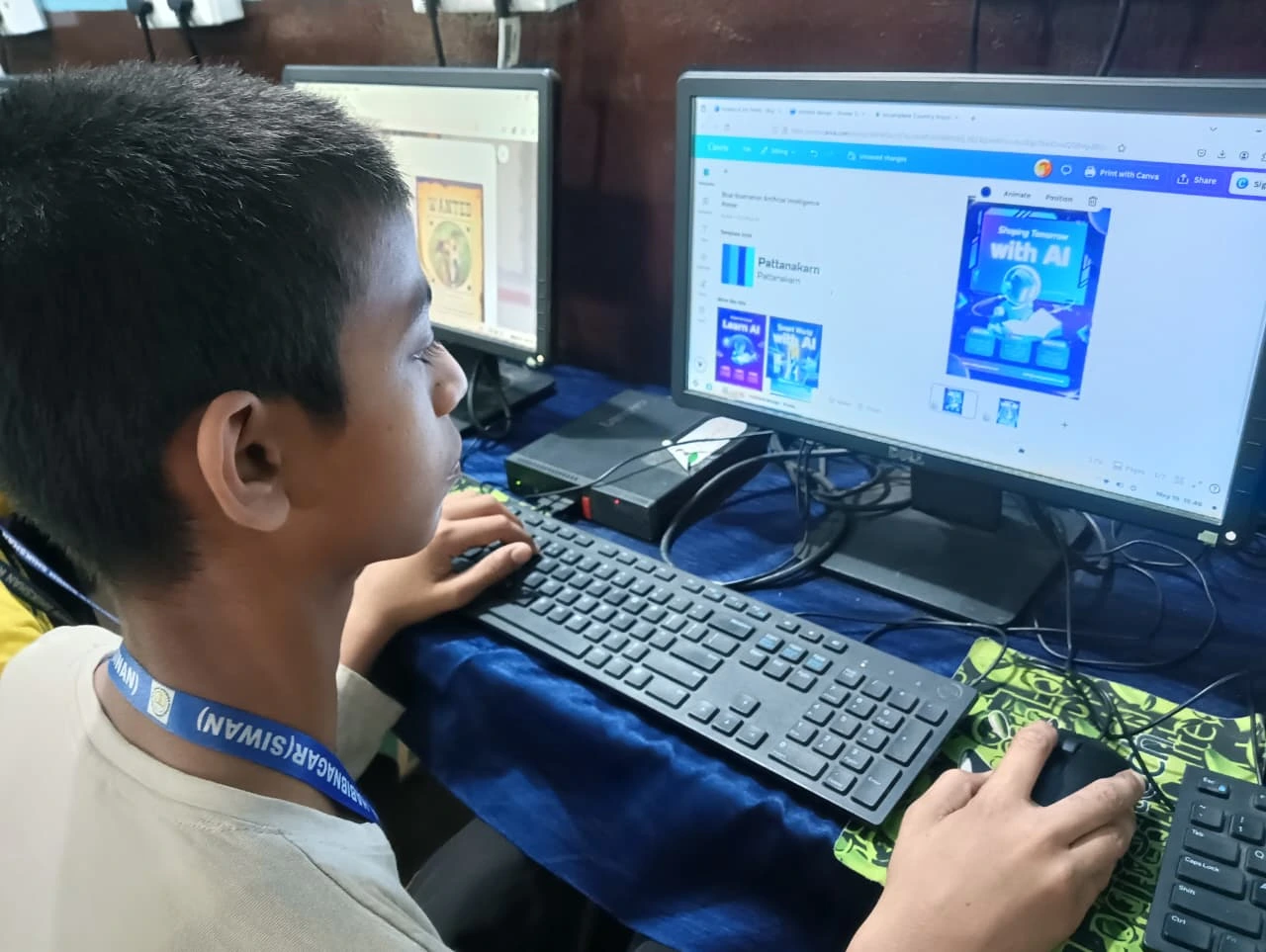
Khan Academy offers video lessons and quizzes on science topics, available any time. For learning science concepts, Wikipedia gives detailed explanations with diagrams. YouTube channels like Veritasium and Kurzgesagt explain complex ideas visually. For more tools, see our list of free STEM tools on Apna PC.
Apni Pathshala preloads Apni Prerna on every Apna PC, so you can see which topics your child studies and how much time they spend on each subject.
What makes a computer suitable for science learning?
A suitable computer runs smoothly, stays secure and comes with the right tools ready to use. Apna PC has 8GB RAM and 128GB SSD, so programs load without lag.
Zorin OS is beginner-friendly and secure, so your child focuses on learning rather than troubleshooting. LibreOffice and Scratch are pre-loaded for documents, spreadsheets, presentations and coding experiments. It is a complete learning setup for Rs. 30,000 (excluding shipping and GST), giving students in Tier 2 and Tier 3 cities tools that big-city students use every day.
How should your child get started?
Start small with one free resource and one simple project. Let your child explore Khan Academy for a week, notice what interests them, then pick a home project.
Set a routine, perhaps 30 minutes every evening, and mix screen learning with hands-on activities like growing plants. Ask your child to explain what they learned, make a presentation or code a simulation, because creating is where deep learning happens.
Frequently Asked Questions
Can virtual experiments replace a real science lab?
Not completely, but they are a strong substitute when lab access is limited. Simulations let students safely repeat experiments, change variables and see results instantly. Combining them with simple hands-on activities at home, such as growing plants or building a water filter, gives a good balance of both.
Does my child need paid science software?
No. Free resources like PhET simulations, Khan Academy, DIKSHA and Wikipedia cover most school science topics. LibreOffice for recording data and Scratch for building simulations come pre-loaded on Apna PC, so your child can start science projects without buying extra software.
How can I tell if my child is really learning science online?
Ask them to explain or create something from what they watched. A short presentation, a spreadsheet chart or a Scratch simulation shows real understanding. Monitoring tools like Apni Prerna also show which topics they studied and for how long, so you can follow their progress.
An affordable computer removes the biggest barrier to science learning: access to tools and resources. Visit Apna PC to learn more.