

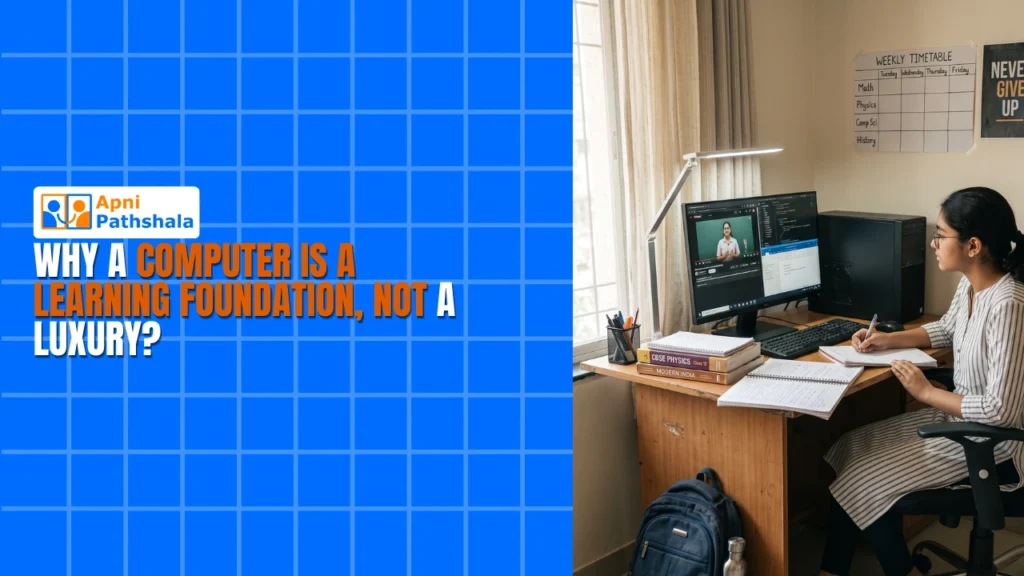
A computer is a learning foundation, not a luxury, because children now use it every day for homework, projects, coding practice, online classes and research. It builds digital literacy, confidence and the habit of learning independently, skills that grow over years and shape what your child can do in higher studies and work.
For example, a bright student who shares an old, crashing laptop with two brothers can start slipping in computer class, simply because there is no reliable device at home.
Why does your child need a learning device right now?
Your child needs one now because the gap between students with and without computers keeps widening. It shows up beyond computer class: maths is harder without educational software, science loses its interactive side and languages feel disconnected from real use.
The Education in India overview is useful background on how schooling is organised across the country. Peers in metro cities are already learning coding through Scratch, using online tutorials and completing projects that need a student computer. Geography or budget should not decide whether your child keeps up.
A learning device puts your child in control. Instead of waiting for the teacher to demonstrate something, they can explore, experiment and learn at their own pace, which builds both confidence and real understanding.
What does waiting to buy a computer really cost?
Waiting costs skills that compound over years. Many parents plan to buy later, when finances improve or when the child reaches high school, and later regret the delay.
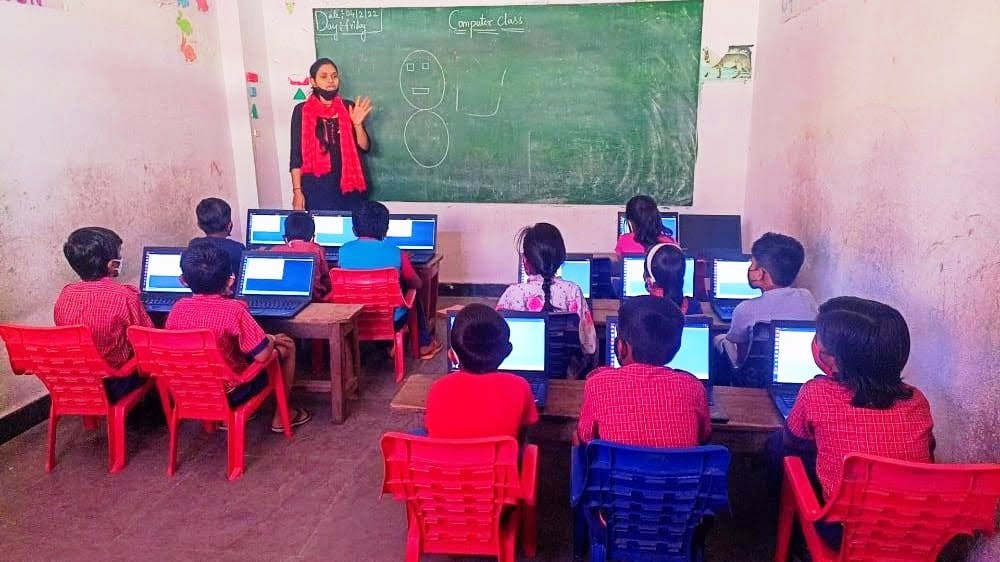
- Fundamentals slip. Digital literacy means more than using a keyboard. It means solving problems with software and researching and checking information.
- Confidence drops. When classmates know how to use a computer and your child does not, they may stop raising their hand or joining group projects.
- Career options narrow. Engineers, designers, teachers and entrepreneurs all need digital skills, and starting early matters.
The government’s Digital India initiative treats digital access as foundational to India’s future. You do not have to wait for programmes to reach your city.
What makes a computer for education different?
A computer for education is affordable, reliable and comes with the right learning tools already installed. Your child does not need a gaming machine or a fancy laptop.
Apna PC is built this way. At Rs. 30,000 (excluding shipping and GST), it is priced for families in tier-2 and tier-3 cities. It runs Zorin OS, a clean and intuitive operating system, with 8GB of RAM and a 128GB SSD, so your child can run several programs without lag and save projects safely.
The pre-installed software matters most: LibreOffice for documents and presentations, Scratch for learning coding visually, and Apni Prerna to help you follow your child’s learning progress. Together they make a complete learning setup. Read more about why a dedicated learning device helps students.
How do you build a learning environment around the computer?
Buying the computer is step one, and using it well is step two. Learn how parents can create a learning environment so your child actually benefits.
Set boundaries
Keep social media out of the evening, but give dedicated time for educational content, assignments and projects. This is where digital access becomes digital learning.
Be involved
Ask what your child is learning and watch them code in Scratch. Your interest shows them the computer is a tool for creating, not just consuming.
Connect it to their interests
If your child loves animals, find content about wildlife. If they are curious about space, guide them towards astronomy projects.
How does a computer build academic independence?
A child with their own computer learns to search, experiment and figure things out without waiting for help. They cannot always raise a hand in class or wait for a parent to explain.
That independence is what matters in higher education and careers, and the problem-solving habits it builds tend to stay. Discover how a computer builds academic independence in students.
Can your family afford a computer for education?
Often, yes. Laptops starting at Rs. 40,000, Rs. 60,000 and beyond can make a computer feel out of reach. Apna PC at Rs. 30,000 is a sensible choice, built by Apni Pathshala with solid hardware and educational software instead of flashy specs.
You already spend on tuition, books and coaching. A computer is used every day for homework, projects, coding practice, online classes and research, which makes it one of the most useful education purchases you can make. See also why parents should stop treating computers as a luxury.
Frequently Asked Questions
Can siblings share one learning computer?
Yes. One reliable computer can serve several children if study time is planned. A shared old laptop that keeps crashing is the real problem, not sharing itself. A dependable machine with a simple timetable lets each child finish homework and projects without losing work.
Should I wait until my child reaches high school to buy a computer?
It is better not to wait. Digital skills build up over years, and a child who starts later has to catch up with classmates while also handling harder subjects. Starting earlier lets your child grow comfortable with software, research and coding step by step.
How do I stop the computer becoming an entertainment device?
Set clear boundaries from day one. Keep social media out of study time, give dedicated hours for assignments and projects, and stay involved by asking what your child is learning. Connecting the computer to their interests keeps it focused on creating.
A computer for education is the foundation your child needs to learn, compete and grow. Apna PC makes that foundation affordable for families like yours. Visit apnapc.com to learn more.
2 Responses
nice blog
Thank you!