

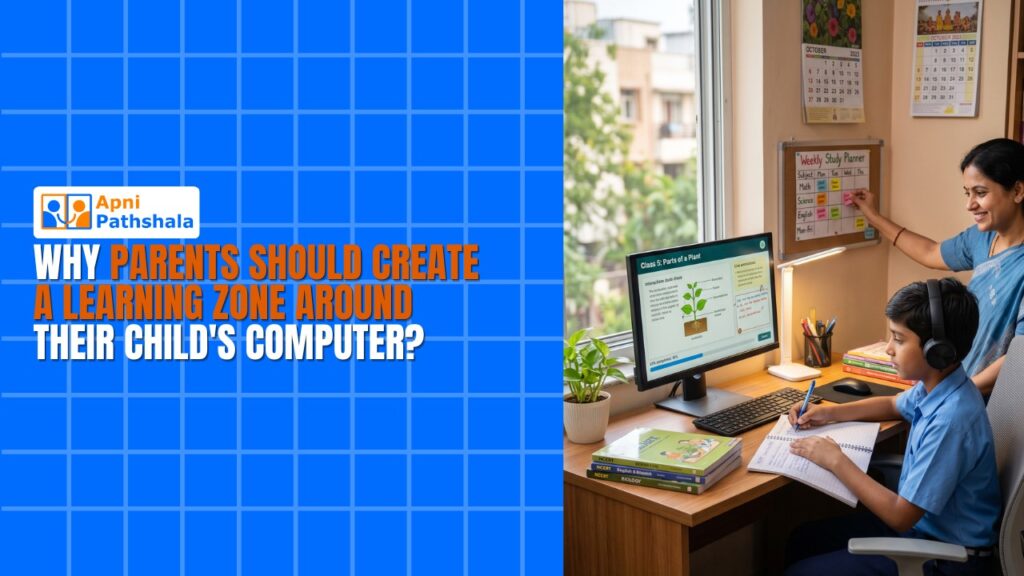
Ravi’s Story: When a Corner Changed Everything
Why Your Child Needs a Learning Zone at Home?
A learning zone at home isn’t fancy. It’s not about expensive furniture or fancy setups. It’s about creating a space where your child can focus, learn, and stay healthy while using their computer. When you design a proper digital learning setup, your child’s concentration improves. Their posture stays correct. They don’t get tired as quickly. Their grades often improve too.
Think about your child’s school classroom. There’s a board. There’s proper lighting. There’s a desk and chair. There’s minimal noise. There’s space to move. Now think about where your child studies at home. Is it the same? Probably not. But it can be.
Building Your Study Space: Simple Steps
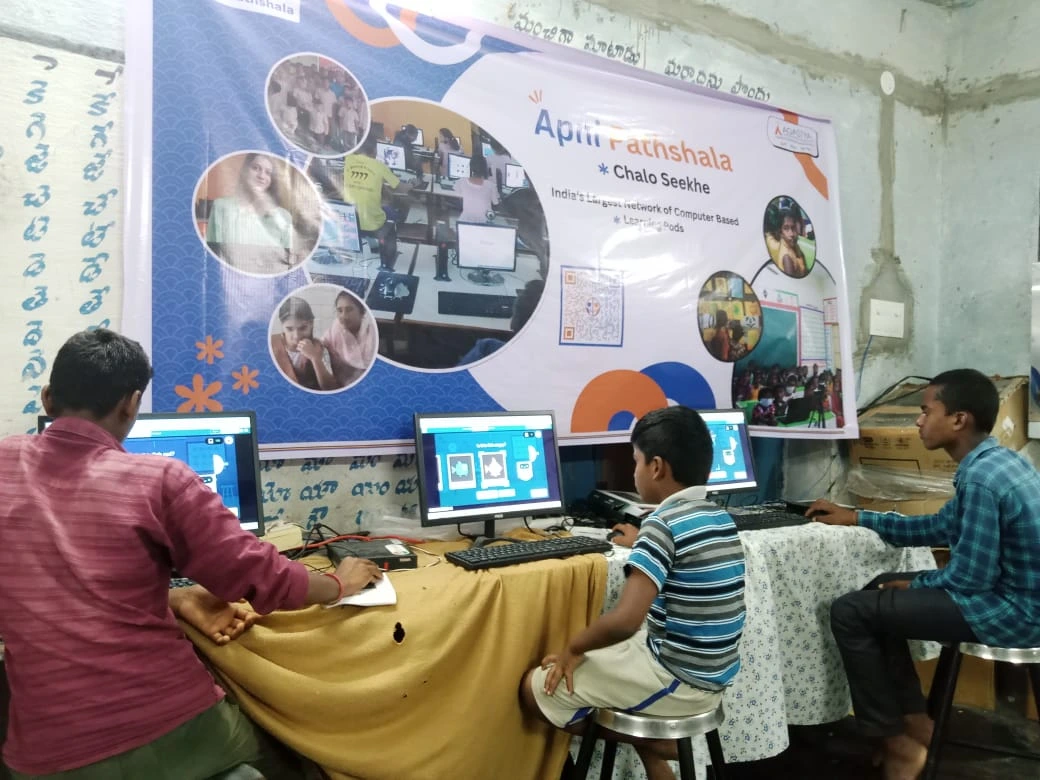
- Find the right spot: Pick a quiet corner away from the TV and kitchen noise. Natural light is best, but a good desk lamp works too.
- Get the right furniture: Your child’s chair should let their feet touch the floor. Their desk should be at elbow height. Their screen should be at eye level, about 50 cm away.
- Control the light: Bad lighting causes eye strain and headaches. Use a mix of natural light and a focused desk lamp. Avoid glare on the screen.
- Keep it organised: Have a shelf for books, notebooks, and pens. A messy study space breaks focus. Your child will spend time looking for things instead of learning.
- Reduce distractions: Keep phones away during study time. Tell family members when your child is in study mode. Silence notifications on the computer.
The Right Computer Makes a Difference
Now, let’s talk about the computer itself. Your learning zone needs a device built for education. Not a gaming laptop. Not a secondhand old machine. An educational computer designed for students.
Apna PC is built exactly for this. It costs Rs. 21,000 (excluding shipping and GST) and comes with everything your child needs. It has 8GB RAM and 128GB SSD, so it runs smoothly without lag. It comes with Zorin OS, a clean, safe, and fast operating system. No unnecessary programs slowing it down.
What makes Apna PC special is what’s already inside. Apni Prerna is a student monitoring tool that helps you see what your child is doing. LibreOffice is free, professional software for documents and presentations. Scratch lets your child learn coding through fun projects. These aren’t games. They’re tools for real learning.
How a Learning Zone Helps Your Child Grow
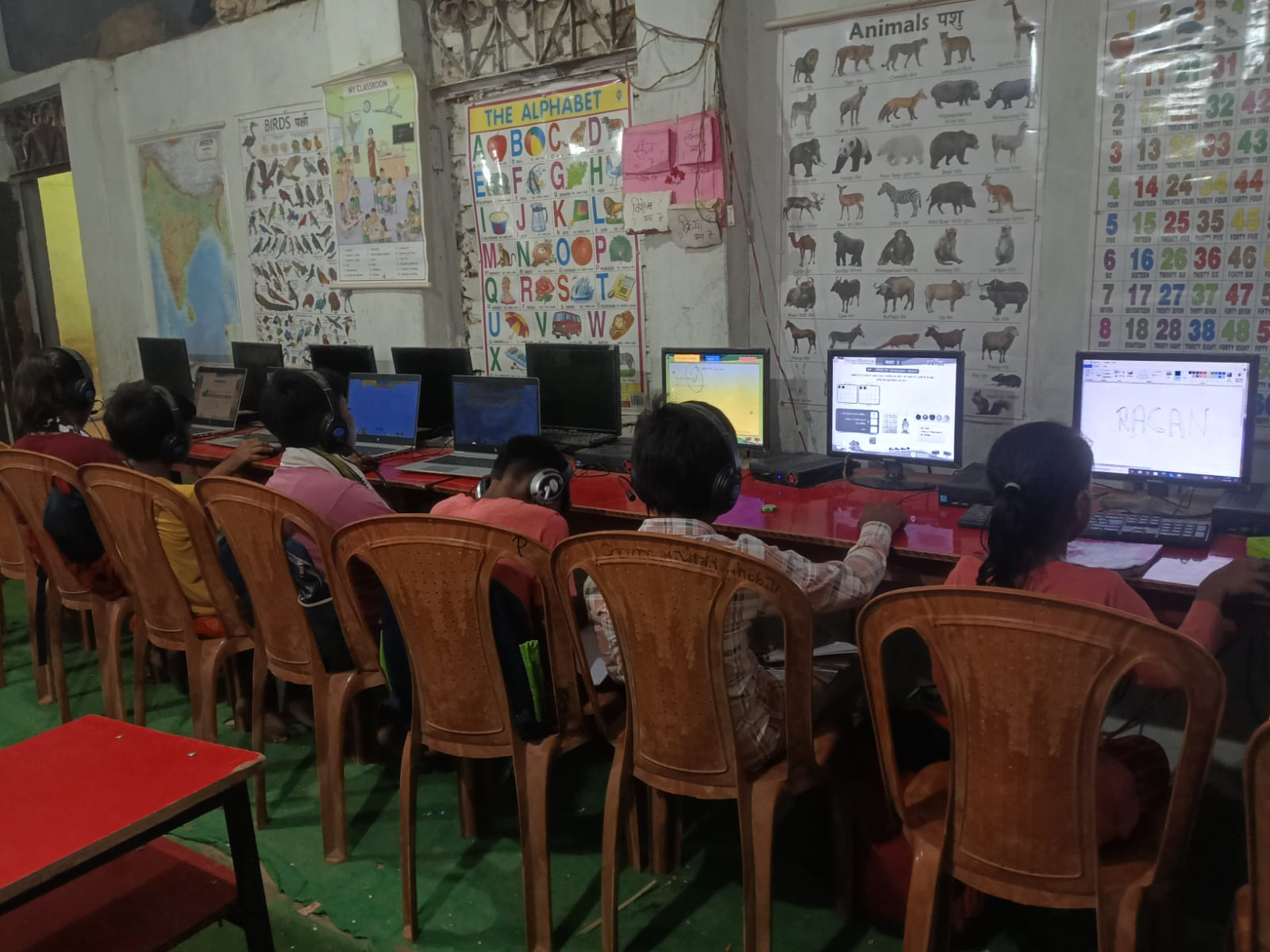
When Priya created a corner for Ravi with proper light, a good desk, and a quiet space, things shifted. Within two weeks, he could study for 90 minutes without complaining about tired eyes. Within a month, his online class participation improved. By the end of the term, his grades went up by 15 per cent.
This isn’t magic. It’s science. A proper study infrastructure removes barriers to learning. Your child’s brain can focus on studying rather than on discomfort, noise, or poor lighting.