

Ravi’s Screen Time Problem Became His Greatest Learning Tool
Ravi was 11 years old when his mother, Deepa, found him hunched over his phone at midnight, watching random YouTube videos instead of sleeping. He’d failed his math test the week before. His eyes were tired, his grades were slipping, and Deepa felt helpless. She knew technology wasn’t going away, but she didn’t know how to make it work for her son instead of against him. Like thousands of parents in Tier 2 and Tier 3 cities across India, she faced a real problem: how to build better digital habits in children when screens are everywhere.
The truth is, you don’t need to ban computers or phones. You need to teach your child how to use them with purpose. Digital habits are the routines and behaviours your child develops around technology. Bad digital habits lead to distraction, poor sleep, and failing grades. Good digital habits turn computers into tools for learning, creativity, and real growth.
Why Digital Habits Matter More Than You Think?
Your child’s brain is still developing. Every time they pick up a device, they’re training their brain to focus or to jump between distractions. If they spend hours scrolling, their brain learns to crave constant stimulation. If they use computers for focused learning tasks, their brain learns discipline and depth.
The Digital India initiative has brought internet and devices to millions of Indian homes. But access to technology isn’t enough. Your child needs structure, boundaries, and the right tools to develop strong digital habits.
Studies show that children who develop good technology habits early:
- Score 15-20% higher in academics
- Sleep better and have fewer health problems.
- Show better focus and attention span.
- Feel less anxious and more confident.
The question isn’t whether your child should use computers. The question is how you can guide them to use computers the right way.
Three Pillars of Strong Digital Habits
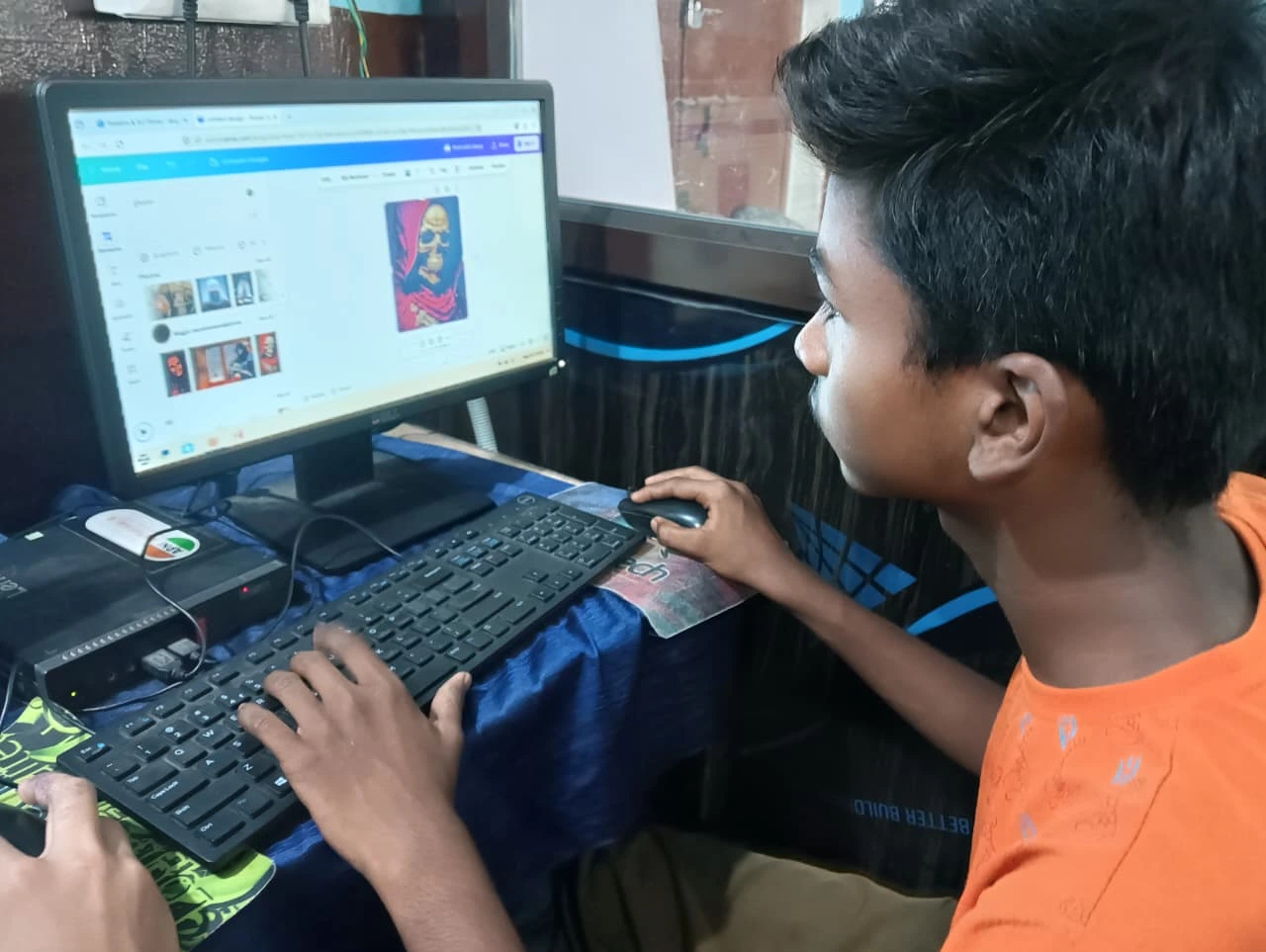
Building digital discipline in your child requires three things: the right device, clear boundaries, and meaningful content.
The Right Device Matters
A regular laptop or computer loaded with distracting apps and games won’t help your child build good digital habits. You need a device designed for learning. Apna PC is an educational computer built specifically for Indian students. It comes with Zorin OS (a clean, distraction-free operating system), Apni Prerna (student monitoring software that lets you track usage), LibreOffice for schoolwork, and Scratch for coding projects.
At Rs. 21,000 (excluding shipping and GST), it’s affordable for most Indian families. The 8GB RAM and 128GB SSD mean your child can run school projects, educational software, and coding tools without lag. No gaming apps. No social media. Just learning.
Clear Boundaries Create Discipline
Your child needs to know when, where, and how long they can use the computer. Set specific times: 30 minutes for homework, 15 minutes for creative projects, zero minutes before bed. Use Apni Prerna to monitor their progress and help them stay accountable. When your child knows you’re watching (in a supportive, not controlling, way), they’re more likely to stay focused.
Meaningful Content Builds Engagement
If your child only uses the computer for boring schoolwork, they’ll resent it. Let them use Scratch to build simple games. Let them research topics they actually care about. Let them create videos or write stories. When learning feels like play, your child develops positive associations with technology.
How to Start Building Better Digital Habits Today
You don’t need to wait for a new device to start. Begin right now with these steps.
Step 1: Have the Conversation
Sit down with your child and explain why digital habits matter. Don’t lecture them. Ask them questions: “What do you want to learn? What distracts you? How do you feel after spending hours on your phone?” This conversation shows your child that you’re on their team, not against them.
Step 2: Create a Technology Schedule
Write down when your child can use the computer. Morning before school? No. After homework, for 30 minutes? Yes. Before bed? Absolutely not. Consistency is everything. Your child’s brain learns what to expect.
Step 3: Remove Temptation
If your child has access to YouTube, Instagram, and gaming apps on their computer, they’re fighting a losing battle. A dedicated educational computer like Apna PC removes that temptation entirely. Your child sits down to work, not to get distracted.
Step 4: Monitor and Celebrate
Use Apni Prerna to see what your child is actually doing on the computer. Celebrate when they use it well. “I saw you worked on your math project for 45 minutes without getting distracted. That’s excellent.” Positive reinforcement works better than punishment.
Why Apna PC Changes Everything?
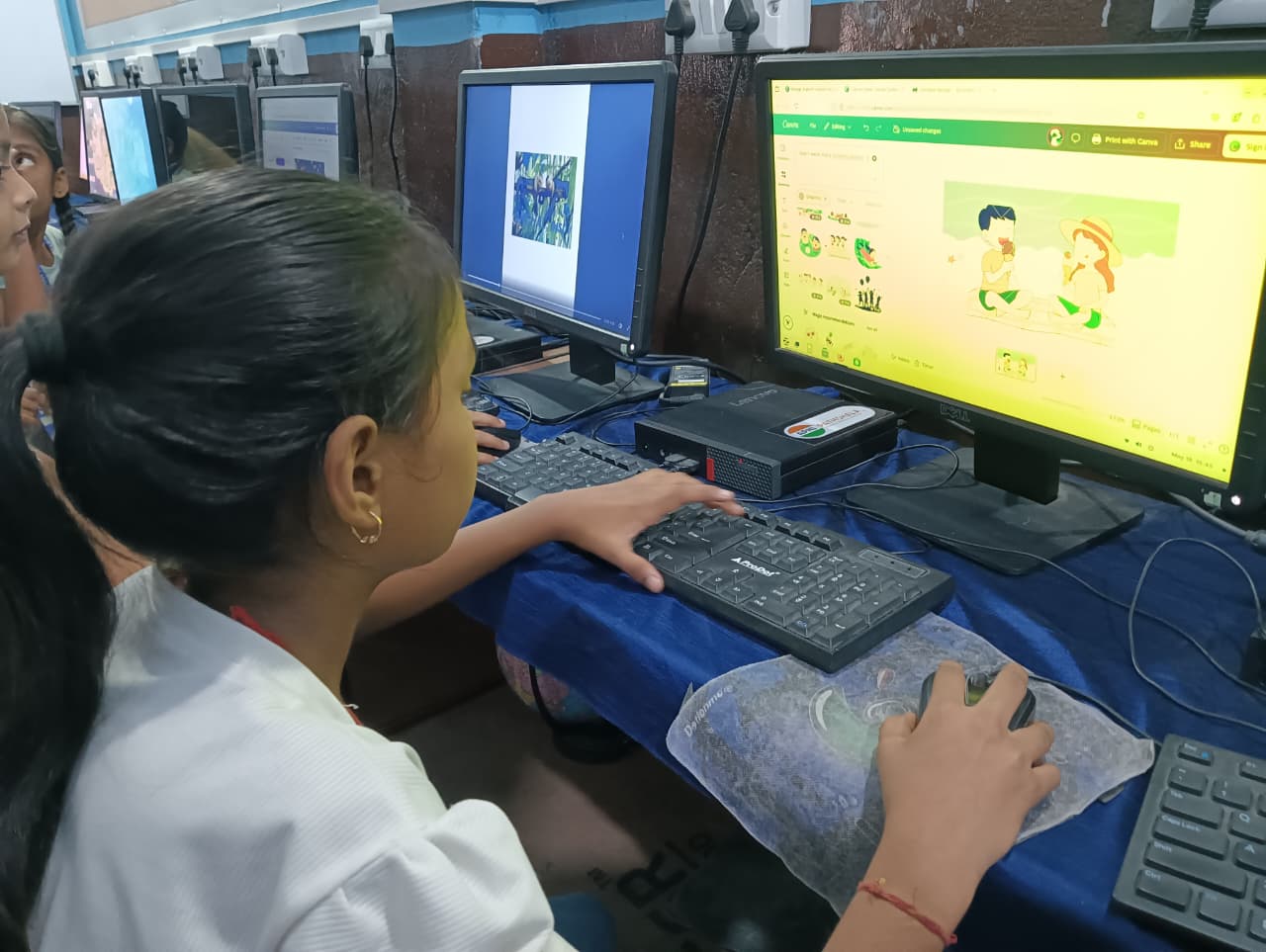
Deepa, Ravi’s mother, made a decision. Instead of confiscating his phone, she bought an Apna PC for his room. She set clear rules: homework first, then 20 minutes of Scratch coding, then bedtime. No social media. No games. Just learning.
Within three weeks, Ravi’s sleep improved. Within two months, his math grades went up. He started enjoying the computer because it wasn’t trying to trap his attention every second. It was a tool, not a distraction machine.
Apna PC comes with everything your child needs to develop strong digital habits. Zorin OS keeps the interface clean and focused. Apni Prerna lets you monitor usage without being invasive. LibreOffice handles all schoolwork. Scratch teaches coding. Thats it. No bloatware. No distractions. No wasted money on features you don’t need.
The Ministry of Electronics and IT has emphasised that digital literacy should start early. But digital literacy isn’t just about knowing how to use technology. It’s about using it wisely.
Your child will grow up in a digital world. They need to learn now how to manage screens, focus on meaningful work, and build discipline. A computer designed for learning, combined with your guidance and clear boundaries, makes that possible.
Apna PC isn’t just a computer. It’s an investment in your child’s ability to build better digital habits that will serve them for life. You can shape how your child relates to technology starting today. Visit apnapc.com to learn more about how a personal computer shapes student growth and explore making the computer a daily learning partner.