

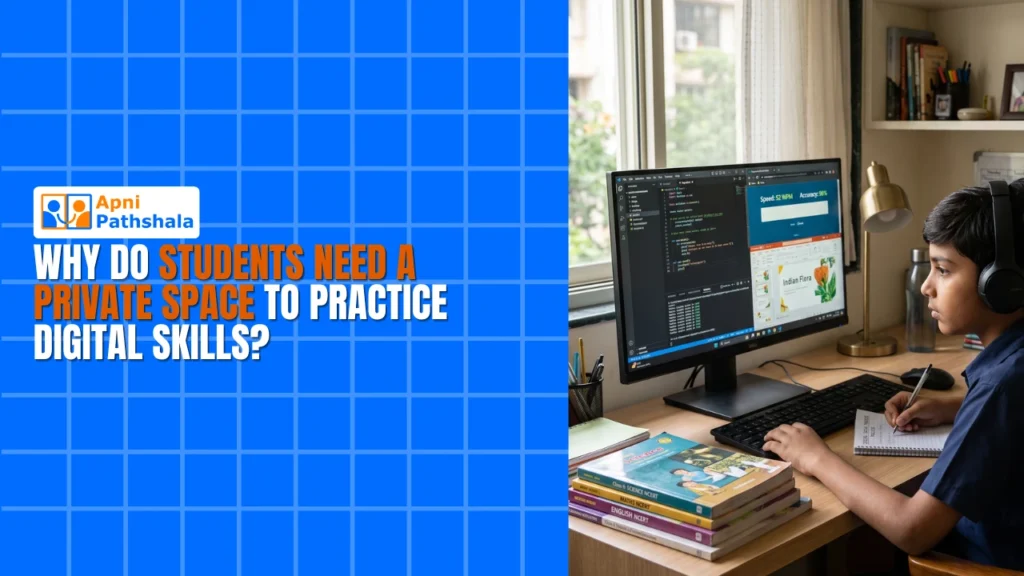
Students who want to build real digital skills need private, uninterrupted practice time at home. School computer labs provide limited access, shared machines, and fixed schedules that do not support the kind of exploratory, repetitive practice that builds genuine competence. A dedicated home computer changes this completely.
Why does your child need a private space for digital practice?
Learning digital skills is about doing, not watching. It requires hands on a keyboard, solving real problems, building real projects. When students practise in a shared lab or on a crowded device, something important gets lost.
Think about learning to play an instrument. You do not learn guitar by watching someone else play for two hours a week. You learn by holding it yourself, making mistakes, and playing the same chord many times until it sounds right. Computer learning works the same way. Your child needs repetition. They need to try things. They need to break things and fix them.
In a school lab, the teacher moves on. The lesson ends. Your child goes home with half-formed ideas and no way to continue. With a private computer at home, they can pause a tutorial, think, rewind, and try again. They own the learning process. Here is what that ownership makes possible:
- Confidence grows faster: Practising alone means no worry about others watching. Your child can spend as long as needed on a problem without feeling rushed.
- Real learning happens: Coding, design, document creation, and research all need hands-on time. Reading about these skills is not enough.
- Pace matches the child: Every student learns at a different speed. At home, your child sets the rhythm rather than following the lab schedule.
- Skills stick longer: Learning in a relaxed, familiar space helps the brain retain information better than under time pressure.
This is what the digital learning gap students face today really means. It goes beyond just access to technology. It is about access to the right kind of practice space and time.
What is wrong with school computer labs for skill development?
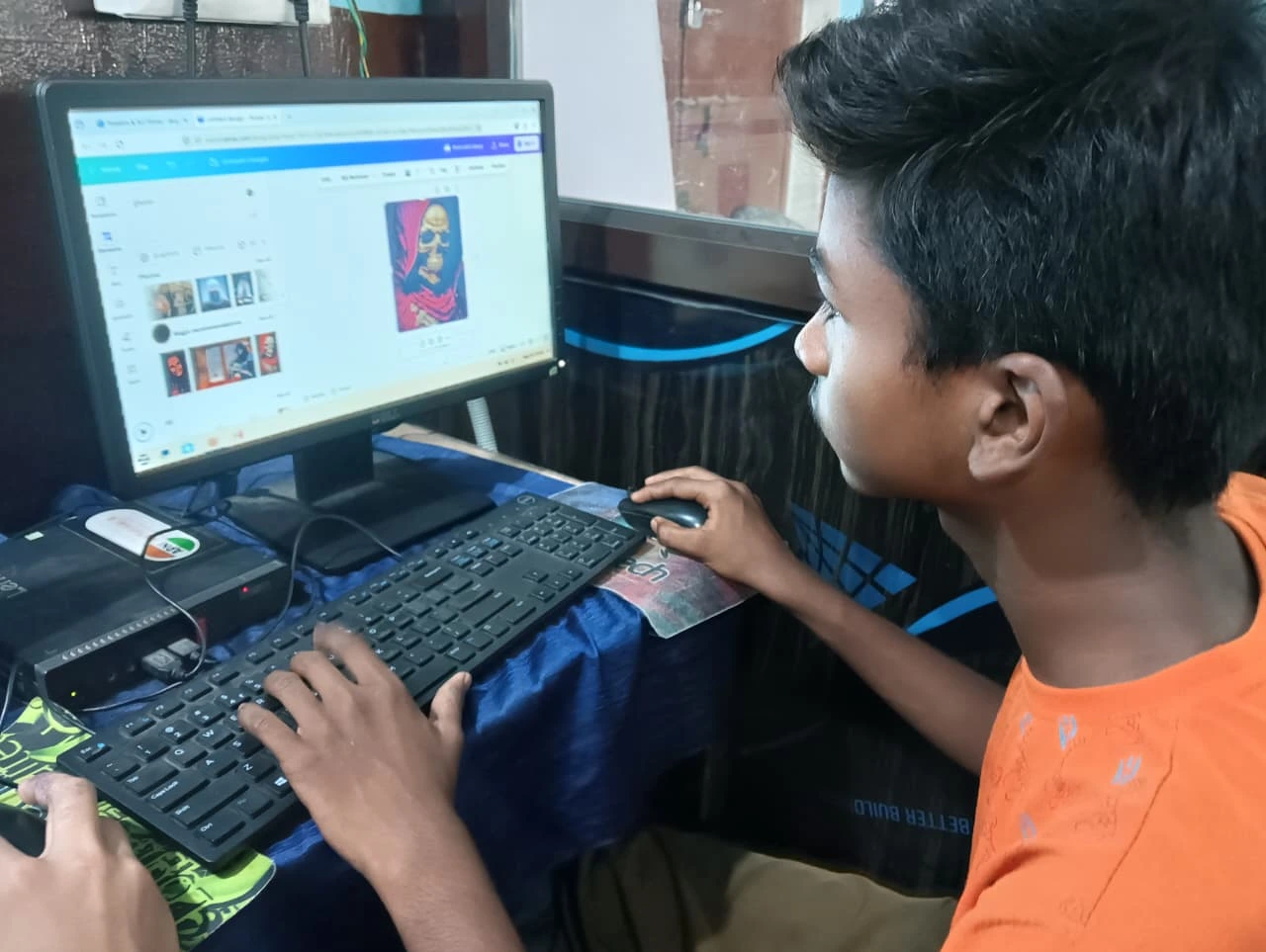
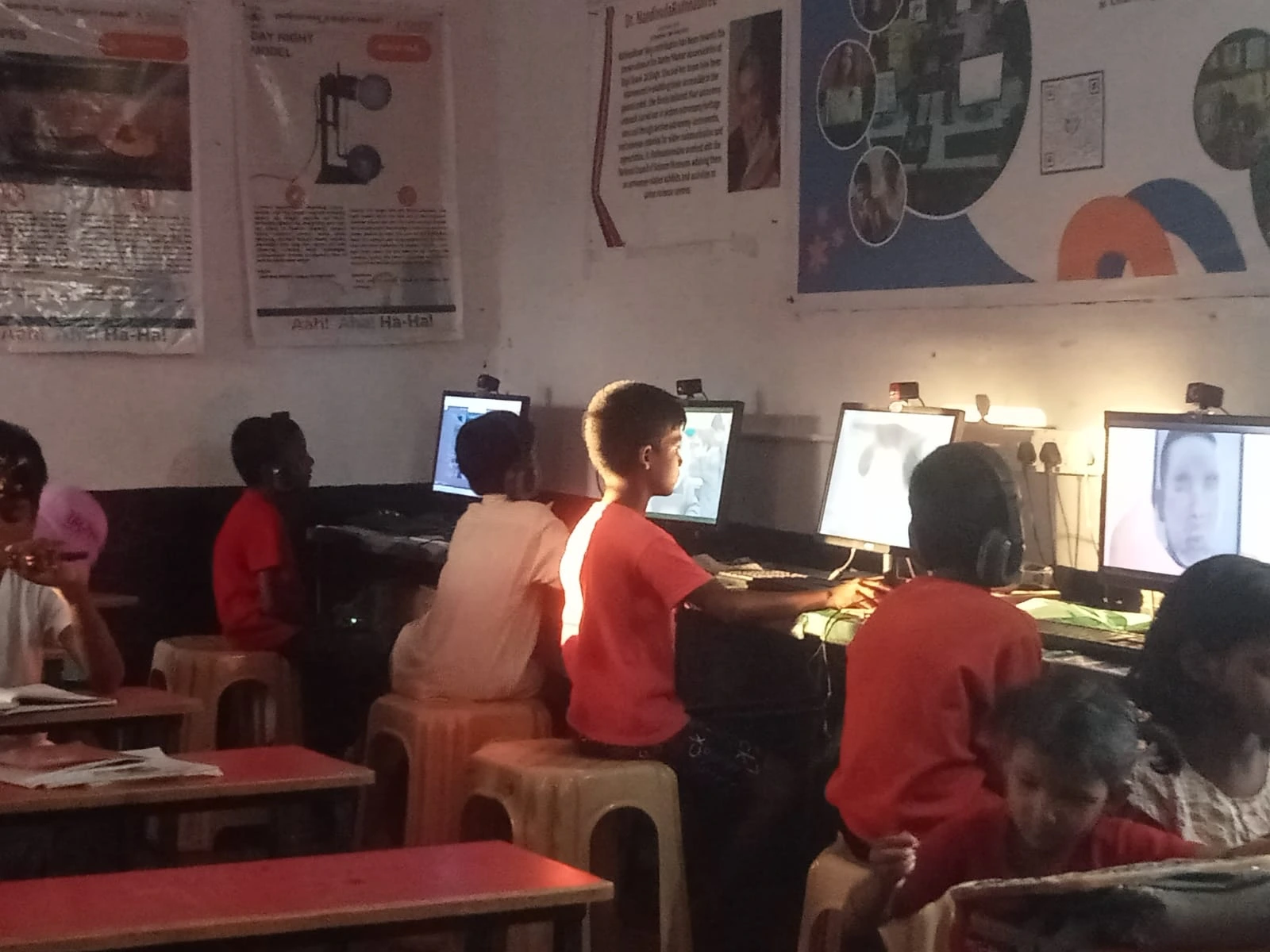
School computer labs serve a purpose but have real limits. Lab time is structured, supervised, and short. Teachers have a curriculum to cover. They cannot let students spend a long time debugging one problem, even when that is exactly what that student needs.
Shared devices also mean shared frustration. Your child may want to install a learning tool or save a project file in a specific way, but cannot because the computer is locked down. They work on something interesting, then the lab closes, and they lose their progress. Momentum breaks.
At home, your child owns the experience. They can keep a project open. They can experiment with different software. They can learn on whatever schedule works best for them. This flexibility is where real learning happens. A computer creates real learning opportunities at home that the school lab simply cannot provide.
What digital skills do students actually need to practise?
The Digital India programme and the Digital India initiative both emphasise digital literacy as foundational for students. In practice, this means:
Coding and programming are becoming as basic as writing. Your child may never become a software engineer, but they will use these concepts in school projects, competitive exams, and future work. Document creation, spreadsheets, and presentations are school skills now. Every subject requires regular reports and projects. Creative tools like graphic design and video editing open doors in college applications. Problem-solving through technology is the real underlying skill: breaking big problems into small steps, testing solutions, and learning from mistakes.
What does Apna PC provide that a shared device or lab cannot?
Apna PC at Rs.30,000 (excluding shipping and GST) is specifically designed for students who need an affordable, reliable home device for digital practice. It comes pre-loaded with everything your child needs: Zorin OS, Apni Prerna monitoring, LibreOffice, and Scratch for learning to code through visual blocks.
The specifications matter. 8GB RAM means your child can run multiple programs without the computer slowing down. 128GB SSD provides space for projects, files, and learning materials. This is a real machine for real work, not a toy computer. Most importantly, it creates the private practice space that shared devices and labs cannot provide. Your child can practise on their schedule, in their own way, without time limits or pressure. See our guide on self-learning through a computer for more on how independent practice builds lasting skills.
Frequently Asked Questions
How much daily practice time does a student need to build real digital skills?
Consistency matters more than duration. Short daily sessions of genuine, hands-on work build skills more reliably than occasional longer sessions. The most important thing is that the child is actually creating, writing code, building a document, designing something, rather than passively watching. A home computer makes this kind of daily active practice possible every day of the week.
Can a home computer replace what students learn in a school computer lab?
A home computer complements the lab rather than replacing it. Lab time gives structured curriculum and teacher guidance. Home practice gives the uninterrupted time needed to actually absorb and extend what was introduced. Students who have both, school lab instruction and home practice time, typically develop digital skills significantly faster than those with lab access alone.
Is Apna PC suitable for a student who has never used a computer before?
Yes. Zorin OS is designed to be accessible for new computer users. The interface is clean and intuitive. Because the software is pre-loaded, the student does not need to navigate installations or complex setup. Many students in Tier 2 and Tier 3 cities start from zero and become comfortable within a few weeks of regular daily use at home.
Your child’s digital skills are built through daily practice on their own device. Apna PC provides that device at a price Indian families can manage, with everything pre-loaded from day one.