

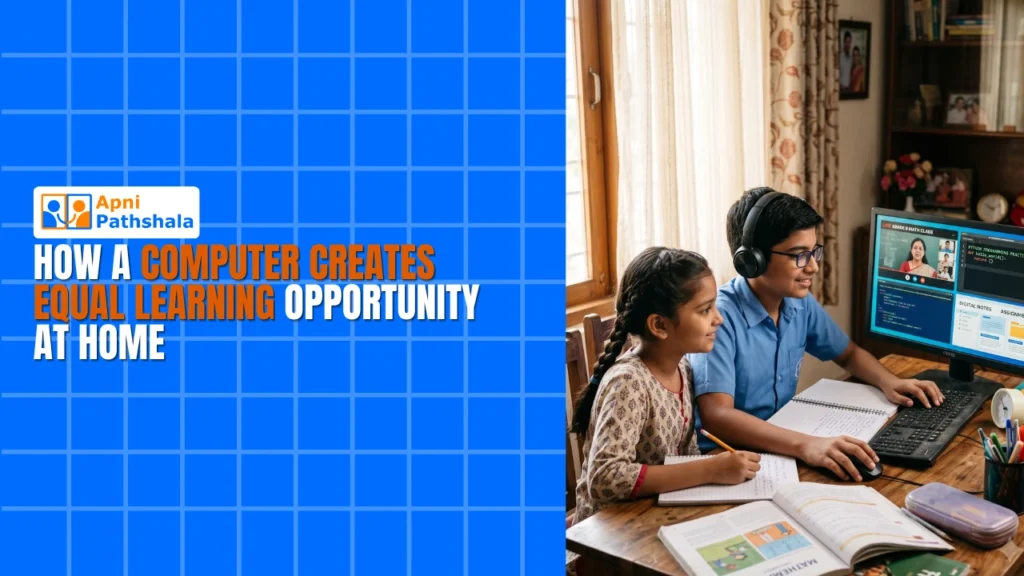
A computer at home creates equal learning opportunity by giving a child the same tools classmates in better-off homes already use: a real keyboard and screen for online classes, research, coding and assignments. Without one, a child doing schoolwork on a shared phone falls behind, however hard they try.
For example, a student in a Tier 2 city might join online classes on a sibling’s phone, missing sessions and struggling to type. With their own computer, the same student can catch up and work at their own pace.
What is the digital learning gap in smaller cities?
The digital learning gap is the difference between students who have a computer at home and those who do not. In cities like Indore, Nagpur, Lucknow and Bhopal, many students still do not have a computer at home, and your child might be one of them.
When schools went online, this gap became a crisis. Students without computers fell behind, and coding classes, digital art and online research became very hard for families without a device. Even now, a child may be doing homework on a phone while classmates use full computers.
Bridging the digital learning gap does not happen on its own. It needs a device and a decision from the family.
What does a computer actually do for your child’s learning?
A computer is a different tool from a phone, not just a bigger one. On a real keyboard and screen, your child can type faster, focus longer, open several tabs for research, write code in Scratch and build presentations without fumbling on a tiny touchscreen.
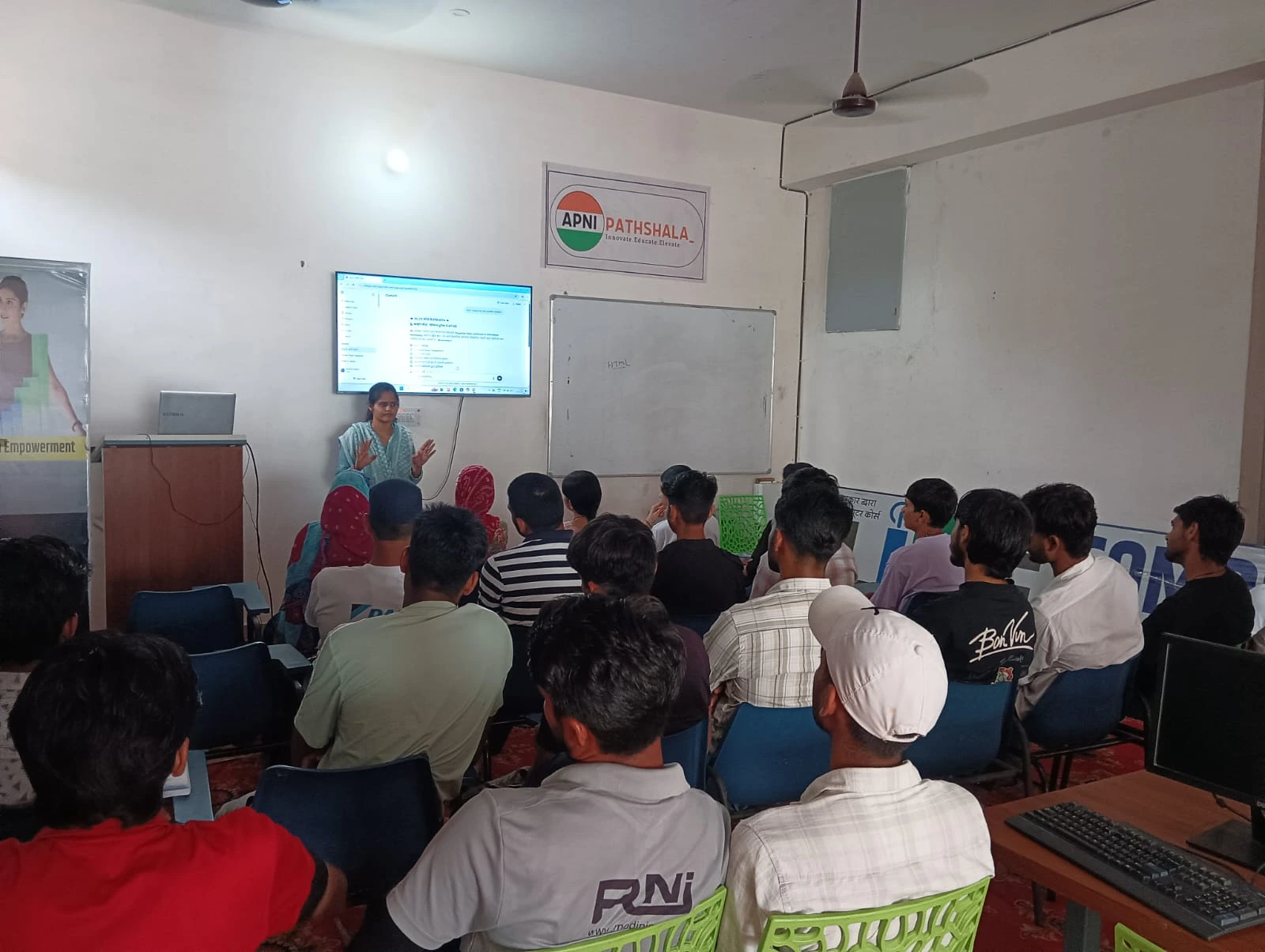
Online education platforms also work better on computers. Google Classroom loads faster, Zoom calls run smoother, and your child can take proper notes while watching a video, pausing and rewinding to learn at their own pace.
Why independence matters
A computer also teaches independence. Your child does not have to wait for your phone, can do homework when it suits them and can explore subjects without asking permission every five minutes.
What does a child lose without a computer at home?
A child without a computer misses practice in skills that school and later life increasingly expect. Here is what is at stake:
- Coding skills: coding is now taught in many schools, and without a computer your child cannot practise.
- Research ability: real research means comparing several sources, which a phone does poorly.
- Speed in online exams: a child who has never typed on a real keyboard will be slow and stressed.
- Confidence: children notice when classmates have computers and they do not, and they feel left behind.
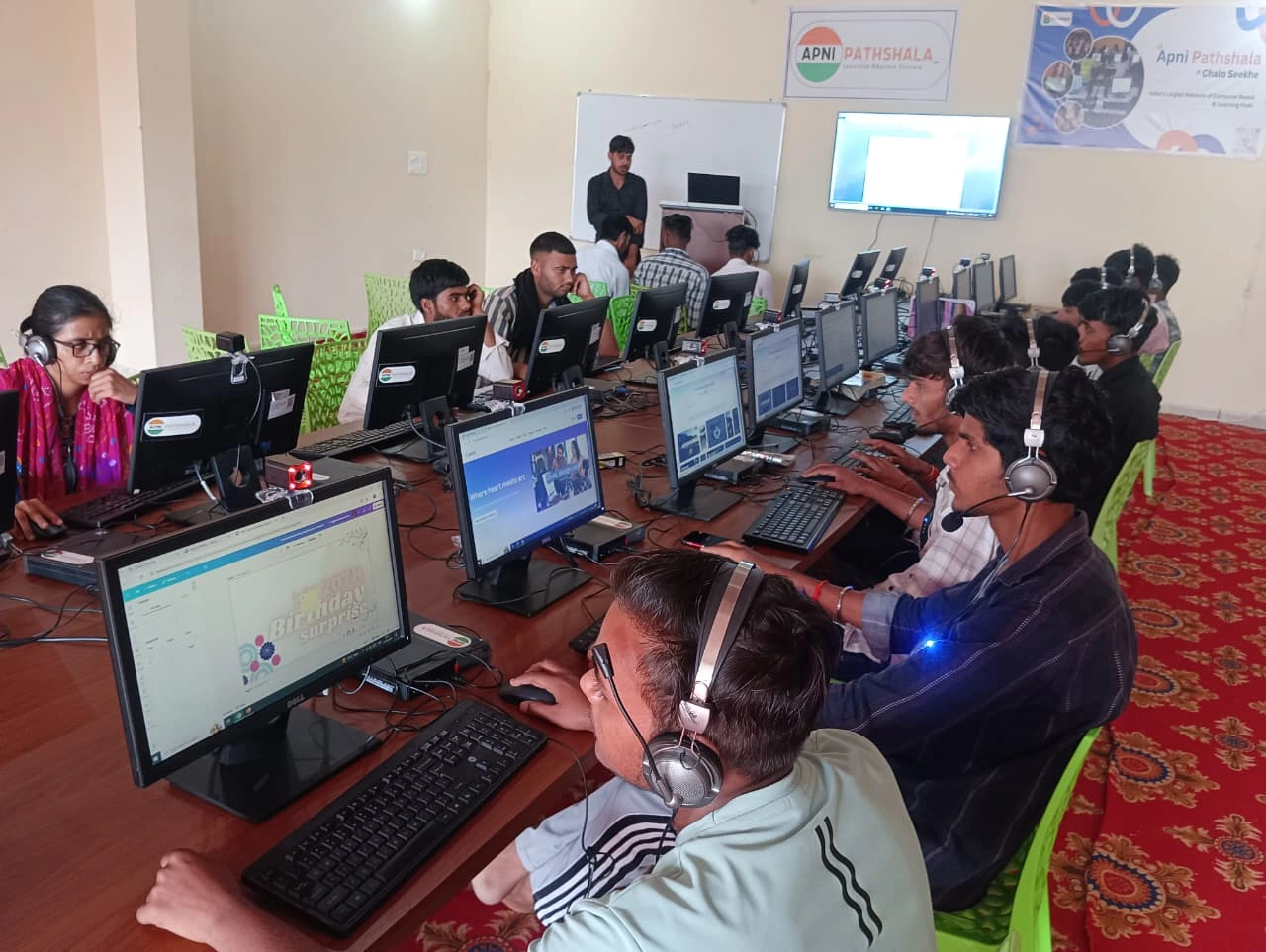
The Digital India initiative has pushed technology into schools, but homes are lagging behind. For more on this, read about the learning gap without a home computer.
How is Apna PC different from cheap computers?
Apna PC is built for students, while many cheap computers are slow, break easily and come with bloated software. It has 8GB RAM and 128GB SSD, so it does not slow down after a few months of use.
It runs Zorin OS, a clean Linux-based system for education and productivity, with no ads and no unnecessary programs. Preloaded software includes LibreOffice for writing and maths, Scratch for coding and Apni Prerna for student monitoring, so you can see what your child is doing, set study goals and track progress.
Is Rs. 30,000 a fair price for a student computer?
At Rs. 30,000 (excluding shipping and GST), Apna PC is not cheap, but it is fair. It is honest pricing for real hardware that can last your child through school and into college.
A computer for study is a need, not a luxury, as we explain in why a computer is a necessity for education.
How should parents decide on their next step?
Start by finding out what your child actually needs. You do not need to decide today, but every day without proper tools is a day of missed practice.
- Talk to your child about what they need for school.
- Ask their teachers which software they use.
- Check whether your budget can stretch to Rs. 30,000 over the next few months.
The Education in India overview is useful background on how schooling is organised here. Access to technology helps your family compete on equal ground with families in bigger cities.
Frequently Asked Questions
Can my child manage online classes on a phone instead?
A phone can work in an emergency, but it is hard to rely on. Small screens and touch keyboards make note-taking, typing assignments and research slow and tiring. A shared phone is also not always available. A computer lets your child attend classes, take notes and work independently at the same time.
Will a student computer last until college?
A well-built student computer can last through school and into college if it has enough memory and fast storage. Apna PC has 8GB RAM and a 128GB SSD and runs a light operating system, so it stays responsive instead of slowing down after a few months like many cheap machines.
Do I need to install extra software for schoolwork?
No. Apna PC comes with LibreOffice for documents and maths work, Scratch for coding and Apni Prerna for parent monitoring already installed. Your child can open the computer and start working straight away, and you do not need to pay for expensive software licences.
A computer at home is one of the most direct ways to give your child a fair chance. Visit Apna PC to learn more.