

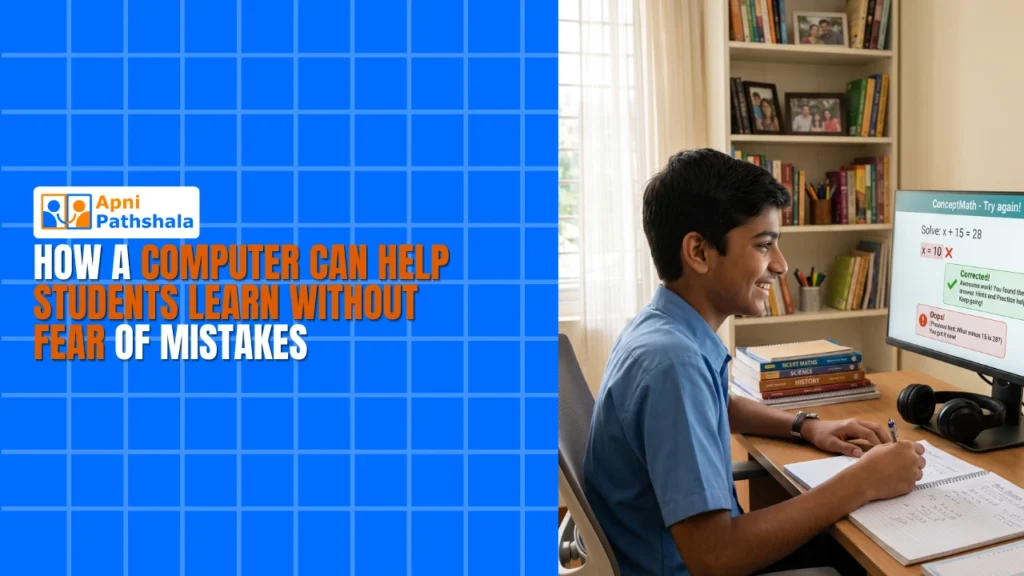
A computer helps students learn without fear of mistakes because practice happens in private, with instant feedback and no audience. A child can try, get it wrong, see why and try again as many times as needed, so mistakes become part of learning instead of a source of shame.
For example, a Class 8 student who gets a maths question wrong may say “I’m so stupid” and refuse to continue. Many parents in Tier 2 and Tier 3 cities see this: a child who fears being wrong so much that they stop asking questions or attempting practice problems.
Why are mistakes actually useful for learning?
Mistakes show a child exactly what they have not understood yet. When a child makes an error and corrects it themselves, they usually remember the right method better than if someone simply told them the answer.
For general background, see this overview of the science of learning. The problem is that classrooms often make mistakes feel like failures. A child gives a wrong answer, the whole class hears it, and shame follows. The child learns to stay quiet rather than to think.
How does a computer create a safe space for practice?
It lets mistakes happen in private. No one laughs and no one judges, so your child can keep trying until they get it right.
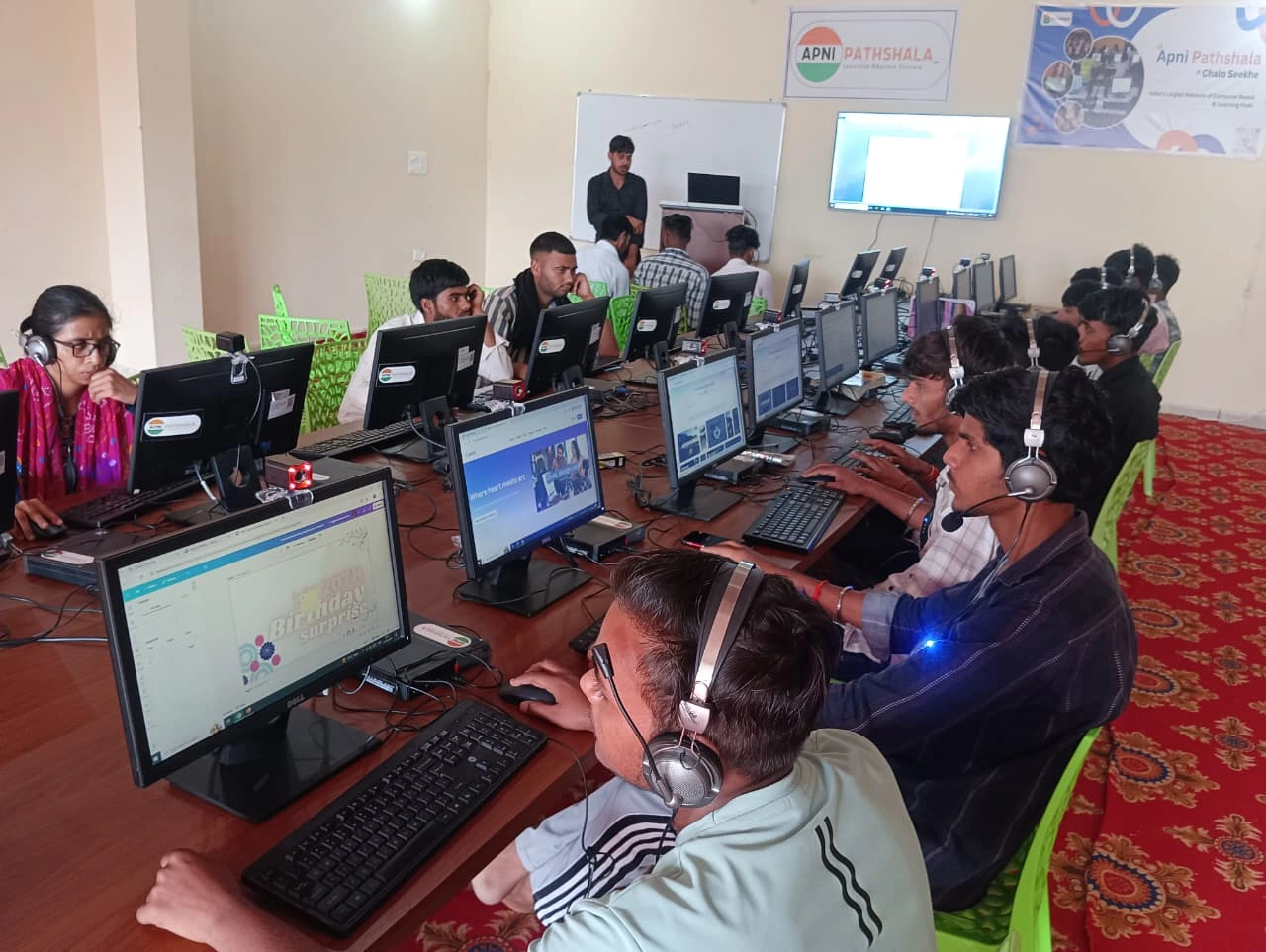
Picture your child practising English grammar on their own computer. They answer wrongly, the exercise shows why, they try again and get it right. Practice like this works because:
- Privacy: mistakes happen alone, not in front of peers
- Repetition: they can practise a concept 10 times or 100 times without judgement
- Immediate feedback: they know right away if they are right or wrong
- Control: they choose when to study, how fast to move and what to focus on
- Progress tracking: they see their own improvement over time
When children see themselves improving, they start believing they can learn and begin attempting harder questions. Read how Apna PC helps a child get comfortable with trial and error.
Isn’t a phone or tablet enough for practice?
Not really. Phones are mainly for consuming content, while a proper computer is for creating, practising and studying seriously.
Apna PC is designed for students. It comes preloaded with Scratch, where children learn to code by making games and animations, and LibreOffice for documents and spreadsheets. It runs Zorin OS, a clean, distraction-free operating system that keeps attention on learning rather than ads and notifications.
What does Apna PC offer for a child’s learning?
Smooth performance and quiet visibility for parents. The machine has 8GB of RAM and a 128GB SSD, so programs load without lag and your child stays focused on learning instead of waiting.
It is priced at Rs. 30,000 (excluding shipping and GST), within reach for families in smaller cities. It also includes Apni Prerna, a student-monitoring tool that shows what your child is learning, how long they study and where they need help. You become a guide, not a guard.
How does practice build a child’s confidence?
Each corrected mistake is small proof that they can learn. A child who works through practice problems, makes errors and fixes them gradually stops being afraid of the next question.
That confidence often shows up elsewhere too, in asking questions in class or attempting harder textbook problems. The bigger change is in how the child sees mistakes: as steps towards mastery, not proof of being “stupid”. This is what how computers build student confidence is all about.
Will my child just watch YouTube instead of studying?
It is a fair worry, but an educational computer with clear boundaries and purpose changes the pattern. When children succeed at practice, they are drawn back to it because it makes them feel capable.
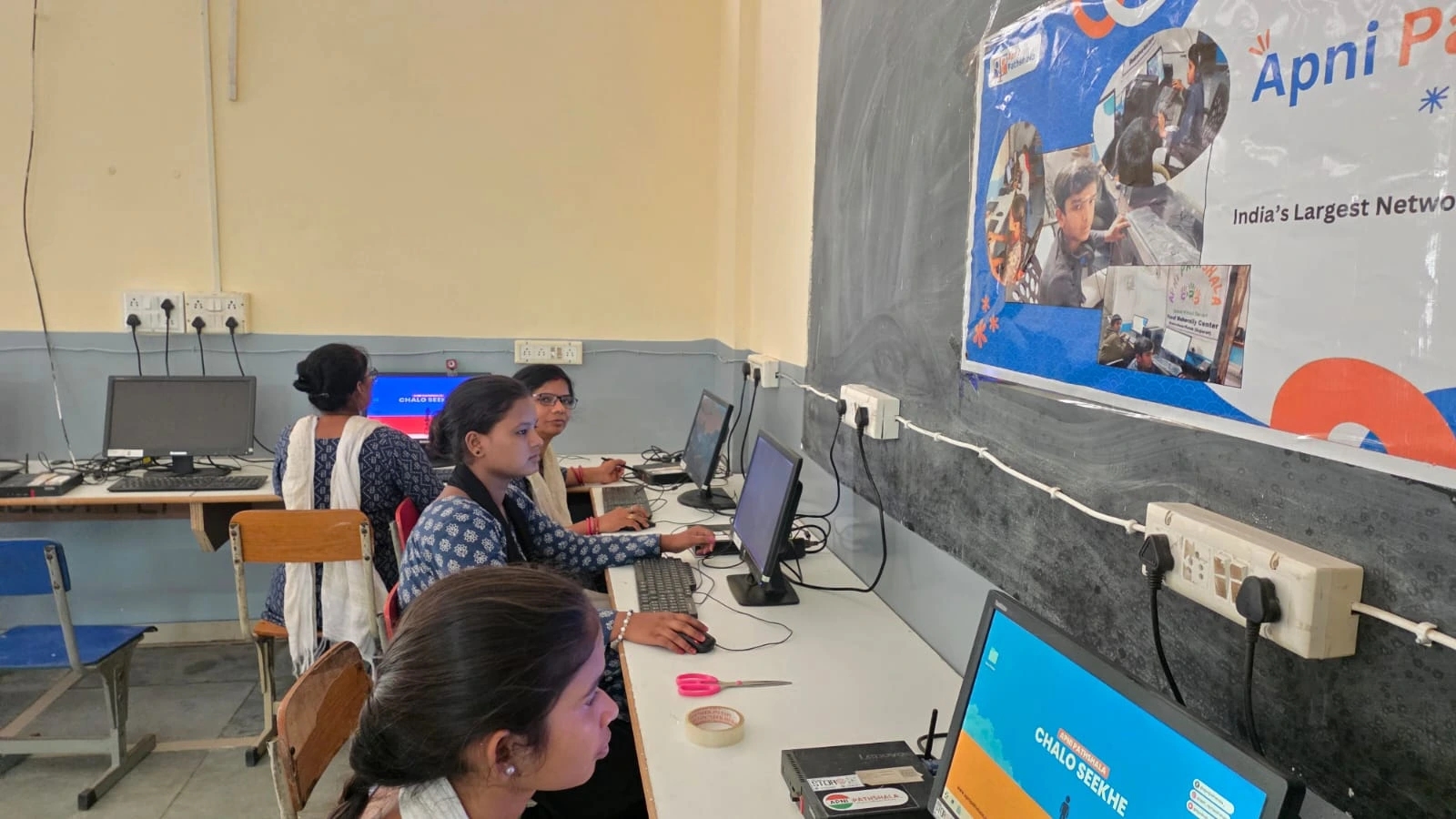
Learn how a personal device builds discipline and how to set healthy screen time boundaries. Platforms like the DIKSHA digital learning platform also provide free educational content, giving your child structured lessons without extra tuition costs.
Why does real learning start when fear goes away?
A frightened child becomes defensive instead of curious, and turns mistakes into something to hide. A computer designed for education creates room for a child to be imperfect, to struggle and to try again.
Your child does not need a perfect score on the first try. They need to know that trying is safe, to see their own progress and to feel capable.
Frequently Asked Questions
How should I react when my child makes a mistake?
Stay calm and curious. Ask your child to show you what they tried and what they think went wrong, then encourage another attempt. Praise the effort and the fix rather than only the final answer, so they learn that mistakes are a normal part of studying.
What kind of practice works best on a computer?
Short exercises with instant feedback work best, such as grammar quizzes, maths practice sets or small Scratch projects. They let your child attempt, check and retry quickly. Mixing easy and slightly harder questions keeps confidence up while still stretching their understanding.
My child cries over wrong answers. Can a computer really help?
It can help by removing the audience. Practising privately lets your child make and fix mistakes without embarrassment, which slowly reduces the fear. Pair it with calm encouragement at home, and talk to their teacher if the anxiety continues or affects school life.
If your child is struggling with confidence or avoiding practice, it may be time to create a better learning environment at home. Visit Apna PC to learn more.