


Preconfigured software on a student computer means the learning tools and programs come preinstalled and ready to use, saving setup time and ensuring your child has the right apps from day one. This approach removes the confusion of choosing and installing software, letting your child start studying immediately instead of waiting for downloads and updates.
What is preconfigured software for student computers?
Preconfigured software refers to applications that come pre-installed on a computer and are tailored to a student’s needs. Instead of buying a blank machine and hunting for the right programs, your child receives a computer with learning tools already set up and tested to work together.
A preconfigured student PC guide shows you exactly what software comes loaded and how to use each tool. This saves you from the common parent worry: “Will this program work? Is it safe? Will it slow down the computer?”
Why does preconfigured software matter for your child’s learning?
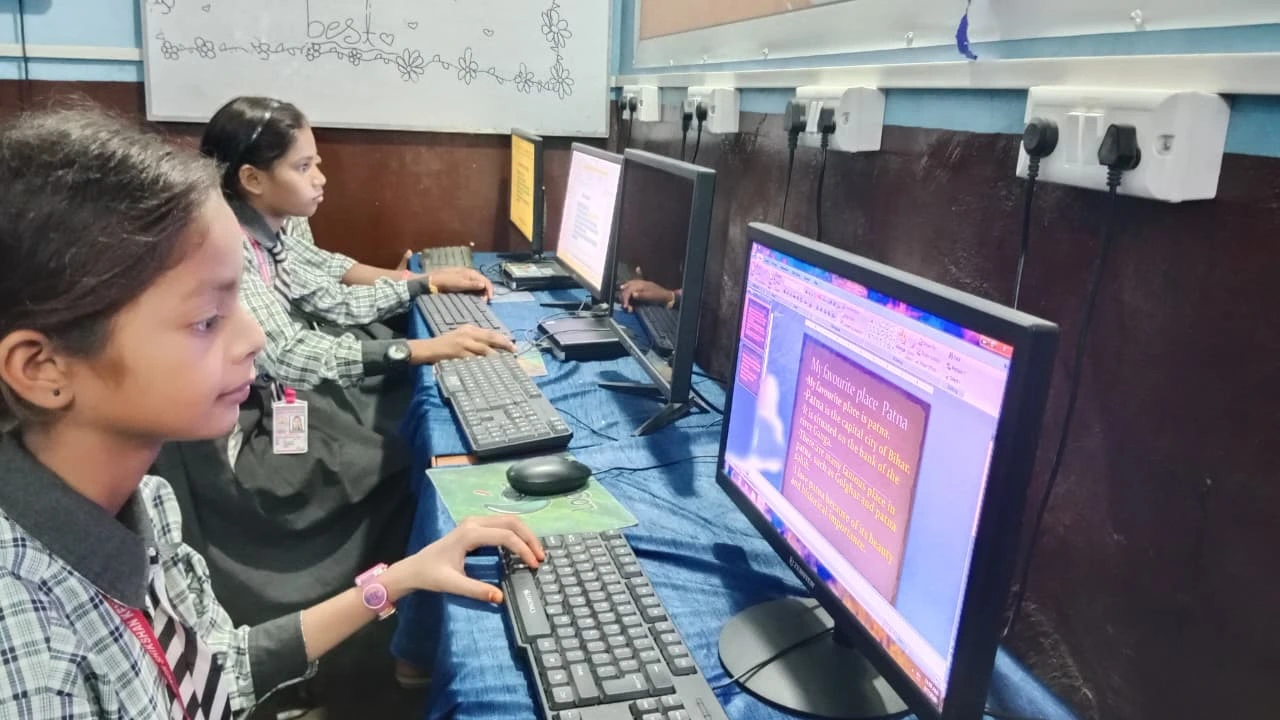
Preconfigured software removes barriers to studying. When tools are ready to open, your child spends time learning instead of troubleshooting. The right software also keeps your child focused on schoolwork. A computer loaded with study apps and coding programs naturally guides your child toward productive use, away from games or inappropriate content.
Preconfigured software is tested to run smoothly together. Programs don’t conflict, slow each other down, or crash unexpectedly. Technical problems don’t interrupt your child’s learning.
What learning tools should come preconfigured on a student PC?
The best preconfigured software includes office tools for writing essays and making presentations, coding programs to build problem-solving skills, and tools to organise digital notes. Here’s what matters most:
| Software Type | Why It Matters | Example Use |
|---|---|---|
| Office Suite | Write essays, make presentations, create spreadsheets | School project work, assignments |
| Coding Tools | Learn programming logic and problem-solving | STEM skills, computational thinking |
| Note Organization | Keep study notes organised and searchable | Revising for exams, tracking lessons |
| Parent Monitoring | Track study time and screen usage safely | Ensure focused learning, manage screen time |
Apna PC comes with LibreOffice for office work, Scratch for coding, and Apni Prerna for parent and student monitoring. These tools align with how Indian schools teach and what your child needs to succeed.
How does preconfigured software save you money?
With preconfigured software, you don’t pay extra to buy programs separately. Many educational software packages cost significant amounts, and you might buy the wrong tools by mistake. A preconfigured computer includes everything your child needs from the start, optimised to run efficiently so your investment lasts longer without needing upgrades.
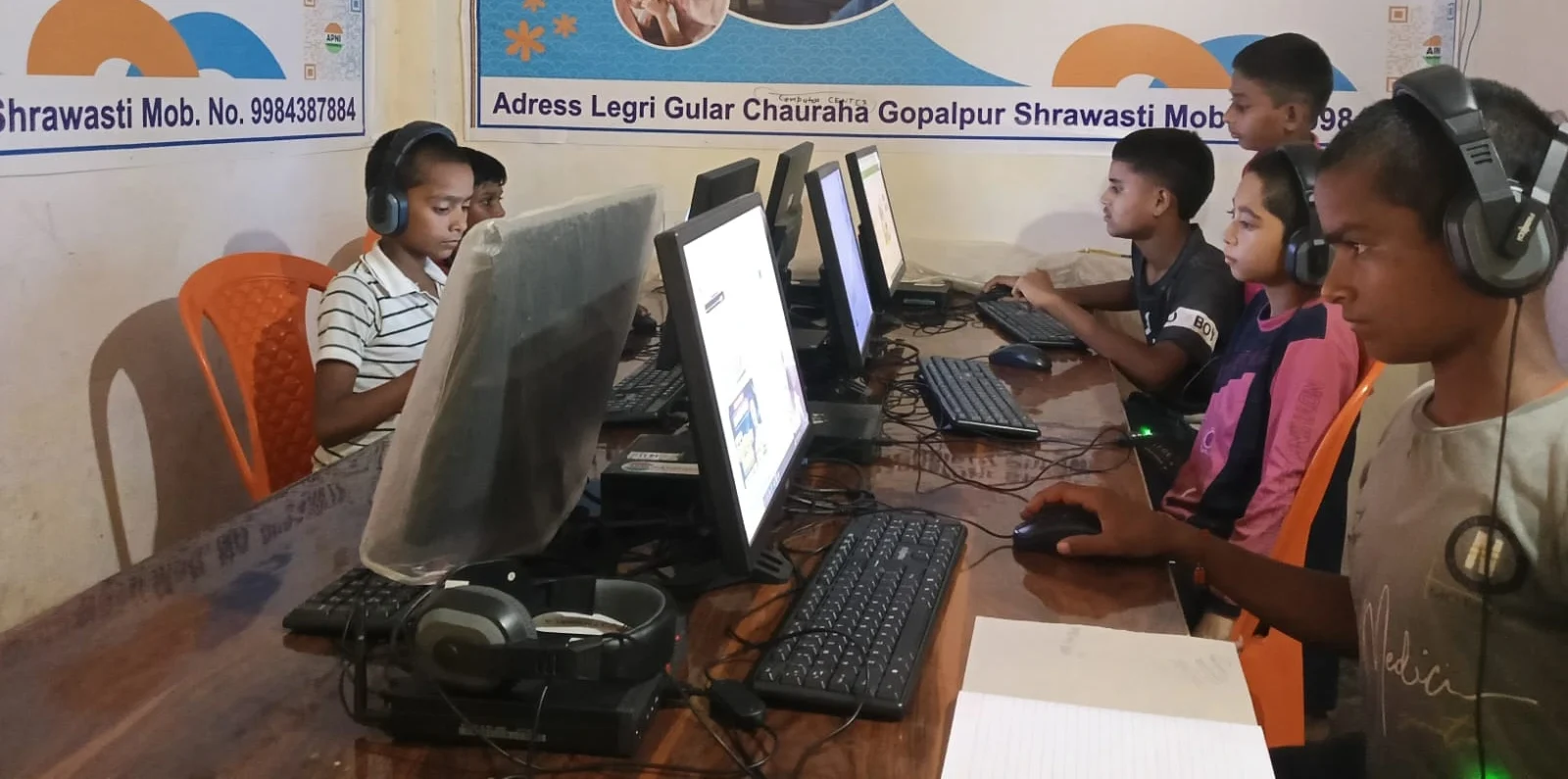
How does preconfigured software help if you’re new to computers?
If you’re buying your child’s first computer, preconfigured software removes the intimidating step of choosing and installing programs. A first-time PC users guide walks you through what’s already there and how to use it. For setup help, easy PC setup for parents shows you the simple steps to get started.
How does preconfigured software align with Indian school curricula?
Preconfigured software for Indian students is chosen to match what schools teach. Tools like Scratch support computational thinking in CBSE and ICSE curricula. Office software helps with projects across all subjects. Purpose-built software for student computers is designed with Indian learning standards in mind.
The DIKSHA digital learning platform and resources from the India Ministry of Education work well on computers with standard preconfigured software. You can also explore Apni Pathshala’s blog for tips on using educational tools effectively.
Frequently Asked Questions
Will preconfigured software slow down my child’s computer?
No. Preconfigured software is chosen and tested to run efficiently together. The system is optimised so programs don’t conflict or consume unnecessary resources. Your child’s computer stays fast and responsive for schoolwork.
What if my child needs software that isn’t preconfigured?
You can install additional programs if your school requires them. Preconfiguration gives you a solid foundation, and you can add tools as needed. Most students find the preconfigured tools cover their schoolwork without extra software.
Is preconfigured software harder to uninstall?
No. You can uninstall any preconfigured program like normal software. You have full control over what stays on the computer. The preconfiguration simply means useful tools are ready from day one, not locked in permanently.
How do I know if preconfigured software is right for my family?
Preconfigured software takes the guesswork out of setting up your child’s school computer. When the right tools are ready from day one, your child can focus on what matters: learning and growing. Visit apnapc.com to learn more.