


Purpose-built software is designed specifically for learning, not entertainment or general use, which makes it far more effective for student computers. When your child uses a device with software chosen for their studies, they focus better, learn faster, and stay safer online. This article explains why picking the right software matters and how to choose it for your family.
What is purpose-built software for students?
Purpose-built software is an application created with a single goal: to help students learn. Unlike general-purpose programs that try to do many things, learning software focuses on one skill or subject, whether that’s maths, coding, writing or reading. This focused design removes distractions and builds learning step by step.
When software is built for students, it includes features like progress tracking, age-appropriate content, and safety controls that general programs don’t have. For example, a coding app made for Class 5 students will use simple visual blocks instead of complex text code. A reading app will adjust difficulty as your child improves. These choices aren’t accidents; they’re built into the software from the start.
Why do student computers need purpose-built software?
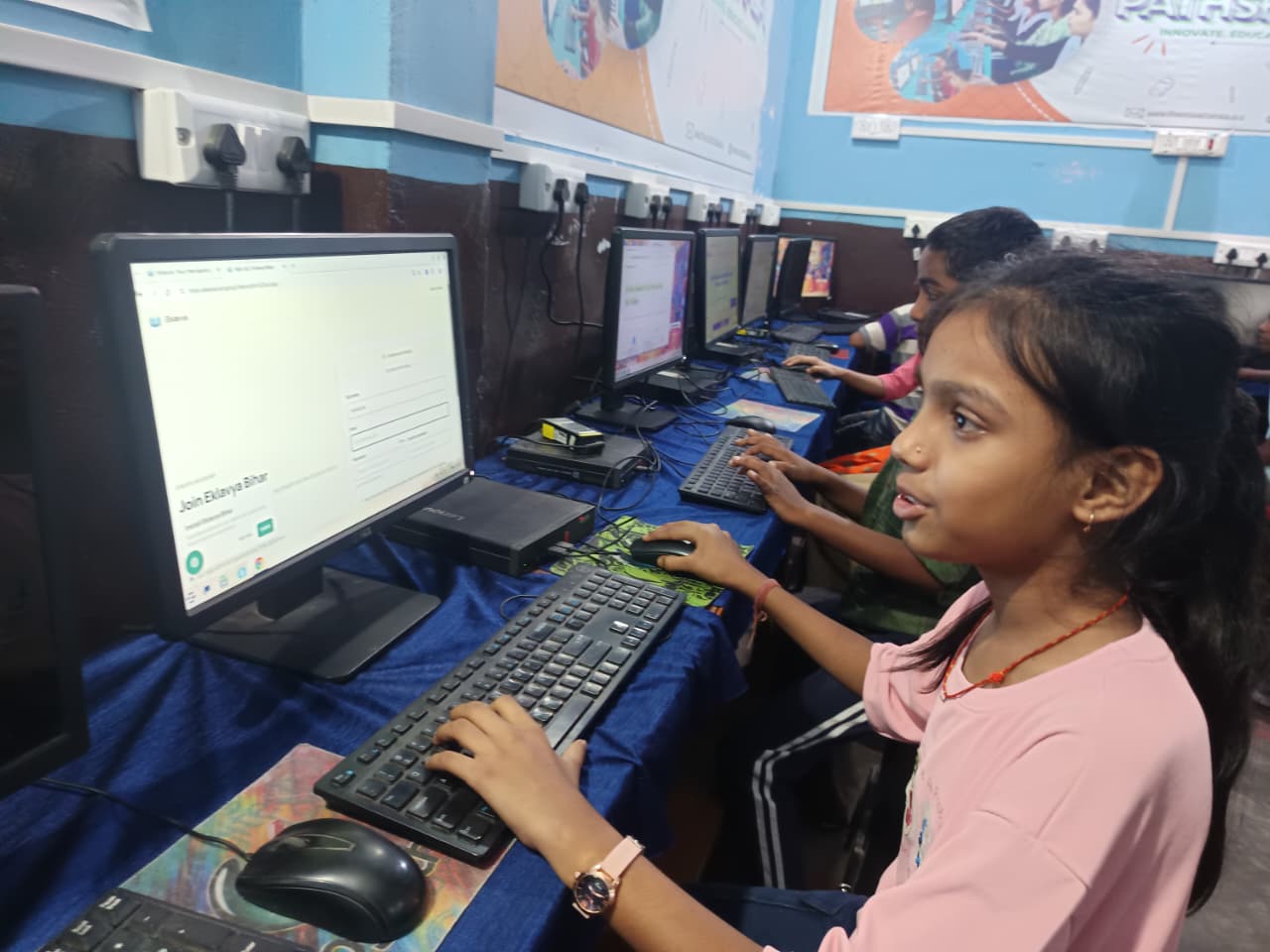
Student computers need purpose-built software because children learn differently than adults, and they need protection that general software doesn’t offer. A device loaded with entertainment apps, social media, or games pulls your child’s attention away from studies. Purpose-built learning software removes that competition and creates a space where studying is the natural choice.
Purpose-built software also gives you, as a parent, real control. You can see what your child is learning, how long they’re spending on each topic, and whether they’re making progress. General software often doesn’t provide this visibility. When your student computer comes with learning tools designed for student computers, you’re not guessing whether the device is helping or just keeping your child busy.
How does purpose-built software improve learning outcomes?
Purpose-built software improves learning because it’s built around how children actually learn, not how adults work. These programs use repetition, immediate feedback, and rewards to help concepts stick. When your child answers a question, they know right away if they’re right, and the software adjusts the next question to match their level.
Learning is strongest when students get quick feedback and can practise at their own pace. Purpose-built software does both automatically. UNESCO’s global education research supports this approach to student learning. A general word processor or web browser can’t offer this kind of intelligent support.
What types of purpose-built software should a student computer have?
A well-rounded student computer should include software for writing, maths, coding, and research. Here’s what each type does and why it matters for your child:
| Software Type | Purpose | Benefit for Students |
|---|---|---|
| Writing and Office Tools | Essays, projects, presentations | Teaches document formatting and organisation without distraction |
| Maths and Science Apps | Problem-solving and visualisation | Breaks complex concepts into steps; shows working and answers |
| Coding Platforms | Programming basics using visual blocks or simple code | Builds logic and problem-solving skills from Class 4 onwards |
| Reading and Language Apps | Grammar, vocabulary, comprehension | Adjusts difficulty; tracks progress in real time |
| Parent Monitoring Tools | Track study time, app usage, and progress | Gives you visibility into what your child is learning |
The best student computers come with this software pre-installed. You don’t have to hunt for safe, ad-free versions or worry about whether you’ve chosen the right tool. Learning-ready software on student computers is tested and chosen for Indian classrooms, so it matches your child’s curriculum.
How does Apna PC use purpose-built software?
Apna PC by Apni Pathshala comes pre-loaded with purpose-built software chosen for Indian students. The device includes LibreOffice for writing and projects, Scratch for learning coding, and Apni Prerna for monitoring your child’s progress and screen time. We selected every piece of software to support learning, not distract from it.
Because Apna PC runs Linux (Zorin OS), it’s also more secure and free from the malware and unwanted ads that can follow general-purpose software. Your child can focus on studies without you worrying about what they might accidentally download. Apna PC hardware and software safety features are built in from day one, so you don’t have to add extra tools or subscriptions later.
Can you add more software to a student computer later?
Yes, you can add more purpose-built software as your child grows and their learning needs change. A Class 4 student might need different tools than a Class 8 student. The key is to keep adding software with the same purpose: learning, not entertainment.
When you’re choosing new software, ask yourself: Does this teach a specific skill? Does it give my child feedback? Can I see their progress? If the answer to all three is yes, it’s purpose-built. If it’s designed mainly to keep your child entertained or to collect data, skip it. The preconfigured student PC guide can help you understand what software works best with your device and your child’s age.
How does purpose-built software differ from general software?
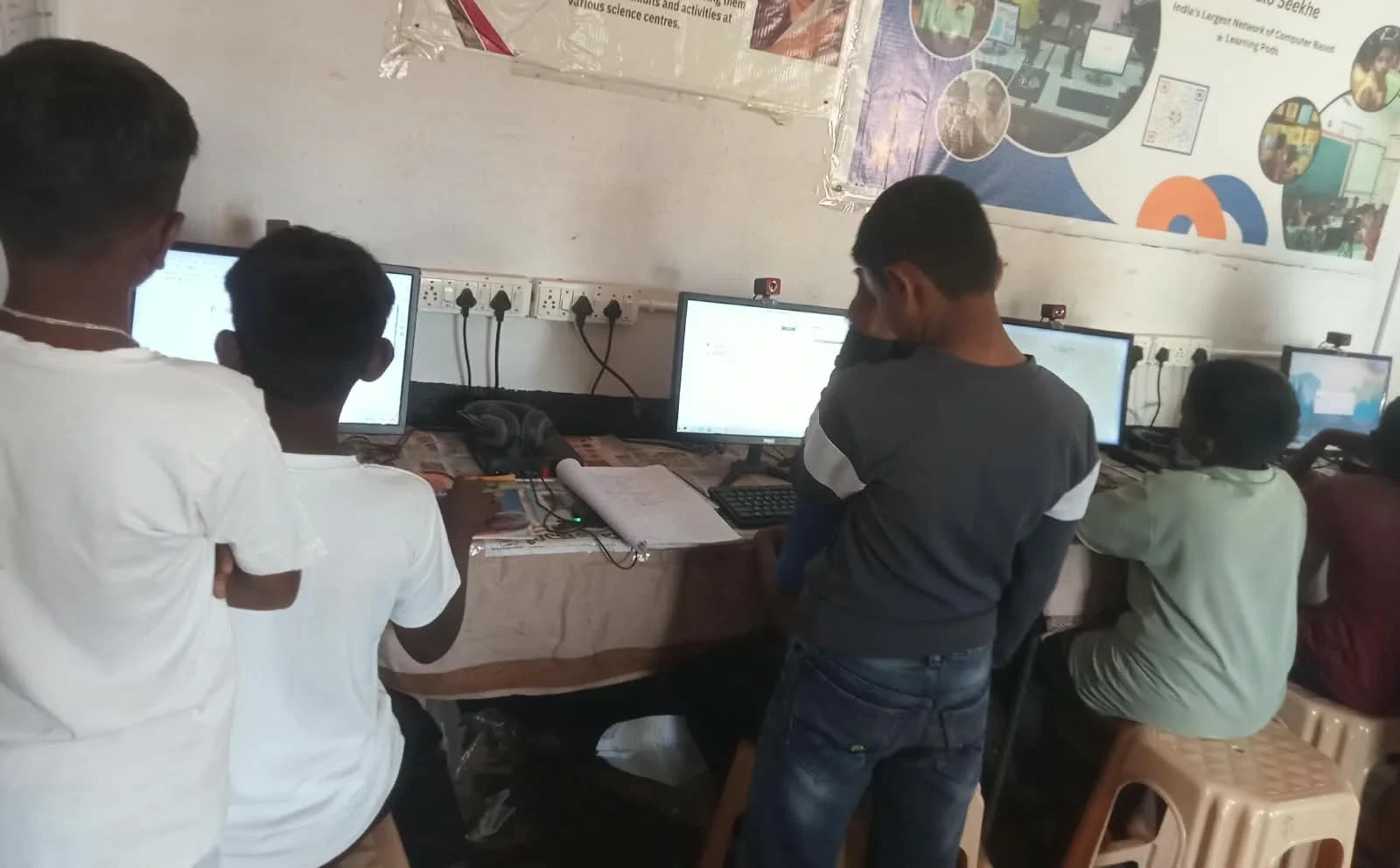
General software is built to work for everyone. A web browser, for example, lets you access any website, which is powerful but also risky for a child. Purpose-built software is narrower and deeper: it does one thing very well for one group of people. A reading app for Class 3 students will only show stories and exercises at that level, with no ads, no links to other sites, and no way to accidentally stumble into unsafe content.
General software also doesn’t track learning. A text editor doesn’t care how long your child spent on an essay or whether they understood the task. Purpose-built software tracks everything: time on task, answers given, topics mastered, and topics that need more practice. This data helps you and your child’s teacher see what’s working and what needs more support.
How can the Digital India initiative support student computers in your home?
India’s push to bring technology into education is making student computers more affordable and accessible. The Digital India initiative aims to ensure that every child has access to digital learning tools. When you choose a student computer with purpose-built software, you’re part of this larger effort to strengthen education across India.
Many schools now expect students to have access to digital tools for homework, research, and projects. A student computer with the right software helps your child keep up in class and take full advantage of what teachers are offering. It’s about having the right device with the right learning software.
Frequently Asked Questions
Is purpose-built software more expensive than general software?
Many purpose-built learning apps are free or low-cost. Apna PC comes with core learning software already installed, so you don’t pay extra. Some advanced apps do cost money, but they’re often more affordable than hiring a tutor and adapt to your child’s pace.
How do I know if software is truly purpose-built for learning?
Look for three things: Does it teach one clear skill? Does it give instant feedback? Can parents see progress? If all three are yes, it’s purpose-built. Avoid software that prioritises entertainment, ads, or social features.
Will purpose-built software help my child pass exams?
Purpose-built software supports exam preparation by building strong foundations in each subject. It helps your child practise, get feedback, and close learning gaps. However, software alone isn’t enough; your child also needs classroom learning and teacher guidance.
Can I monitor what my child does on purpose-built software?
Yes. Most purpose-built student software includes parent dashboards. Apna PC includes Apni Prerna, which lets you monitor your child’s learning and screen time in real time. This visibility helps you support your child’s studies and catch problems early.
Your child’s computer should be a tool for learning, not a source of distraction or risk. Choosing purpose-built software is one of the smartest steps you can take to support their education. Visit apnapc.com to learn more.