


Most Indian parents face a choice: buy a laptop or a desktop computer for their child’s studies. A desktop like Apna PC offers a fixed study station with better screen controls and durability, while a laptop provides mobility. For school-age children focused on learning, a desktop often serves the need better, but the answer depends on your child’s age, study habits and your home setup.
This article compares Apna PC desktops with laptops across cost, durability, health, performance and learning outcomes, so you can decide what your child actually needs.
How much does a desktop cost compared to a laptop?
A desktop computer costs significantly less than a comparable laptop. Apna PC costs Rs. 30,000 (excluding shipping and GST) and includes 8GB RAM, 128GB SSD storage and pre-loaded educational software. A laptop with similar specs typically costs more.
If your child needs a computer for schoolwork, online classes, homework, research and coding practice, a desktop delivers better value. You save money that can go toward internet upgrades, a good desk, or additional learning resources from platforms like DIKSHA.
Why does a fixed study station matter for your child’s health?
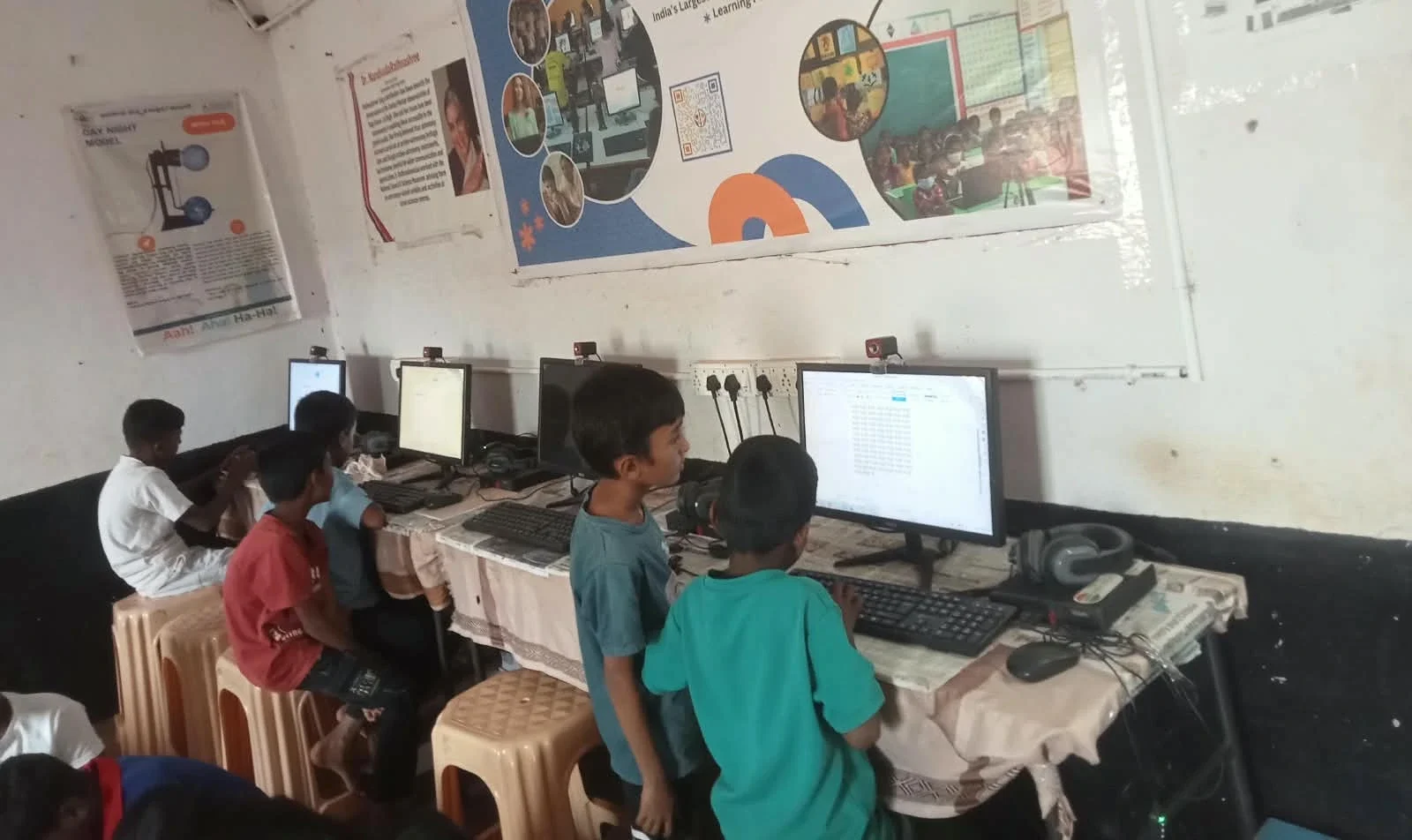
Laptops invite portability, which often means your child studies from bed, the sofa or while lying down. Poor posture and screen angle strain the eyes and neck, especially during long study sessions. A desktop with a separate monitor, keyboard and mouse encourages proper ergonomics: the screen at eye level, back supported, and feet on the floor.
A fixed study station also makes it easier to enforce screen breaks and monitor study time. Parents can see when the computer is in use and set boundaries more naturally. Apna PC includes Apni Prerna, a built-in monitoring tool that lets you track your child’s activity and set usage limits without intrusive surveillance.
Which device lasts longer: desktop or laptop?
Desktops are more durable than laptops. A laptop’s hinges, screen and keyboard wear out with daily opening and closing. Spills, drops and heat buildup from portable use cause costly damage. A desktop sits in one place, away from accidental knocks and travel wear.
Apna PC is built for long-term school use with standard components that are easy to repair or upgrade. If a part fails, you can replace it without replacing the whole machine. A laptop repair often means weeks without a computer or a large replacement cost.
How does performance differ for student study tasks?
Laptops often throttle; they slow down when hot because they cannot dissipate heat well in a compact design. Desktops have better cooling and stable performance during long study sessions. For tasks like video conferencing, document editing, coding practice and online exams, a desktop performs consistently.
Apna PC runs Linux (Zorin OS), which is lightweight, secure and free from bloatware. It comes pre-loaded with LibreOffice for documents and spreadsheets, Scratch for coding, and Apni Prerna for learning management. This software stack is purpose-built for student learning, not gaming or entertainment.
Do you really need portability for school studies?
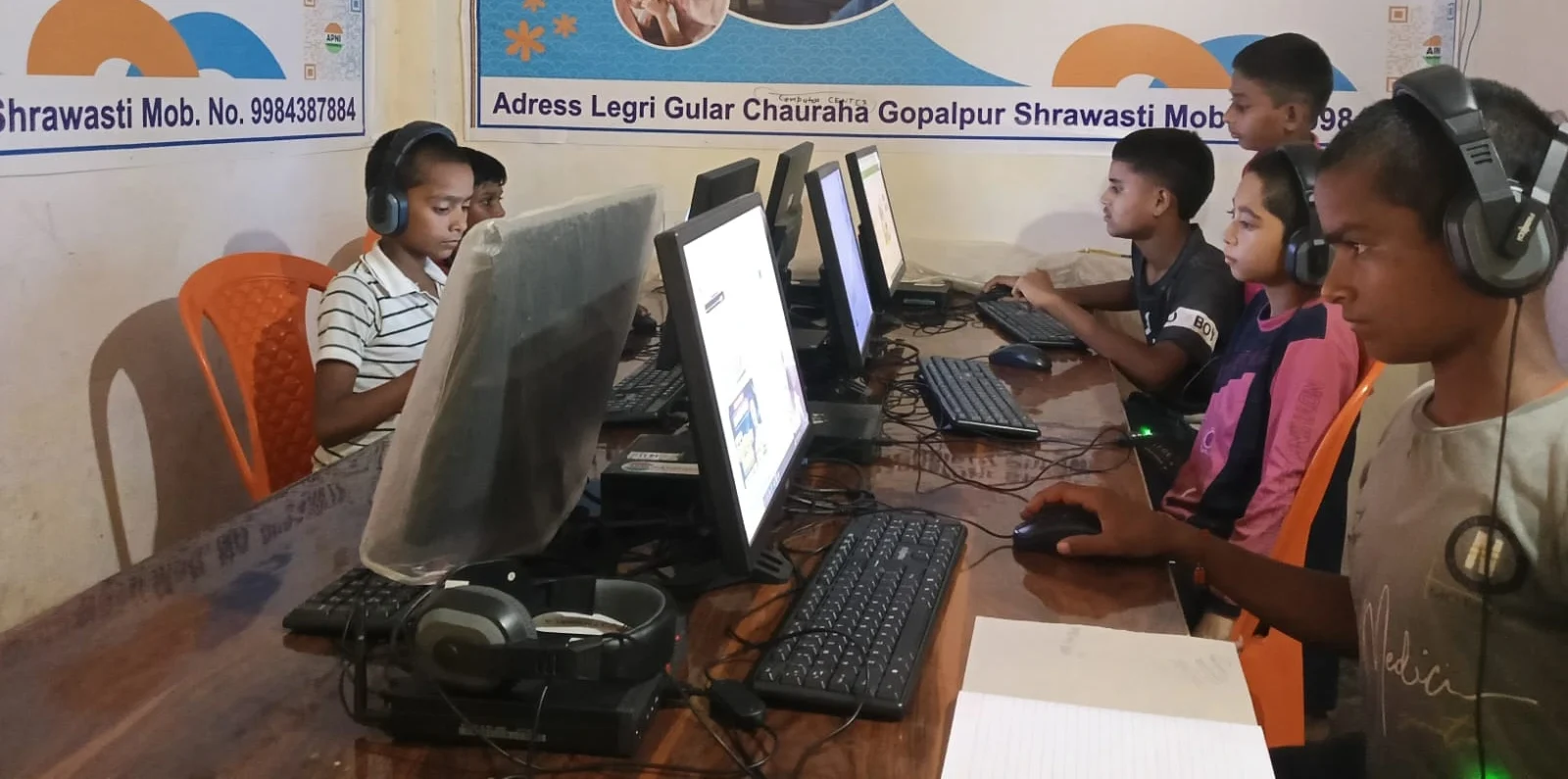
Parents often buy laptops assuming their child will study everywhere. In reality, most school-age children study at home, at a desk, during online classes or while doing homework. Portability sounds useful but creates distractions: studying from bed, in front of the TV, or while moving between rooms breaks focus.
If your child attends coaching classes or tutoring that requires a computer, a laptop makes sense. For most families, a desktop at home serves the primary need. You can always add a low-cost tablet later for reading or note-taking on the go.
When should you choose a desktop vs a laptop?
| Choose Desktop (Apna PC) | Choose Laptop |
|---|---|
| Child is in school (Class 1 to 12) | Child is in college |
| Studies mainly at home | Attends multiple coaching centres |
| Needs a dedicated study space | Travels frequently |
| You want to control screen time and posture | Needs to work on projects outside home |
| Budget is limited | Space at home is very limited |
| Want to avoid frequent repairs | Portability is essential |
Many families benefit from both: a desktop at home for focused study and a tablet or basic laptop for portability. But if you can only afford one device, a desktop is the smarter choice for school-age learning.
How do you set up a complete learning station at home?
A desktop works best when paired with a proper desk, chair and lighting. A complete learning station includes the computer, monitor, keyboard, mouse and ergonomic furniture. This setup signals to your child that this is a place for focused work, not play.
Add a good internet connection and access to Ministry of Education resources and CBSE study materials. Your child now has a home computer setup that supports student education and concentration.
Frequently Asked Questions
Can my child use a desktop for online classes?
Yes, a desktop works perfectly for online classes. With a separate monitor, keyboard and mouse, your child can see the screen clearly, use a webcam and microphone, and take notes comfortably. The fixed setup is actually better than a laptop for attending virtual classes regularly.
Is a desktop harder to set up than a laptop?
Apna PC is ready to use out of the box. You plug in the monitor, keyboard, mouse and power cable, then turn it on. A first-time user guide walks you through the setup in under 10 minutes. No technical knowledge is needed.
What if my child needs to work on group projects at school?
A desktop at home is fine for individual study and homework. For group projects that require mobility, your child can use a school computer lab, a friend’s laptop, or a shared device. Most schools provide computer access for collaborative work.
Does Apna PC work with all educational software?
Apna PC runs Zorin OS, a Linux system compatible with most educational platforms, including DIKSHA, YouTube, Google Meet and school learning management systems. It supports school and home education across CBSE and state boards.