


Apna PC is practical for first-time PC users because it comes pre-loaded with essential learning software, runs a beginner-friendly operating system, and is built specifically for study rather than gaming or professional work. If you’re buying a computer for the first time, you need something that doesn’t overwhelm you with unnecessary features or a steep learning curve. This guide explains why Apna PC, made by Apni Pathshala, works well for students and families new to computers.
What is Apna PC designed to do?
Apna PC is a learning computer built for Indian students and families using a PC for the first time. It runs Zorin OS (a Linux-based system), includes 8GB RAM and 128GB SSD storage, and costs Rs. 30,000 (shipping and GST excluded). The machine comes with Apni Prerna (to track study progress), LibreOffice (for documents and spreadsheets), and Scratch (to learn coding basics). Unlike general-purpose computers, Apna PC strips away gaming and entertainment features that distract from learning.
Why is Zorin OS good for first-time PC users?
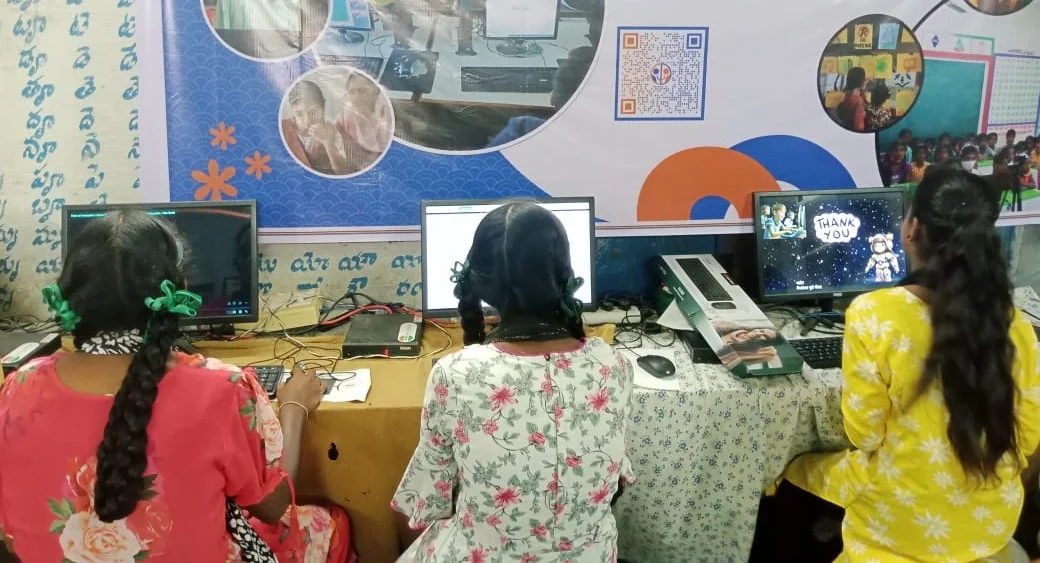
Zorin OS is a beginner-friendly Linux operating system that looks and feels similar to Windows, so you will not feel lost. It is stable, secure, and does not require constant updates or maintenance. For first-time users, this means fewer crashes, simpler troubleshooting, and a system that stays responsive. The desktop layout is intuitive: a taskbar at the bottom, a file manager, and a software store where you can download free applications.
What software comes ready to use?
Apna PC arrives with three core programs pre-installed so you can start learning immediately. LibreOffice lets you write essays, create spreadsheets, and make presentations without expensive subscriptions. Scratch is a visual coding platform where you learn programming by dragging blocks instead of typing complex code. Apni Prerna helps parents and students track study time and learning progress.
| Pre-Loaded Software | What It Does | Best For |
|---|---|---|
| LibreOffice | Word processing, spreadsheets, presentations | Essays, projects, homework |
| Scratch | Visual coding blocks | Learning programming basics |
| Apni Prerna | Track study time and progress | Parents monitoring learning |
How much storage and memory does it have?
Apna PC includes 8GB of RAM and 128GB of SSD storage. For a first-time user, this is enough to run multiple applications at once without lag and to store thousands of documents, photos, and school projects. The SSD is faster and more reliable than older hard drives, so your computer boots up quickly and files open instantly.
How do you set up and organise Apna PC?
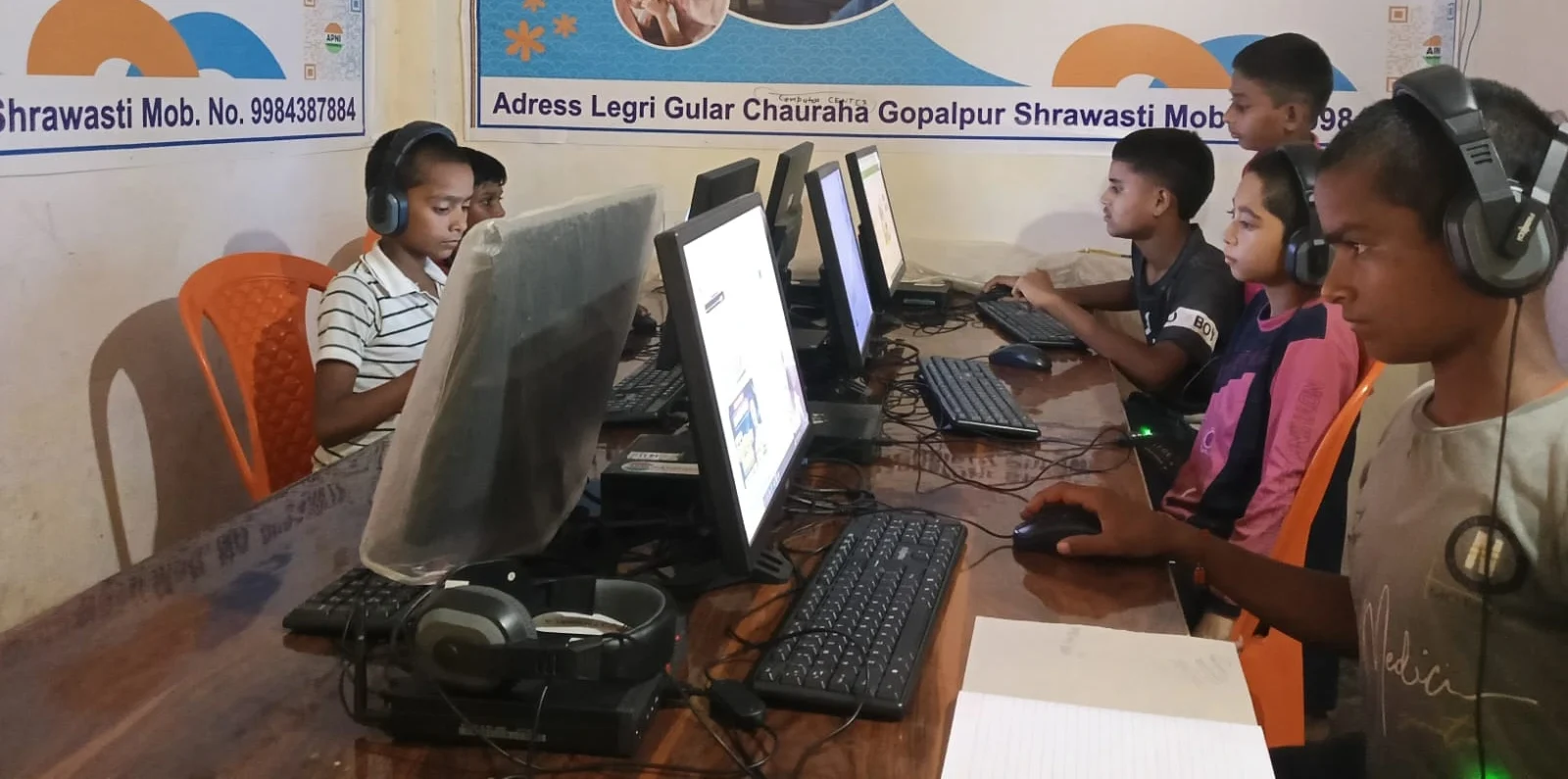
When your Apna PC arrives, setup is simple and well-guided. The unboxing experience for parents walks you through each step. Plug in the power, connect to Wi-Fi, and you are ready within minutes. The complete mini PC setup guide helps you arrange your desk and connect peripherals. The guide to organizing digital notes on your computer shows you how to create folders for each subject and back up important assignments. For first-time users, this onboarding makes a huge difference in confidence.
What is the student experience like on Apna PC?
The student experience guide walks you through common tasks step by step, from opening applications to saving your work. When you know where your files are and how to use each tool, you focus on learning instead of struggling with the computer. Apna PC aligns with India’s push toward digital literacy. The Ministry of Education’s digital learning policy emphasises access to computers and coding for all students. By pre-loading Scratch and LibreOffice, Apna PC supports the Skill India Digital Hub focus on digital and coding skills.
Frequently Asked Questions
Can I use Apna PC for homework and online exams?
Yes. Apna PC runs all common exam platforms, video conferencing apps, and document tools you need for school. LibreOffice handles essays and projects, and the stable system helps prevent crashes and lost work during important tasks.
Is Apna PC easy to repair or upgrade if something breaks?
Yes. Apna PC uses standard parts, so repairs and upgrades are straightforward and affordable. Apni Pathshala support and online guides are available. You are not locked into expensive proprietary service centres.
Will Apna PC become outdated quickly?
No. The hardware is solid, and Zorin OS receives regular free updates that keep the system secure and fast for years. Your Apna PC will remain practical for study well beyond your immediate school needs.
Can I add more software to Apna PC later?
Yes. Zorin OS has a built-in software store where you can download thousands of free or paid applications. You can add tools for graphic design, music, or any learning interest without breaking the budget.
Apna PC removes the guesswork and cost barriers that stop first-time PC users from learning confidently. Visit apnapc.com to learn more.