

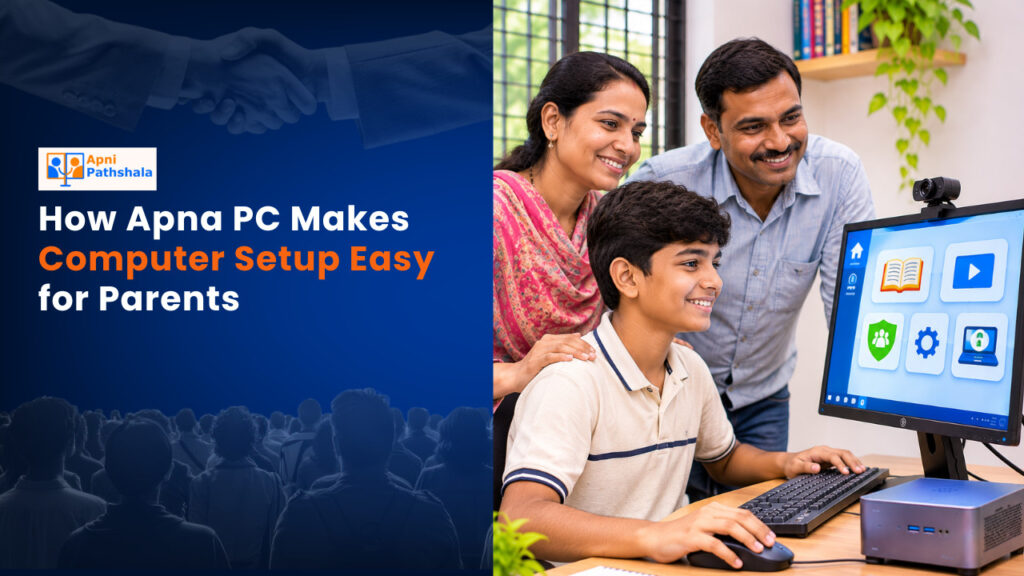
Easy PC setup for parents doesn’t have to mean hours of confusion or expensive technician visits. Apna PC, made by Apni Pathshala, arrives ready to use with everything your child needs for online learning already installed and configured. This article shows you how Apna PC removes the technical barriers and lets you focus on your child’s education.
What Makes Easy PC Setup for Parents Different?
Most computers arrive as blank machines. You unbox them, plug them in, and then face a maze of software choices, security settings, and driver installations. Apna PC takes a different approach. It comes pre-loaded with the software your child will actually use for schoolwork, so you skip the setup headache entirely.
The device runs Zorin OS, a Linux operating system designed to be simple and safe. You don’t need to understand operating systems to use it. Everything works the way you expect a computer to, without the complexity that makes many parents nervous about technology.
What Software Comes Pre-Loaded on Apna PC?
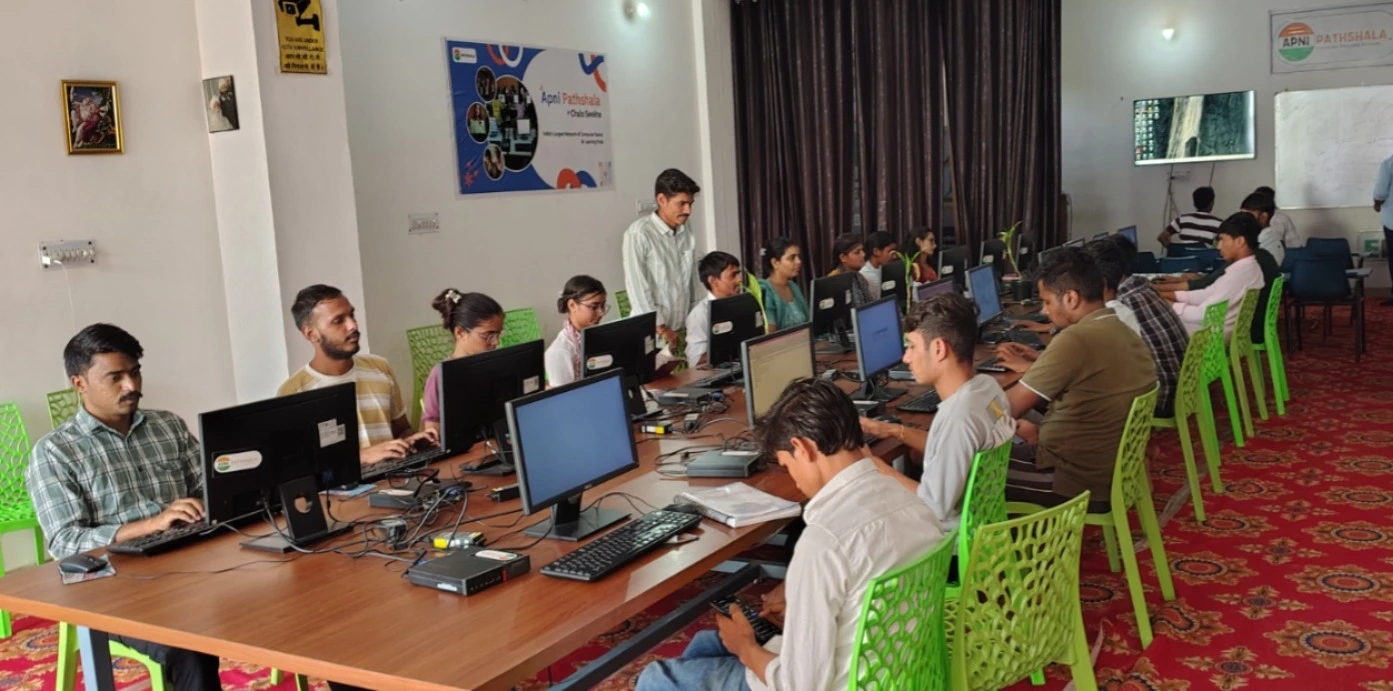
Apna PC includes three key applications your child will use immediately. First, Apni Prerna lets you and your child track learning progress and stay connected to schoolwork. Second, LibreOffice lets your child write essays, create presentations, and work with spreadsheets for school projects. Third, Scratch teaches coding basics through visual blocks, making programming fun and accessible.
All three are preinstalled and ready to open. Your child can start learning on day one without you having to wrestle with installations or updates.
How Does Apna PC Support Parents Without Tech Skills?
Parent tech support from Apna PC saves you time when questions arise. The device needs less troubleshooting than a typical computer because everything comes pre-configured. If your child has a problem, the Apna PC team can guide you through a solution over the phone or online.
The hardware itself is straightforward. With 8GB of RAM and 128GB of SSD storage, Apna PC runs smoothly for schoolwork without lag. You don’t need to understand what RAM or SSD means to benefit from it. The computer simply works fast enough for video classes, document editing, and research.
What Is the Unboxing and First-Day Experience?
When your Apna PC arrives, unboxing is simple. The box contains the computer, a power cable, and a keyboard. You plug in the power, press the button, and the computer starts. The Apna PC unboxing experience for parents is designed to feel welcoming, not overwhelming.
Your first step is connecting to your home WiFi. Apna PC guides you through this with clear on-screen instructions. Once connected, your child can open Apni Prerna and begin their learning experience. No registration codes, no hidden steps, no waiting for software downloads.
How Does Apna PC Compare to a Regular Store-Bought Computer?
| Feature | Apna PC | Typical Store Computer |
|---|---|---|
| Pre-loaded learning software | Yes (Apni Prerna, LibreOffice, Scratch) | No |
| Operating system | Zorin OS (Linux, simple and safe) | Windows or Mac (more complex) |
| Setup time | Minutes | Hours or days |
| Parent monitoring tools | Apni Prerna included | Must buy separately |
| Price (approx) | Rs. 30,000 (shipping and GST excluded) | Rs. 25,000 to 50,000+ |
| Built for study | Yes | General purpose |
Apna PC is designed specifically for student learning, not gaming or heavy software. This focus means it avoids unnecessary complexity and cost.
Can Apna PC Grow With Your Child’s Learning?
Yes. Apna PC computer setup for parents is built to support learning across school levels. Apni Prerna adjusts to your child’s grade and subject. LibreOffice handles everything from simple essays in Class 5 to research papers in Class 12. Scratch teaches coding concepts that become more advanced as your child learns.
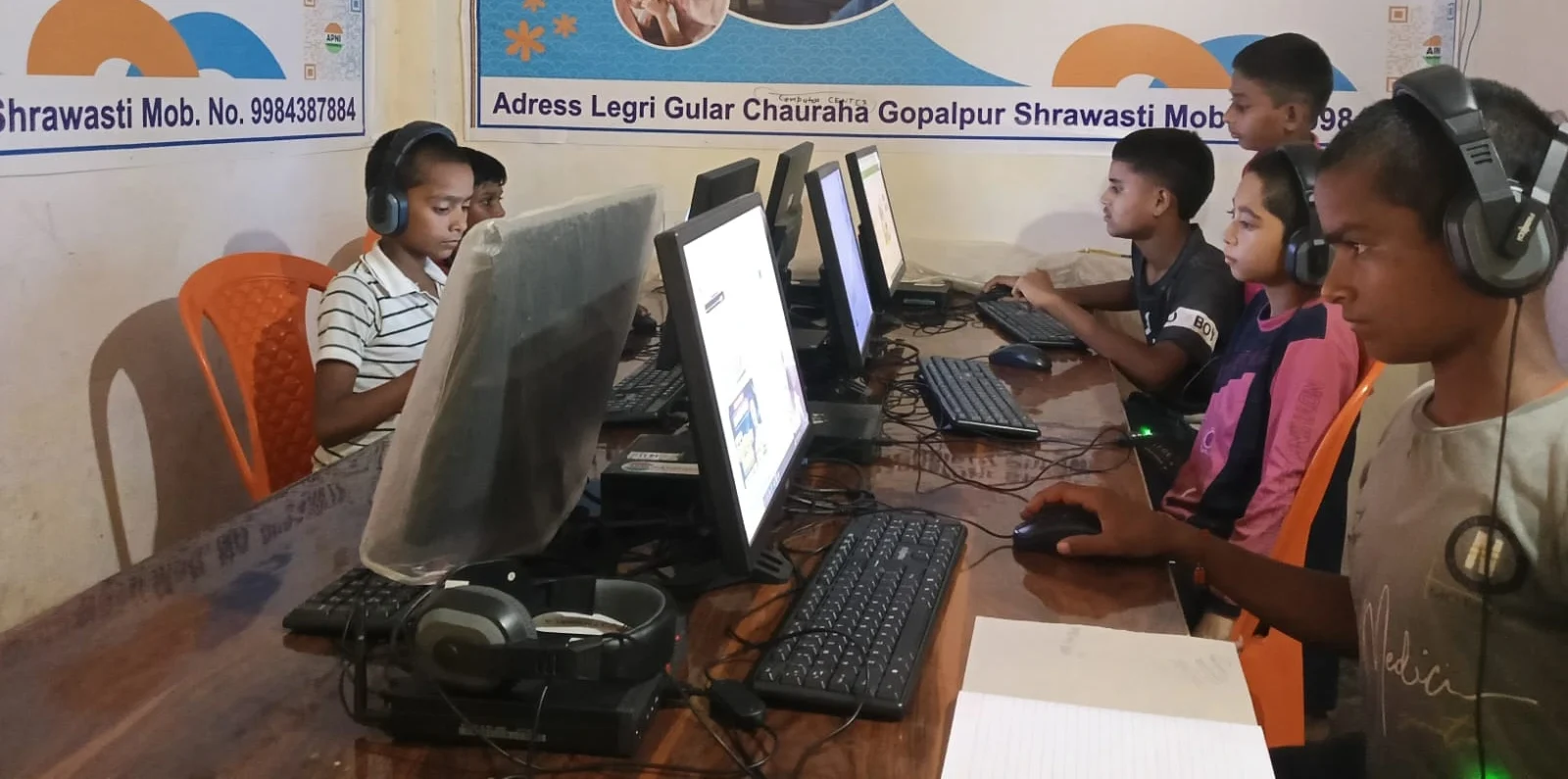
The 8GB RAM and 128GB storage are sufficient for years of schoolwork. You won’t need to upgrade to a new computer when your child moves to the next class. A student PC for parents should grow with your child, and Apna PC does exactly that.
How Does Apna PC Connect to Government Learning Resources?
Your child can access DIKSHA, India’s digital learning platform, directly from Apna PC. Many schools now use DIKSHA for assignments and lessons. Apna PC’s browser and internet connection let your child participate in all official learning programmes without extra setup.
You can also explore resources from the Ministry of Education website to find additional study materials for your child. Apna PC gives you access to all these resources in one simple device. Families new to computers benefit from Apna PC because everything connects directly to official learning platforms your child’s school already uses.
Frequently Asked Questions
Do I need to install any software after buying Apna PC?
No. Apna PC arrives with all essential learning software pre-installed and ready to use. Your child can start studying immediately after connecting to WiFi. Updates happen automatically in the background, so you don’t need to manage them.
Is Apna PC safe for children to use?
Yes. Apni Prerna includes parental controls so you can monitor what your child is doing and set time limits. Zorin OS includes security features that protect against viruses and malware. The system is designed for student learning, not for accessing risky content.
Can I use Apna PC for work or other tasks?
Yes. While Apna PC is optimised for student learning, it functions as a full computer. You can use LibreOffice to write documents, browse the internet, and access email. It’s not designed for gaming or heavy video editing, but it runs everyday work and learning tasks smoothly.
What happens if something breaks?
Apna PC comes with support from Apni Pathshala. If you have technical problems, you can contact the support team for help. The device is built to be reliable, and its straightforward design reduces common issues that frustrate parents new to computers.
Easy PC setup for parents is now within reach. Visit apnapc.com to learn more.