

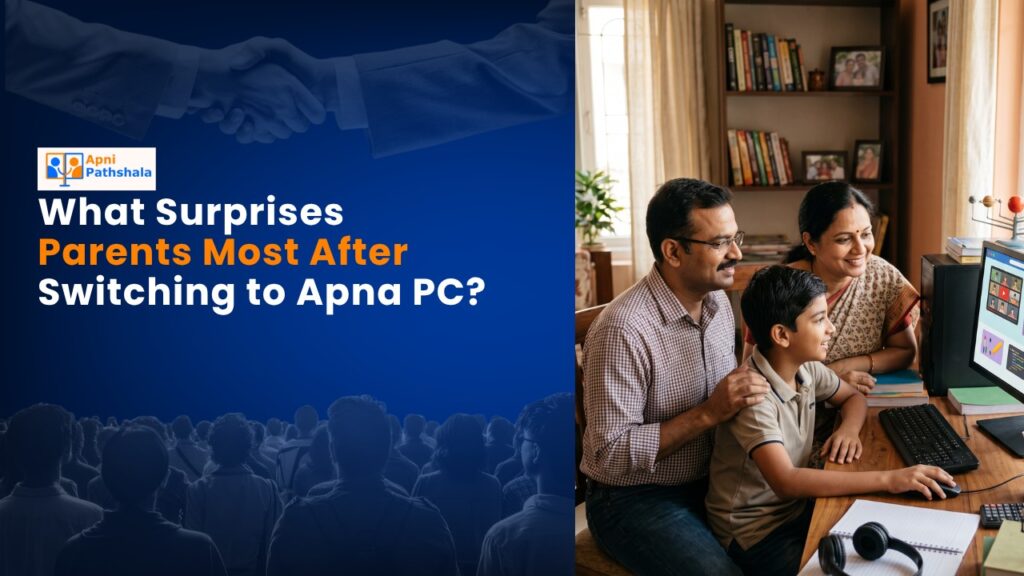
When Rajesh From Nagpur Got His Daughter That First Computer
Rajesh sat in his small flat in Nagpur, staring at the Apna PC box that had just arrived. His daughter Priya, a class 8 student, needed an affordable computer for students to attend online classes. He’d saved for months, worried about spending 30,000 rupees on something that might end up collecting dust. What surprised him most wasn’t the sleek design or the fast performance. It was how quickly Priya stopped asking for his old laptop, and how her grades actually improved within weeks.
You might think a budget student computer is just a cheaper version of expensive machines. But parents like Rajesh are discovering something different about Apna PC. This educational desktop PC isn’t stripped down or outdated. It’s built specifically for what your child actually needs right now.
Why This Affordable Computer for Students Changes the Speed Game?
Most parents expect budget computers to be slow. You imagine waiting 30 seconds for apps to open, files taking forever to upload for online classes, and your child getting frustrated. That’s not what happens with Apna PC’s 8GB RAM and 128GB SSD combination.
Priya’s mother noticed it first. Her daughter’s online class sessions on Zoom didn’t lag anymore. Google Meet calls stayed crystal clear. When she had to submit multiple assignments with videos and PDFs, the uploads finished in minutes, not hours. Parents in Tier 2 and Tier 3 cities tell us this is their biggest surprise: an affordable computer for students that actually keeps up with their child’s schoolwork.
The SSD means your child isn’t waiting around. Projects load instantly. Research doesn’t turn into a frustration session. You’ll notice your child spending more time learning and less time staring at loading screens.
What You Don’t See Is What Matters Most
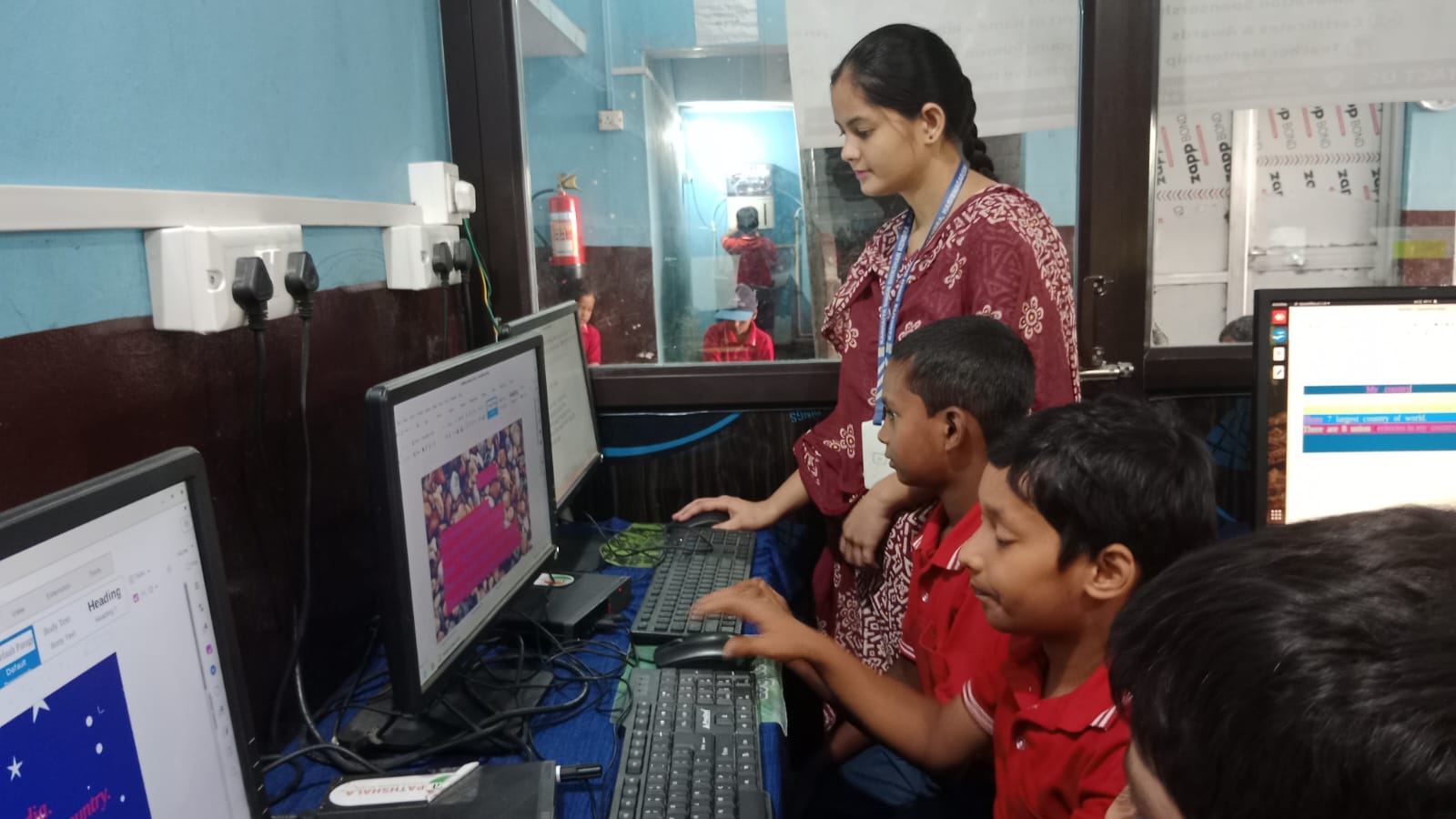
Here’s what surprised Rajesh the most: he could actually see what Priya was doing on the computer. Apna PC comes with Apni Prerna, a student monitoring system built right in. This isn’t about spying on your child. It’s about staying informed and staying updated on your child’s learning without constant arguments about screen time.
You can check which educational apps your child is using. You can see study sessions and understand their learning patterns. Parents tell us this transparency actually reduces tension at home because there’s no mystery about what’s happening on the computer.
Rajesh realised he wasn’t just buying hardware. He was getting a tool designed by educators who understand what Indian families actually need.
The Software That Comes Ready to Learn
When you buy most budget computers, you spend your first week installing software, hunting for free versions, and dealing with compatibility issues. Apna PC arrives ready. Zorin OS runs smoothly and securely. LibreOffice handles all your document, spreadsheet, and presentation needs without paying extra fees. Scratch is pre-loaded for students interested in coding basics.
This matters because you’re not paying hidden costs. You’re not scrambling to find legitimate software. Everything your child needs for class is already there. Parents from Indore to Visakhapatnam report the same thing: they open the box, plug it in, and their child is ready to study within 30 minutes.
Compare this to computer vs smartphone for studying, and you’ll see why a proper computer for online classes makes such a difference for serious learning.
Affordable Computer for Students: The Compatibility That Actually Works
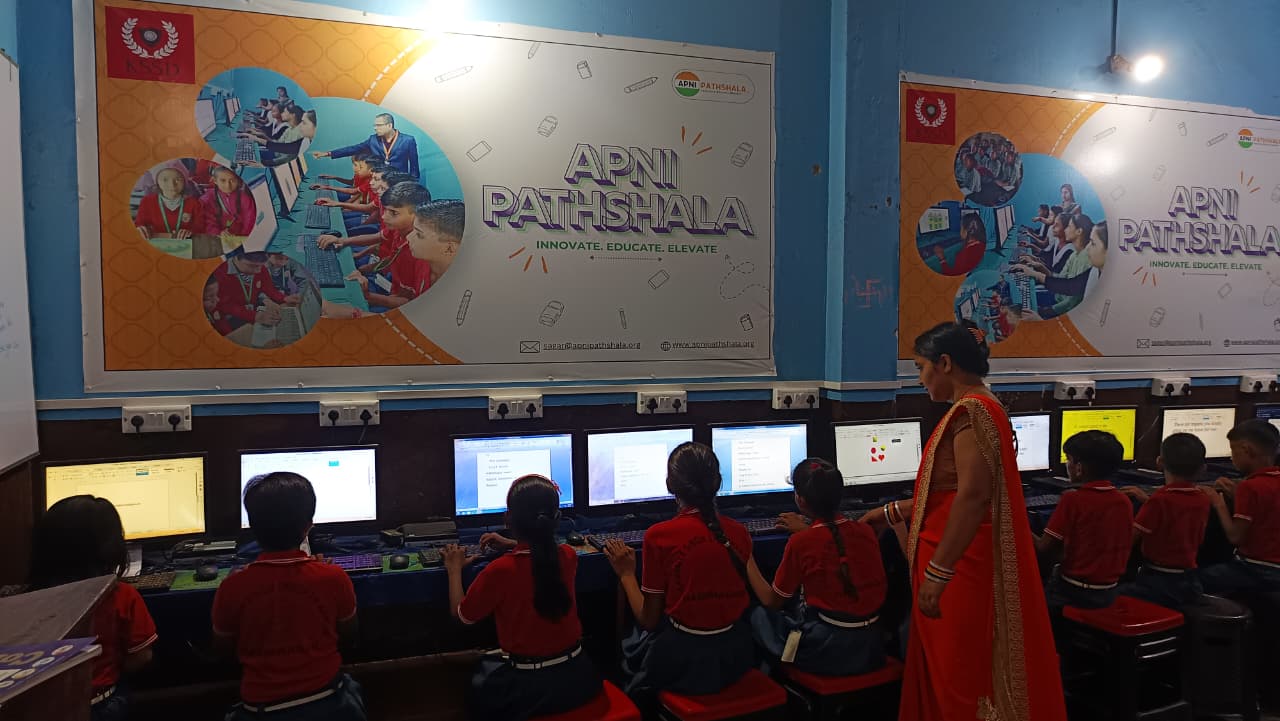
Your child’s school uses specific platforms. Maybe it’s DIKSHA digital learning platform for some classes. Maybe the teachers use Google Classroom or Microsoft Teams. Maybe your state board follows Central Board of Secondary Education guidelines with particular software requirements.
Apna PC works with all of it. No strange error messages. No “this isn’t compatible with your system” frustrations. Parents appreciate that they don’t need to become tech support experts just to help their child study.
The Real Surprise: Your Child Actually Wants to Study
This is what Rajesh didn’t expect. When Priya had a proper, responsive computer designed for learning, she didn’t need constant nagging. She’d sit down to do her assignments and actually finish them. Her focus improved. Her grades went up. The computer became a study tool, not a distraction machine.
You’ll find the same thing happens when your child has the right equipment. An affordable computer for students that’s actually built for education changes how they approach learning. It’s not magic. It’s just what happens when the tool matches the job.
The Peace of Mind That Costs Nothing Extra
Rajesh spent 30,000 rupees (excluding shipping and GST). He got a machine that would last years, not months. He got software that wouldn’t need constant updates or replacements. He got a system where he could actually monitor what his child was doing without feeling like he was being invasive.
That’s the final surprise for most parents. A budget student computer doesn’t have to mean spending 60,000 or 80,000 rupees. Smart design and focus on what actually matters mean your child gets everything they need at a price that makes sense for families in Tier 2 and Tier 3 cities.
If you’re considering your child’s first computer, stop imagining what might go wrong. Start imagining what could go right when they have the right tool for learning. Visit apnapc.com to learn more.