

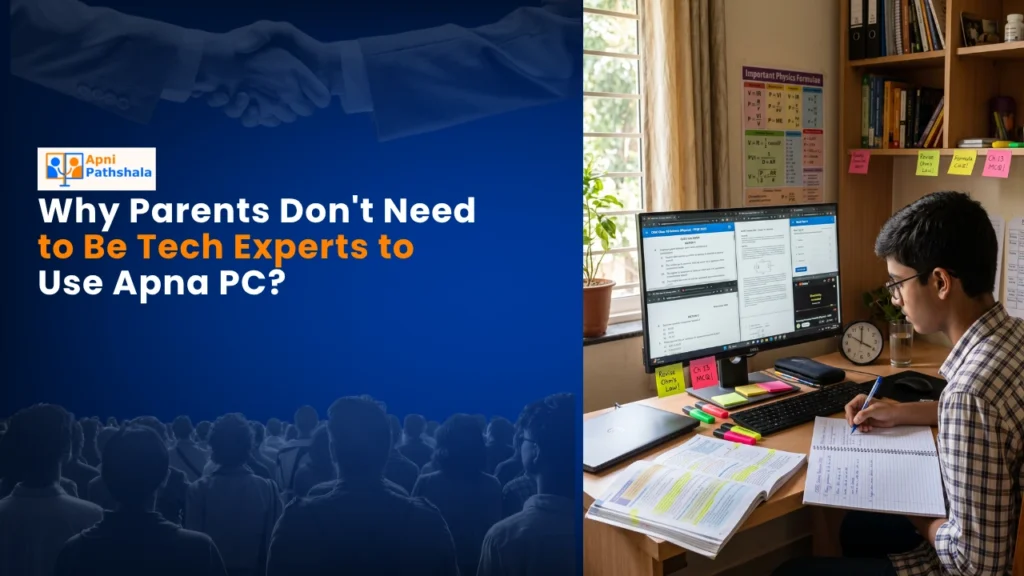
Meet the Sharma Family: A Real Story
When Meera Sharma from Indore first saw the computer her son Arjun needed for school, she froze. She’d never used one. Her hands trembled over the mouse. “What if I break it?” she whispered. Like thousands of parents in Tier 2 and Tier 3 cities, Meera felt left behind by technology. She wanted to help but didn’t have the skills. This is where AI for students changes everything for families like yours.
You don’t need to be a tech expert to help your child learn with the right computer. Apna PC is specifically designed for Indian families who are new to technology. With AI for students built right into the system, your child gets smart learning support while you stay in control. The beauty of this easy-to-use computer is that it works for everyone, whether you’re a parent who’s never touched a keyboard or a student discovering coding for the first time.
Why This Easy-to-Use Computer Is Different
Apna PC comes pre-loaded with everything your family needs. You don’t have to download confusing software or figure out complicated setups. When you unbox it, the system is ready to go. Zorin OS runs smoothly without the technical headaches of other operating systems. Your child can start learning immediately.
The Apni Prerna student monitoring system is built in. This means you can see what your child is doing on the computer without being intrusive. You get peace of mind. Your child gets independence. It’s that simple.
Built for Your Child’s Learning Journey with AI for Students
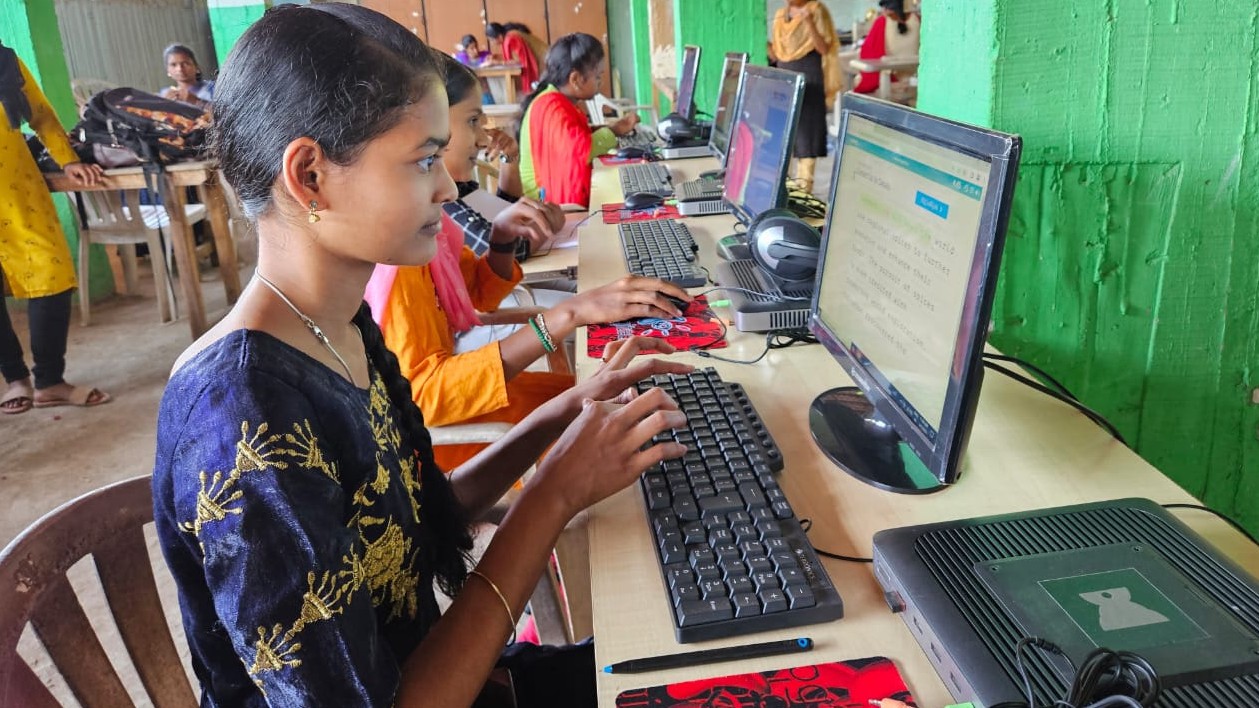
Your student’s learning needs are different from what adults use computers for. Apna PC understands this. AI for students means the system adapts to how your child learns best. LibreOffice comes pre-installed for writing essays and creating presentations. Scratch is ready for coding basics. These aren’t random programs. They’re chosen specifically to match what your child learns in school.
The 8GB RAM and 128GB SSD mean the computer runs fast. Your child won’t sit frustrated waiting for programs to load. No lag. No crashes during important online classes. Just smooth, reliable performance that keeps up with active learning.
- Zorin OS: Simple, clean interface that feels natural to new users
- Apni Prerna: Helps you monitor screen time without being controlling
- LibreOffice: Create documents, spreadsheets, and presentations like Microsoft Office
- Scratch: Learn coding through fun, visual programming blocks
At just Rs.30,000 (shipping and GST excluded), you’re getting a complete learning solution. You’re not paying for gaming features or unnecessary software. Every rupee goes toward your child’s education.
You Stay in Control with Smart Features
One of the biggest worries parents have is screen time. Your child might get distracted. They might spend hours on things that aren’t educational. Apna PC solves this with automatic screen time controls. You set the limits. The computer enforces them. No arguments. No negotiations.
Think of it like this. You wouldn’t let your child stay up all night reading, even though reading is good. You’d set a bedtime. Apna PC’s screen time feature is your digital bedtime. It protects your child’s health and study schedule.
The warranty and support for parents means you’re never alone when you need help. Something doesn’t work? You have support. Your child has a question about Scratch? We’re here. This isn’t just a computer. It’s a learning partner for your entire family.
Why a Beginner Computer Guide Matters for Parents
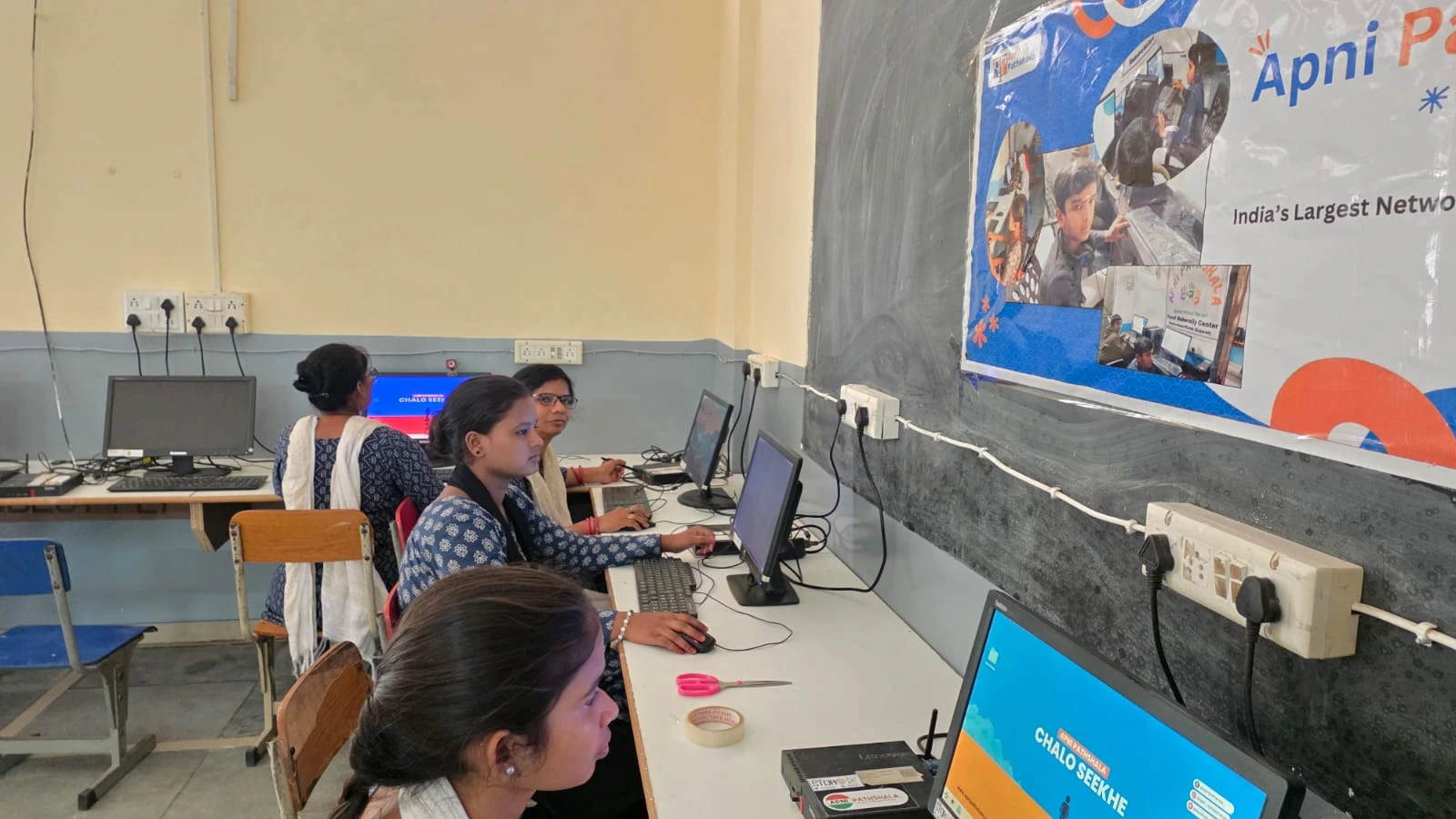
You might think you need to understand computers to help your child. You don’t. A beginner computer guide isn’t just about buttons and menus. It’s about confidence. When you know where to find things and what each program does, you can actually have conversations with your child about their work.
Imagine Arjun showing you a Scratch project he created. If you understand what Scratch is, you can praise him specifically. “I see you used loops to make the character move. That’s smart coding.” Those moments matter. They show your child you’re interested in their learning, not just checking boxes.
Apna PC makes this possible for every parent, regardless of your technical background. The system is intuitive. The pre-loaded programs are straightforward. Your child can teach you as they learn. That’s real family computer time.
What Makes This a Family Computer
This isn’t a computer just for your child. It’s for your family. You can check email. You can video call relatives. You can look up recipes or read news. The system supports everyone. When your child is in school, you might use it for your own tasks. When they come home, it’s their learning hub.
Unlike smartphones or tablets, a proper computer teaches your child real skills. They learn how to use a keyboard and mouse. They understand file management. They practice concentration on a larger screen. These are skills they’ll use in college and careers.
According to student learning needs, young people benefit from structured digital environments. Apna PC provides exactly that. It’s not open-ended like the internet. It’s focused. It’s safe. It’s educational.
Supporting India’s Education Goals with AI for Students
The Ministry of Education has pushed for digital literacy across India. Many schools now expect students to have basic computer skills. By investing in Apna PC with AI for students, you’re not just helping your child today. You’re preparing them for tomorrow’s world.
Rural and semi-urban areas of India are catching up fast. Your child in a Tier 2 or Tier 3 city shouldn’t be behind peers in metros. Apna PC levels that playing field. It brings quality education technology to your home, whether you’re in Indore, Jaipur, or Nagpur.
Meera Sharma doesn’t need to be afraid anymore. Neither do you. Technology should serve your family, not intimidate it. Apna PC is built on that belief.
Your child deserves access to modern learning tools. You deserve to feel confident supporting that learning. Visit apnapc.com to learn more.