

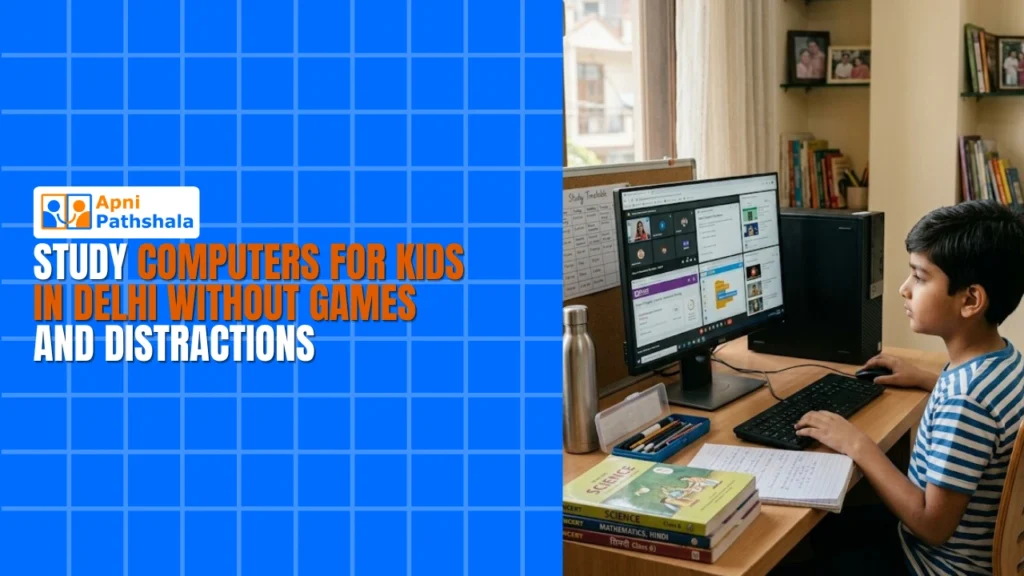
A study computer without games removes the most common distraction from your child’s daily study time. At Rs.30,000 (shipping and GST excluded), Apna PC is configured without gaming software, entertainment apps, or social media clients, so students sit down and study rather than switching between tasks.
Why a Games-Free Computer Helps Students Focus
When a computer has games installed, the temptation to play during homework time competes with the intention to study. Removing games at the hardware and software level eliminates that choice entirely. Students who use a dedicated study computer show more consistent homework completion because there is no competing activity to switch to between tasks.
What a Study Computer Should Have Instead of Games
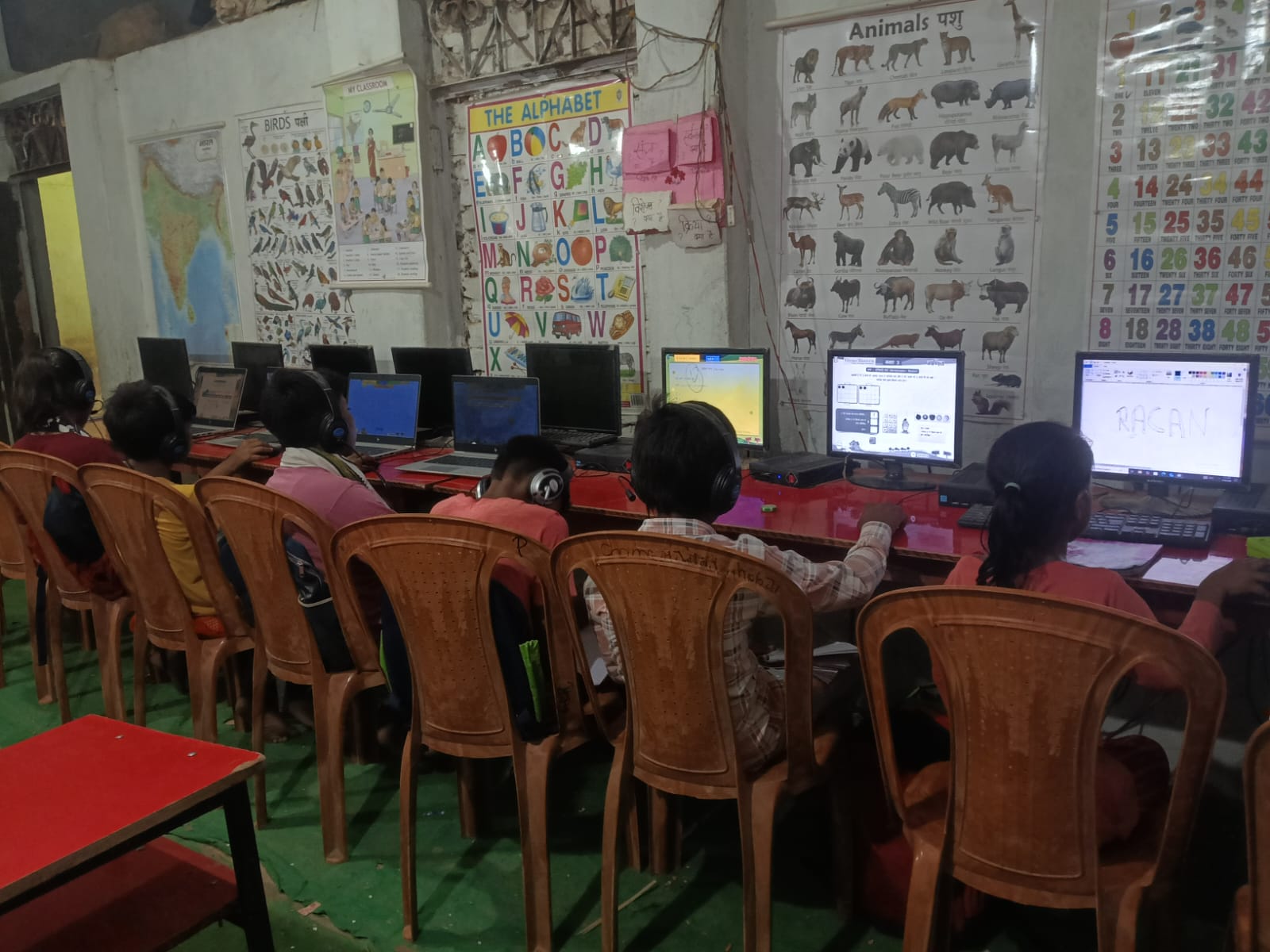
A study computer for school students needs document editing software, a PDF reader, a web browser configured with safe search, and access to your child’s school learning platform. These tools cover all homework, projects, and online class needs. India’s DIKSHA platform and the Ministry of Education’s resources are both accessible on any modern computer without gaming requirements.
- Document editor for assignments and notes
- PDF reader for textbooks and downloaded materials
- Video conferencing app for online classes
- Browser with safe search and study bookmarks
- School portal and learning management system
How to Keep a Student Computer Games-Free Over Time
Set up a standard (non-administrator) user account for your child. This prevents them from installing software, including games, without your password. Review the installed programs list monthly. Use parental controls to block gaming websites and app stores. How Apna PC creates a distraction-free learning environment explains the full setup approach.
The Difference Between a Study Computer and a Gaming Computer
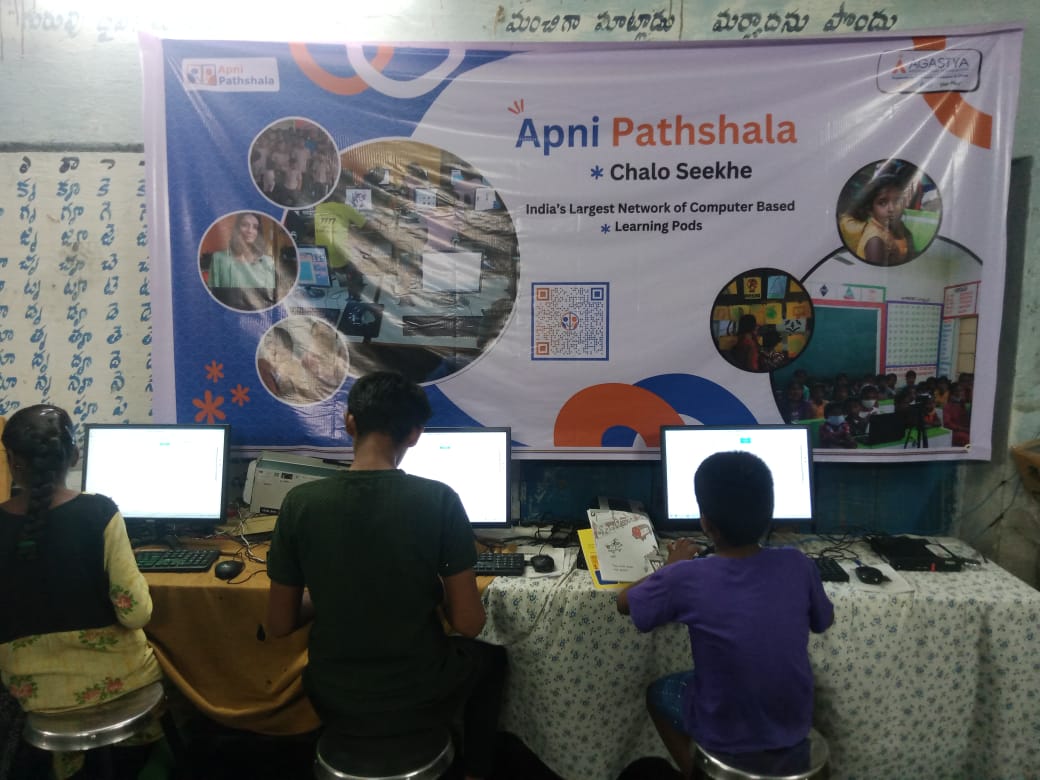
Gaming computers are expensive because they need high-end graphics cards and processors to run modern games smoothly. A study computer needs reliable performance for video calls, documents, and educational platforms, none of which require gaming-level hardware. At Rs.30,000, Apna PC is priced for education, not entertainment. The best computer for school students at home explains what specs matter for school use specifically.
What Parents Should Check When Buying a Study Computer
Before buying, confirm the computer comes without gaming software pre-installed. Ask what operating system is included and whether the seller removes entertainment apps. Verify that the machine supports your child’s school platform. Most schools in India use standard web-based tools that work on any modern operating system. How a personal computer helps students learn beyond the school curriculum shows the full range of educational benefits a games-free setup enables.
Frequently Asked Questions
Can a student computer have any games at all?
Educational games designed for school subjects, such as vocabulary builders, mathematics practice, or typing trainers, can be appropriate if they directly support your child’s curriculum. Entertainment games, multiplayer online games, and mobile-style arcade games are the category that disrupts study focus. The key distinction is whether the software serves school goals or competes with them.
What if my child needs the computer for creative projects that feel like games?
Coding tools, design applications, and project-based learning software that look interactive are genuinely educational even when they feel fun. These are very different from entertainment games. If your child is using a computer for coding practice, digital art for school projects, or interactive science simulations, those activities support learning. The concern is entertainment games that have no connection to schoolwork.
How does Apna PC stay games-free over time?
Apna PC at Rs.30,000 comes without games pre-installed and with a clean operating system. By setting up a standard user account for your child, you ensure no new games can be installed without your administrator password. The parental control settings guide in the user manual walks through blocking gaming websites and app store access, keeping the machine study-focused throughout the school year.
A games-free study computer gives your child a tool that only works for school. Visit apnapc.com to learn more about Apna PC, designed specifically for Indian school students.