

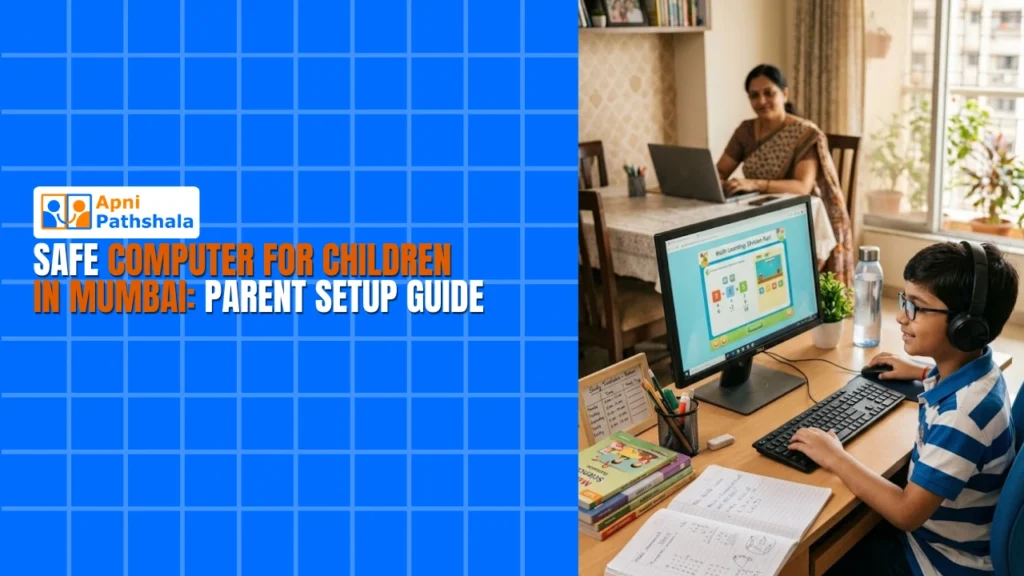
Mumbai parents juggle work, school pickups, and endless tuition classes. Finding time to ensure your child has a safe computer for studies feels like one more task on an impossible list. But here’s the truth: a safe computer Mumbai setup takes just one afternoon and protects your child from online risks while keeping them focused on learning. This guide walks you through every step, from the moment your new study computer arrives at your apartment door.
Why a Safe Computer Mumbai Matters for Your Child’s Future?
Your child spends hours online for school projects, competitive exam prep, and research. Without proper setup, they’re exposed to distracting websites, inappropriate content, and cyberbullying. A safe computer Mumbai isn’t about restriction. It’s about creating a learning environment where your busy family can trust the device completely.
According to UNESCO global education research, students with monitored, distraction-free devices show significantly better focus on academic tasks. For Mumbai students preparing for JEE, NEET, or board exams, that focus difference can shape their entire career path.
Step 1: Choose the Right Study Computer Mumbai
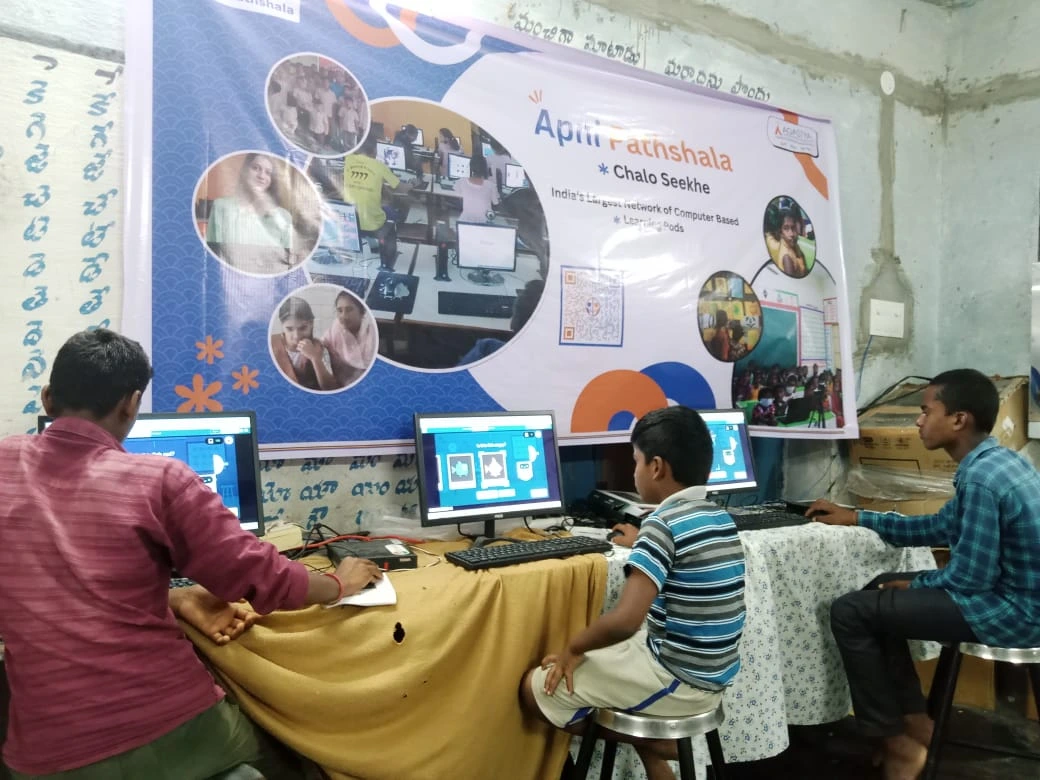
Start with hardware designed for students. Apna PC offers affordable educational computers at Rs.21,000. They’re built specifically for Indian students with no bloatware, no gaming distractions, and pre-optimized for study apps. What Is Apna PC and How Does It Help Indian Students explains how this approach differs from generic laptops that encourage endless scrolling.
A kids computer Mumbai should have a solid processor for video classes, enough storage for school projects, and a reliable keyboard for typing notes. Apna PC checks all these boxes without the premium price tag that strains Mumbai family budgets.
Step 2: Set Up Parental Control Mumbai on Day One
When your study computer Mumbai arrives, don’t let your child touch it yet. Here’s your setup sequence:
Create a parent admin account first. Use a strong password you alone know. This account controls all settings and cannot be bypassed by children. Windows and most operating systems have built-in parental controls. Use them before creating your child’s user account.
Enable screen time limits. Set daily usage caps like 90 minutes on school nights and 2 hours on weekends. Parental control Mumbai tools like Windows Family Safety let you schedule study hours and block access after bedtime. Your child cannot change these settings from their own account.
Install content filters. Use SafeSearch on Google, YouTube Restricted Mode, and consider apps like Net Nanny or Qustodio for deeper filtering. These block adult content, gambling sites, and social media time-wasters automatically without constant manual monitoring.
Step 3: Configure App and Website Rules
Your kids computer Mumbai should have approved apps only. Pre-install study software like Khan Academy, BYJU’s, Microsoft Office, and your school’s learning management system. Block access to gaming stores, streaming platforms, and messaging apps unless specifically needed for schoolwork.
Use your router’s parental controls too. This adds a second layer of protection. Even if your child tries to bypass computer settings, the WiFi itself blocks inappropriate sites. Most Mumbai internet providers like Airtel, Jio, and ACT offer router-level parental controls in their mobile apps.
Step 4: Monitor Without Hovering
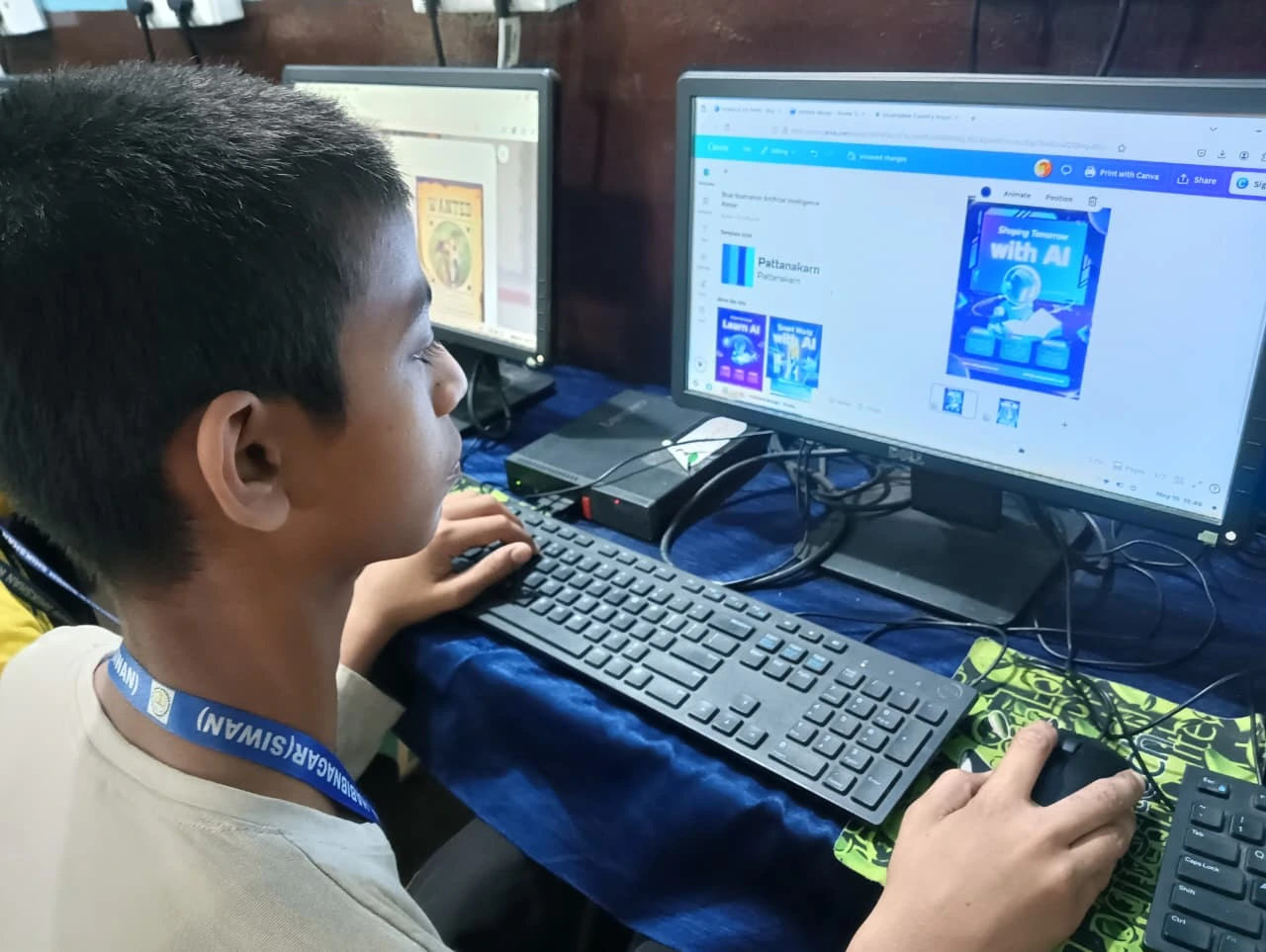
Good parental control Mumbai isn’t about spying. It’s about staying informed and building trust. Enable activity reports that show websites visited, apps used, and total screen time. Review these weekly, not daily. This teaches responsibility while respecting your child’s growing independence.
Set clear expectations from day one. Tell your child: “This computer is for studies and approved activities. I trust you, and I’ll check reports to make sure everything’s working well for your learning.”
Step 5: Teach Digital Citizenship
A safe computer Mumbai is only as safe as the child using it. Have an honest conversation about online safety. Never share passwords with friends. Don’t click suspicious links or download unknown files. Report cyberbullying or uncomfortable interactions immediately. Make it a conversation, not a lecture.
The Digital India initiative emphasizes that digital literacy includes safety awareness. Your role as a Mumbai parent is teaching these life skills alongside the technical setup.
Why This Setup Guide Matters Now
With competitive exams, online classes, and project deadlines, Mumbai students absolutely need computers. But The Hidden Cost of Not Having a Computer isn’t just about missed opportunities. It’s also about the risks of giving children unguarded devices without proper safety configuration.
Your apartment may be small, your schedule packed, and your budget tight. But a safe computer Mumbai setup takes just one afternoon and gives you peace of mind for years. Start today. Visit apnapc.com to learn more about affordable, student-focused computers that Mumbai parents trust for their children’s education.