


When Priya Discovered She Could Teach Others Through Video
Priya sat in her room in Indore, staring at her phone screen. She’d just scored 92 per cent in her biology exam, and her younger brother kept asking how she understood photosynthesis so easily. Her mother suggested she explain it to him on a video call. That simple moment sparked an idea: what if she made educational videos for students like her brother? What if she could help other kids in her city understand science the way she did? Within a week, Priya had created her first educational video using just her phone, and her brother watched it three times. Her parents were amazed. Today, she’s created twelve videos, and kids from her school are asking to watch them.
Priya’s story isn’t unique anymore. Students across India are discovering that they dont need expensive equipment or professional studios to create educational videos for students. You can start today, right from your home, with tools that are simpler than you think.
Why Your Child Should Learn Video Creation
Video creation isn’t just a fun hobby. When your child makes educational videos, they’re learning to explain ideas clearly, organise their thoughts, and communicate with confidence. Colleges and employers value these skills highly. Your child also learns patience, because making even a five-minute video teaches you that quality takes time.
Educational videos for students help the creator learn just as much as the viewer. When your son or daughter has to explain a concept on camera, they spot gaps in their own understanding. They research deeper. They practice speaking clearly. They’re not just consuming content anymore; they’re creating it.
Start With What You Already Have
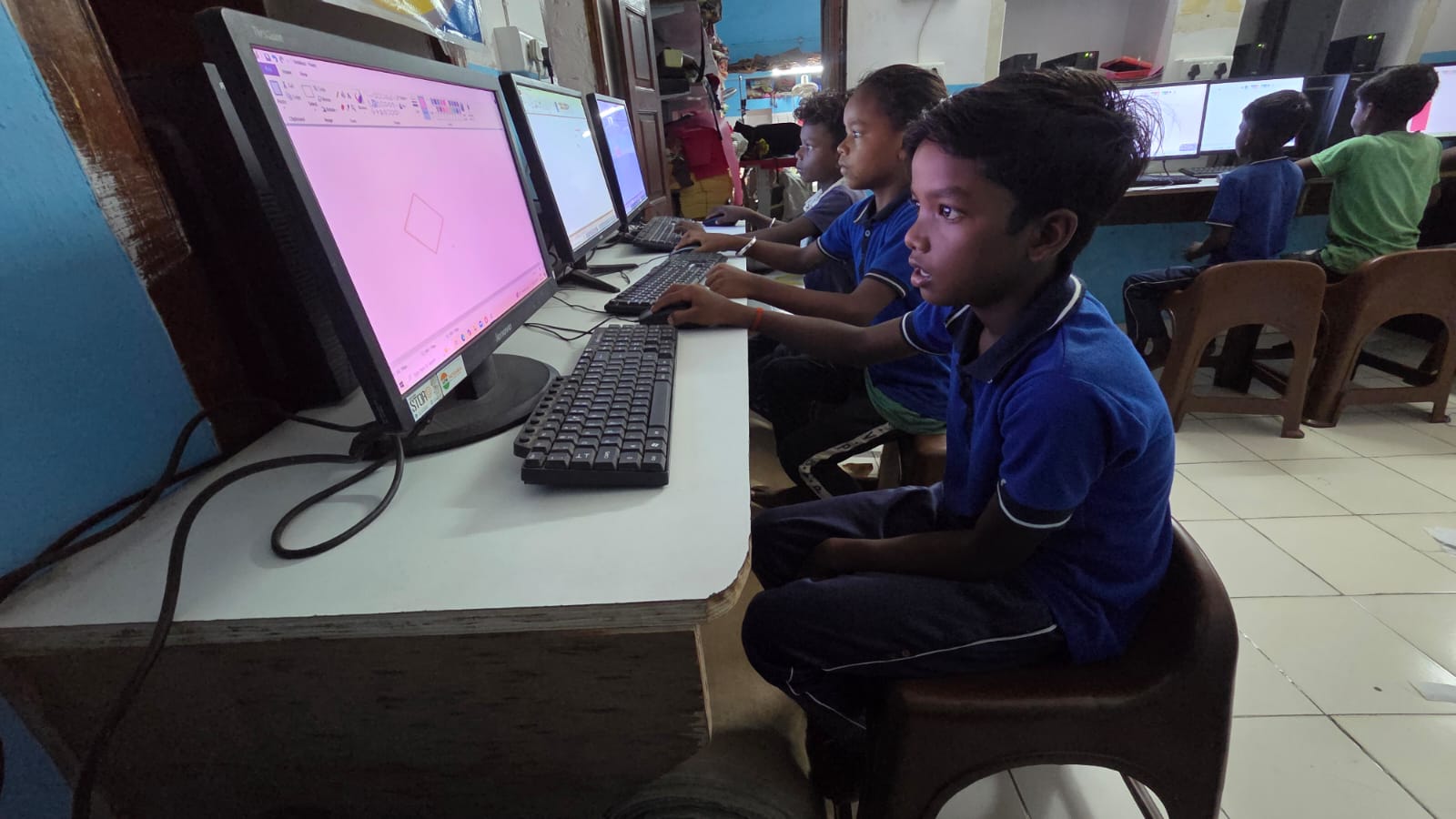
You dont need to buy expensive cameras or editing software. Your child’s smartphone has everything needed to start. Modern phones have excellent camera quality, and their built-in editing apps are powerful enough for beginners.
- Phone camera: Clear, bright, and ready to use
- Microphone: Most phones have decent mics; a Rs.500 earphone with a mic works even better
- Lighting: Natural window light is free and looks professional
- Editing apps: CapCut, iMovie, or Kinemaster are free or very affordable
Start simple. Your child doesn’t need perfect production quality. Authenticity and clear explanation matter more. A student watching an educational video wants to understand the topic, not watch a Bollywood production.
The Step-by-Step Process for Making Educational Videos
Help your child follow this process. First, they choose a topic they know well. Second, they write a simple script or outline (just bullet points work fine). Third, they record in a quiet room with good light. Fourth, they edit using a free app. Finally, they share with classmates or upload to YouTube.
The first video will take longer. Your child might feel nervous recording themselves. Thats normal. By the third video, they’ll be comfortable and faster. The process becomes natural.
One important tip: tell your child to speak slowly and explain one idea at a time. Educational videos for students work best when they’re focused and simple. A seven-minute video about one concept beats a thirty-minute video covering five topics.
Where to Share Educational Videos for Students
Your child can share their videos on YouTube, Instagram Reels, or even WhatsApp groups with classmates. Many schools now have their own digital platforms. Check if your child’s school uses DIKSHA or another learning management system where videos can be uploaded.
Platforms like the DIKSHA digital platform are helping students across India access quality educational content. Your child’s videos could contribute to this ecosystem. The Digital India initiative encourages students to create and share digital content. Your child could be part of this movement.
Sharing videos also builds confidence. When other students comment positively or ask questions, your child realises they’re actually helping people learn. That motivation keeps them creating.
How a Personal Computer Makes Video Creation Easier
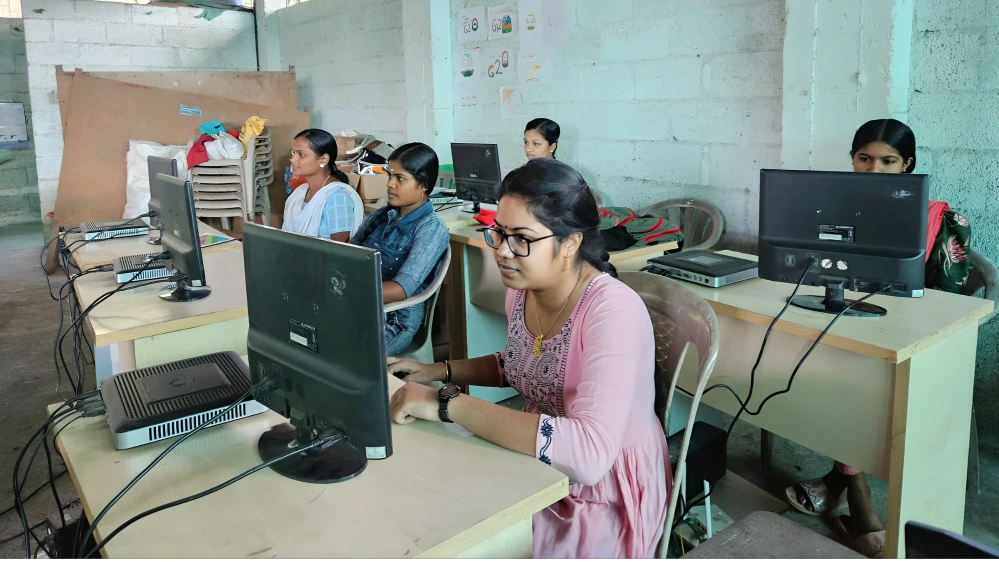
While a smartphone is a great starting point, a dedicated computer changes the game. Video editing on a computer is faster and gives more control. Your child can work with professional-level software like DaVinci Resolve (free version) or Blender for animations.
The Apna PC comes pre-loaded with tools perfect for students. It has 8GB RAM and a 128GB SSD, which means your child can edit videos smoothly without frustrating lag. Scratch is included for creating animated educational content. LibreOffice helps them create scripts and storyboards. Zorin OS is user-friendly and perfect for students new to computers.
Moving from phone to desktop learning guide opens new possibilities. Your child can multitask: record on a phone, edit on a computer, and research on the same screen. They can create more complex videos with animations, transitions, and professional audio.
Understanding the benefits of a personal computer for a student helps you make the right choice for your child’s learning journey. A computer designed for students removes barriers and adds tools.
Real Skills Your Child Gains From This Project
Video creation teaches technical skills: operating systems, file management, software use. But it also teaches life skills. Your child learns to handle criticism when someone comments that a concept wasn’t clear. They learn to research thoroughly so they can explain accurately. They learn to manage time, because deadlines matter when you’re creating content.
Research from UNESCO education research shows that students who create content learn better than those who only consume it. Your child isn’t just watching educational videos; they’re making them, which means deeper learning.
Start Your Child’s Video Creation Journey Today
Priya started with one video and her phone. Now she’s thinking about making a chemistry series. Your child can do the same. Pick a subject they’re good at, record a simple explanation, edit it, and share it. That’s all it takes to begin.
The world needs more educational videos for students, created by students who understand what other students want to learn. Your child has that knowledge. They just need permission, encouragement, and the right tools. Apna PC is designed exactly for this kind of student project, with powerful specs at a price that makes sense for Indian families. Visit apnapc.com to learn more.