


Priya sat in her college library at 11 PM, laptop screen glowing, staring at a blank page. Her design club had given her one task: make the digital posters students needed for the annual tech fest. She’d never made one before. Her phone had Pinterest and Instagram, but those weren’t tools for making something real. She needed a proper computer, design software, and someone to show her how. That night, she downloaded Canva, fumbled through tutorials, and by 2 AM, had something she was actually proud of. Three days later, her poster was printed across campus. This is what happens when a student moves from consuming design to creating it.
Making digital posters for students isn’t just about slapping text on an image. It’s about learning to communicate visually, to understand colour, composition, and how to grab attention in three seconds. Whether you’re designing a school project presentation, a college event flier, a social media graphic, or a portfolio piece, you need the right tools and a machine that can actually run them.
Why Your Phone Isn’t Enough for Digital Posters for Students
Your phone is great for scrolling and consuming. It isn’t built for creating. When you try to design digital posters for students on a mobile device, you’re fighting the screen size, the touchscreen precision, and software limitations. Professional design requires a real keyboard, a mouse, a larger display, and software that doesn’t crash every five minutes.
That’s why moving from phone to a real desktop changes everything. A proper computer lets you see your entire canvas at once. You can zoom in for detail work and zoom out to check composition. You can switch between multiple applications, keep references open, and actually iterate on your designs without your device heating up or running out of memory.
Best Design Software for Digital Posters for Students
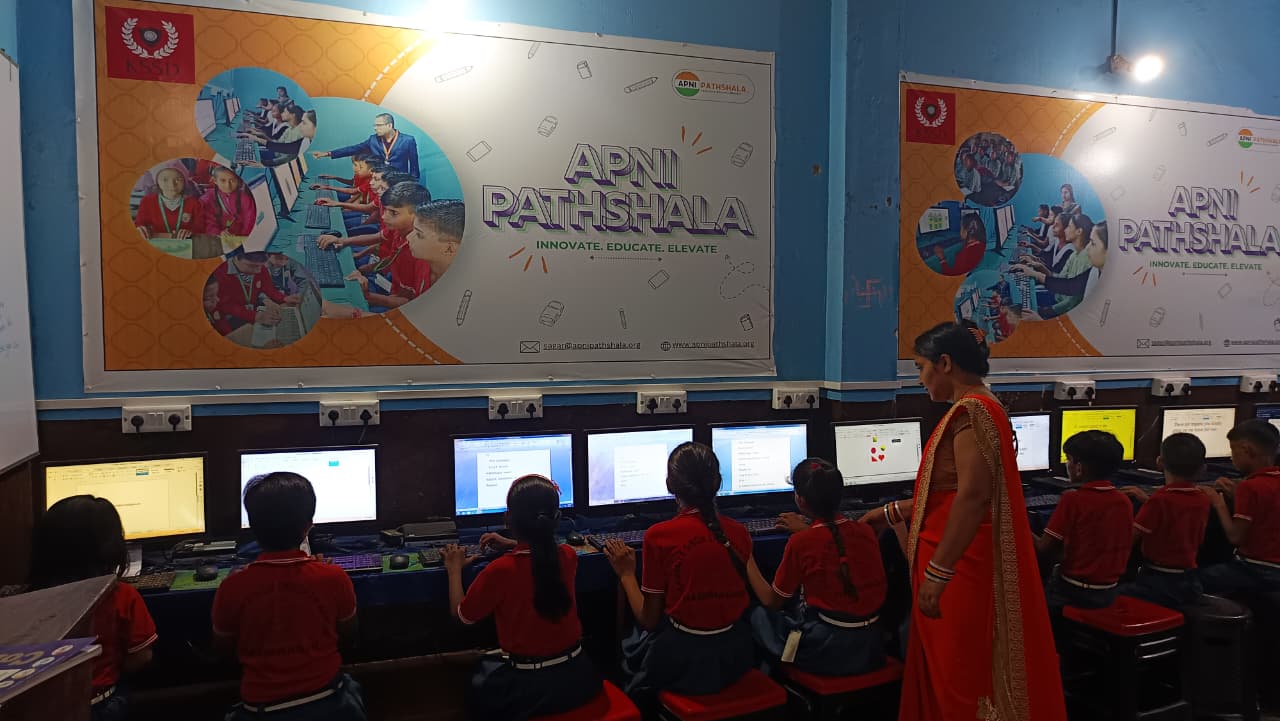
You don’t need expensive software to start. Canva for Education is free for students and has thousands of templates. GIMP is open source and powerful. LibreOffice (pre-loaded on Apna PC) includes Draw, a tool many students overlook but that is excellent for creating posters and graphics. Inkscape is another free option for vector design.
The key is having a machine that runs these tools smoothly. Apna PC, built by Apni Pathshala, comes with 8GB RAM and 128GB SSD storage, which means you can open multiple design applications without lag. It runs Zorin OS, a user-friendly Linux system, and includes LibreOffice pre-installed. For students serious about visual design, this matters. Your computer shouldn’t be the bottleneck between your creativity and your output.
When you’re making digital posters for students, you also need space to store high-resolution files, download assets, and keep your project library organised. A phone with 64GB storage fills up fast. Apna PC gives you room to grow your portfolio.
Start with templates if you’re new to design. Canva has student-friendly templates for posters, fliers, event promotions, and social graphics. As you get comfortable, try building designs from scratch using shapes, text, and images. Learn about colour theory. Understand why certain fonts work together and others clash. Study posters you’re drawn to. Ask yourself why they work. This is visual literacy, and it’s a real skill.
Your school or college project isn’t just about finishing it. It’s about learning the process. When you design something yourself, you understand communication in a way that consuming others’ designs never teaches you. You learn why margins matter. Why white space isn’t wasted space. Why a single strong image beats a cluttered one.
Apna PC supports the Digital India initiative by putting real computing power in the hands of students who want to learn actual skills, not just scroll through content. The machine comes with Apni Prerna, a student monitoring system that helps you track your learning progress. It’s designed for students who want to build portfolios, learn coding, create media, and develop skills that matter for college applications and job interviews.
Start small. Make a poster for your school event. Design a graphic for your college club. Create a visual story about something you’re passionate about. Save your work. Build a collection. Show it to others. Get feedback. Iterate. This is how real creators work, and it’s how you develop an eye for design.
Your creativity doesn’t need to live on your phone. It deserves a proper computer, real software, and the space to grow. Apna PC at Rs. 30,000 (shipping and GST excluded) is built for this. It’s time to stop consuming and start creating. Visit apnapc.com to learn more.