

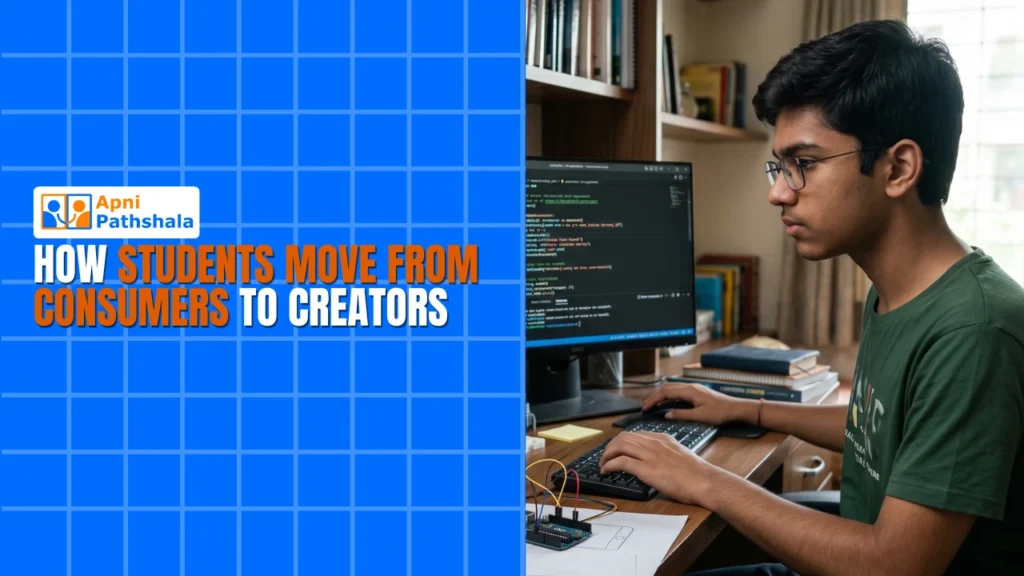
Aarav watches three hours of YouTube every day. He watches gaming videos, tech reviews, and comedy sketches. His mother thinks he is wasting time. She is right. But not for the reason she thinks. Aarav is not wasting time because he watches too much. He is wasting time because he creates nothing.
Two years ago, Aarav’s cousin got a computer. She started making her own videos. Simple ones, filmed on a phone and edited on a laptop. She learned to cut clips, add music, and create thumbnails. Within a year, she had 500 subscribers. She was still watching YouTube. But she was also building something on it.
The difference between Aarav and his cousin is not talent. It is not intelligence. It is not even time. It is the tool. Aarav has a phone. His cousin has a computer. The phone made Aarav a consumer. The computer made his cousin a creator. “Students as creators” is not a slogan. It is a practical outcome of having the right device.
Why is consumption the default mode?
Most Indian students who have access to technology are consumers by default. They have phones. Phones are designed for consumption. The screen is small. The keyboard is virtual. The operating system is built for scrolling, tapping, and watching. A child on a phone has one mode: receive.
Consumption is easy. It requires no effort. A child opens an app and watches. They do not need to make decisions. They do not need to solve problems. They do not need to create anything. The content flows in. The child sits back. Hours pass. Nothing is produced.
This is not the child’s fault. It is the tool’s fault. A phone does not invite creation. It invites consumption. The interface is designed for passive engagement. The screen is too small for typing documents. The keyboard is too imprecise for coding. The operating system does not support file management or multi-application workflows.
Digital creativity requires a different tool. It requires a device that invites the child to type, build, design, and code. It requires a screen large enough to see their work. It requires a keyboard precise enough to write. It requires an operating system that supports creation, not just consumption.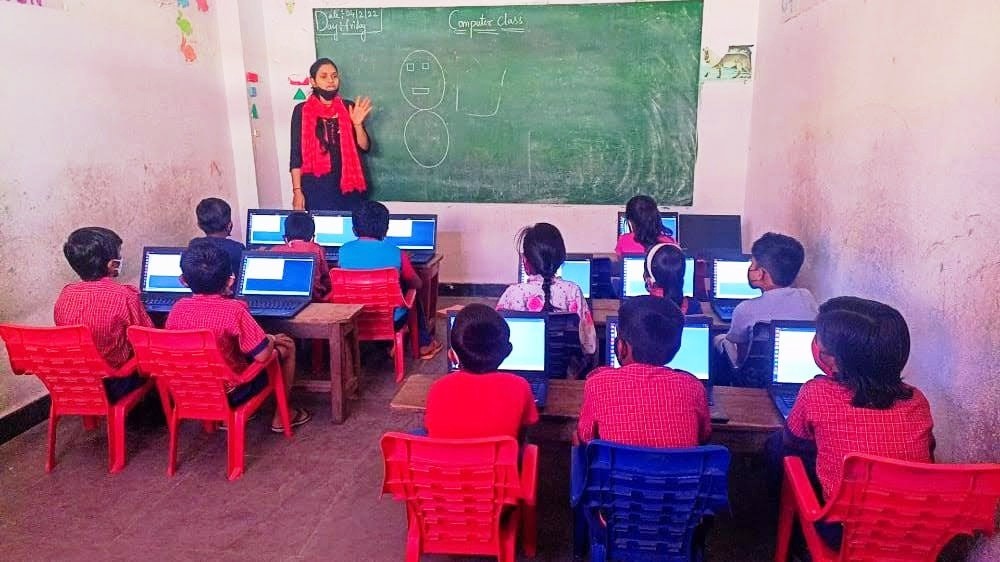
How a Computer Turns Consumers Into Creators
A computer changes the default mode. Instead of receiving content, the child produces it. Instead of watching someone else’s video, they edit their own. Instead of reading someone else’s code, they write their own. Instead of viewing someone else’s design, they create their own.
This shift does not require a special curriculum. It requires a computer with the right tools installed. A child who opens Scratch for the first time will try to make a character move. A child who opens LibreOffice will try to type a story. A child who opens Blender will try to draw a shape. The curiosity is natural. The tool unlocks it.
Content creation skills are not about becoming a professional creator. They are about developing the habit of producing, not just consuming. A student who writes a paragraph in a word processor is creating. A student who builds a small animation in Scratch is creating. A student who organizes data in a spreadsheet is creating. Each act of creation builds confidence. Each project builds skill.
UNESCO global education research has documented how active digital engagement, creation, not consumption, leads to deeper learning outcomes. Students who create retain more, understand more, and develop more skills than students who only consume.
The Journey From Consumer to Creator
The journey does not start with a grand project. It starts with a small step. A child who has never used a computer begins by exploring. They open applications. They click on things. They try to type. They make mistakes. This exploration is the first stage of the journey.
The second stage is imitation. The child tries to copy something they have seen. They try to recreate a simple animation. They try to type a story they heard. They try to draw a picture they remember. Imitation is not original, but it is creation. The child is producing, not just consuming.
The third stage is experimentation. The child starts trying things on their own. They change the code to see what happens. They add a new element to their design. They write a story from their imagination. This is where creative learning begins. The child discovers that they can make something original.
The fourth stage is confidence. The child sees themself as someone who can create. They stop thinking of technology as something others use. They start thinking of it as a tool they control. This confidence is the real outcome. Not the specific skill. The belief that they can build things.
How a Personal Computer Helps Students Learn Beyond the School Curriculum. But more importantly, it gives them the journey from watching to building.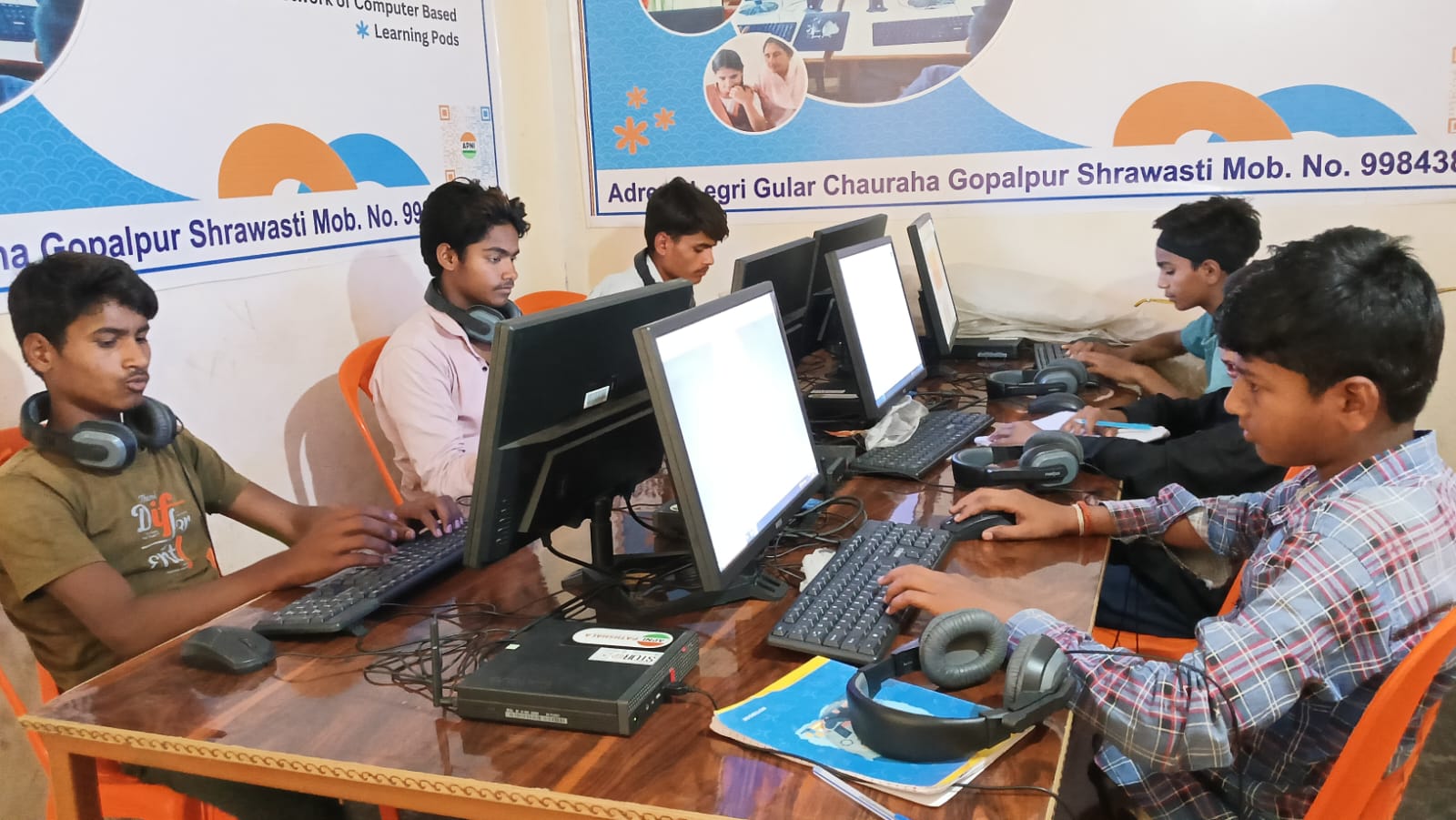
What Parents Should Do?
If your child spends hours on a phone consuming content, the solution is not to take it away. The solution is to give them a better option. Give them a computer with creation tools installed. Scratch for coding. LibreOffice for writing. Blender for design. VS Code for programming.
Do not force them to use it. Do not schedule “computer time.” Just make it available. The child who has been consuming will eventually try to create. The curiosity is already there. The tool is what unlocks it.
Apna PC, priced at ₹21,000 (shipping and GST excluded), comes pre-loaded with creation tools. Not entertainment apps. Not social media. Tools that turn consumers into creators. Your child plugs it in and starts the journey from watching to building.
The Hidden Cost of Not Having a Computer in 2026. But the cost of staying a consumer is higher. A child who only consumes enters the workforce with no ability to create, build, or produce. A child who becomes a creator enters the workforce with skills that matter.
Digital India initiative is building the infrastructure for digital India. But infrastructure needs creators, not just consumers. Give your child the tool to be a creator. Visit apnapc.com to learn more.