

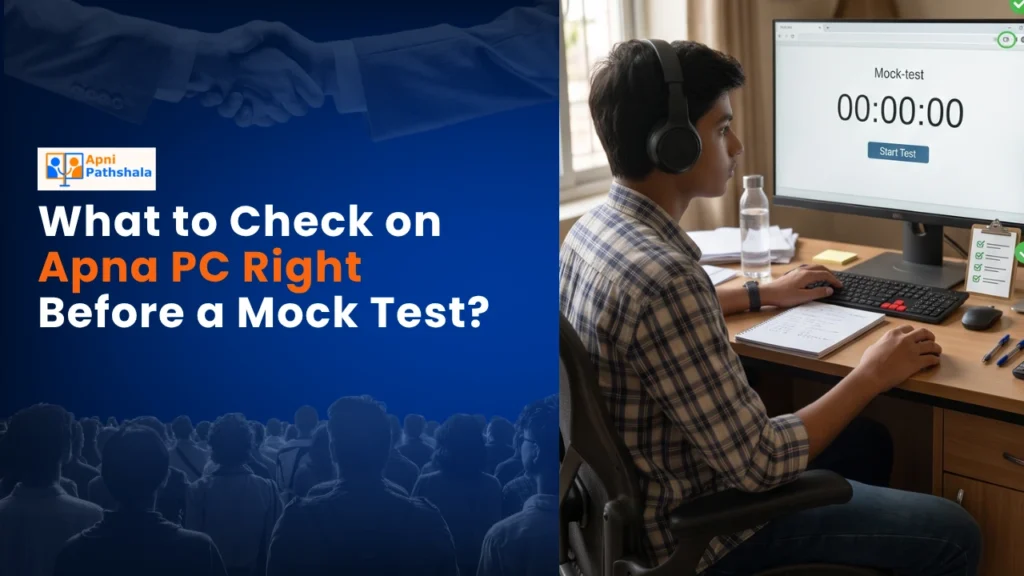
Right before a mock test, check five things on your child’s computer: power, internet connection, login to the test platform, keyboard, mouse and screen, and a distraction-free desk. Doing this the night before, then a quick recheck 30 minutes before the test, prevents most technical panics on test day.
A mock test should measure what your child knows, not whether the computer cooperates. A few minutes of checking makes sure it does.
Why does the exam setup matter so much?
A mock test teaches time management, builds confidence and shows where more study is needed, but only if the computer is ready. If it is not, your child spends the test worrying about the device instead of the questions.
Parents often assume that because the computer worked yesterday, it will work today. That is not always true: software updates happen, files get corrupted and power can fail at the wrong moment. Technology at home needs a little care.
What should you check on the computer before a mock test?
Check the computer the night before, or at least two hours before the test. Use this checklist:
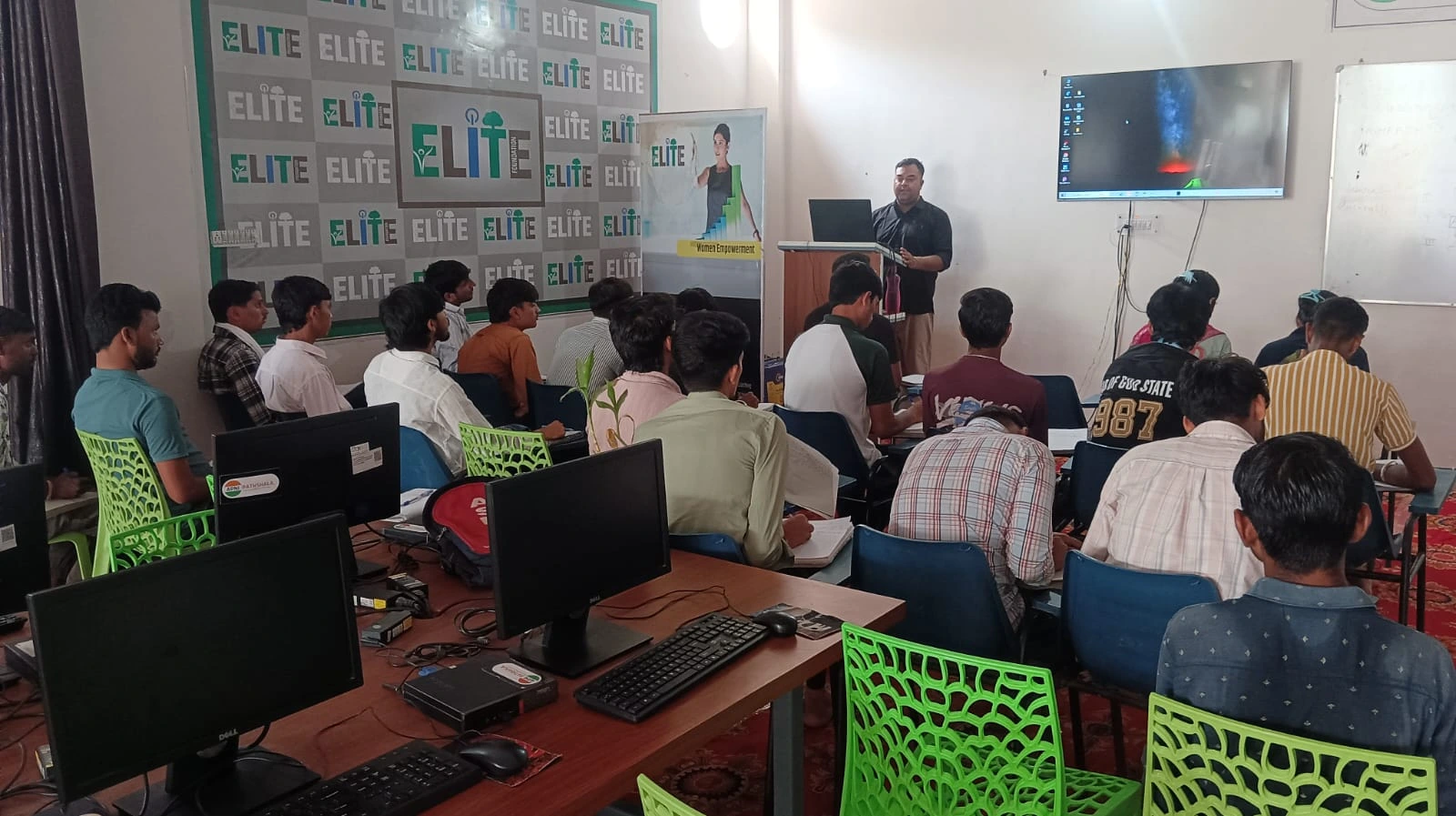
- Power: make sure the computer is properly plugged in. If you are using a laptop, charge it for at least 30 minutes and keep the charger connected during the test.
- Internet connection: open a website and play a short video. If the connection is slow, restart the router 10 minutes before the test.
- Browser and login: open the test platform and log in with your child’s details now, so password or loading problems show up early.
- Screen and sound: set comfortable brightness, test speakers or headphones if there are audio questions, and check every key and mouse click.
- Software: confirm required software is installed and the browser is up to date.
- Distraction-free space: close extra programs and tabs, silence phones and ask family members not to disturb.
What should Apna PC users check?
On Apna PC, the main checks are the internet connection, a clean screen and a responsive keyboard. It has 8GB RAM and 128GB SSD, so it runs smoothly with several programs open, and Zorin OS is stable.
Apna PC comes preloaded with Zorin OS, LibreOffice and Scratch, so compatibility issues are unlikely. The Apni Prerna monitoring system lets you follow your child’s progress without adding stress.
What should parents do the night before the test?
Sit down with your child the evening before and go through the plan together.
- Confirm the exact date and time, write it down and set a phone alarm.
- Check how long the test lasts.
- Review the exam revision material your child has prepared.
- Talk about retrieval practice: recalling what they learned rather than re-reading notes.
- Have a light dinner and make sure your child sleeps well instead of studying late.
- Keep water and a light snack ready for after the test.
What should happen on test day morning?
Wake up early and have breakfast together, which calms both of you. About 30 minutes before the test, do a final check: restart the computer, test the internet again and make sure your child has used the bathroom.
Your child should then sit at the desk, open the test platform and be ready to start on time. The UNESCO education pages are good background on supporting learners, and the checklist is also a way to show your child that you are behind them.
How do mock tests help with the real exam?
Mock tests make the real exam feel familiar. When the board exam or entrance test arrives, your child already knows the format and the computer, so they can focus on the questions. Read more on using mock tests for growth, not stress.
Families in Tier 2 and Tier 3 cities often worry about having the same resources as big-city students. With the right device, preparation and mindset, your child can perform just as well.
Frequently Asked Questions
How early should I check the computer before an online test?
Do a full check the night before, or at least two hours before the test, so there is time to fix problems. Then do a quick final check about 30 minutes before the start: restart the computer, test the internet and open the test platform so your child is ready on time.
What if the internet is slow just before the test?
Restart your router about 10 minutes before the test and check the connection again by opening a website or short video. Close other devices and apps that use the internet at home. If the connection is still unstable, contact the test organiser early rather than waiting until the test begins.
Should my child study late the night before a mock test?
No. A light dinner and a good night’s sleep help more than last-minute studying. Use the evening for a short review of revision material and a calm chat about the plan, then let your child rest so they can concentrate the next morning.
Do not wait for problems on test day. Check the setup today. Visit Apna PC to learn more about a study computer built for exam preparation.