


Aditya’s Reading Problem and Your Solution
Aditya sits in his small room in Indore, staring at a stack of books for his Class 10 English syllabus. He’s read “The Merchant of Venice” twice, but can’t remember which scenes he studied last week. His notebook has scattered notes. His phone has random screenshots. His mind feels foggy about what he’s actually finished. He knows he’s reading, but he’s not tracking anything. This is where a reading tracker changes everything.
You don’t need fancy apps or expensive software to build a reading tracker on your computer. A reading tracker helps you log every book, every chapter, every reading session you complete. It’s your personal reading log, keeping your learning organised and your progress visible. Let’s build one that actually works for your study routine.
Why Your Reading Tracker Matters Right Now
When you track your reading, you see patterns. You notice which books take longer. You remember exactly where you stopped. You can review what you learned weeks ago without flipping through pages. Your brain feels less stressed because everything’s written down.
Students in tier 2 and tier 3 cities often juggle multiple subjects, multiple books, and limited time. A reading tracker keeps you accountable. It shows your parents your progress. It helps your teachers understand what you’ve covered. Most importantly, it makes you feel proud when you see how much you’ve actually read.
Think about reading as a skill that improves with tracking. You wouldn’t run without measuring your distance. You wouldn’t study math without checking your answers. Why would you read without logging what you’ve done?
Building Your Reading Tracker Step by Step
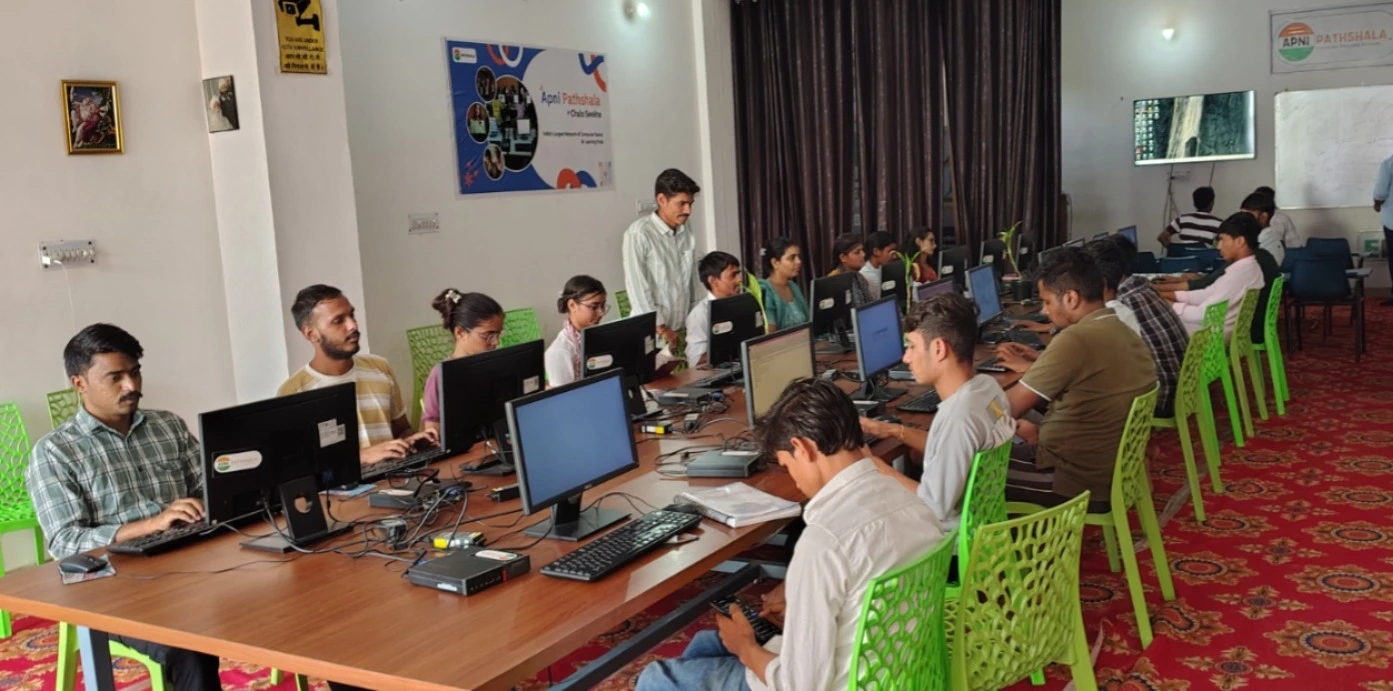
Start simple. Open LibreOffice Calc on your computer. This spreadsheet tool comes pre-loaded on the Apna PC, so you don’t need to buy anything extra. Create columns for these details:
- Book Title: Write the full name of the book you’re reading
- Author: Note who wrote it
- Subject: English, History, Science, or personal reading
- Start Date: When you began this book
- Pages Read Today: How many pages you finished in this session
- Total Pages Completed: Your running total
- Notes: Key points, important scenes, or your thoughts
- Status: Reading, Completed, or On Hold
This structure becomes your digital study archive. You’re not just reading randomly anymore. You’re building a learning record that tracks your intellectual growth.
Making Your Reading Log Work for Your Brain
Colour-coding is your friend. Use different colours for different subjects. English books in blue. History books in green. Science books in orange. Your eyes will instantly recognise what you’re studying. This visual organisation helps your brain process information faster.
Update your tracker every single day. Spend two minutes after your reading session. Write down the pages you covered. Add one sentence about what you learned. This tiny habit creates massive accountability. You’ll think twice before skipping your reading session when you know you have to log it.
Add a “Weekly Summary” section at the bottom. Count how many pages you read this week. Total the number of books you’ve started. This gives you motivation. You see real numbers. You see real progress. You feel real accomplishment.
Why Apna PC Makes This Even Better
Building a reading tracker on the Apna PC works perfectly because you get a dedicated study computer. No distractions from social media. No notifications from gaming apps. Just you, your books, and your organised tracking system.
The 8GB RAM and 128GB SSD mean your spreadsheet runs smoothly and fast. You can add hundreds of books without your computer slowing down. LibreOffice is already installed, so you start tracking today, not tomorrow. The Apni Prerna monitoring feature even helps your parents see your reading progress if they want to stay involved.
You can also sync your reading tracker across devices. Save it to a USB drive. Access it from school computers. Share it with your study group. Your reading log becomes portable and powerful.
Taking Your Tracker to the Next Level
Once you’ve built your basic tracker, expand it. Add a “Rating” column where you score each book from 1 to 5 stars. Add a “Recommendation” column where you note if you’d suggest this book to friends. Add a “Vocabulary” column where you list new words you discovered while reading.
Create a separate sheet for your digital study archive. This becomes your master list of everything you’ve ever read. Years from now, you’ll look back and see your entire reading journey in one place.
Connect your reading tracker to your school’s learning platform. If your school uses the DIKSHA platform, you can align your personal reading with recommended materials. You’re no longer studying in isolation. You’re part of a larger learning ecosystem.
Your Reading Tracker Starts Today
Aditya’s foggy feeling doesn’t have to be your reality. You can build a reading tracker on your computer right now. You can organise your student reading life. You can see your progress. You can remember what you’ve learned. Your reading tracker is waiting for you to create it.
The Apna PC gives you the perfect computer to build this system and keep it running smoothly for years. Your education deserves better organisation, and you deserve better results. Visit apnapc.com to learn more.