

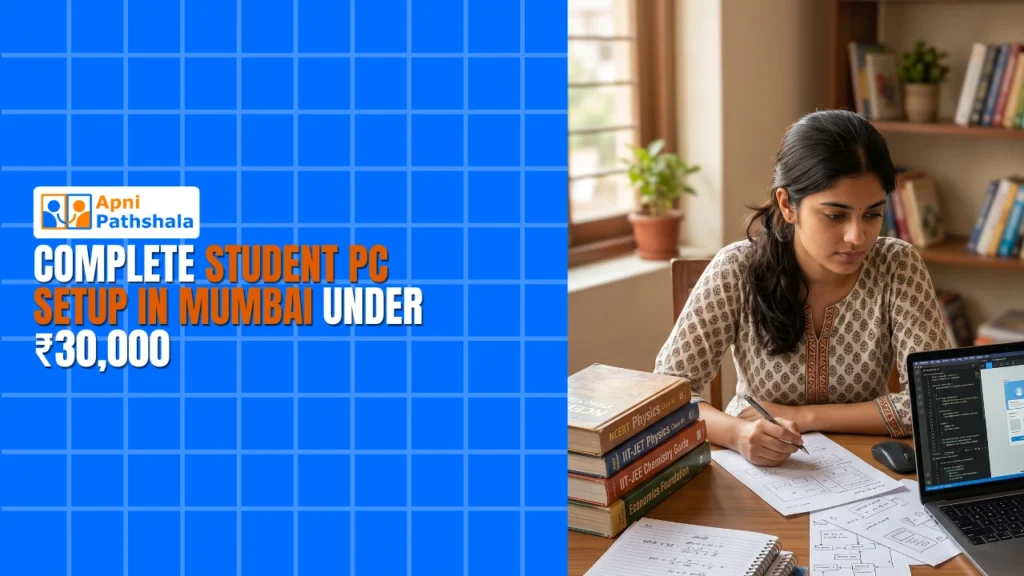
A complete student PC setup under Rs.30,000 is achievable when you start with the right core computer and add a monitor, keyboard, and mouse within your remaining budget. The approach below keeps the total cost realistic for most families while giving your child everything needed for online classes, homework, and exam preparation.
Why Does Your Child Need a Dedicated Computer at Home?
Schools have adopted digital tools for daily instruction. From online class submissions to digital assignments, your child needs reliable access to a computer. A dedicated student PC at home removes dependence on shared family devices and gives your child focused study time. Unlike a smartphone, a proper desktop with a keyboard reduces eye strain and keeps distractions away from the study session. The best computer for school students at home explains what a well-specified student computer looks like.
Building Your Student PC Setup Under Rs.30,000
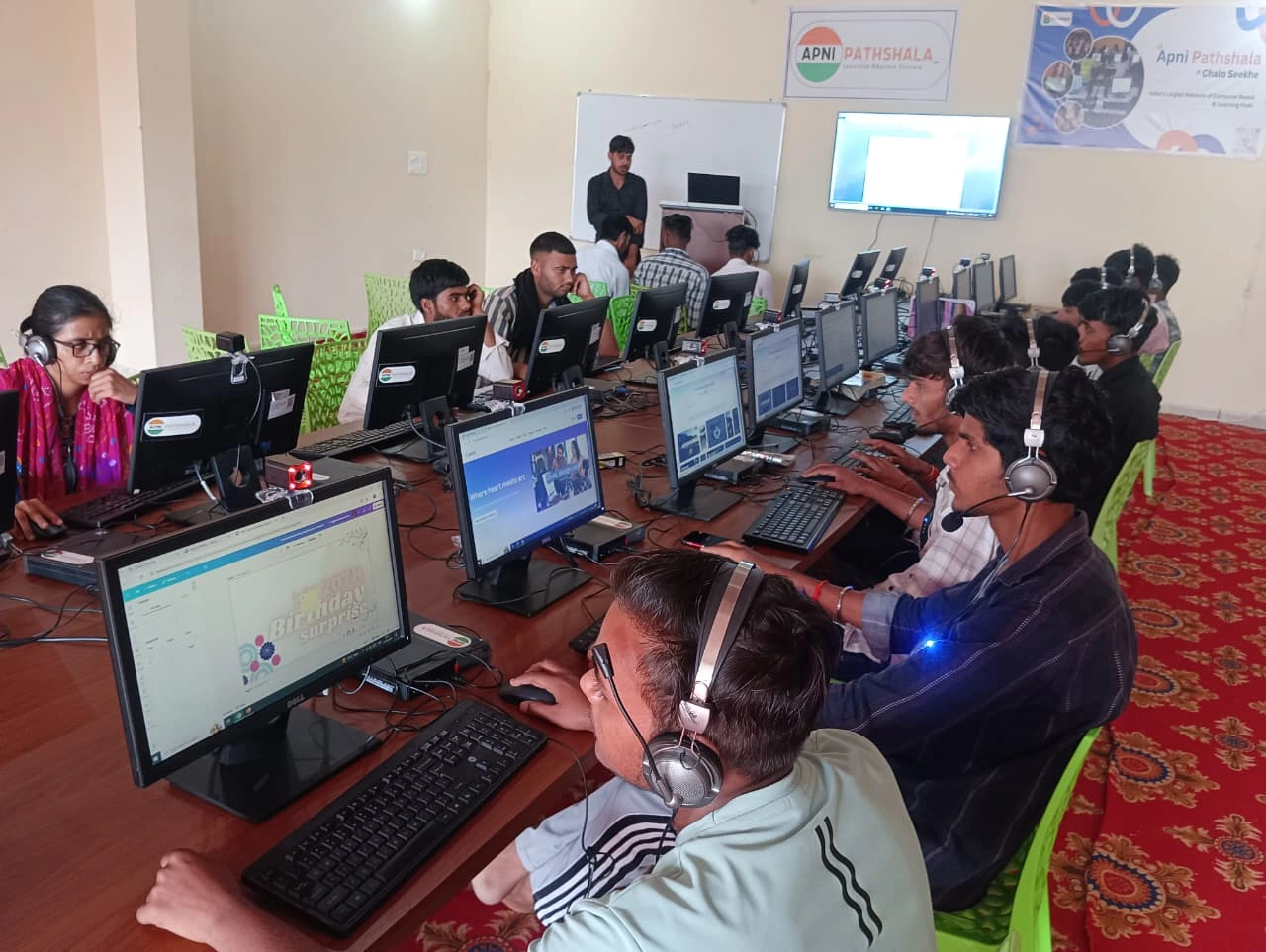
Here is a realistic breakdown for a full student computer setup within Rs.30,000:
| Component | Budget | Notes |
|---|---|---|
| Core Computer (Apna PC) | Rs.30,000 | Purpose-built for learning, includes pre-installed educational software |
| Monitor | Rs.5,000-6,000 | 21-inch Full HD; affordable, space-efficient, and reduces eye strain |
| Keyboard and Mouse | Rs.1,500-2,000 | Basic combo; develops proper typing posture and speed |
| UPS or Surge Protector | Rs.1,500-2,000 | Protects the investment from power fluctuations |
At Rs.30,000 (shipping and GST excluded), Apna PC is designed specifically for Indian students with enough processing power for schoolwork and online classes without gaming features that inflate costs.
Why Does a Desktop Beat a Laptop for Students at Home?
Parents often ask why not just buy a laptop. A desktop computer gives considerably more computing power for the same money. Laptops are portable but expensive, easily damaged, and can encourage studying in bed rather than at a proper desk. A desktop stays in one place, encouraging focused study sessions. It is also easier to upgrade components as your child’s needs grow through higher classes. Why a desktop beats a laptop for student learning compares these options in detail.
What Can Your Student Do With This Complete Setup?
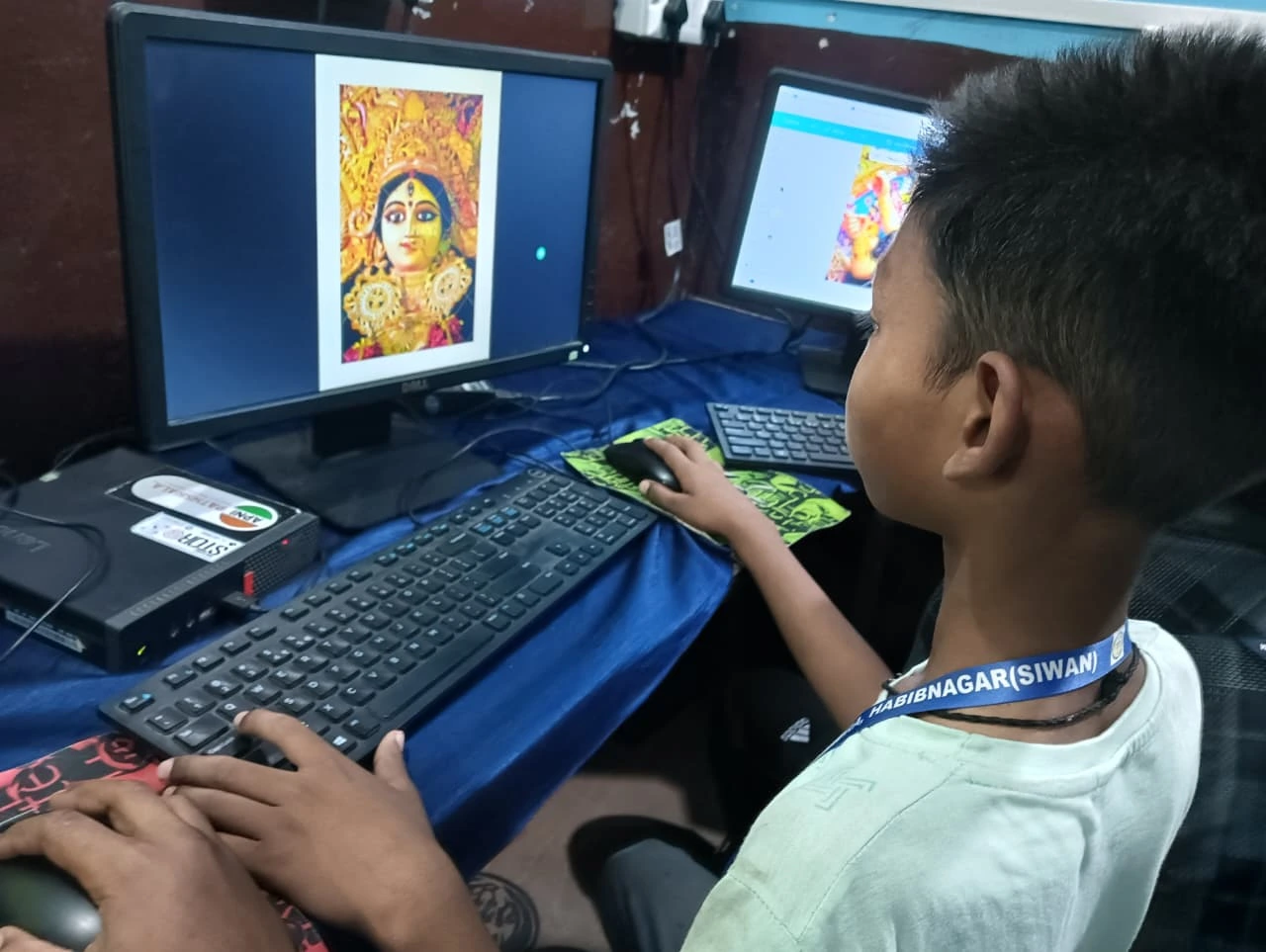
A proper student PC setup supports everything your child needs. Online classes on Google Meet, Zoom, or school platforms run smoothly. Homework submission, research, and project work become easier. Your child can access DIKSHA, the government’s digital learning platform, and benefit from the Digital India initiative resources for free educational content. Coding classes, online competitive exams, and digital creativity tools all become accessible.
How Do You Prioritise Your Budget for the Best Value?
Start with the core computer and do not compromise on its specifications. Add a monitor next, as screen size and quality affect how long your child can study comfortably. A keyboard and mouse can be basic for now and upgraded later. Keep a small buffer for a surge protector or UPS, particularly in areas with unpredictable power supply. A budget-friendly student computer guide for parents covers how to plan this investment step by step.
Frequently Asked Questions
Can a Rs.30,000 computer handle board exam preparation?
Yes. Apna PC at Rs.30,000 handles online mock tests, video lectures, digital note-taking, and research without lag. Its solid-state drive means fast startup and quick file access. School students use it daily for practice papers, revision schedules, and subject-specific research without technical interruptions.
What size monitor should I buy for a student desktop?
A 21-inch Full HD monitor is the right size for a student’s study desk. It is large enough to read text and diagrams clearly, but compact enough to fit on most study tables without dominating the space. Avoid very small monitors for students who spend long hours studying.
Is a wired keyboard better than wireless for a study setup?
A wired keyboard is more reliable, requires no battery changes, and costs less than a wireless model. For a fixed home study station, wired is the practical choice. Wireless keyboards are useful for portability but add an ongoing expense and a possible point of failure during important exam submissions.
A complete student PC setup under Rs.30,000 is achievable and practical. This investment supports your child through several years of school use. Visit apnapc.com to learn more about Apna PC.