


A strong start to learning means having the right tools to build confidence and skills from day one. Apna PC by Apni Pathshala is an affordable educational computer designed to remove the barriers many Indian families face when buying their first PC for school. It makes digital education easier for your child, with everything pre-installed and ready to use.
What is a starting point for learning with a student PC?
A starting point for learning is the foundation a child needs to begin using technology for schoolwork safely and effectively. It means having a device built for study, not distraction, with pre-loaded tools ready to use. When you choose the right student PC, your child can focus on lessons and skill-building from day one.
Many families delay buying a computer because they worry about cost, complexity or misuse. A learning computer removes these concerns by combining affordability, built-in safety features and purpose-built software. Apna PC for parents is designed for exactly this moment.
Why do Indian families need a simpler starting point?
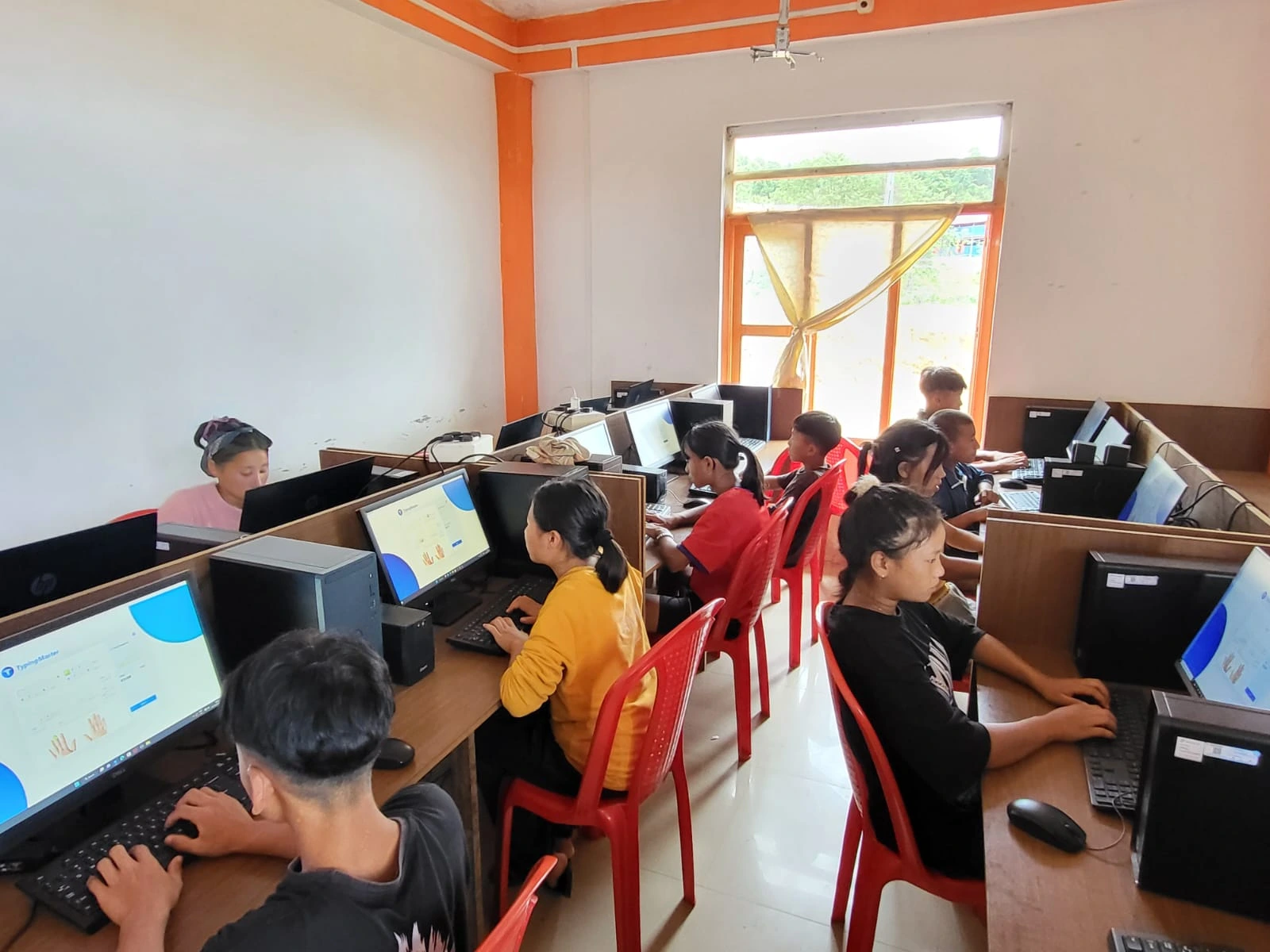
Many Indian households are buying their first computer, and the choice feels overwhelming. Standard PCs are expensive, come loaded with gaming software and entertainment apps, and require parents to manage settings manually. Your child’s focus shifts from learning to distractions.
The Digital India initiative has expanded internet access across the country, but the right device remains a gap. A student PC built for learning fills that gap by being affordable and simple enough that parents don’t need to be tech experts to set it up.
How does Apna PC simplify the learning setup?
Apna PC comes pre-installed with everything your child needs. It runs Zorin OS, includes 8GB RAM and 128GB SSD storage, and costs Rs. 30,000 (shipping and GST excluded). The device is built for study, not gaming, so there’s no temptation to waste time on entertainment.
Pre-loaded software includes LibreOffice for documents, Scratch for coding basics, and Apni Prerna for parent and student monitoring. The student computer already has learning tools installed, tested, and ready. You don’t need to hunt for educational apps or worry about harmful downloads.
What can your child do with Apna PC from day one?
Your child can start typing assignments, creating presentations, learning to code and completing online coursework immediately. Apna PC supports all CBSE-level study needs, from research and note-taking to submitting work to school portals. The 128GB SSD holds textbooks, study materials and project files without slowing down.
LibreOffice lets your child write essays in formats teachers expect. Scratch introduces coding through visual blocks, building logic and problem-solving skills. A home computer for student education becomes a real study companion.
How does parental monitoring help your child learn better?
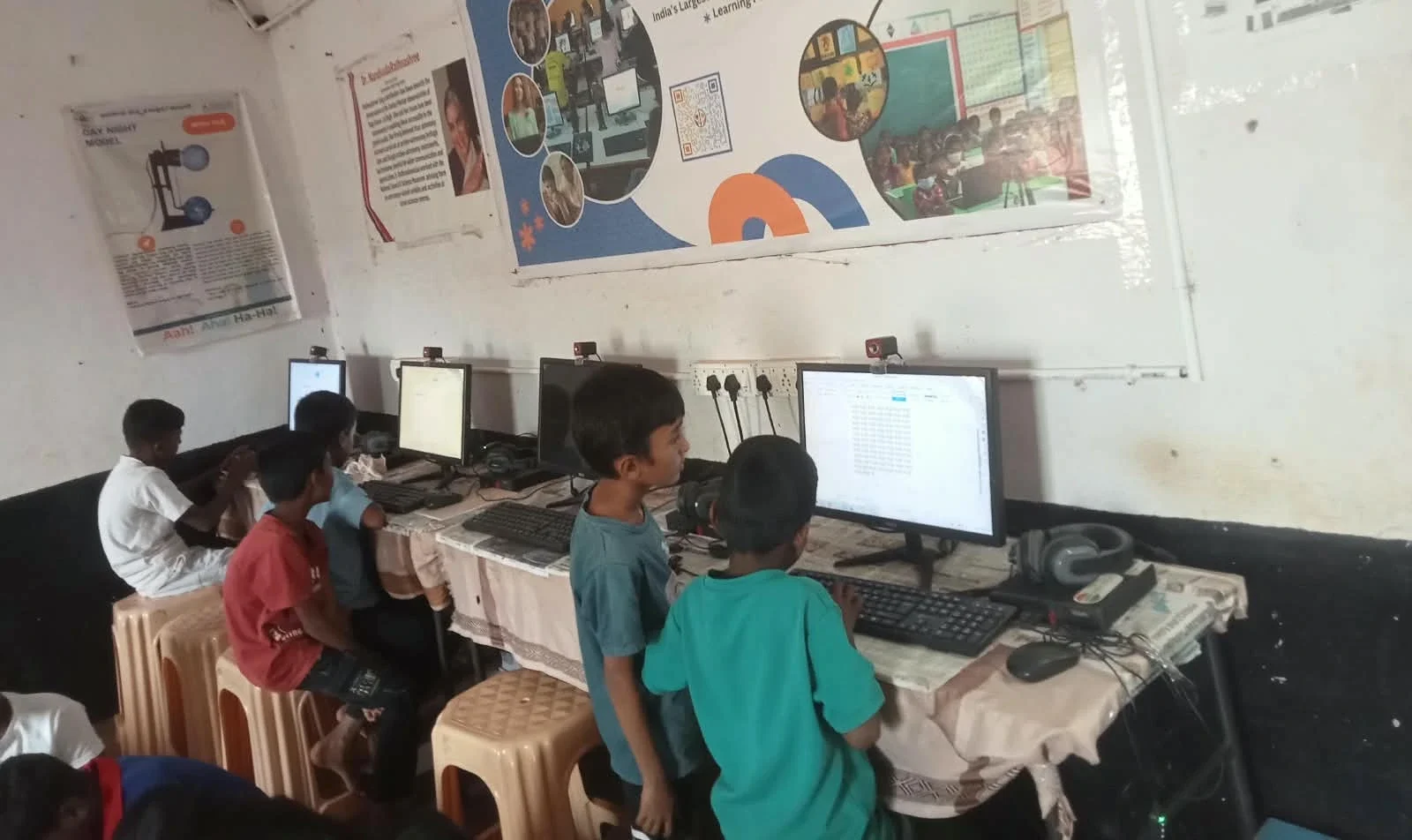
Apni Prerna lets you see what your child is doing without constant hovering. You can set study schedules, see which apps are being used, and receive alerts if your child tries to access restricted content. This balance between freedom and safety builds trust while protecting learning time.
Study setups that improve exam scores include this kind of gentle accountability. Your child knows you’re involved, which encourages focus on schoolwork.
How does Apna PC compare to a regular laptop or tablet?
| Feature | Apna PC | Regular Laptop | Tablet |
|---|---|---|---|
| Price | Rs. 30,000 | Rs. 40,000 to 80,000+ | Rs. 15,000 to 40,000 |
| Built for Study | Yes, no games | General purpose | Limited typing |
| Pre-loaded Learning Tools | LibreOffice, Scratch, Apni Prerna | Requires setup | App store required |
| Parental Monitoring | Built-in | Third-party software | Limited options |
| Best For | First-time student PC buyers | General computing | Reading and light tasks |
Frequently Asked Questions
Can I use Apna PC for tasks besides my child’s studies?
Yes. Apna PC is a full computer that handles email, documents, web browsing and other everyday tasks. The Linux operating system and pre-loaded software work for adults too. It’s not limited to one user; the whole family can benefit from having a learning computer at home.
What if my child needs software that isn’t pre-loaded?
Zorin OS supports thousands of applications through its software store. You can install additional tools as your child’s studies evolve. The 128GB SSD provides room for extra software, though you may need to manage storage carefully as it fills up over time.
How long will Apna PC last?
Apna PC is built to last through your child’s school years and beyond. The 8GB RAM and 128GB SSD meet current and near-future study needs. Like any computer, it may need updates or repairs, but the core hardware is durable and not designed to become obsolete quickly.
Does Apna PC work with online classes?
Yes. Apna PC runs all major video conferencing platforms and school portals. It connects to the internet like any computer and supports the tools your child’s school uses for online teaching and assignment submission. Choosing the right starting point for learning sets your child up for success in a digital world. Visit apnapc.com to learn more.