


A ready-to-use PC arrives fully set up with learning software installed, so your child can start homework the day it arrives. When you buy an education PC, you avoid weeks of setup delays that pull focus away from studies.
Why Should Your Ready-to-Use PC Be Prepared Before School Starts?
When homework deadlines arrive, your child needs a computer that works from day one. A ready-to-use PC means no waiting for software downloads, no troubleshooting driver problems, and no lost study time. Starting the school year with a working computer keeps your child on pace with classmates and reduces your stress.
Delays push homework to late nights and missed submissions. If your child’s school uses platforms like DIKSHA for online learning resources, they need immediate access. A ready-to-use education PC ensures your child participates fully from day one.
What Makes a PC Education-Ready?
An education-ready computer comes with pre-installed learning software, a simple operating system, and enough power for schoolwork without distractions. It should include tools for writing, maths, coding, and research, not require you to install them separately. Apna PC by Apni Pathshala arrives with LibreOffice, Scratch, and Apni Prerna for parent and student monitoring, all ready to use.
The hardware matches study needs: 8GB RAM handles multiple browser tabs, 128GB storage holds years of school files, and Linux (Zorin OS) runs without gaming temptations. Purpose-built software for student computers is designed for learning, so your child stays focused.
How Do You Set Up a Ready-to-Use Education PC?
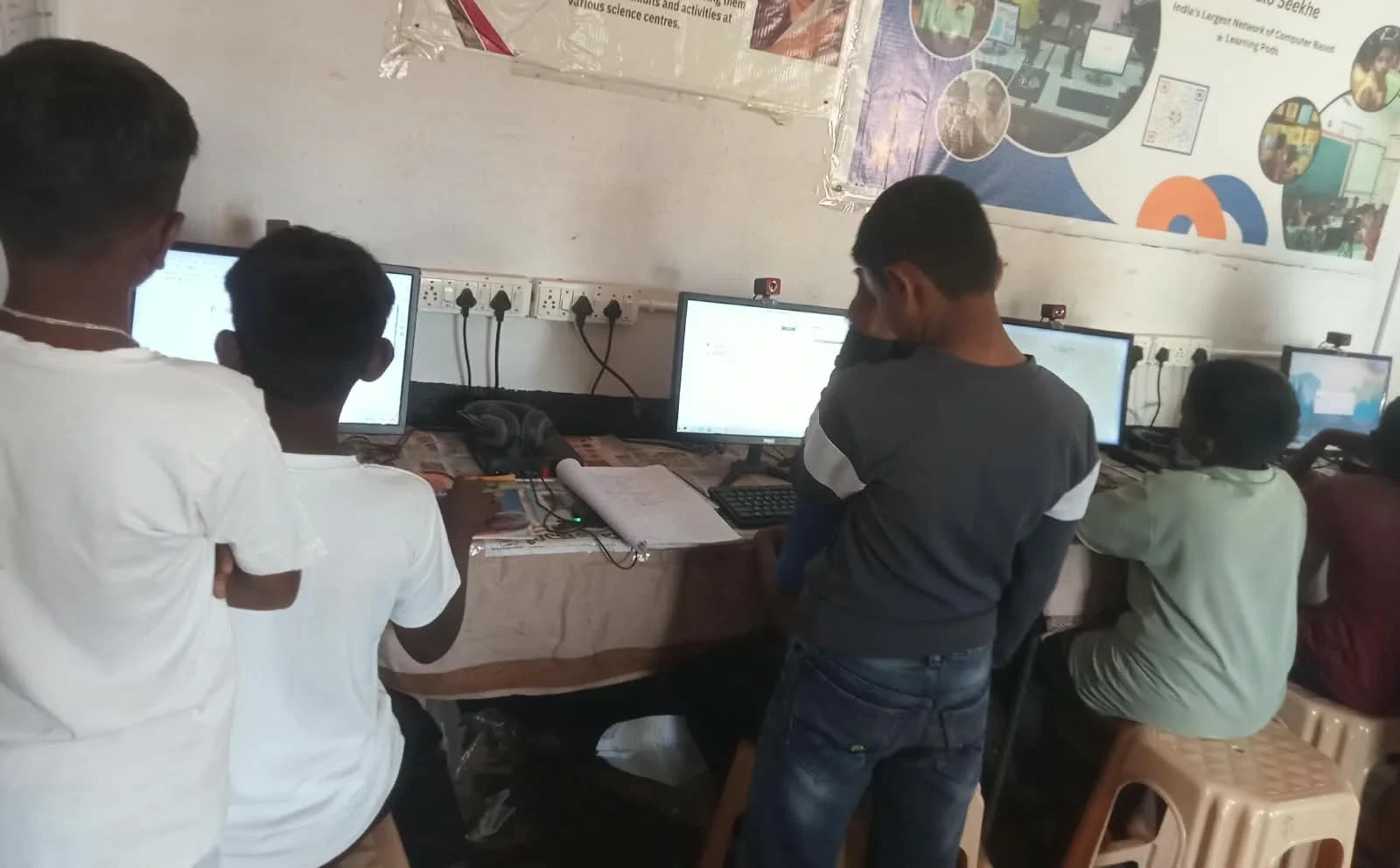
Setting up an education PC should take minutes, not hours. A ready-to-use PC arrives with the operating system installed and all learning tools ready. You only need to connect it to power and the internet.
Easy PC setup for parents means you don’t need technical knowledge to start. If your child has never used a computer, a first-time PC user’s guide walks through the basics. Most families can start homework within 30 minutes of unboxing.
What Should You Check Before Buying a Ready-to-Use PC?
Not all computers arrive truly ready for learning. Use this comparison to see what separates a ready-to-use education PC from a generic computer.
| Feature | Ready-to-Use Education PC | Generic Computer |
|---|---|---|
| Learning software pre-installed | Yes (LibreOffice, Scratch) | No, you install it |
| Operating system ready | Yes, configured for study | Requires setup and updates |
| Parent monitoring tools | Yes (Apni Prerna included) | No, you buy separately |
| Built for study, not gaming | Yes, focused design | No, general purpose |
| Time to first homework | 30 minutes or less | Several hours or days |
A ready-to-use education PC removes guesswork and gets your child studying faster. Education-ready computing for Indian families fits into your school calendar without delays.
When Is the Best Time to Buy a Ready-to-Use PC?
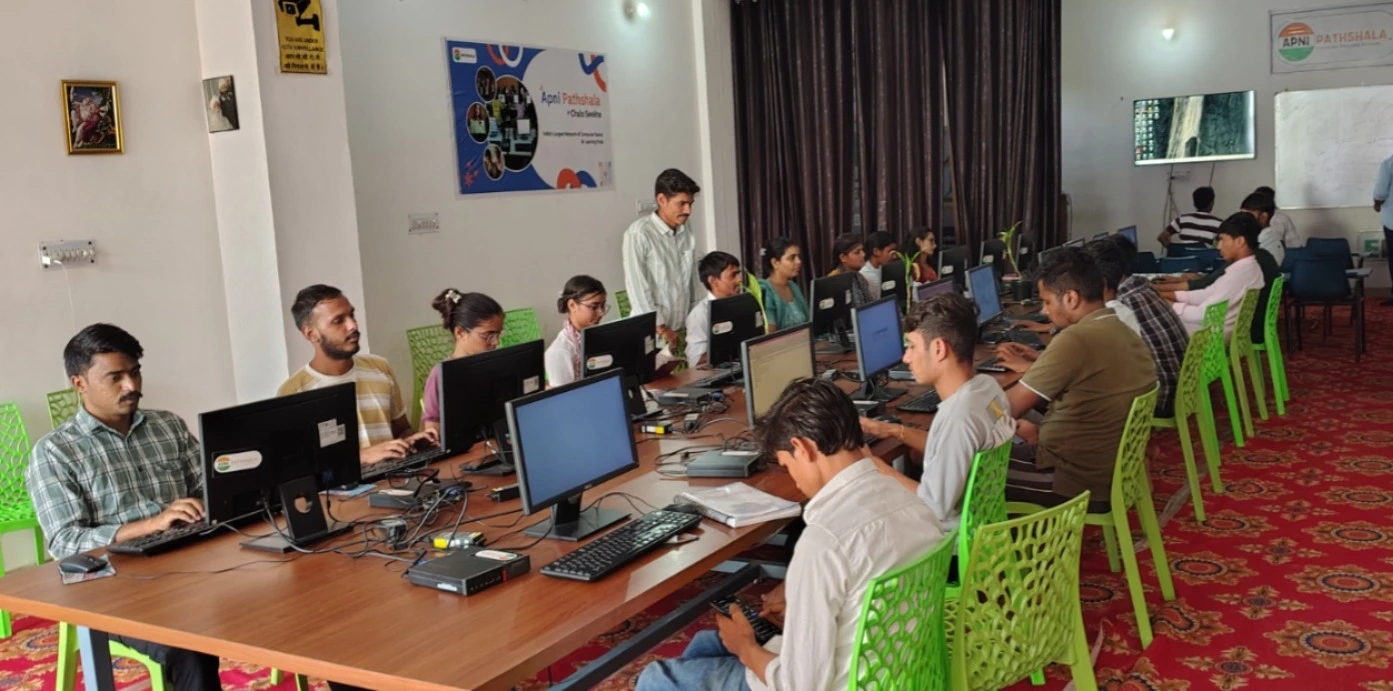
The ideal time is 2 to 3 weeks before school starts, not the day homework arrives. This gives you time to unbox it, connect it to your home network, and let your child explore the tools without pressure. If you wait until deadlines hit, you’re already behind.
Planning ahead means your child has the right tools when new digital requirements begin. The Apni Pathshala blog offers tips for parents supporting digital learning at home.
How Does a Ready-to-Use PC Support Your Child’s Learning?
An educational PC removes barriers to your child’s schoolwork. With no games, no distracting apps, and all study tools in one place, your child can focus. Apni Prerna lets you see how much time your child spends on homework. Your child also learns skills schools now expect: typing, word processing, basic coding through Scratch, and safe online research. The Apna PC at Rs. 30,000 (shipping and GST excluded) makes these tools affordable for Indian families.
Frequently Asked Questions
Can my child use a ready-to-use PC for all school subjects?
Yes. LibreOffice handles essays for English and history, Scratch teaches logic, and internet access lets your child research any topic. A ready-to-use education PC supports all school subjects, not just technical ones.
What if my child has never used a computer before?
A ready-to-use PC is ideal for beginners because there’s no confusing setup. Your child learns the basics faster when the computer works right away. Apni Pathshala’s guides help you both get comfortable with the system quickly.
Is Linux (Zorin OS) difficult for students to learn?
No. Zorin OS looks and works like computers your child may have seen at school. The interface is simple, and every app your child needs is already there and easy to find.
Can I monitor how much time my child spends on homework?
Yes. Apni Prerna, pre-installed on Apna PC, lets you see app usage and study time. You can set healthy limits and understand your child’s learning habits without constant checking.
Your child deserves a ready-to-use PC prepared for learning when school starts, not one that eats into homework time with setup delays. Visit apnapc.com to learn more.