


Rahul’s Struggle: Why Your Study Notes Aren’t Enough
Rahul sat in his small room in Indore, surrounded by notebooks, textbooks, and loose papers scattered across his wooden desk. He was preparing for his board exams but couldn’t find his algebra notes from last month. His physics assignments were mixed with history handouts. He’d spent three hours yesterday just looking for one specific concept he’d studied weeks ago. Like many students across India, Rahul needed a better way to organise his learning, track his progress, and see what he’d actually accomplished. That’s where a personal student dashboard comes in.
A student dashboard is your digital command centre for learning. It’s a single place to track your study sessions, monitor your progress across subjects, and see exactly where you stand with your learning goals. Instead of flipping through notebooks or searching through phone notes, everything’s organised in one spot. You don’t need to be tech-savvy to create one. You just need the right tools and a bit of planning.
Why You Need a Student Dashboard Right Now
Think about your current study routine. You study for two hours, but do you really know what you learned? You complete assignments, but you can’t see patterns in your mistakes. You attend classes, but your notes are scattered everywhere. A learning tracker changes this completely.
Your student dashboard helps you answer real questions: Which subjects need more attention? When do you study best? What topics are you struggling with? How much time are you actually spending on studies? These aren’t just nice-to-know facts. They can be the difference between scoring 65% and 85% on your exams.
Research on student performance shows that those who track their learning see 30% better results than those who don’t. You’re not just studying harder. You’re studying smarter.
- See your progress clearly: Watch your scores improve over weeks and months
- Identify weak areas fast: Know exactly which topics need more work
- Build better study habits: Track consistency and create routines that work
- Stay motivated: Visual progress keeps you pushing forward
- Prepare for exams confidently: Know what you’ve covered and what’s left
Building Your Student Dashboard: Step by Step
You don’t need expensive software or complicated systems. Start simple. Your dashboard should track three main things: subjects you’re studying, topics covered, and your performance on each topic.
First, list all your subjects. Write down every subject you’re learning this year. Next to each subject, note the total number of topics you need to cover. For math, that might be algebra, geometry, trigonometry, and statistics. For English, it could be grammar, writing, comprehension, and literature. Be specific.
Second, create a tracking system for your study sessions. Note the date, subject, topic, how long you studied, and what you learned. If you took a test or quiz on that topic, write your score. Did you get 8 out of 10? Write it down. This is your study tracking foundation.
Third, review your dashboard weekly. Every Sunday, spend 15 minutes looking at your data. Which subjects are you covering? Where are your scores improving? Where are they stuck? This weekly review turns a dashboard from a notebook into a powerful learning tool.
Digital Tools That Make This Easy
You can create your student dashboard using tools you already have. A simple spreadsheet works great. Google Sheets is free, and you can access it from anywhere. Create columns for date, subject, topic, hours studied, and score. That’s it. You’ve got a learning tracker.
If you want something more visual, try Notion or Trello. These tools let you create colourful dashboards with charts and progress bars. But honestly, they’re optional. A spreadsheet works just as well.
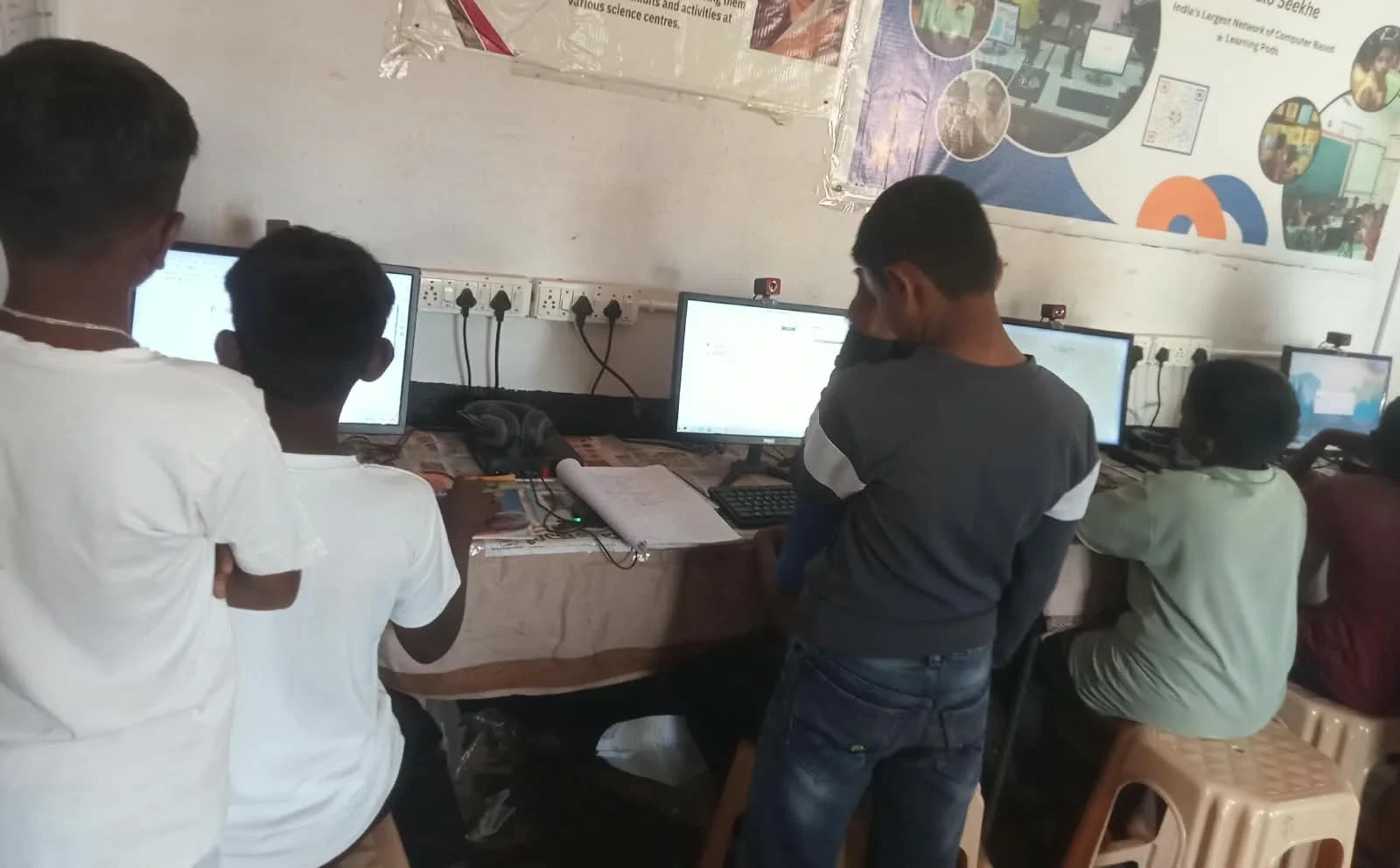
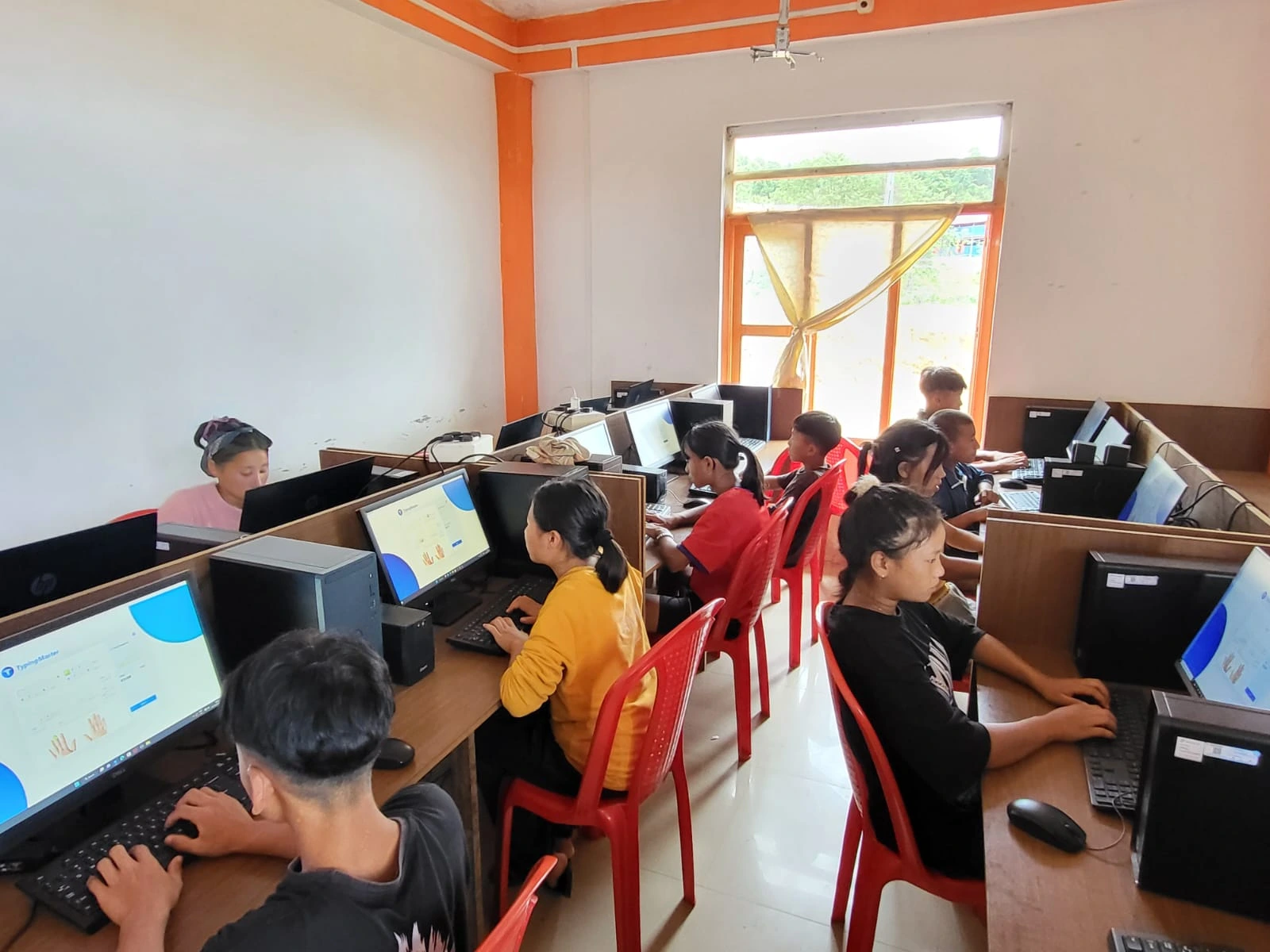
The real game-changer is having a device that’s reliable and affordable. Many students in tier 2 and tier 3 cities don’t have access to good computers. That’s why Apna PC exists. With 8GB RAM and 128GB SSD, it’s built for students who need to track their learning, create documents, and manage their digital tools without breaking the bank. It comes pre-loaded with LibreOffice for spreadsheets and Scratch for learning to code. At Rs. 30,000, it’s an investment in your education that’ll last for years.
Apni Pathshala’s digital tools are designed specifically for Indian students. You can use your student dashboard on Apna PC without worrying about slow performance or crashes during exam season.
What to Track in Your Learning Tracker
Don’t overcomplicate this. Track what matters. Your learning tracker should include the topic you studied, how many days you’ve studied that topic, your confidence level (1-10), and your test scores. That’s four pieces of information per session.
Why confidence level? Because sometimes you score well but don’t feel ready. Sometimes you score okay but feel confused. Your confidence tells you when to revisit a topic, even if your score looks fine. This insight is gold.
Your study tracking also helps you prepare for your digital career ahead. Colleges and competitive exams increasingly value students who can show organised learning patterns and consistent improvement. Your dashboard becomes proof of your dedication.
Making It a Habit That Sticks
The hardest part isn’t creating your student dashboard. It’s updating it regularly. You’ll be tempted to skip days or forget to log your study sessions. Don’t.
Set a specific time each day to update your dashboard. Right after studying works best. Spend just two minutes. Write the date, subject, topic, and how you felt. That’s all. Two minutes a day keeps your learning tracker alive.
Tell a friend about your dashboard. Ask them to check in with you weekly. Accountability makes everything stick. When someone asks, “Did you update your dashboard?” you’ll be more likely to actually do it.
The Ministry of Education emphasises self-monitoring as a key skill for modern learners. Your student dashboard develops exactly this skill.
Your Dashboard in Action: Real Results
After two months of using his dashboard, Rahul noticed something. His math scores went from 62% to 78%. His physics improved from 55% to 71%. But what surprised him most was that he was studying less but learning more. He wasn’t wasting time on topics he’d already mastered. He was focusing exactly where he needed to.
His dashboard showed him that he studied best between 6 PM and 8 PM. It showed him that he struggled most with word problems in math and numerical problems in physics. Armed with this knowledge, he adjusted his study plan. He did extra word problems during his peak hours. His scores kept climbing.
Your dashboard won’t just track numbers. It’ll change how you think about learning. You’ll stop studying randomly and start studying strategically. You’ll stop hoping for good grades and start building them systematically.
Creating a personal student dashboard is one of the smartest moves you can make right now. It doesn’t require fancy software or expensive gadgets. It just requires consistency and the right mindset. Start today with a simple spreadsheet, update it daily, and watch your learning transform. Visit apnapc.com to learn more.