


Raj’s Problem: Why He Couldn’t Remember English Words
Raj sits in his small room in Indore, staring at his English textbook. He’s memorised 50 new words this month, but by next week, he’ll forget them all. His classmates laugh when he can’t use them in conversations. He downloads vocabulary apps, but they’re boring. He scrolls through YouTube videos, but nothing sticks. What if he could create his own vocabulary game instead of just playing someone else’s?
You don’t need to be a coding expert to build a vocabulary game. With the right tools and a computer like Apna PC, you can create something fun that actually helps you learn. Building your own vocabulary game isn’t just about learning English vocabulary. It’s about taking control of your own education and making learning exciting.
Why Creating Your Own Vocabulary Game Matters
When you create something yourself, your brain remembers it better. This is called active learning. You’re not just consuming content. You’re building it. Your hands type code, your mind thinks about word meanings, and your heart invests in the project.
A vocabulary game you’ve created teaches you three things at once. First, you learn the English vocabulary words you put into it. Second, you learn how games work and why they’re fun. Third, you pick up basic coding skills that’ll help your career later.
Teachers at your school might not have time to create games for every topic. But you can. You can make a vocabulary game for history, science, or any subject you struggle with. This is real power.
Tools You Can Use Right Now
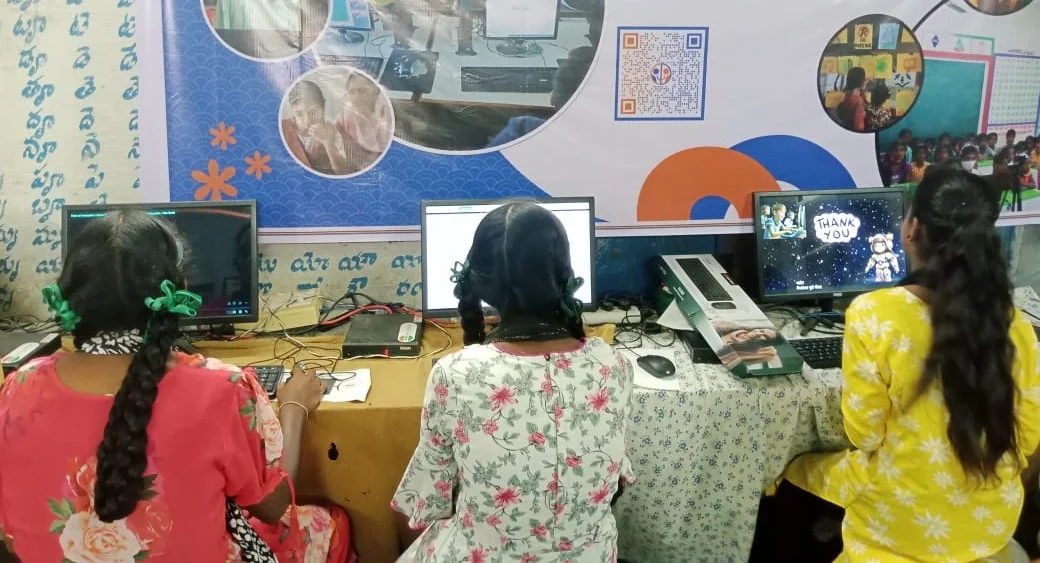
You don’t need expensive software. Scratch is free and comes pre-loaded on Apna PC. It’s a visual programming language where you drag and drop blocks instead of typing complicated code. Even if you’ve never coded before, you can create a vocabulary game in Scratch within a few hours.
LibreOffice is another tool that comes with Apna PC. You can use it to organise your vocabulary words, create word lists, and design your game’s structure before you start coding. With 8GB RAM and a 128GB SSD, your computer won’t slow down when you work on bigger projects.
Python is another option if you want to go deeper. It’s free and runs smoothly on Apna PC. You can find hundreds of online tutorials that teach you how to build word games in Python.
Steps to Create Your Vocabulary Game
Start simple. Don’t try to build the next big gaming app. Begin with a basic matching game. Show a word on one side and four definitions on the other. The player picks the right definition. If they’re correct, they get points. If they’re wrong, the game shows them the right answer.
Here’s your roadmap:
- Step 1: Pick Your Words – Choose 20 to 30 English vocabulary words you want to learn. Write them down with their meanings and example sentences.
- Step 2: Design Your Game – Sketch it on paper. What will the player see? How many levels? What happens when they win or lose?
- Step 3: Learn Scratch Basics – Spend a day learning Scratch. There are free tutorials on YouTube. You’ll learn how to create sprites, add sounds, and keep score.
- Step 4: Build Your Game – Start coding. Create the first level. Test it. Fix bugs. Add more levels.
- Step 5: Share and Get Feedback – Show your vocabulary game to friends. Ask them what they like and what’s confusing. Make changes based on their feedback.
Make Your Vocabulary Game More Interesting
Don’t just show words and definitions. Add stories. Create a character that goes on a journey. Every time the player answers a vocabulary question correctly, the character moves forward. Wrong answer? The character stops. This turns learning into an adventure.
Add sound effects and music. When the player gets a word right, play a happy sound. When they’re wrong, play a different sound. These small details make learning fun. Your brain remembers things better when emotions are involved.
Create different difficulty levels. The easy level has 10 words with obvious definitions. Medium has 20 words with tricky definitions. The hard level has 30 words, and players have only 30 seconds per question. Players will challenge themselves to reach the hardest level.
Why Apna PC Is Perfect for This Project
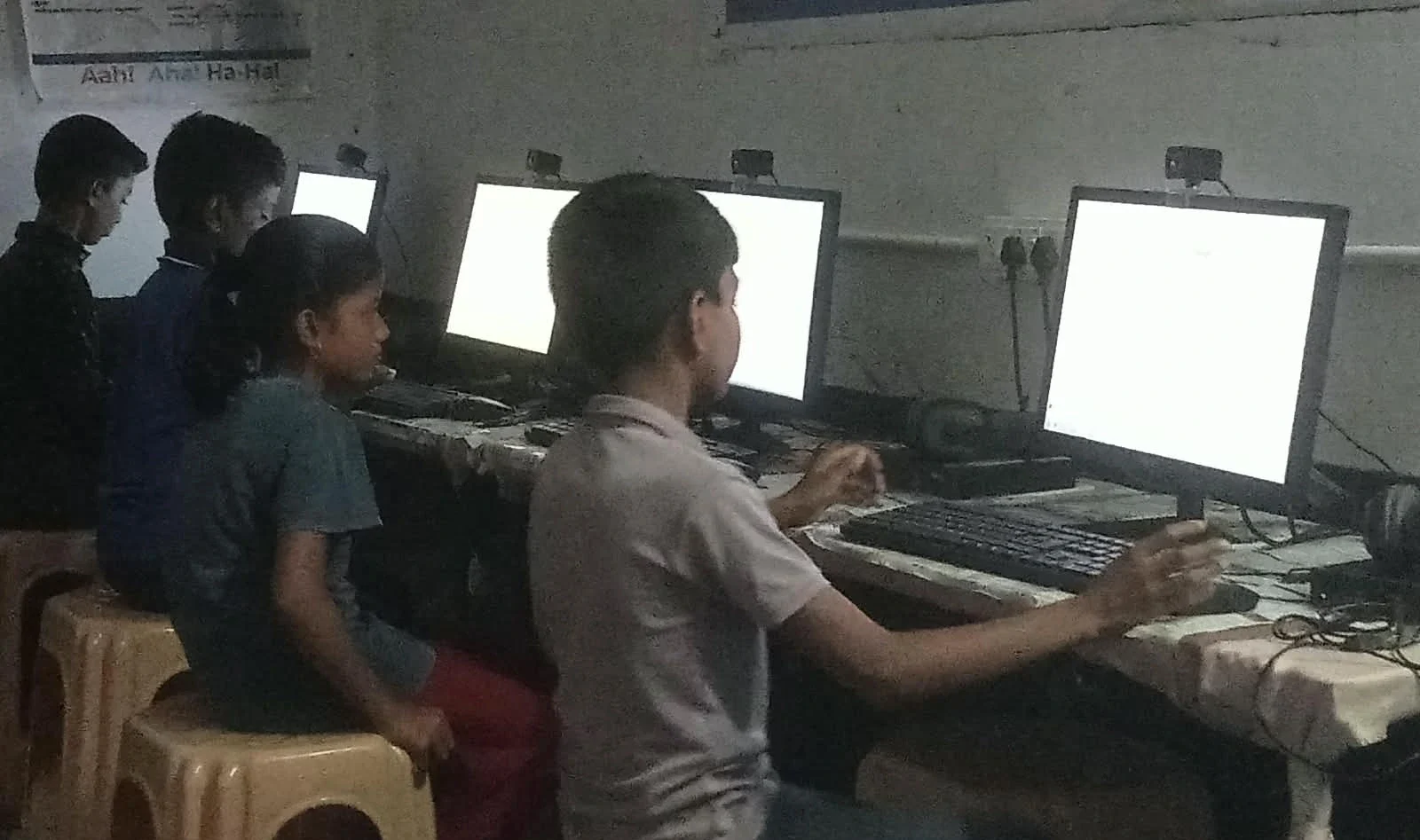
Apna PC comes with everything you need. Scratch is pre-loaded. LibreOffice is ready to use. Zorin OS is smooth and fast. You don’t need to waste time downloading software or dealing with installation problems. You just turn it on and start creating.
The 8GB RAM means you can run multiple programs at the same time. You might have Scratch open, a browser window for tutorials, and a text editor for notes. Everything runs without lag. The 128GB SSD means your vocabulary game project saves instantly and loads quickly.
Many students in Tier 2 and Tier 3 cities don’t have access to good computers. Apna PC costs Rs.30,000 (shipping and GST excluded) and gives you a proper educational computer. It’s designed for students like you. It’s powerful enough for serious projects but affordable enough for your family’s budget.
From Vocabulary Game to Real Skills
Creating a vocabulary game isn’t just about learning words. You’re learning problem-solving. You’re learning how to break big projects into small steps. You’re learning to test your work and fix mistakes. These are skills that employers want. These are skills that’ll help you in any career.
Once you’ve built one vocabulary game, you can build others. A math game. A history game. A science game. You can even build games for your friends or classmates. Some students have turned their game projects into side income by sharing them online.
Check out our guide on HTML and CSS projects to learn how to expand your skills beyond Scratch. You can also read about how students are interviewing for digital skills that employers are asking for.
To learn more about how vocabulary learning works in your brain, explore resources from the Ministry of Education.
Your Next Step
Don’t wait for someone else to create the perfect vocabulary game for you. You can create it yourself. Start this week. Pick your 20 words. Sketch your game design. Download Scratch. Build something that’s yours.
Your vocabulary will improve. Your coding skills will grow. Your confidence will soar. Visit apnapc.com to learn more.