

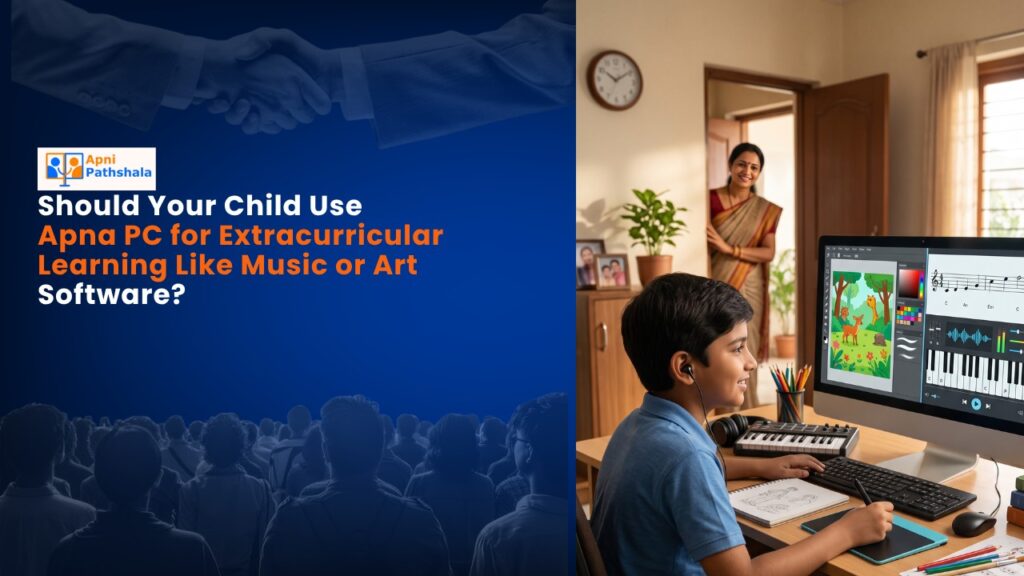
A student computer used only for homework is covering half of its potential. Extracurricular learning on a home computer, through coding projects, digital art, typing practice, creative writing, and language learning, builds skills that school subjects do not directly address. When students use Apna PC for both curriculum work and extracurricular interests, the device becomes central to their learning rather than a homework tool that gets put away after assignments are done.
What Extracurricular Activities Work Well on a Home Student Computer?
Activities that work well on Apna PC’s pre-loaded software:
- Coding projects in Scratch: Students can build games, animations, interactive stories, and simple simulations. Scratch is pre-loaded and requires no additional setup.
- Creative writing in LibreOffice: Students can write short stories, maintain a journal, or create newsletters. LibreOffice handles formatting and spell-checking.
- Typing practice: Improving typing speed has direct academic benefits. Free typing practice tools are accessible through the browser on Zorin OS.
- Digital art and design: Basic image tools come with Zorin OS, and free browser-based design tools are accessible for students interested in visual work.
- Language learning: Free browser-based language learning platforms work on Apna PC for students learning English or a second Indian language alongside school subjects.
How Does Extracurricular Computer Use Build Academic Skills?
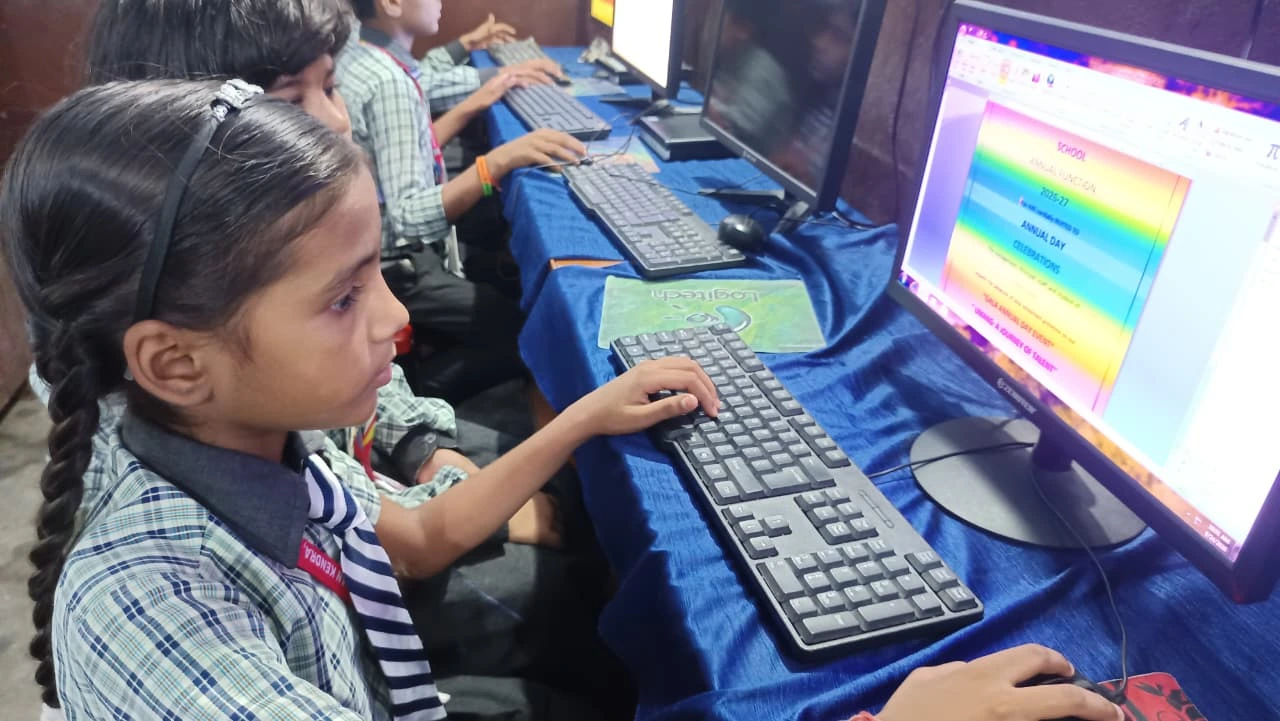
Extracurricular activities on a computer build skills that transfer directly to academic performance. Coding in Scratch builds logical thinking that helps with maths. Creative writing in LibreOffice builds the writing fluency that helps with language exams. Typing practice improves the speed and accuracy of digital assignments. These are not separate from school success. They reinforce it.
Apna PC at Rs.30,000 (shipping and GST excluded) includes all the tools needed for this extended learning without additional software purchases. Zorin OS’s design means students can explore creative tools without accidentally deleting system files or installing problematic software.
What Is the Difference Between Screen Time and Purposeful Computer Time?
Screen time is passive: watching videos, scrolling through content, playing casual games. Purposeful computer time is active: building something, writing something, learning something. The distinction matters for parents who worry about total screen time.
A student who spends an hour on Scratch building a simple animation is using the same device as a student who spends an hour watching videos, but the outcomes are entirely different. Apna PC’s setup, with no default entertainment apps and a clean operating system, makes purposeful use the path of least resistance and passive entertainment the harder choice.
How Can Parents Encourage Extracurricular Learning Without Directing Every Session?
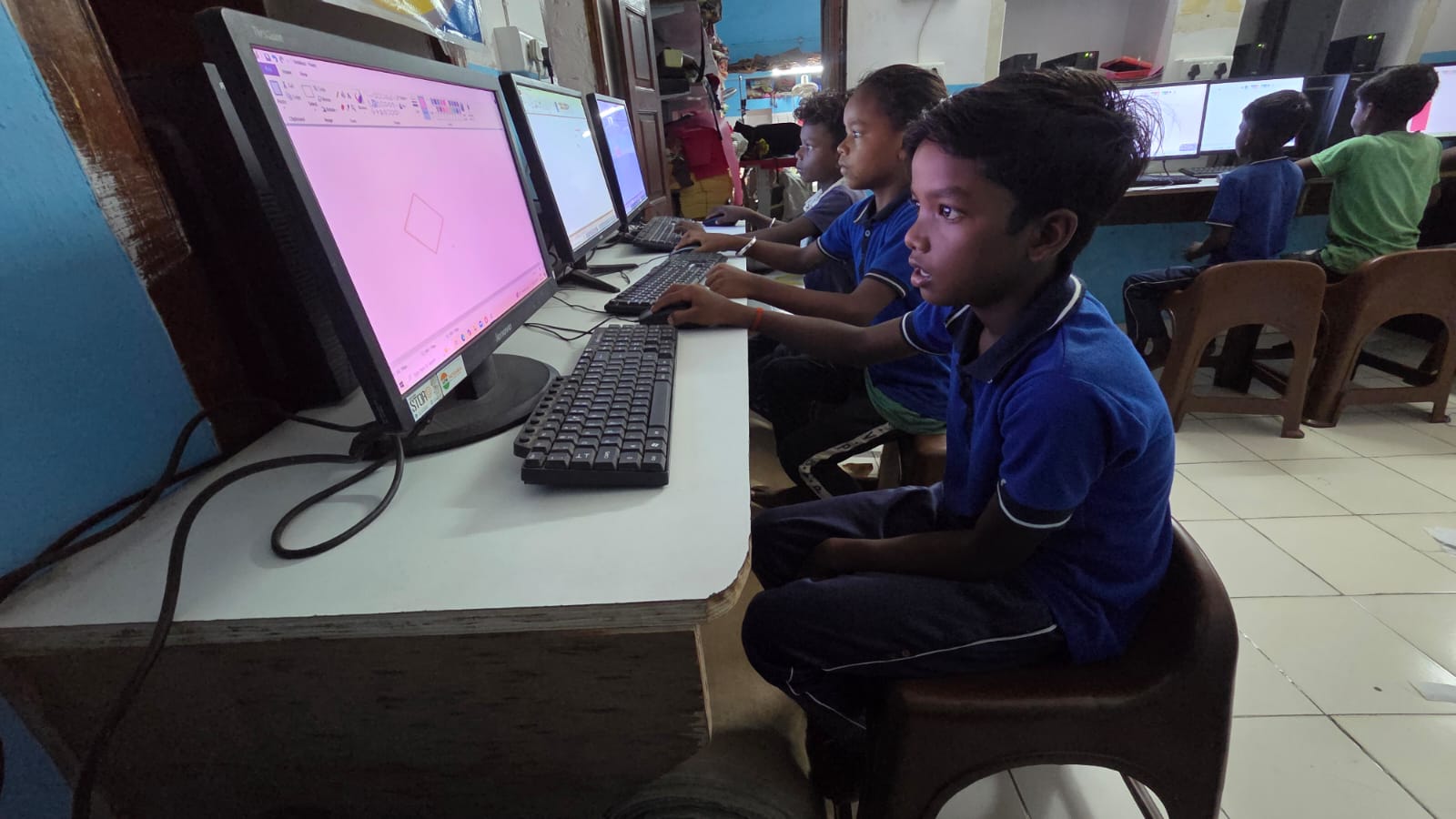
Show interest in what the student creates rather than directing what to create. Ask to see the Scratch project. Read the creative writing document. Try the typing practice game alongside the student. These responses create an audience for the student’s work, which is a powerful motivator for continuing.
Apni Prerna, Apna PC’s monitoring system, shows parents which applications the student used. A parent who sees Scratch activity in the summary has a natural conversation opener for the evening. See more on building positive digital habits with Apna PC and how students build independence through their own study tools.
When Should Extracurricular Learning Happen Relative to Homework?
Homework and curriculum revision come first. Extracurricular computer time is most effective when it follows a completed homework and revision session rather than replacing it. A student who finishes homework and then spends thirty minutes on a Scratch project is building skills and remaining engaged with the computer in a purposeful way.
Parents who make extracurricular computer time contingent on completed homework have both a natural incentive for the student and a clear order that prevents creative projects from displacing exam preparation. See more on how families create space for focused learning at home.
Frequently Asked Questions
Is Scratch appropriate for older secondary school students or only younger children?
Scratch is primarily designed for younger students, and older secondary school students may find its block-based interface limiting. Students who have outgrown Scratch can explore text-based Python, which is accessible through the browser or through Zorin OS’s terminal. The transition from Scratch to Python is a natural progression and an appropriate extracurricular goal for secondary school students who want to deepen their coding skills.
What extracurricular computer activity connects most directly to competitive exam preparation?
Typing speed and accuracy have the most direct connection to competitive exam preparation because many board exams now include computer-based testing. A student who types confidently spends less cognitive effort on the mechanics of answering questions and more on the content. After typing practice, logical reasoning exercises through coding and maths-based projects in Scratch or Python directly reinforce the problem-solving skills tested in competitive exams.
How do you prevent extracurricular computer time from replacing study time?
Set a clear sequence: curriculum work first, extracurricular after. Use Apni Prerna’s time tracking to verify the sequence. A student who spent an hour on creative writing before opening their science textbook has reversed the order. The monitoring data makes the actual sequence visible to parents without requiring the student to report it themselves. Consistent sequence enforcement over a few weeks becomes the natural order.
Can extracurricular computer projects be shared with teachers or included in portfolios?
Yes. Scratch projects have shareable links. LibreOffice documents can be exported as PDFs. Digital art can be saved and printed. Students who build a portfolio of computer projects alongside their academic work have material that demonstrates both curriculum understanding and independent learning. Some CBSE schools recognise digital projects as part of internal assessment. A student with a saved record of Scratch projects, creative writing, and digital designs has a portfolio that most classmates cannot match. See more at the broader benefits of a personal computer for students.
Extracurricular learning on a home computer builds skills that school subjects alone do not cover. Apna PC gives students the tools to explore those skills daily. Visit apnapc.com to learn more.