

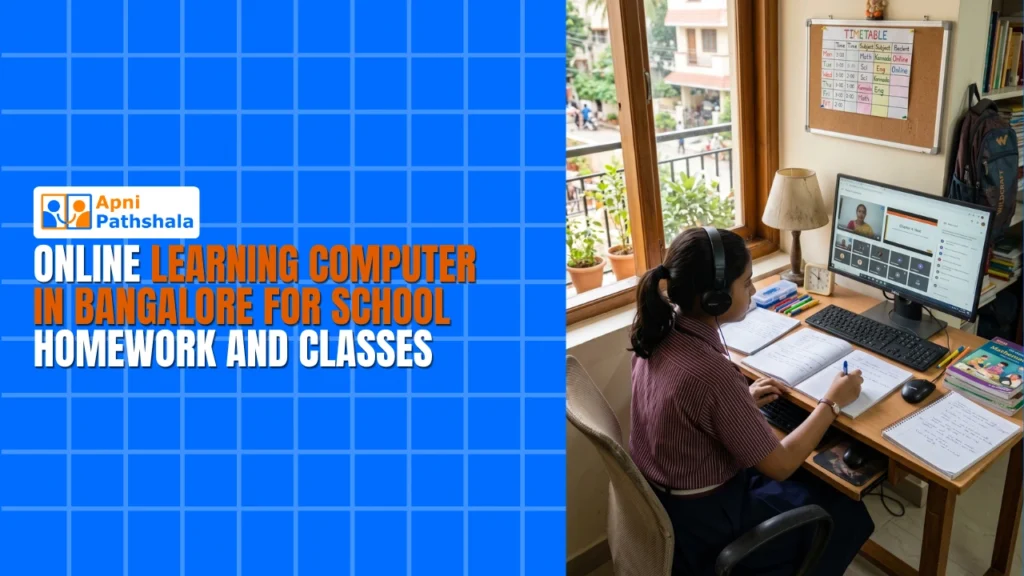
An online learning computer for students provides consistent access to live classes, digital textbooks, and educational platforms without the interruptions of a shared device. These five benefits show why a dedicated computer makes a measurable difference for students attending school online every day.
- Uninterrupted access to live classes and school platforms
- Better study habits and self-discipline
- Access to DIKSHA, e-learning apps, and coding platforms
- Parental monitoring and guidance through Apni Prerna
- Long-term reliability and value compared to costlier alternatives
Benefit 1: Uninterrupted access to live classes and school platforms
When students share a family device, there is always a risk of the device being unavailable, low on battery, or in use at the exact moment a live class begins. A dedicated online learning computer eliminates this problem. The device is charged, configured, and ready whenever the student sits down to study.
Schools use platforms like Google Classroom, Microsoft Teams, and government learning portals that require a stable browser and consistent login. A computer that belongs solely to the student stays configured correctly without settings changing between sessions.
Benefit 2: Better study habits and self-discipline
Children with their own dedicated computer develop stronger study routines. The device signals that it is study time. It is set up with school bookmarks, a calendar, and study tools. There are no unrelated apps or other family members’ files competing for attention.
Read about how a personal computer helps students learn beyond the school curriculum to understand how dedicated access shapes a student’s relationship with learning.
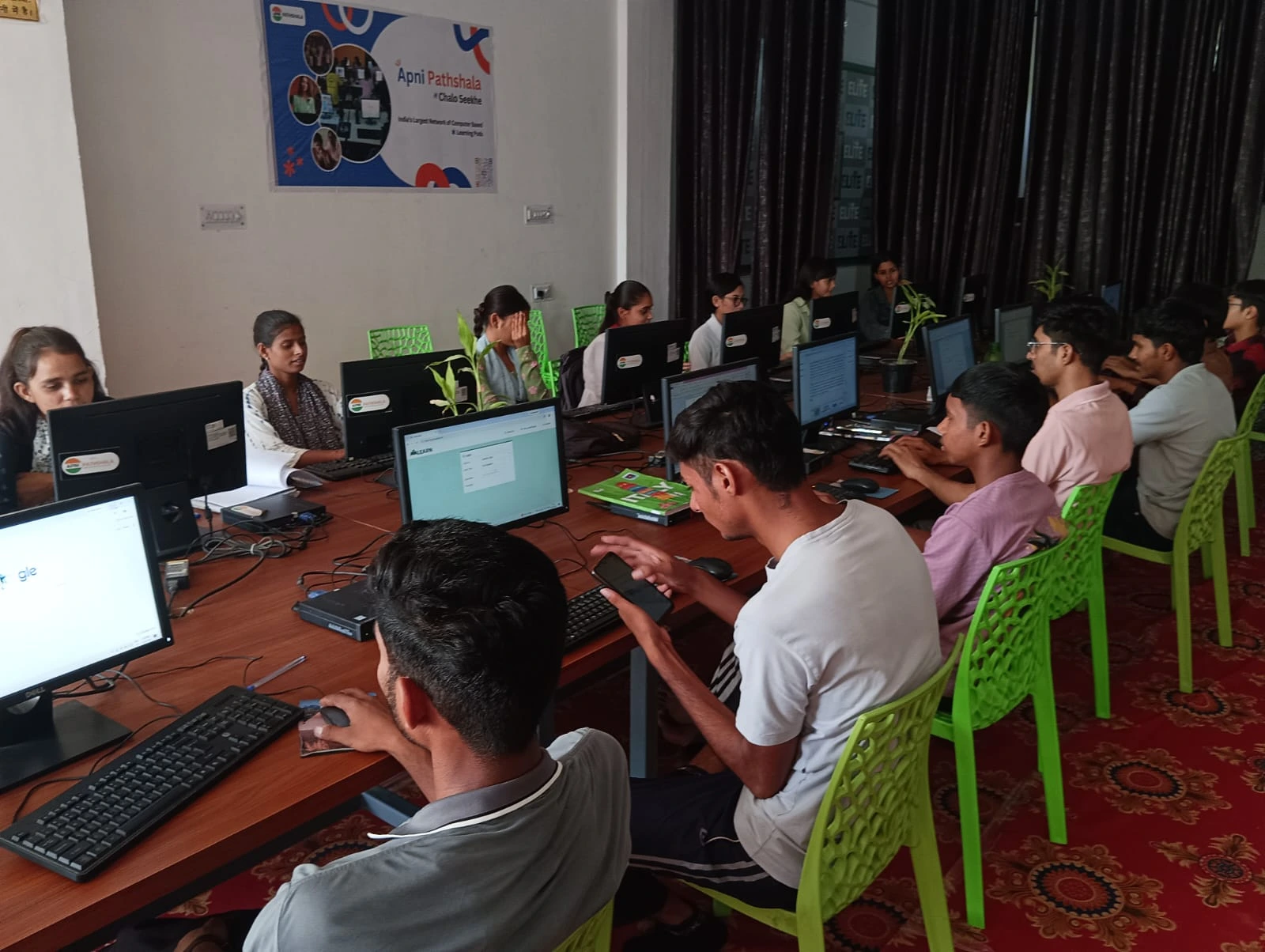
Benefit 3: Access to DIKSHA, e-learning apps, and coding platforms
Indian students have access to excellent free learning resources including the government’s DIKSHA platform, Khan Academy, and coding practice sites. These platforms work best on a full desktop browser with a stable connection. A dedicated student computer makes daily use of these tools practical rather than occasional.
Apna PC comes pre-configured with Zorin OS and essential educational software so students can access these platforms from day one. No setup time, no compatibility issues, no extra costs for software licences. The biggest advantage a student can have today is not marks alone but having the right tools ready every day.
Benefit 4: Parents can monitor and guide study time
Apna PC includes Apni Prerna, a monitoring application that shows parents what their child has been working on. This practical visibility helps parents support their child’s learning without sitting beside them for every session. Parents can see which subjects got attention, how long study sessions lasted, and whether the child stayed on educational resources.
This benefit applies equally to students doing online coaching, board exam preparation, and regular school homework. Apna PC for distraction-free learning compares what different setups offer for parental oversight.
Benefit 5: Long-term reliability and value
Desktops consistently outperform similarly priced laptops for longevity. Desktop components last longer without mobility-related wear, and the system stays cool during long study sessions. For a family investing in a child’s education, a desktop computer that runs reliably for several years is better value than replacing a cheaper device sooner.
Apna PC at Rs.30,000 (shipping and GST excluded) is built for the demands of daily school use in India. Compare this to other desktops priced at Rs.40,000 or more, and the value difference is clear for a family investing in education. The hardware and pre-loaded software combination delivers real educational value from the first day. Apna PC for distraction-free learning explains how the system keeps students focused on school work.
Frequently Asked Questions
What is the difference between a learning computer and a regular desktop?
A dedicated online learning computer is configured for school use with pre-loaded educational software, parental monitoring, and a system optimised for stability over entertainment. Apna PC runs Zorin OS with LibreOffice and Apni Prerna pre-installed, while a standard desktop typically ships without educational software and requires parents to set it up from scratch.
Can students use the computer for both school and competitive exam preparation?
Yes. Apna PC handles school platforms, online mock tests for competitive exams, coaching app videos, and research simultaneously. The hardware is chosen to handle the multitasking these different study types require without slowing down or overheating during long preparation sessions.
Does a child need a dedicated computer or can they use the family laptop?
Using the family laptop creates daily scheduling conflicts and inconsistent configurations. A dedicated student computer is always available, always charged, and always set up with the student’s bookmarks, files, and preferences intact. This consistency makes a significant difference to daily study habits and exam preparation over a full school year.
An online learning computer for students is one of the most practical investments a family can make in a child’s education. Visit apnapc.com to learn more about Apna PC and how it supports students every day.
4 Responses
nice vlog
We’re glad you enjoyed it! This is actually a blog, not a vlog.
hey i want the details of apna pc and process like how to buy it.
We’re happy to help! Visit our website or contact our team to learn more about Apna PC https://www.apnapc.com/ and the buying process. We’ll guide you every step of the way.