

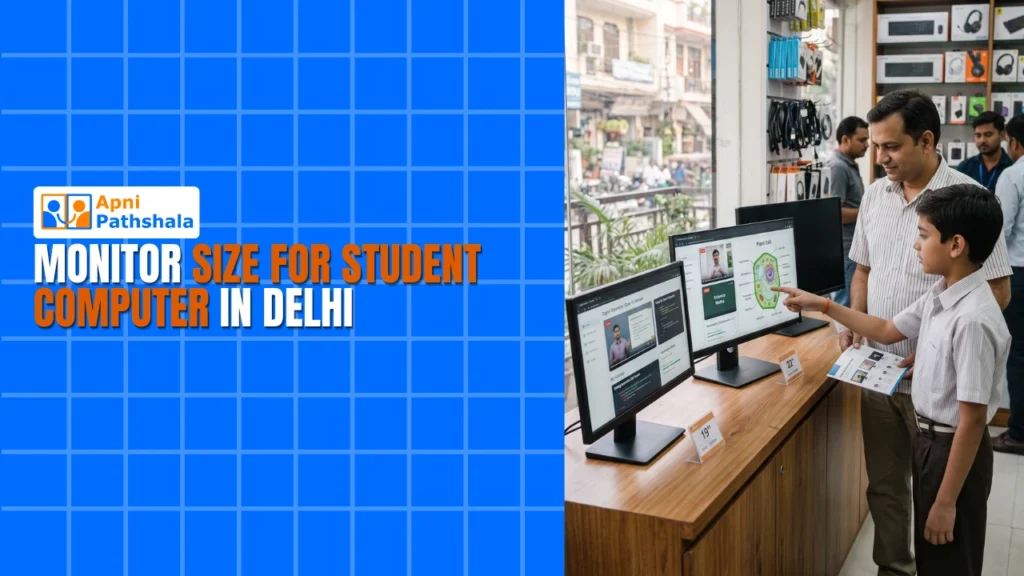
A 19–21 inch monitor is the right size for a student computer used for study at home. It is large enough to read text and diagrams clearly without eye strain, and small enough to fit on a typical study desk. Screen size matters less than resolution and viewing distance.
What monitor size is best for a student doing homework and video lectures?
For daily study use, a 19–21 inch monitor at 1366×768 or 1920×1080 resolution works well. Anything smaller makes reading textbook PDFs and long documents uncomfortable. Anything larger than 24 inches is unnecessary for a home desk and costs more without adding study value.
How does monitor size affect eye strain during long study sessions?
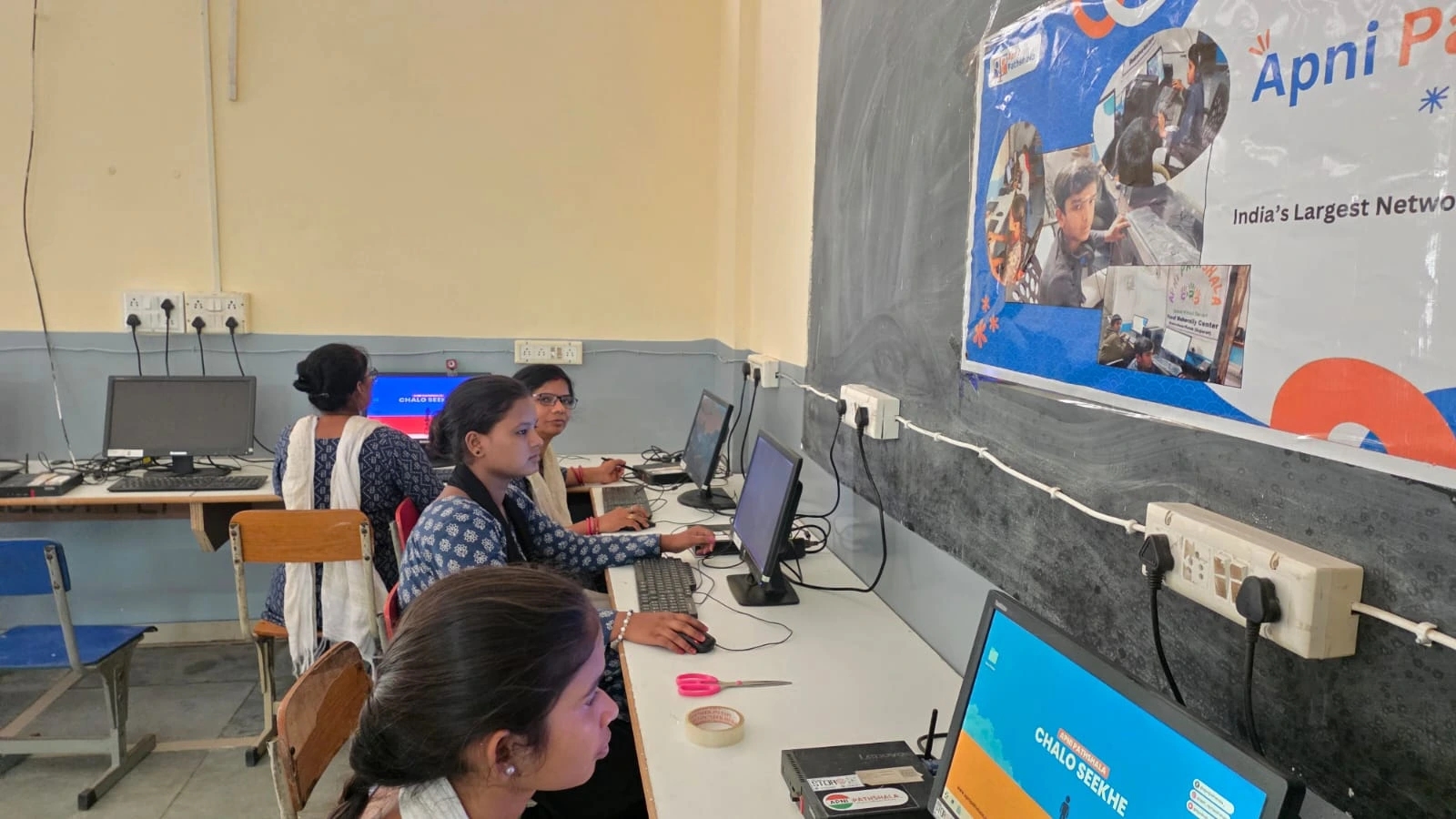
Eye strain comes more from screen brightness, contrast, and viewing distance than from size alone. A 19-inch monitor at the right distance (about 50–65 cm from the eyes) is comfortable for hours of study. Set brightness to a moderate level and use the monitor’s built-in blue light filter if it has one. Take a short break every hour to rest your eyes.
Does Apna PC come with a monitor?
Yes. Apna PC at Rs.30,000 includes a monitor as part of the complete setup. The bundled monitor is sized for home study use, so parents do not need to buy one separately. This is one of the practical advantages of a purpose-built study computer over assembling parts individually. See monitor included vs separate setups for a full comparison.
What resolution should a student monitor have?
At minimum, 1366×768 resolution (HD). For sharper text and diagrams, 1920×1080 (Full HD) is better. If your child reads NCERT PDFs, watches video lectures, or does digital diagrams for science, Full HD makes a visible difference in clarity. Most monitors in the Rs.30,000 budget range offer Full HD.
| Monitor size | Suitable for | Typical use |
|---|---|---|
| 15–17 inch | Very small desks | Basic homework |
| 19–21 inch | Standard study desks | Homework, video lectures, PDFs |
| 22–24 inch | Larger desks | Extra screen space for notes + video |
| 27 inch+ | Large desks only | Unnecessary for most students |
Should parents choose a flat screen or a curved monitor for students?
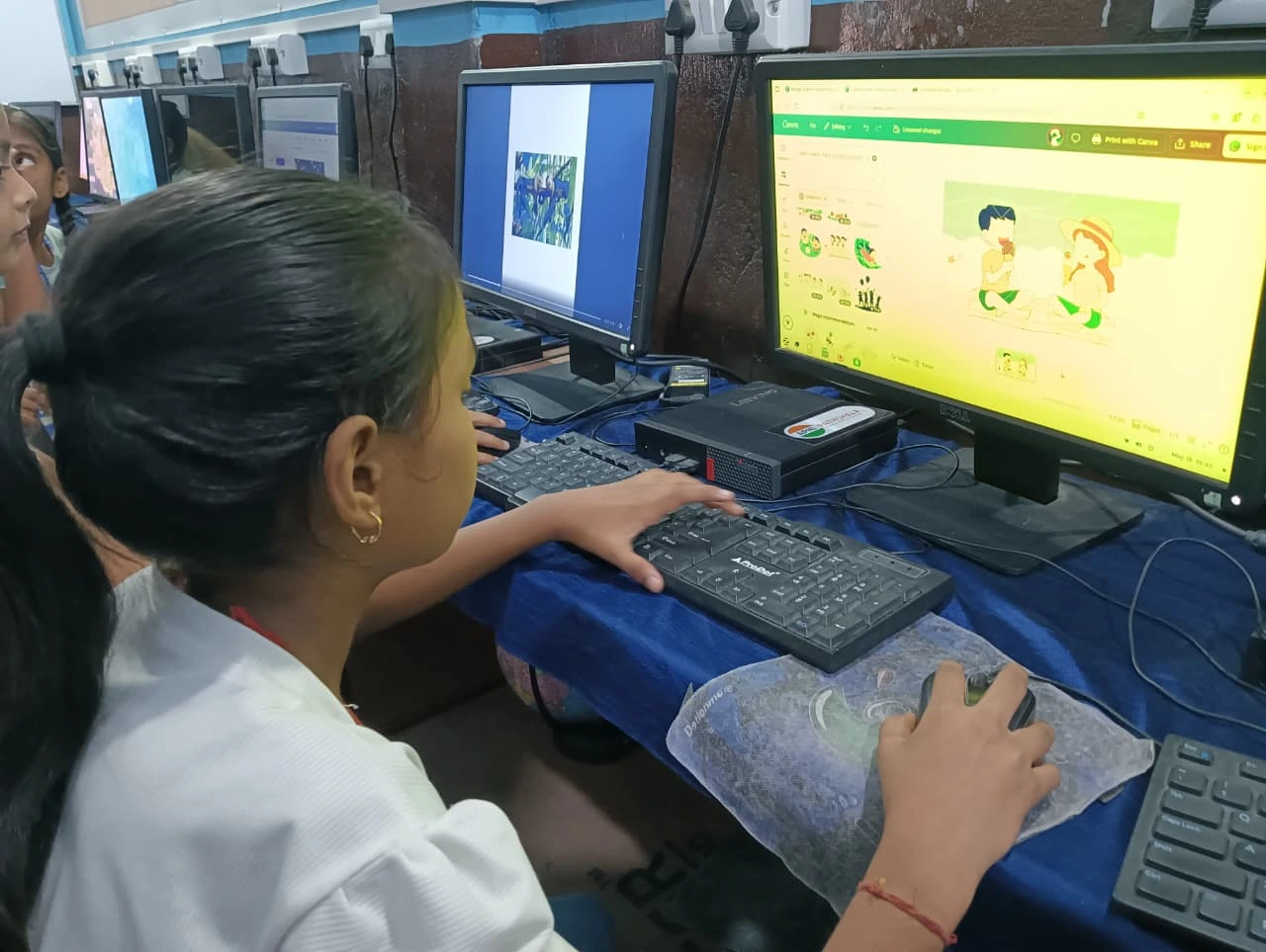
A flat screen is the practical choice for students. Curved monitors cost more and offer no academic advantage for typical study tasks. The curve is designed for wide gaming screens where the edges would otherwise be hard to see. For homework, notes, and video lectures, a standard flat monitor is better value.
For parents choosing between computer setups, all-in-one vs desktop computers for students covers the trade-offs clearly.
How should a student’s monitor be positioned to reduce strain?
The top of the monitor should be at or slightly below eye level. The screen should be about an arm’s length away. Tilt the screen slightly back (about 10–20 degrees). This posture reduces neck strain and keeps the viewing angle comfortable during long homework sessions. Place the monitor away from windows to avoid glare.
What should parents check about a monitor before buying?
Check these four things: screen size (19–21 inch for a standard desk), resolution (Full HD preferred), panel type (IPS gives better colour accuracy than TN), and whether it includes a stand. A monitor without a stand costs less but needs a separate mount. The biggest advantage a student can have starts with having the right tools, not the most expensive ones.
See how a personal computer helps students learn beyond the school curriculum for the full picture.
Frequently Asked Questions
Is a 17-inch monitor too small for a student?
It works for basic homework but becomes uncomfortable for long sessions of reading PDFs or watching video lectures. If the desk space allows, a 19–21 inch monitor is more comfortable for daily study use and reduces the need to zoom in constantly on documents.
Does monitor size affect internet speed or computer performance?
No. Monitor size has no effect on internet speed or how fast the computer processes tasks. Performance depends on RAM, the processor, and storage type. The monitor only affects what you see, not how fast the computer works.
Can my child use a TV as a monitor for the study computer?
A TV works as a temporary monitor if it has an HDMI or VGA input. However, TVs are designed for viewing from across a room, so text looks blurry up close and the resolution is often lower. For daily study use, a proper computer monitor at the right size and distance is better.
What is IPS vs TN and which is better for students?
IPS panels show more accurate colours and are readable from wider angles, which is useful when a parent wants to check their child’s work from the side. TN panels are cheaper and have faster refresh rates, but colour accuracy is weaker. For study use, IPS is worth the small extra cost if the budget allows.
Does Apna PC’s monitor meet the right specs for study use?
Yes. The monitor bundled with Apna PC is sized and specified for student study use. The complete setup at Rs.30,000 includes everything a student needs to start studying immediately without additional purchases.
Visit Apna PC to see the full setup specifications and order a complete study computer for your child.