

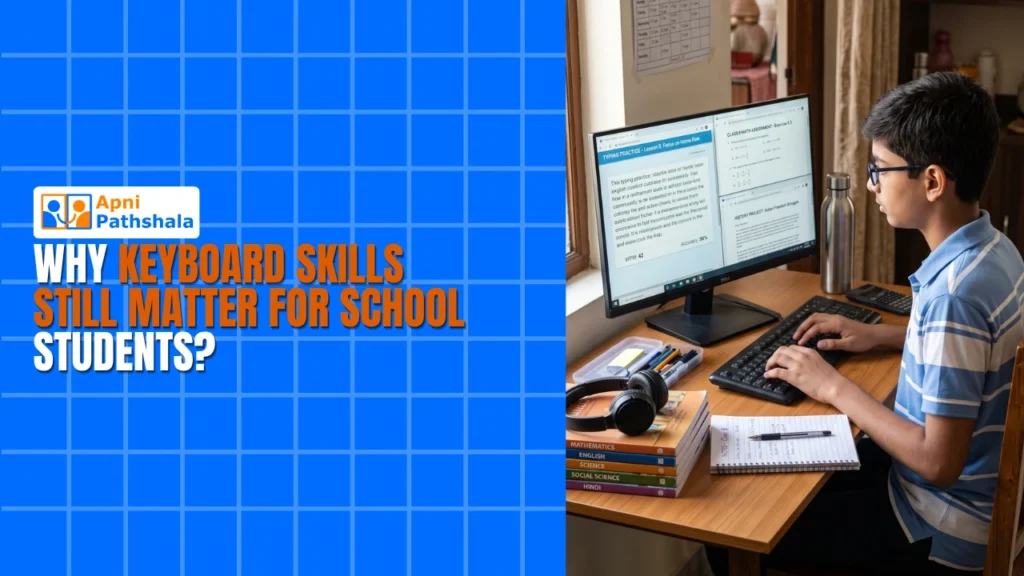
Rishika’s mother called us last month, worried. Her daughter was in class 8, getting good marks, but something felt wrong. During online exams, Rishika typed so slowly that she’d run out of time. Her fingers hunted and pecked across the keyboard like a bird looking for seeds. While her classmates finished their answers in 20 minutes, Rishika was still typing her third paragraph. Her mother realised the real problem wasn’t her daughter’s knowledge. It was her keyboard skills. Students across India need strong typing practice and digital literacy to succeed in today’s schools.
This story isn’t unique. Across tier 2 and tier 3 cities in India, thousands of students face the same struggle. Your child might be brilliant at math or English, but slow typing can hold them back. Keyboard skills for students aren’t just about speed. They’re about confidence, efficiency, and being ready for a digital world.
Why Keyboard Skills for Students Matter Right Now?
Think about your child’s school day. They take online tests. They submit assignments on computers. They attend video classes where they need to type questions in chat. None of this existed 15 years ago. But it’s normal now. When your child can’t type quickly, they lose focus on what they’re actually learning.
Good typing skills help your child in three specific ways:
- Better exam performance: Your child finishes tests on time and can review their answers.
- Faster assignments: Projects and homework get done quicker, leaving time for other subjects.
- Less frustration: Your child stays calm during computer-based work instead of getting stressed about typing.
Research on student learning shows that when students spend less time fighting with their tools, they think better. They’re not distracted by the mechanics of typing. They can focus on the actual problem or essay they’re working on.
How Keyboard Skills Help Students Build Better Thinking
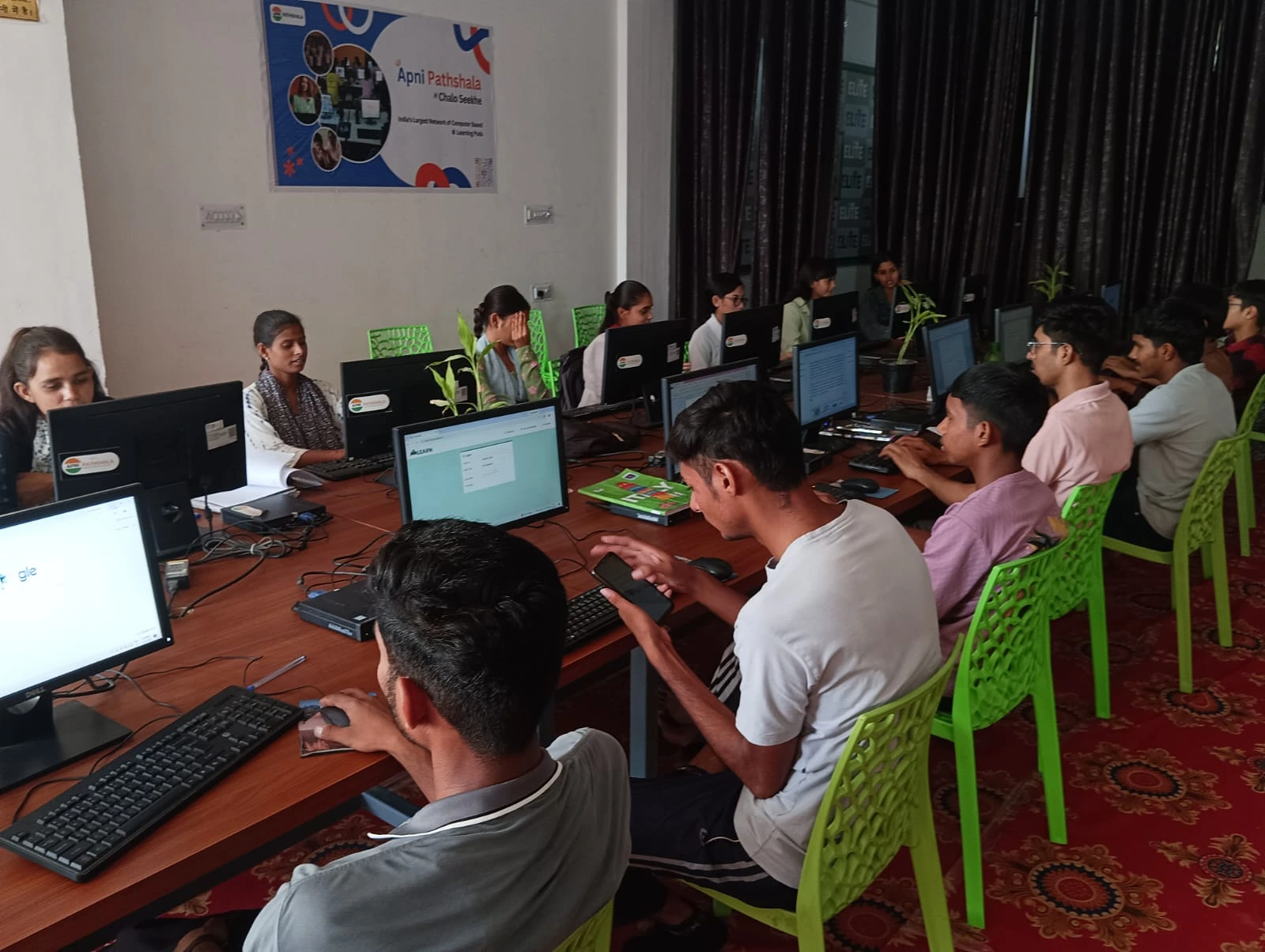
Here’s something most parents don’t realise. When your child types well, they think differently. They can capture their ideas faster. In exams, this means writing complete answers instead of rushed bullet points. In creative work, it means actually expressing what’s in their head instead of simplifying it to match their typing speed.
Student computer skills go beyond just typing fast. They include understanding how to use software, navigate files, and work with different applications. But typing is the foundation. Without it, everything else feels clumsy.
The Digital India initiative has pushed schools to use computers more. Your child’s school probably has computer labs, online learning platforms, and digital assessments. But most schools don’t teach proper typing. They assume students will pick it up naturally. They won’t.
How to Build Keyboard Skills at Home
You don’t need expensive software or coaching classes. Your child can improve keyboard skills at home with regular practice. Start with 15 minutes a day. There are free websites and apps that make typing practice fun through games and challenges. Your child should focus on accuracy first, then speed.
The right computer makes a huge difference here. Your child needs a proper keyboard, not a laptop touchpad. They need a full-sized screen to see what they’re typing. They need software that’s reliable and doesn’t distract them. This is where having a dedicated computer at home matters.
Apna PC comes pre-loaded with LibreOffice and other applications your child will actually use in school. It’s built specifically for the development of student computer skills. With 8GB RAM and a proper keyboard, your child can practice typing without frustration. The system runs smoothly whether they’re typing essays, coding with Scratch, or working on projects.
Beyond Just Typing Speed
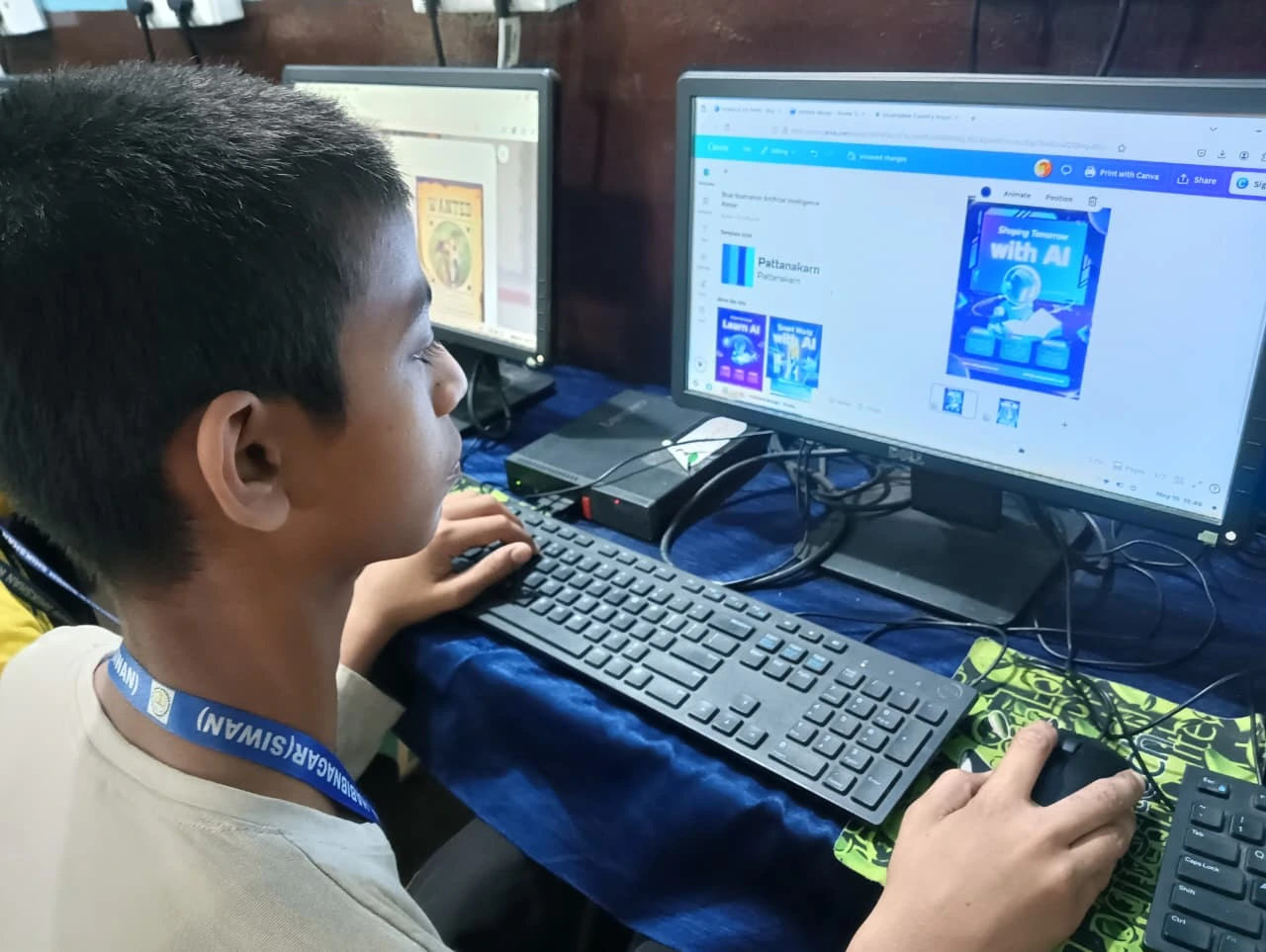
Keyboard skills students need go beyond just speed. They need to understand keyboard shortcuts. They need to know how to use special characters, format text, and move between applications efficiently. These skills save time and make your child appear competent when working on a computer.
When your child learns coding for students with Apna PC, they’ll use the keyboard constantly. Good typing skills make coding less frustrating. They can focus on logic instead of hunting for letters.
The Apni Prerna monitoring system on Apna PC lets you see how your child’s using the computer. You can encourage typing practice and see real progress. You’ll know when they’re ready to move on to more advanced digital skills.
What Makes a Computer Good for Building Keyboard Skills?
Not every computer is suitable for building keyboard skills. Laptops are portable but have cramped keyboards. Tablets are too small for proper typing. Your child needs a real desktop setup with a full keyboard, good monitor, and reliable performance. This is what makes a computer good for school students.
Apna PC is designed exactly for this. At Rs.21,000, it’s affordable for families in tier 2 and tier 3 cities. It comes with everything your child needs. No expensive add-ons. No confusing setup. Just a computer that works for school and learning.
Start Building Your Child’s Keyboard Skills Today
Your child’s keyboard skills won’t develop by accident. They need regular practice on a proper computer. They need an environment where they can focus without distractions. They need your support and encouragement.
Rishika’s mother invested in a good computer for her home. Within three months, Rishika’s typing speed doubled. More importantly, her confidence grew. She wasn’t stressed during online exams anymore. She could actually think about her answers instead of worrying about typing.
Your child deserves the same opportunity. The right computer and consistent practice can transform how your child works with digital tools. This isn’t just about school. These skills will help them in college and their careers. Keyboard skills students develop now will serve them for life. Visit apnapc.com to learn more.