


Last month, Rajesh Sharma in Indore faced a familiar puzzle. His son Arjun’s school had just announced online classes, and his daughter Priya needed a computer for her coding institute. Rajesh had saved Rs.35,000, but two options pulled at him. Should he assemble a DIY computer setup at home with his tech-savvy neighbour, or buy a ready-to-use computer built for students? Choosing between a DIY computer and a ready-to-use PC isn’t just about money. It shapes your child’s learning, your peace of mind, and your time.
Let’s walk through both paths honestly so you can decide what fits your family.
The DIY Computer Setup Path
Building your own computer sounds exciting and budget-friendly. You buy a processor, motherboard, RAM, storage, power supply, and cabinet separately, then assemble them. Many parents think this saves money and gives them control.
The real costs of DIY:
- Parts cost: Rs.25,000 to Rs.32,000 depending on quality
- Operating system: Windows costs Rs.5,000 to Rs.8,000 extra
- Learning software: You must hunt for free versions or buy educational tools
- Monitor, keyboard, mouse: Add another Rs.8,000 to Rs.12,000
- Unexpected costs: A faulty part means repair expenses and lost days
The hidden costs of a DIY setup don’t end at purchase. Your time matters too. If something breaks, you’re troubleshooting with YouTube videos or calling your neighbour again. If your child’s online class starts in 10 minutes and the computer won’t boot, you’ll be stressed, and your child will miss the class.
Quality control is another risk. Not all sellers in local markets guarantee genuine parts. You might get a processor that overheats or RAM that fails after three months. Warranty support is scattered. The shop owner might say he doesn’t handle that, and you’re left figuring it out alone.
Operating system setup takes time. You need to install Windows, then hunt for antivirus software, then install educational apps one by one. For many parents in Tier 2 and Tier 3 cities, this process feels overwhelming.
The Ready-to-Use Computer Path: Apna PC
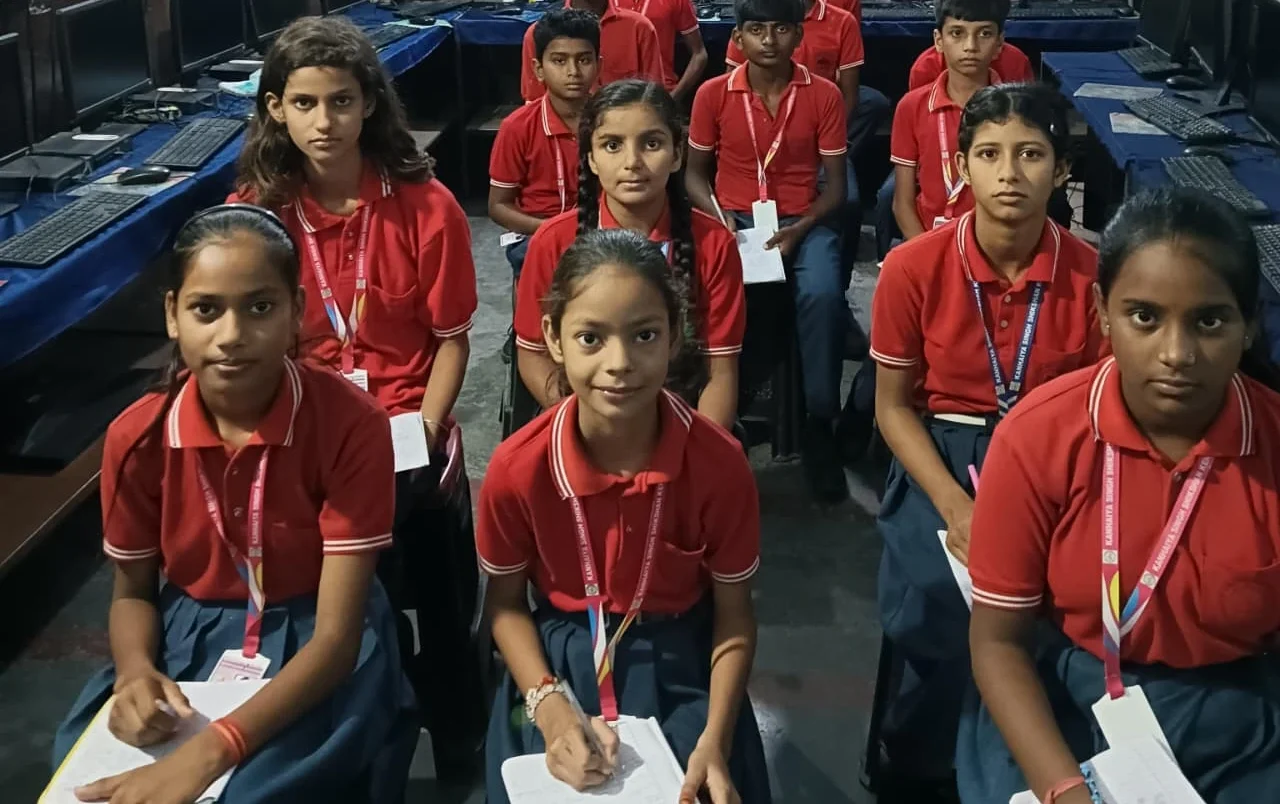
A ready-to-use computer like Apna PC comes fully assembled, tested, and pre-loaded with everything your child needs. Apni Pathshala, an organisation focused on education, builds it. You unbox it, plug it in, and it works.
What you get with Apna PC at Rs.30,000 (shipping and GST excluded):
- 8GB RAM and 128GB SSD for smooth multitasking and fast boot-up
- Zorin OS, a free, student-friendly operating system with no Windows licence cost
- Apni Prerna: built-in parental monitoring so you know what your child is doing
- LibreOffice: free office software for documents, sheets, and presentations
- Scratch: pre-loaded for learning coding and programming basics
- Tested and guaranteed to work out of the box
The real advantage isn’t just the price. It’s the peace of mind. Your computer arrives ready for online classes, homework, and learning. No assembly, no software hunting, no “why isn’t this working?” moments at 2 AM. If something goes wrong, there’s one company to call, not five different shops.
Apna PC runs Zorin OS, which looks and feels familiar but doesn’t need an expensive Windows licence. It’s lighter on resources, meaning your computer stays fast even after a year of use. For students, this matters because slow computers frustrate learning.
Parental monitoring through Apni Prerna helps you stay involved without being invasive. You can see how much time your child spends on homework versus games, and you can set screen time limits. For parents worried about online safety, this is invaluable.
Honest Comparison: DIY Computer vs Ready PC
Choose DIY if you have technical knowledge or a trusted tech friend nearby. You enjoy troubleshooting. You have time to research parts and handle repairs. You don’t mind multiple warranty claims across different shops, and you’re comfortable managing software licences yourself.
Choose a ready-to-use computer like Apna PC if you want something that works immediately. You value your time more than saving Rs.2,000 to Rs.5,000. You want one company to support you, not five. You want your child to start learning on day one. You’re concerned about online safety and want built-in parental controls, or you live in a Tier 2 or Tier 3 city where finding tech support is hard.
Let’s be honest. A DIY setup might cost Rs.2,000 to Rs.5,000 less than Apna PC. But if one part fails in month six, that saving disappears. If you spend 10 hours troubleshooting instead of working extra hours, that time has a cost too.
What About Long-Term Value?
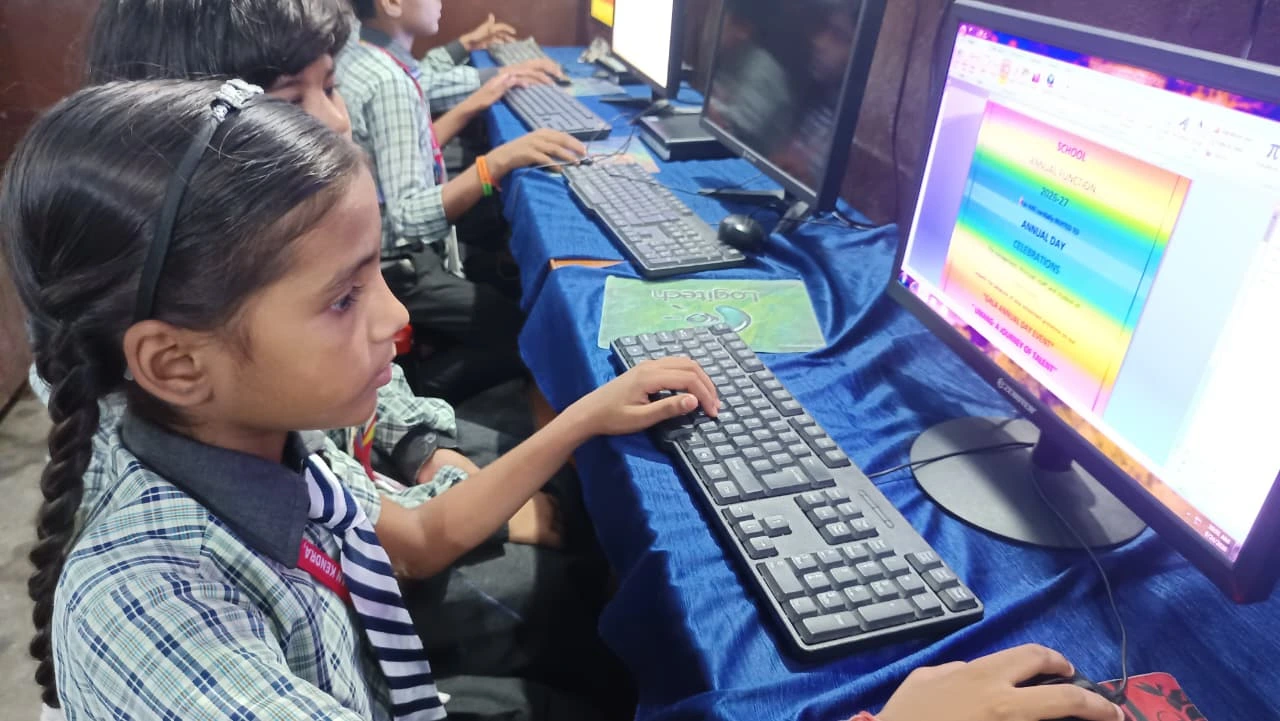
A DIY computer vs ready PC comparison looks different when you count five years of use instead of the first week. A ready-to-use computer like Apna PC is built to last. The components are chosen for reliability, not just low cost, and the software is designed for students, which means less clutter and better performance over time. With a DIY setup, you might end up with mismatched components that don’t work well together.
Your child’s learning shouldn’t depend on whether you can fix a computer. It should depend on whether they have the tools to learn. Apna PC removes that dependency. It’s one less thing to worry about while you’re managing school, work, and home.
Many parents don’t realise that assembled PC vs branded PC isn’t just a technical question. It’s a life question. How much stress do you want? How much time do you have? What’s your backup plan if something breaks?
Making Your Decision: DIY Computer vs Ready PC
Before you decide, ask yourself a simple question. Do you want to build a computer, or do you want your child to have a computer that works? These are different questions with different answers.
Talk to other parents in your city, and check what your child’s school expects from a home computer. The Central Board of Secondary Education (CBSE) lays out digital learning expectations that most schools follow. Use free resources like the DIKSHA digital learning platform to see what software your child actually needs, and look at how UNESCO global education research frames access to technology. Reliable access beats fancy hardware specs, and that’s exactly what a ready-to-use computer guarantees.
Rajesh Sharma, the father from Indore, chose Apna PC. His reasoning was simple: he wanted his children to focus on learning, not on troubleshooting. A year later, both Arjun and Priya attend online classes smoothly, code in Scratch, and finish homework without interruption. Rajesh says the peace of mind was worth every rupee.
Your family’s learning journey deserves a computer that works reliably from day one. Visit apnapc.com to learn more.