

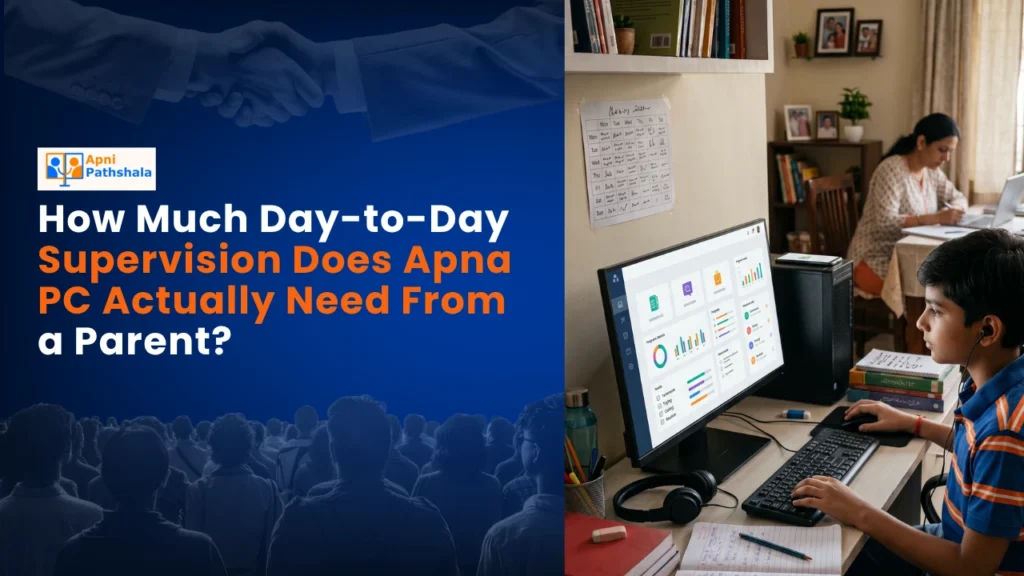
Most children need a few minutes of parent supervision a day on a study computer, not constant watching. With Apna PC, you set the routine and limits once, then spend about 15 minutes each evening and 30 minutes at the weekend reviewing what your child actually studied.
The worry is real for many working parents in Tier 2 and Tier 3 cities. Will my child waste time? Should I sit beside them?
What does parental involvement look like on a study computer?
Good parental involvement means guiding your child, not watching every keystroke. The Education in India overview is a useful background read on how schooling here is organised, and most parents already know that children learn best with both independence and guidance.
Apna PC comes preloaded with Apni Prerna, a student-monitoring system built for Indian homes. It is not surveillance. It is structured visibility: you get reports on what your child studied, how long they focused and which programs they used.
How much daily time does a parent need to spend?
Plan on about 15 minutes in the evening, not hours at the desk. You set a learning routine once, your child follows it, and the system tracks progress on its own.
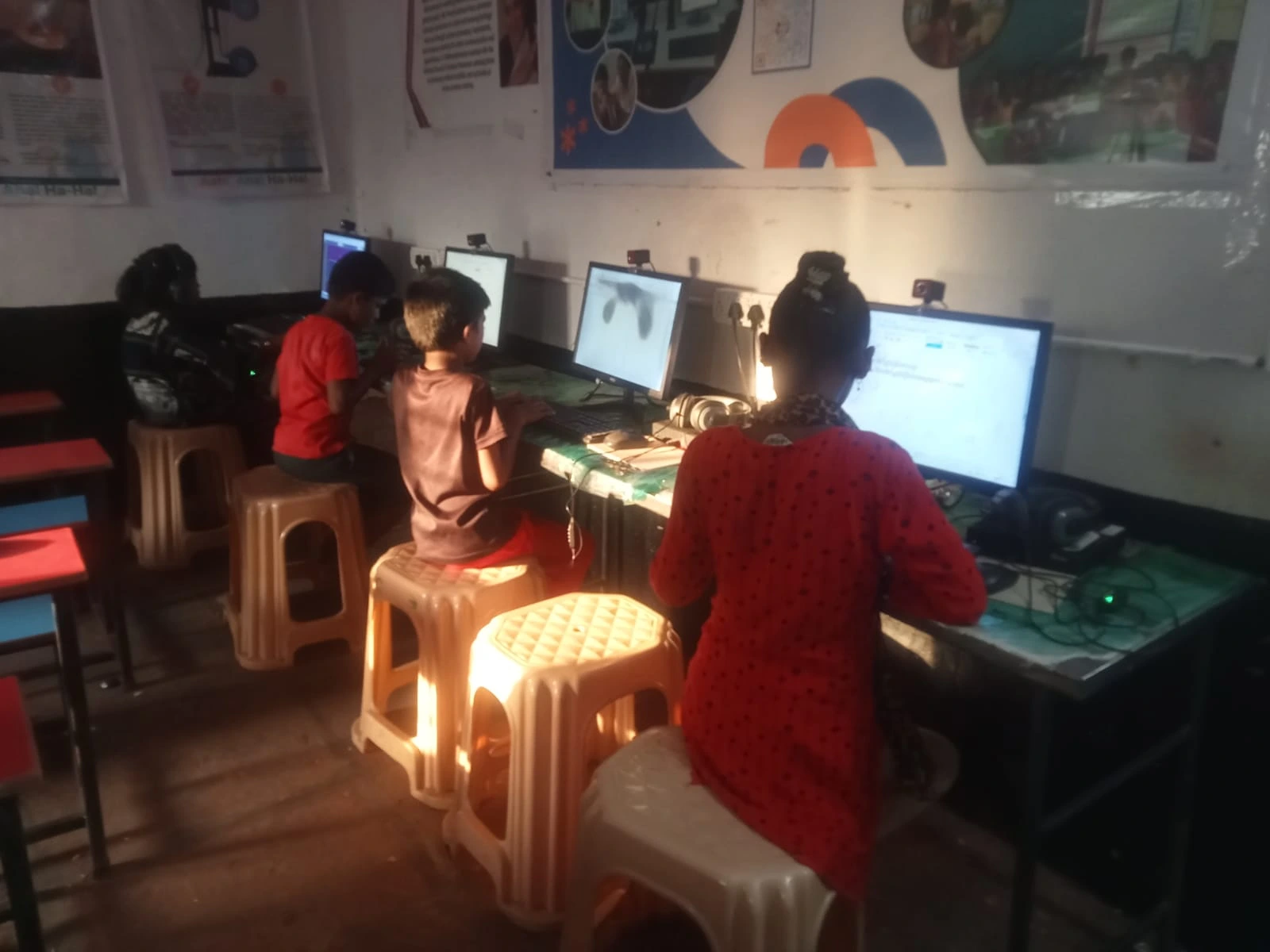
Morning study sessions can run without you. Your child opens Scratch to code or works through Apni Prerna lessons, and the computer logs it all. In the evening, a short review of the day’s activity is genuine involvement without exhaustion.
Working parents find this especially helpful. If you run a shop or work a full day, you cannot stay at your child’s side. Our guide on how working parents monitor Apna PC shows how structured routines replace constant presence. Apna PC handles the structure, and you handle the guidance.
What can parents see in Apni Prerna reports?
Apni Prerna shows real data instead of guesses. For example, it can tell you your child studied for 2 hours today, spent 45 minutes on mathematics and completed 3 coding exercises.
This clarity about student monitoring replaces worry with facts. The device also includes:
- LibreOffice for documents and spreadsheets
- Scratch for programming basics
- Zorin OS, which keeps the system secure and free of distractions
There is no YouTube rabbit hole unless you allow it, and no gaming unless you permit it. You keep control through settings, not by sitting in the room. To see how this compares with blocking tools, read how parental control software differs from Apna PC’s built-in learning approach.
How does supervision change as the child becomes independent?
Supervision should reduce steadily as your child builds their own learning routine. In week one you check daily, by week four you check twice a week, and by month three many children are studying on their own.
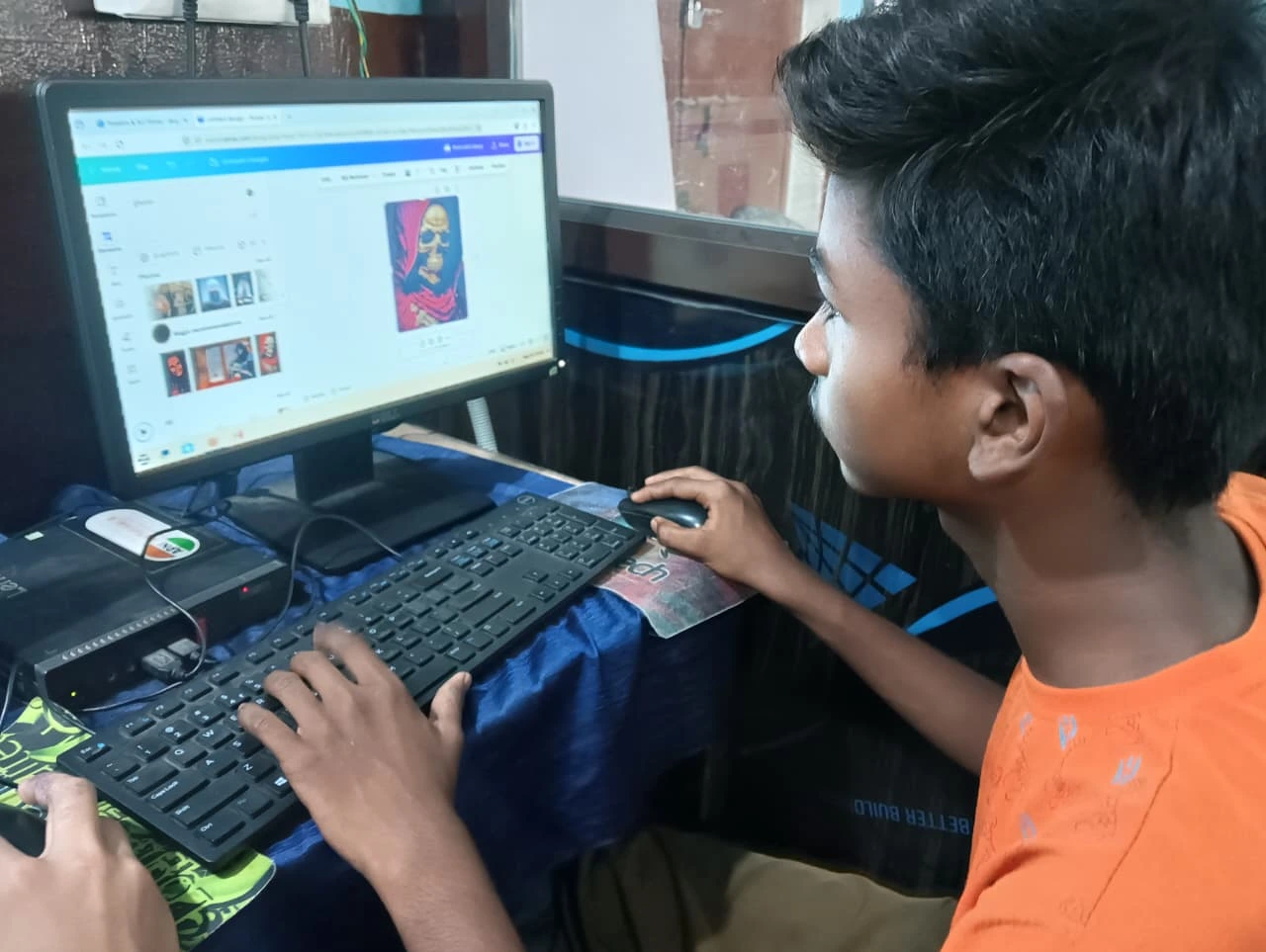
Children respond well to structure they understand. Your child knows you can see their progress, so they are not hiding anything or anxious about being caught. They are simply learning.
The Rs.30,000 price includes this whole system. 8GB RAM handles multitasking, and the 128GB SSD stores projects and schoolwork, so everything runs smoothly without lag.
What if you are too busy to check in every day?
Busy parents can rely on one weekly review instead of daily checks. Whether you have shop hours, farm work or office commitments, you can still stay connected to your child’s education.
Weekend reviews work best. Sit with your child for 30 minutes, go through the week’s activity together, praise progress and talk about problems. The Ministry of Education website is a good place to follow national digital learning initiatives. For more ideas on sharing the load at home, see splitting study supervision between parents.
Will my child misuse the computer without constant watching?
Possibly, if there are no boundaries. But Apna PC lets you set those boundaries once and trust the system, so your involvement becomes planned rather than constant.
The routine your child builds now will help them for years. They learn that study is structured, trackable and rewarding, and your role shifts from supervisor to mentor. If you want help setting limits without daily arguments, read our guide to setting screen time limits.
Frequently Asked Questions
How long should a weekly review with my child take?
About 30 minutes is enough for most families. Go through the week’s activity together, point out what went well and agree on one or two things to improve. Short, regular reviews work better than long, tense ones.
At what age can a child use a study computer without supervision?
There is no fixed age, but most children can study alone once a routine is settled and limits are in place. Younger children in primary classes need more frequent check-ins, while many middle and high school students manage well with a short daily or weekly review.
Do I need to know computers well to supervise my child?
No, you do not need technical skills to supervise well. The reports are simple to read and show subjects, time spent and completed tasks. Your main job is to ask questions, notice effort and talk about progress, which any parent can do without knowing how the software works.
Is monitoring my child’s computer the same as spying?
No, monitoring is open and agreed, while spying is hidden. When your child knows you can see their progress and you review it together, it builds trust and responsibility. The aim is to understand their learning, not to catch them out or punish every small mistake.
Day-to-day supervision means smart monitoring, clear goals and regular check-ins, not constant presence. If you want a learning computer that respects your time, visit Apna PC to learn more.