

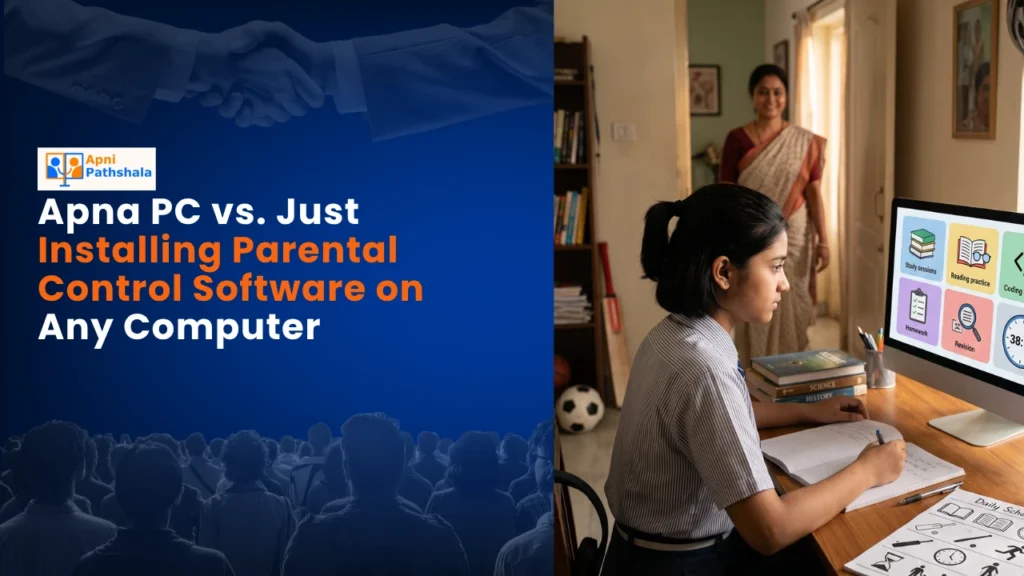
Parental control software on any computer blocks and restricts, but it does not guide a child toward learning. A learning-focused computer like Apna PC starts without the distractions and comes with study tools and transparent progress monitoring, so you spend less time fighting the device and more time supporting your child.
For example, a parent might install several control apps on the family laptop and block every gaming site, yet still find the child learning nothing useful. Blocking alone does not tell a child what to do instead.
What does parental control software actually do, and not do?
Parental control tools block, monitor and restrict. You set rules, and children often find workarounds: a friend’s phone, cleared browser history or disabled notifications. The software can turn into another battle at home.
- Website blocking: stops social media and gaming sites, but a child can switch to mobile data or another device.
- Screen time limits: cut off the computer after a set time, which can leave a child frustrated rather than engaged.
- Activity monitoring: tracks what a child does online, which can create distrust rather than discipline.
- App restrictions: prevent certain installs, but do not point a child toward useful applications.
None of these teaches a child why to avoid distractions or how to use technology for real learning. They are band-aids. If you are comparing tools, see how Apni Prerna compares with parental control apps.
How is Apna PC different from a computer with control apps added?
Apna PC is an educational computer designed for school students in India, not a regular computer with restrictions added on top. At Rs. 30,000 (shipping and GST excluded), it comes preloaded with tools for learning.
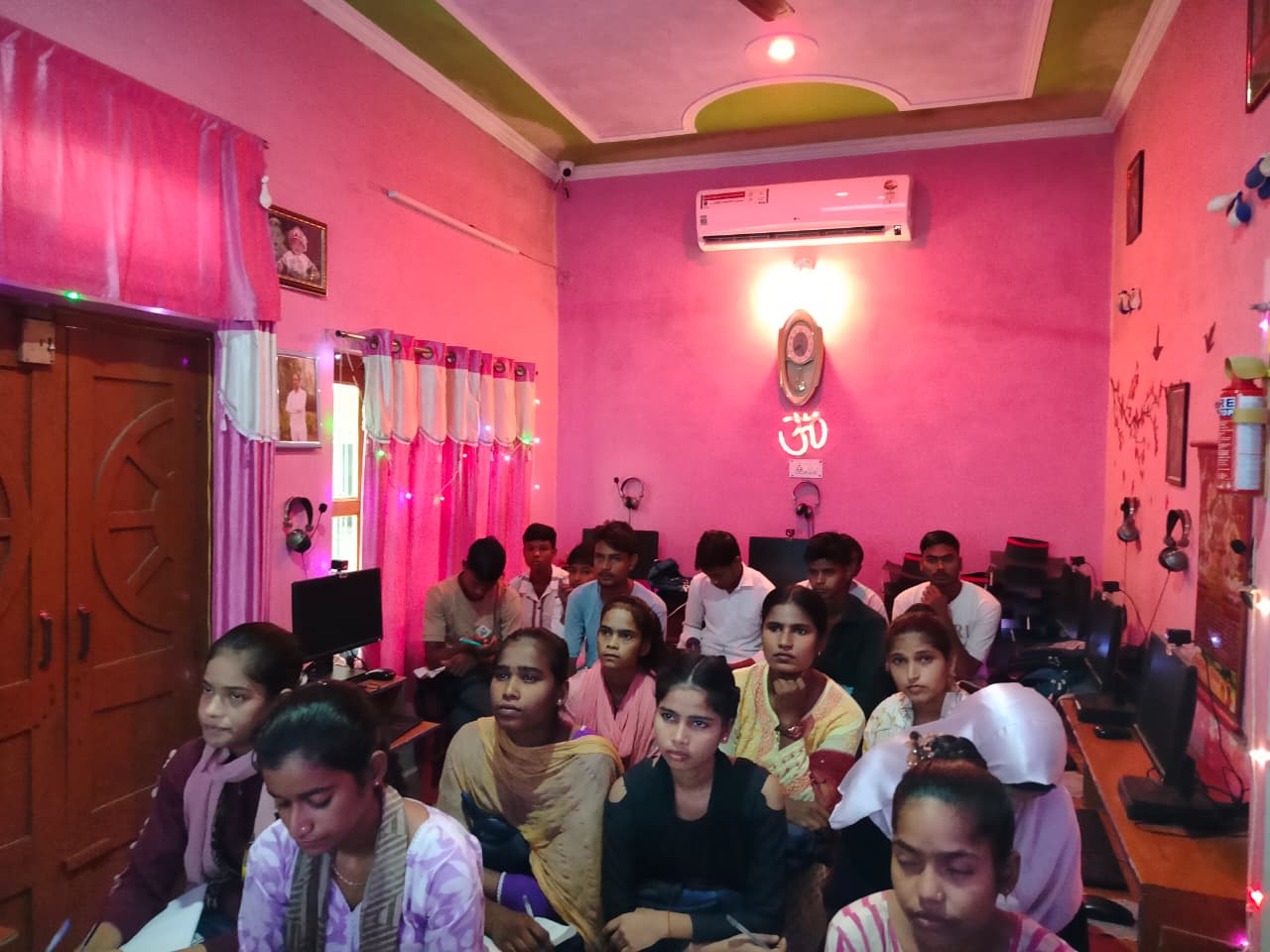
- Zorin OS: a child-friendly Linux system that is clean, secure and free of bloatware.
- Apni Prerna: transparent monitoring that shows what your child is learning, built for guidance rather than spying.
- LibreOffice: documents, spreadsheets and presentations for real productivity skills.
- Scratch: visual coding where your child creates games and animations.
- 8GB RAM and 128GB SSD: smooth performance for schoolwork, research and projects.
Apna PC guides children toward learning instead of only stopping them. Many parents read about how children adjust to Apna PC’s safety features before switching.
Which approach works better: blocking or guiding?
Guiding usually works better, because it gives a child something useful to do. Comparing the two is really comparing two philosophies: “prevent bad things” versus “enable good things.”
| Parental control software on any computer | Apna PC | |
|---|---|---|
| Approach | Prevent bad things | Enable good things |
| Distractions | Still on the computer, waiting to be found | Not there to begin with |
| Monitoring | Screen time and blocked sites | Progress toward learning goals |
| Parent-child relationship | Often adversarial | Conversations about learning |
With control tools, you are always on defence: your child finds a way around a rule, so you add another. Compare also how Apna PC compares to the kids mode found on regular devices. A kids mode works like a sandbox, while Apna PC works more like a classroom.
Why does this approach suit families in Tier 2 and Tier 3 cities?
Families in smaller cities often face patchy internet, harder-to-find technical support and a single family computer shared with adults. Children competing for access can also run into inappropriate content.
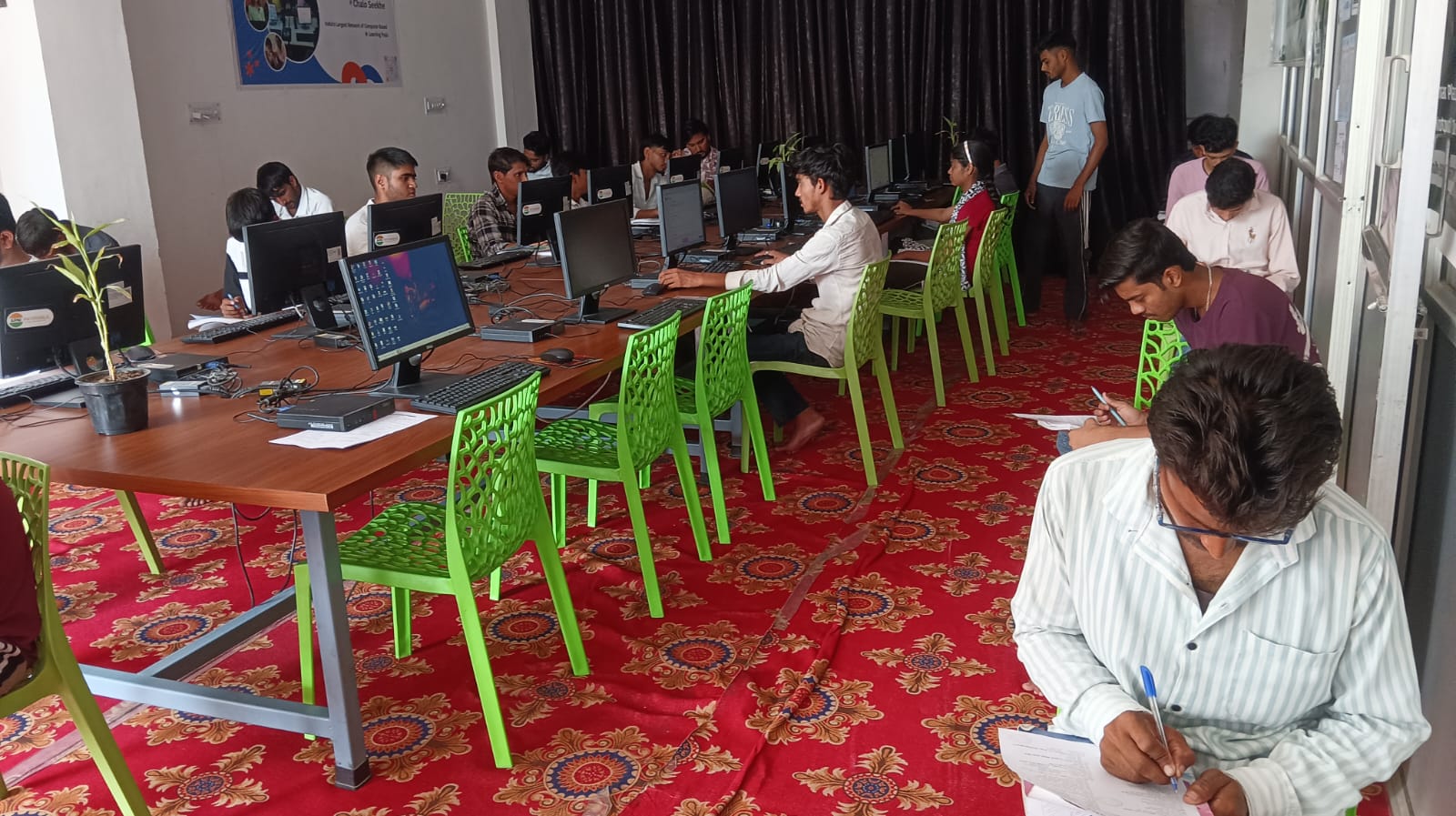
A child-safe computer like Apna PC addresses these directly. It is affordable, built for Indian conditions and comes with monitoring software that works on slower connections. When you are setting healthy screen time limits, a device built around learning makes boundaries easier for your child to accept.
What happens when parents rely only on control software?
Children often learn to bypass restrictions and develop a combative relationship with technology. They can spend hours on the computer without learning much, and evenings turn into arguments about screen time and deleted history.
On a learning computer, the conversation changes. A child uses Scratch to build projects and LibreOffice for assignments, and Apni Prerna shows the parent what they are working on, so you can talk about learning instead of arguing about limits. The Ministry of Education on education in India is a useful reference on the push for digital literacy and appropriate learning tools.
How should you decide between the two?
Ask whether you want to fight your child’s device or work with it. Parental control tools have their place, but they are not enough on their own, and a learning-focused computer is a different category.
Your child spends time on a computer for school every day. That device should support their growth, not only prevent distraction. With a learning computer, you do not have to choose between giving your child technology and protecting their focus.
Frequently Asked Questions
Can children get around parental control apps?
Often, yes. Children can switch to mobile data, use a friend’s device, clear browsing history or find settings to change. That is why blocking alone rarely works. A computer built around learning, with fewer distractions to start with, reduces how much there is to get around.
Do I still need parental control apps on Apna PC?
Usually not. Apna PC uses a distraction-free system with learning software pre-loaded, and Apni Prerna shows what your child is working on. Most families find this covers what they wanted from control apps, while giving them something more useful to discuss with their child.
Is monitoring my child’s computer use a breach of trust?
It does not have to be. Monitoring that is open and focused on learning, where your child knows what you can see and why, builds trust. Hidden tracking of every click tends to damage it. Talk about the purpose together so it feels like support.
Apna PC is built for students like yours, in cities like yours. Visit Apna PC to learn more.