


A Mother’s Worry in Nashik
Meera sat in her small living room in Nashik, watching her 10-year-old son, Aditya, stare at the laptop screen in confusion. The school had just announced that all students needed basic computer skills, but Aditya had never touched a computer before. His hands trembled as he looked at the keyboard, unsure where to start. Meera felt the weight of this moment; her son was falling behind, and she didn’t know how to help him catch up with computer education.
This isn’t just Meera’s story. Thousands of parents in tier 2 and tier 3 cities across India face the same challenge every single day. Your child needs computer basics, but where do you start? How do you make learning feel natural instead of overwhelming?
Why Simple Daily Tasks Are Your Best Teacher
The biggest mistake parents make is thinking computer education means jumping straight into coding or complex software. It doesn’t. Real learning happens when your child practices with things they use every day.
When you teach your son to open a web browser and search for his favourite cricket player, he’s learning. When your daughter types a story about her pet dog, she’s building keyboard skills. When your child saves a drawing to a folder, he’s understanding file management. These aren’t boring lessons; they’re life skills wrapped in familiar activities.
According to research on education in India, students learn 70 per cent faster when they connect new skills to things they already care about. Your child cares about games, movies, stories, and friends. Start there.
The Building Blocks of Computer Basics
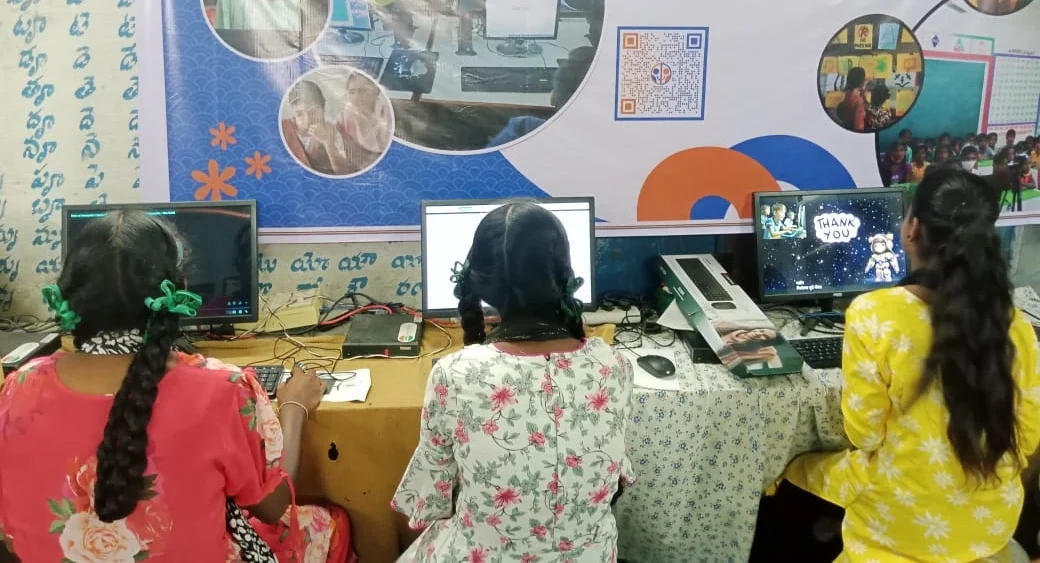
Dont try to teach everything at once. Break down computer basics into small, manageable pieces that your child can master one at a time.
- Week 1: The Hardware – Show your child the keyboard, mouse, monitor, and CPU. Let them touch and explore. Ask them to find the power button and turn on the computer themselves.
- Week 2: Opening and Closing – Practice opening simple programs like a text editor or paint application. Close them properly. Repeat until it’s automatic.
- Week 3: Typing and Clicking – Play typing games or have your child type their name, favourite food, or simple sentences. Make it fun, not formal.
- Week 4: File Management – Create folders together. Save drawings or documents. Help your child understand where files live on the computer.
- Week 5: Internet Basics – Search for things your child loves. Teach them about safe websites and why some sites are better than others.
- Week 6: Creative Projects – Let them use simple tools to create something. A drawing, a short story, a list of their favourite things.
This gradual approach removes fear and builds confidence. Your child isn’t just learning computer education; they’re discovering that technology is a tool they can control.
Why Your Child Needs Hands-On Practice
Reading about computers or watching videos helps, but it isn’t enough. Your child needs to actually sit down and practice. Student practice is where real learning happens. When Aditya finally typed his first sentence on his own, his face lit up with pride. That moment changed everything for him.
The problem is that many homes in tier 2 and tier 3 cities dont have computers at all. Even when they do, parents worry about the cost or whether their child will break something. This is exactly why Apna PC was created. It’s an affordable, student-friendly computer designed specifically for young learners like Aditya.
At just Rs.30,000 (shipping and GST excluded), Apna PC comes pre-loaded with everything your child needs. Zorin OS is a beginner-friendly operating system. LibreOffice lets them create documents and presentations. Scratch teaches coding through visual blocks; no typing required. And Apni Prerna lets you monitor your child’s progress as a parent.
Making Digital Skills Normal in Your Home
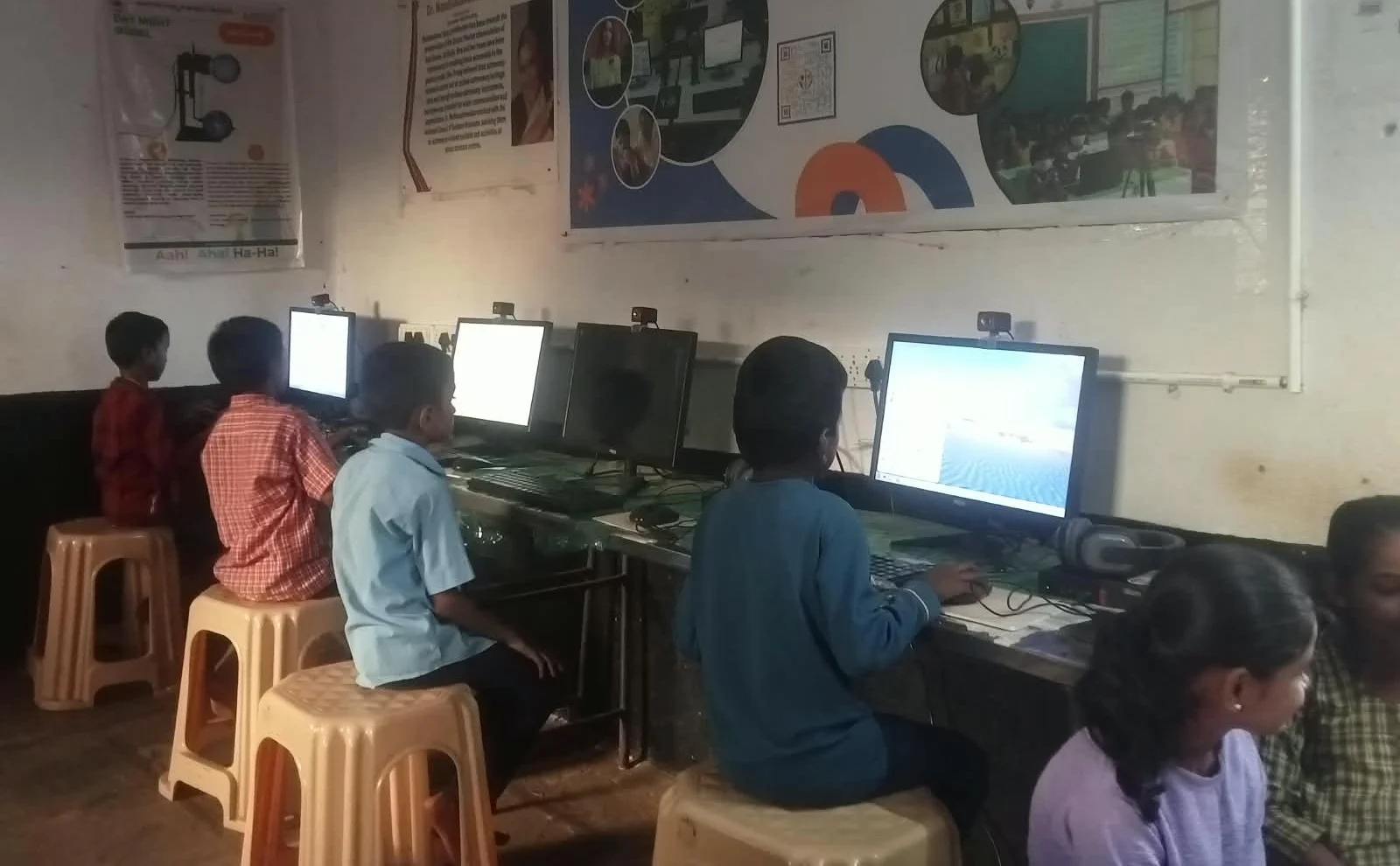
The Digital India initiative recognises that every child deserves access to digital skills. As a parent, your role is to make these skills feel normal and achievable at home.
Set a routine. Maybe 30 minutes after homework, your child practices on the computer. Start with simple tasks like opening a browser or typing a message to grandma. Celebrate small wins. When your son successfully saves a file, praise him. When your daughter types without looking at the keyboard, acknowledge the progress.
Check out the Apni Pathshala blog for lesson ideas and teaching tips. They understand what first-time learners need.
The Real Goal of Computer Education
Computer education isn’t about making your child a programmer. It’s about giving them confidence. When Aditya learned to open programs, type his thoughts, and search for information, something shifted. He stopped being afraid of the machine. He started seeing it as a friend.
That confidence will carry him through school and into his career. Digital skills are no longer optional; they’re essential. But they dont have to feel intimidating. They start with simple daily tasks, patient practice, and the right tools at home.
Your child is ready to learn. With Apna PC and a bit of your guidance, they can master computer basics in weeks, not years. The journey from confusion to confidence begins with a single click. Visit apnapc.com to learn more.