

The App Store Trap
You search “parental control” on any app store, and you get 200 results. Screen time limiters. App blockers. Location trackers. Website filters. Some of them are free. Some charge you monthly. All of them promise to “keep your child safe online.”
So you pick one. Install it. Set some limits. Feel good about yourself for about a week.
Then your kid figures out a workaround in three days. Or the app drains the battery so fast that the phone dies by lunch. Or you realize the “free” version does almost nothing, and the real features cost 500 rupees a month. Or, worst of all, the app works perfectly, but your child still isn’t learning anything because blocking websites isn’t the same as encouraging education.
Sound familiar?
Here’s the problem with generic parental control apps: they’re designed to restrict. Not to educate. And there’s a massive difference.
What Generic Parental Control Apps Actually Do
Most popular parental control apps follow the same playbook:
Block stuff. Websites, apps, categories of content. The idea is that if you remove bad things, only good things remain. In theory, that makes sense. In practice, it creates a cat-and-mouse game where your child’s primary motivation becomes figuring out how to get around the blocks.
Set time limits. “Two hours of screen time per day.” Okay, but two hours of what? Two hours of coding practice and two hours of scrolling random videos are completely different activities. A blanket time limit doesn’t know the difference.
Track location. Useful for safety, but has nothing to do with learning. Knowing your child is at the library doesn’t tell you whether they’re studying or watching cricket highlights on their phone.
Send you alerts. “Your child visited a blocked website!” Great. Now what? You’ve got a notification and a confrontation. Neither of those helps your child learn better.
According to UNICEF’s digital parenting research, restriction-based approaches alone are less effective than those that combine monitoring with engagement and conversation.
Why Purpose Built Is Different
Apni Prerna wasn’t built as a parental control app. It was built as a learning companion. The difference is fundamental, and it affects everything about how the software works.
It understands the educational context
Apni Prerna knows what’s installed on an Apna PC. It knows that LibreOffice is a productivity tool. It knows Scratch is a programming environment. It knows GCompris is an educational game suite. When it categorizes your child’s activity, it does so with educational context, not just “app open for X minutes.”
Generic apps don’t know any of this. To them, every application is just an application. They can’t distinguish between a child spending an hour learning to code and an hour playing random browser games. Apni Prerna can.
It Measures Learning, Not Just Usage
The dashboard doesn’t just show you how long your child used the computer. It shows you what they did with that time. Were they creating documents? Practicing with educational tools? Browsing for research? Or just consuming entertainment?
This distinction is everything. Active and passive screen time have completely different effects on a child’s development, and Apni Prerna tracks both separately.
It Works With the Device, Not Against It
Generic parental control apps are bolted onto devices they weren’t designed for. They fight with the operating system, drain resources, and sometimes conflict with other software. They’re aftermarket additions trying to do something the device wasn’t built to support.
Apni Prerna is designed specifically for Apna PC running Zorin OS. It integrates seamlessly. No battery drain issues. No conflicts. No workarounds needed. It’s part of the ecosystem, not fighting against it.
The Real Comparison
Let’s put them side by side:
A generic parental control app blocks YouTube entirely. Apni Prerna lets your child watch YouTube but tracks whether they’re watching educational content or entertainment, then shows you the pattern.
A generic app cuts screen time to two hours regardless. Apni Prerna shows you that your child spent 90 minutes on homework and 30 minutes playing, letting you make informed decisions instead of arbitrary cutoffs.
A generic app sends you a scary alert about a “blocked site.” Apni Prerna gives you a weekly summary that helps you have a calm, productive conversation with your child about their habits.
One approach creates conflict. The other creates understanding.
What About Free Apps?
Free parental control apps are the worst offenders. Most of them make money by collecting data. Your child’s browsing habits, app usage, and location data, all of it, get harvested and sold to advertisers. You’re trading your family’s privacy for a service that barely works.
NCERT’s guidelines on student data privacy emphasize that any software used to monitor student activity should have transparent data practices. Apni Prerna keeps data local and focused on educational outcomes. It’s not mining your child’s behavior for profit.
The Bottom Line
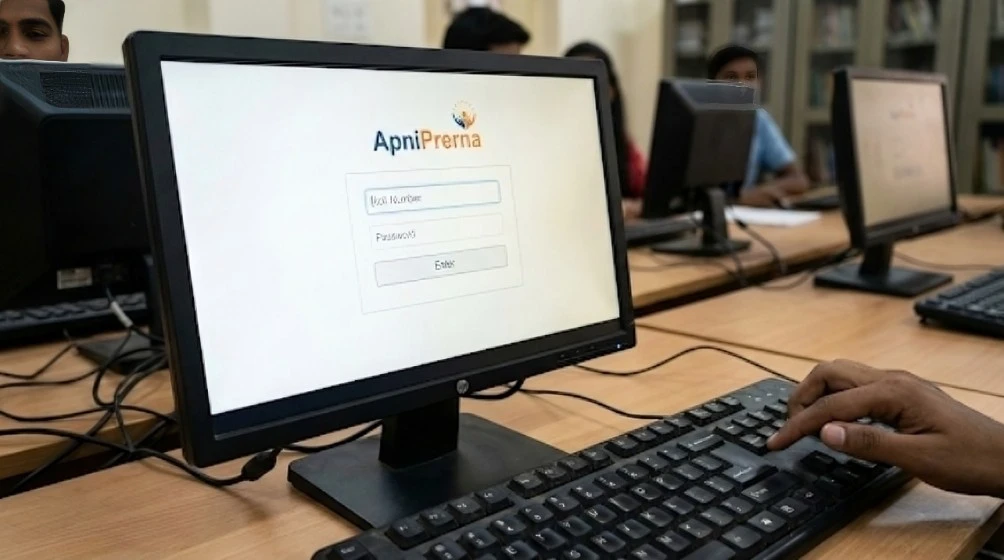
If all you want is to block websites and set time limits, sure, any app will do. But if you want to actually understand how your child uses technology, support their learning, and have meaningful conversations about digital habits, you need something built for that purpose.
Generic parental control apps are like putting a lock on the fridge. Apni Prerna is like teaching your child to eat well. One restricts. The other educates.
For parents who care about their child’s learning progress, the choice is pretty clear.