

Why Every JEE/NEET Aspirant Needs a Distraction-Free Computer for Preparation?
Rajesh sat in his small living room in Indore, watching his son Arjun stare at the laptop screen. It was supposed to be a two-hour JEE preparation session. But forty minutes in, Arjun was scrolling through Instagram reels, his physics notes gathering dust beside the keyboard. Rajesh had spent Rs.45,000 on that laptop six months ago, hoping it’d help his son crack JEE. Instead, it’d become a gateway to endless distractions. Sound familiar? Thousands of parents across tier 2 and tier 3 cities face this exact problem. A distraction-free computer for JEE/NEET preparation solves it, and here’s how.
The truth is, your computer setup matters more than you think. A distraction-free computer for JEE/NEET preparation isn’t just about willpower. It’s about smart hardware and software choices that work with your brain, not against it.
Why Your Current Computer Setup Isn’t Working for JEE/NEET Preparation?
Most students study on regular laptops or desktops designed for general use. These machines come loaded with games, social media apps, and entertainment software. Even with the best intentions, your child will face constant temptation. The notification badge on WhatsApp, the YouTube recommendation sidebar, the gaming app icon on the taskbar- they’re all engineered to grab attention.
A personal computer built specifically for education works differently. It removes these friction points entirely. You’re not fighting your computer. You’re working with it.
What Makes the Best Computer Setup for JEE Aspirants?
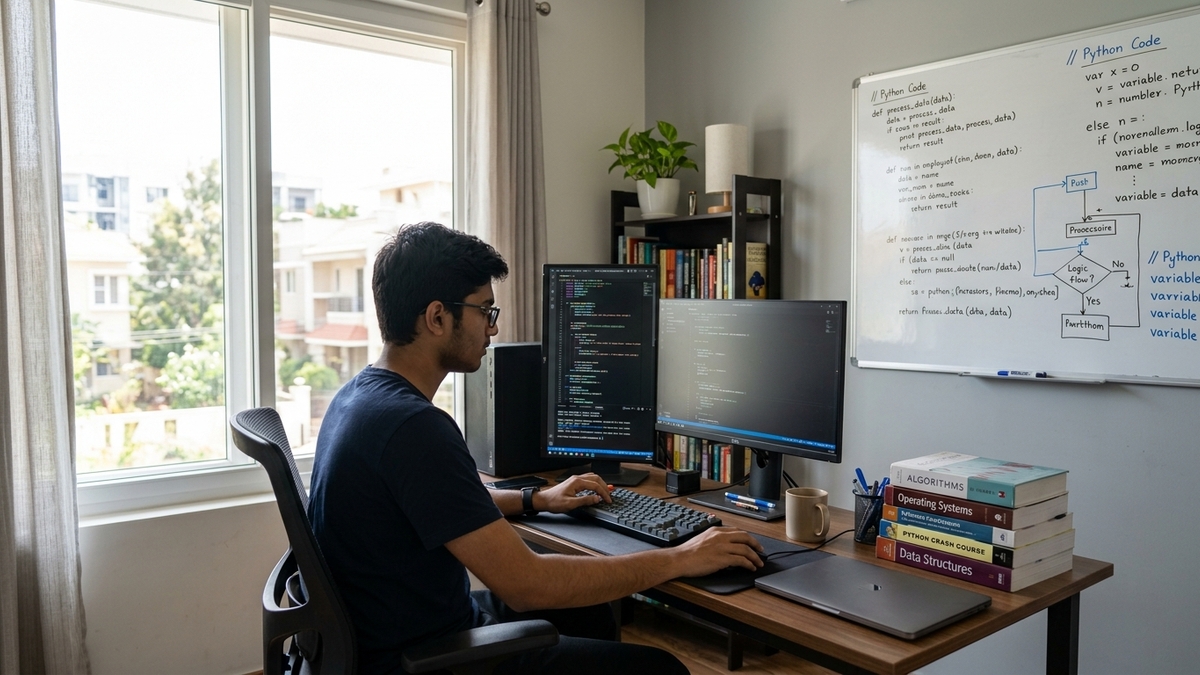
Your distraction-free computer for JEE/NEET preparation needs four key features:
- Clean Operating System: No bloatware, no pre-installed games, no social media shortcuts. Linux-based systems like Zorin OS are perfect for this.
- Educational Software Only: Your computer should have LibreOffice for notes, Scratch for coding practice, and study apps. Nothing else.
- Parental Controls Built In: Apps like Apni Prerna let parents monitor study time and block distracting websites automatically during study hours.
- Reliable Hardware: You need at least 8GB of RAM and a 128GB SSD so your computer doesn’t lag during video lectures or when editing large documents.
When you combine these elements, you get a computer that your child can’t easily distract themselves with, even if they try.
How to Remove Distractions While Studying on PC
First, choose the right device. If you’re buying new, look for computers specifically designed for students. The Apna PC from Apni Pathshala costs just Rs. 21,000 and comes preloaded with everything you need: Zorin OS, Apni Prerna student monitoring, LibreOffice, and Scratch. It’s built exactly for this purpose.
If you already have a computer at home, you can reconfigure it. Here’s what to do:
- Uninstall all games and entertainment apps completely.
- Remove social media bookmarks and app shortcuts from the desktop.
- Switch to a clean Linux operating system if possible, or use Windows with strict parental controls.
- Install only educational software: LibreOffice, PDF readers, and your specific exam prep apps.
- Set up a separate user account just for studying, with no admin access to install new apps.
The key is making it harder to get distracted than to stay focused. When your child wants to open Instagram, they shouldn’t find it on the computer at all.
NEET Study Computer Setup: The Role of Parental Monitoring
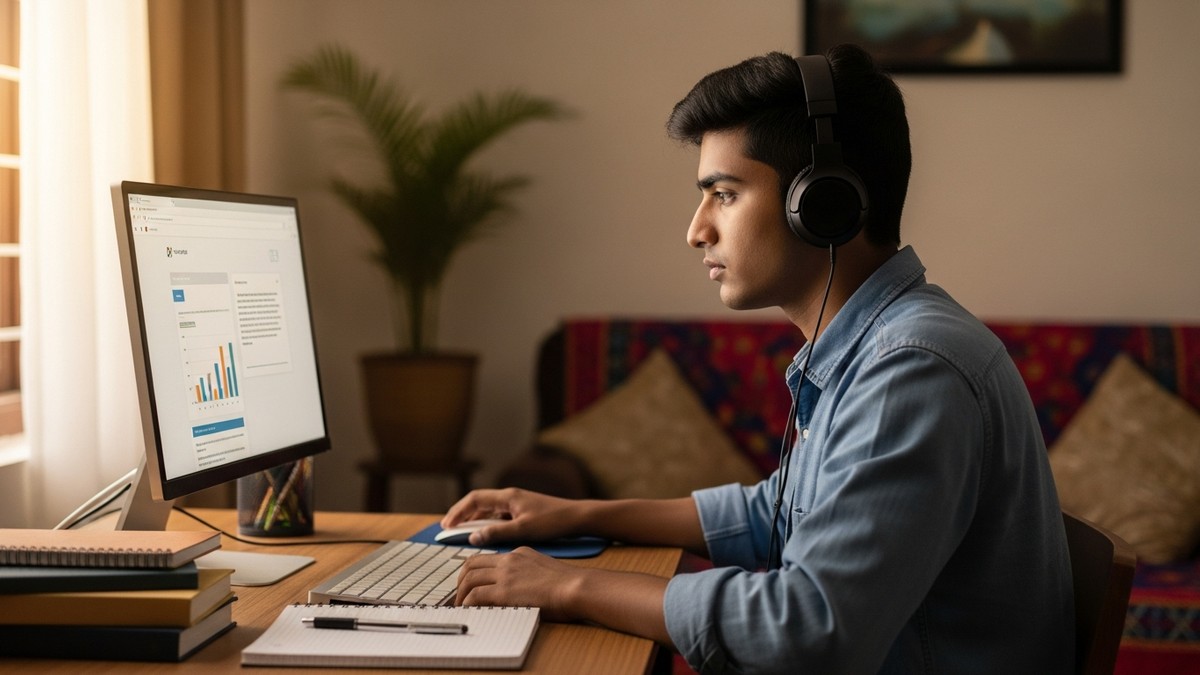
You might worry that removing apps feels too controlling. But here’s the thing: your child’s brain is still developing. During exam prep, they need structure. Software like Apni Prerna shows you how many hours your child studied, which websites they visited, and when they took breaks. It’s not about spying. It’s about accountability and understanding study patterns.
Many parents use this data to have better conversations with their kids. “I see you studied for 3 hours today. That’s great. How did it feel?” These conversations build trust while keeping your child on track.
Creating the Right Physical Environment for Exam Prep
Your computer setup also includes the space around it. Place the study computer in a quiet area, away from the TV and gaming zone. Make sure there’s good lighting and a comfortable chair. Keep your child’s phone in another room during study sessions, not just on silent.
The physical environment matters because it reinforces the mental shift: when your child sits at this computer, it’s time to study. There’s no ambiguity.
Comparing Your Options: Regular PC vs Purpose-Built Study Computers
You can read more about how Apna PC compares to a regular PC for NEET aspirants in terms of focus, battery life, and long-term value. Regular PCs might seem cheaper upfront, but they often create more problems. You’ll spend time troubleshooting, blocking websites, and managing distractions. A purpose-built study computer saves you all that hassle.
For detailed guidance on organising your setup, check out our guide on NEET revision computer setup to see what works best during final revision weeks.
Making It Work: Practical Tips from Real Families
Parents in Nagpur, Lucknow, and Bhopal have shared what actually works. Set specific study hours and stick to them. Your child should know: 6 AM to 8 AM is computer study time, nothing else. After that, the computer goes off. No exceptions.
Use the computer for active learning: watching concept videos, solving problems, taking notes. Don’t let it become passive scrolling, even if it’s scrolling through study materials. Your child’s brain needs breaks. Every 50 minutes of study, take a 10-minute break away from the screen.
Most importantly, involve your child in setting up these rules. When they help design the distraction-free environment, they’re more likely to respect it. This isn’t punishment. It’s a tool they’re choosing to use.
The Digital India Initiative and Student Preparation
India’s Digital India initiative has made quality technology more accessible to students in smaller cities. Your child shouldn’t be disadvantaged just because they’re not in Delhi or Mumbai. A distraction-free computer for JEE/NEET preparation is now affordable and available everywhere.
The question isn’t whether you can afford a good study computer. It’s whether you can afford not to have one. When your child’s future depends on focused preparation, the investment makes sense.
Your child’s JEE or NEET success depends on consistent, focused study. A distraction-free computer for JEE/NEET preparation removes the biggest obstacle to that focus: the computer itself. Visit apnapc.com to learn more.