


When Rajesh Got His First Computer, Everything Changed
Rajesh sat cross-legged on his bedroom floor in Indore, staring at the blank screen of his new school computer. His science fair project on water purification was due in three weeks, and his handwritten notes were scattered everywhere. His mother, Priya, watched from the doorway, worried that the Rs.30,000 investment might just become another distraction. But then something clicked. Rajesh opened LibreOffice, found images of filtration systems online, and started building his first digital presentation. By the end of that week, he had created a slideshow with diagrams, photos, and explanations that his teacher said was the best project she’d seen all year. That school computer didn’t just help Rajesh submit an assignment; it transformed how he learned and presented his ideas.
Your child’s school computer is more than a device sitting on a desk. It’s a tool that can completely change how your son or daughter approaches school projects, from science fairs to history presentations to group assignments. With the right school computer, students can create professional-looking work, organise their research, and present their ideas with confidence. This isn’t about replacing traditional learning; it’s about giving your child the resources to show what they actually know.
Why Your Child Needs a Dedicated School Computer for Projects
Most Indian families in tier 2 and tier 3 cities still rely on shared family computers or smartphones for school work. The problem is clear: your child can’t do serious project work on a phone, and sharing one computer with three family members means compromised schedules and lost work. A dedicated school computer changes this completely.
With their own device, your child can work on projects whenever inspiration strikes. They dont have to wait for Dad to finish his office work or negotiate time with their siblings. They can save their files safely, organise research materials in folders, and build presentations without fear of losing everything. This independence builds responsibility and teaches them how to manage their own digital workspace; skills that matter far beyond school.
The Apna PC school computer comes with 8GB RAM and 128GB SSD storage, so your child can work on multiple projects at once without the computer slowing down. They can have research documents open, create presentations in LibreOffice, and keep notes organised all at the same time. For school projects, this speed and storage capacity make a real difference in how smoothly work flows.
How a School Computer Powers Different Types of Student Projects
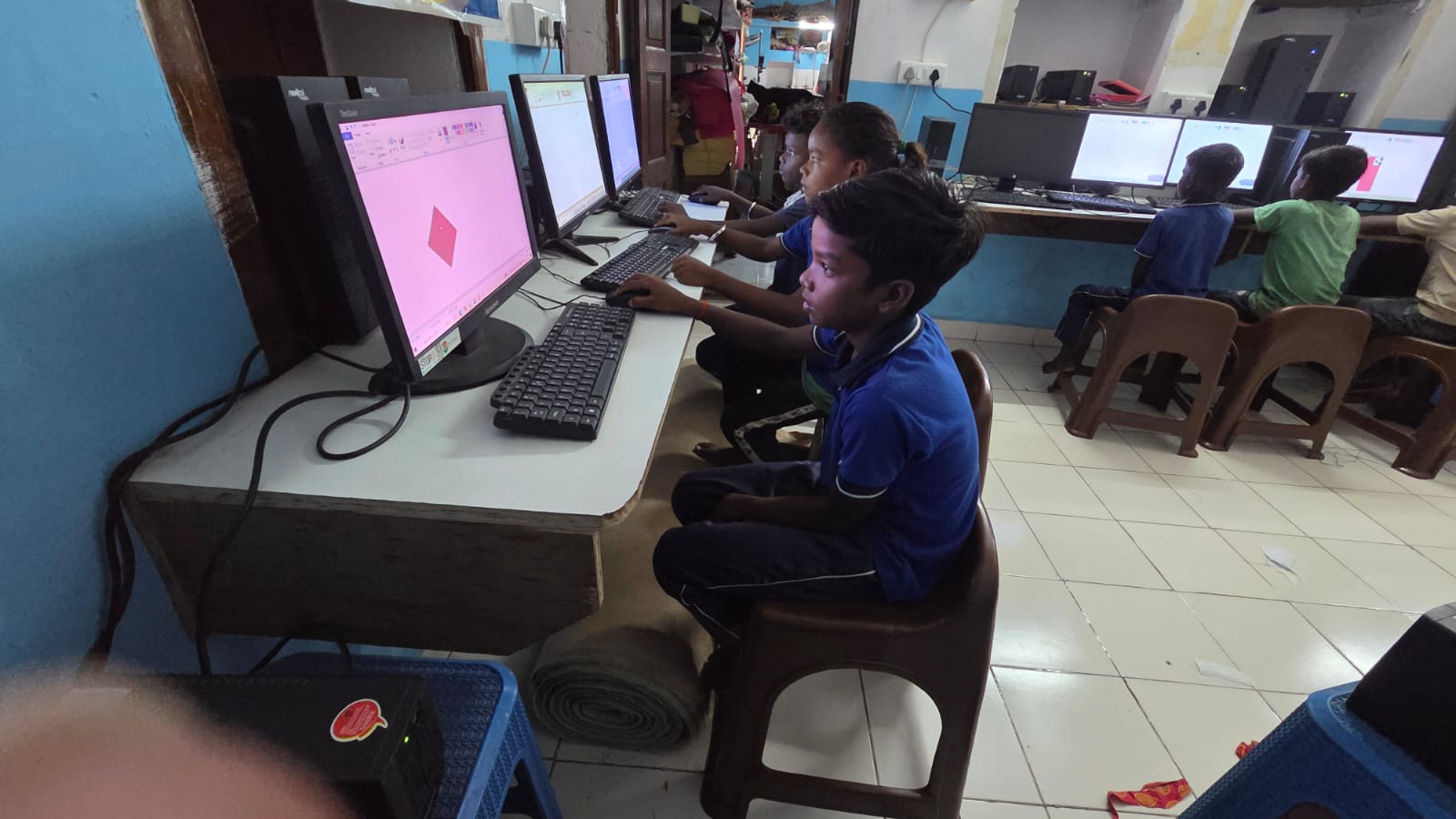
Science fair projects need visual presentation. Your child can use their school computer to create step-by-step photo documentation, build digital posters with graphs and charts, and even record videos explaining their experiment. Instead of messy handwritten boards, they can produce something professional that communicates their learning clearly.
History and social studies projects benefit from research organisation. Your child can gather information from multiple sources, create timelines with simple LibreOffice tools, make comparison charts, and write well-formatted reports. They learn how to cite sources properly and structure their thinking in ways that handwriting alone can’t achieve.
Language and literature assignments come alive with digital tools. Book reports can include cover designs, character analysis charts, and even audio recordings of poetry readings. Group projects become easier when all team members can access shared documents and work together on the same files.
Mathematics and technical subjects benefit from visual demonstrations. Your child can create diagrams, build spreadsheets to show calculations, and present problem-solving steps in clear, organised ways. A school computer helps them show their working and reasoning, not just final answers.
- Science projects: Photo documentation, experiment tracking, visual presentations
- History assignments: Timeline creation, research organisation, report writing
- Group work: File sharing, collaborative editing, coordinated presentations
- Creative submissions: Design work, multimedia presentations, digital portfolios
- Research papers: Source management, proper formatting, citation tracking
The Right Operating System and Software Make School Projects Easier
The Apna PC comes with Zorin OS, which is designed to be intuitive for students and teachers. You dont need to be tech-savvy to help your child use it. The interface is straightforward, and finding what you need is simple. This matters because when your child gets stuck, you can help them troubleshoot without calling a computer expert.
LibreOffice is pre-loaded on the Apna PC, and this is crucial for school projects. Your child can create professional-looking documents, spreadsheets, and presentations without paying for expensive software. Every school project that needs formatting, layout, and visual appeal becomes manageable. Your child isn’t limited by what free online tools offer; they have real, powerful software designed for creating quality work.
The Apni Prerna monitoring system helps you stay aware of your child’s project progress without being intrusive. You can see what they’re working on, understand their deadlines, and offer support when needed. This creates a healthy balance between independence and parental guidance that teenagers actually appreciate.
From Submission to Confidence: How Projects Build Real Skills
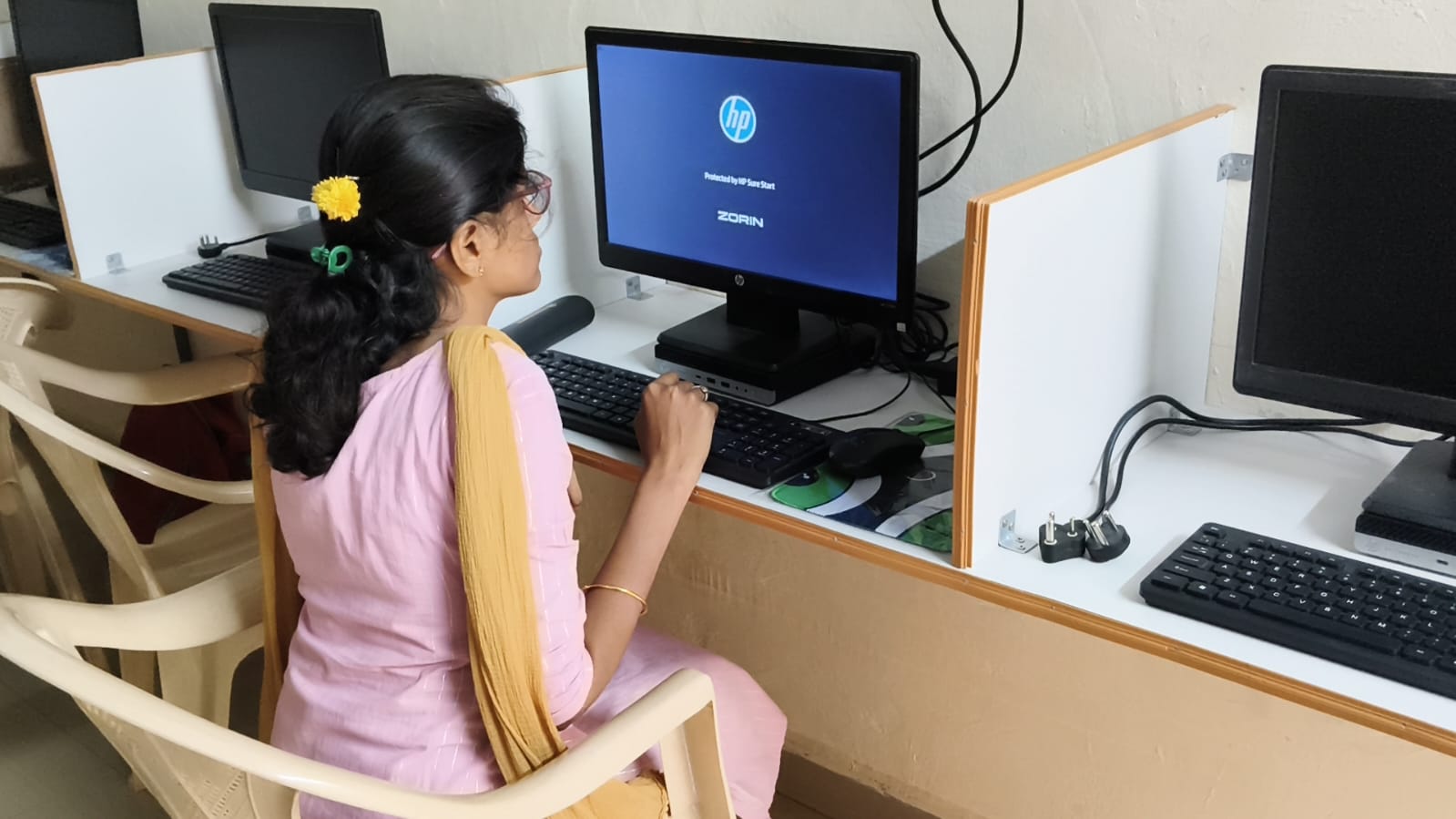
When your child completes a school project on a dedicated computer, they’re not just finishing an assignment. They’re learning to organise information, meet deadlines, use technology purposefully, and present their thinking to others. These are skills that matter in college and career, far beyond any single school project.
Your child learns that technology is a tool for learning, not just entertainment. They discover they can create things that matter, that their ideas deserve professional presentation, and that having the right resources makes their work better. This confidence carries forward into every subject and every challenge they face.
A school computer also teaches responsibility. Your child learns file management, backup habits, and how to protect their work. They understand that digital tools require care and attention, just like any valuable resource. These lessons stick with them throughout their education.
Making the Right Choice for Your Family
Investing in a school computer isn’t about keeping up with wealthier families. It’s about giving your child genuine tools to succeed in their studies right now. The Apna PC is designed for Indian students in tier 2 and tier 3 cities, priced at Rs. 30,000 (plus shipping and GST), with everything pre-loaded and ready to support school projects immediately.
Your child doesn’t need the most expensive computer. They need one that works reliably, has enough power for real project work, and comes with software that schools actually use. The Apna PC checks all these boxes. When your child submits their next project, they’ll do it with the confidence that comes from having proper tools and a professional presentation.
Think about Rajesh’s water purification project again. His school computer didn’t do the learning for him; it gave him the space and tools to do his best work. That same opportunity is available for your child, whether they’re working on a science fair display, a history presentation, or any other school assignment that matters.
Your child’s school projects deserve more than a shared family computer or a phone screen. They deserve a tool built for learning, with the power to bring ideas to life. When you choose a school computer like the Apna PC, you’re supporting your child’s success, one project at a time. Visit apnapc.com to learn more.