


Rajesh sat in his small room in Indore, staring at a blank sheet of paper. His teacher had given the class an assignment: create a digital project about water conservation. He didn’t know where to start. His old laptop was slow, and he felt lost without a clear plan. That’s when his father brought home an Apna PC, and everything changed. Within weeks, Rajesh wasn’t just completing assignments; he was learning real project planning skills that would shape his future.
Most students like Rajesh never get taught how to plan properly. They jump into work without thinking about steps, timelines, or resources. This is where project planning becomes your superpower. When you learn to plan digital projects, you’re not just finishing homework; you’re building skills that companies will pay you for later. Project planning teaches you to think like a professional, break big tasks into smaller ones, and manage your time wisely.
Why Project Planning Matters for Your Future
Think about any successful person you know. Engineers, doctors, business owners, software developers- they all use project planning every single day. Your teachers aren’t asking you to plan projects just to give you extra work. They’re preparing you for a world where planning is everything. When you don’t plan, projects fail. When you plan well, you succeed.
Here’s the truth: most students in Tier 2 and Tier 3 cities don’t get access to the right tools or computers to practice these skills. You might not have a proper computer at home. You might not know which software to use. This gap is exactly what Apna PC closes. With a dedicated educational computer, you get everything you need to start learning project planning through real digital work.
How to Start Your First Planned Digital Project
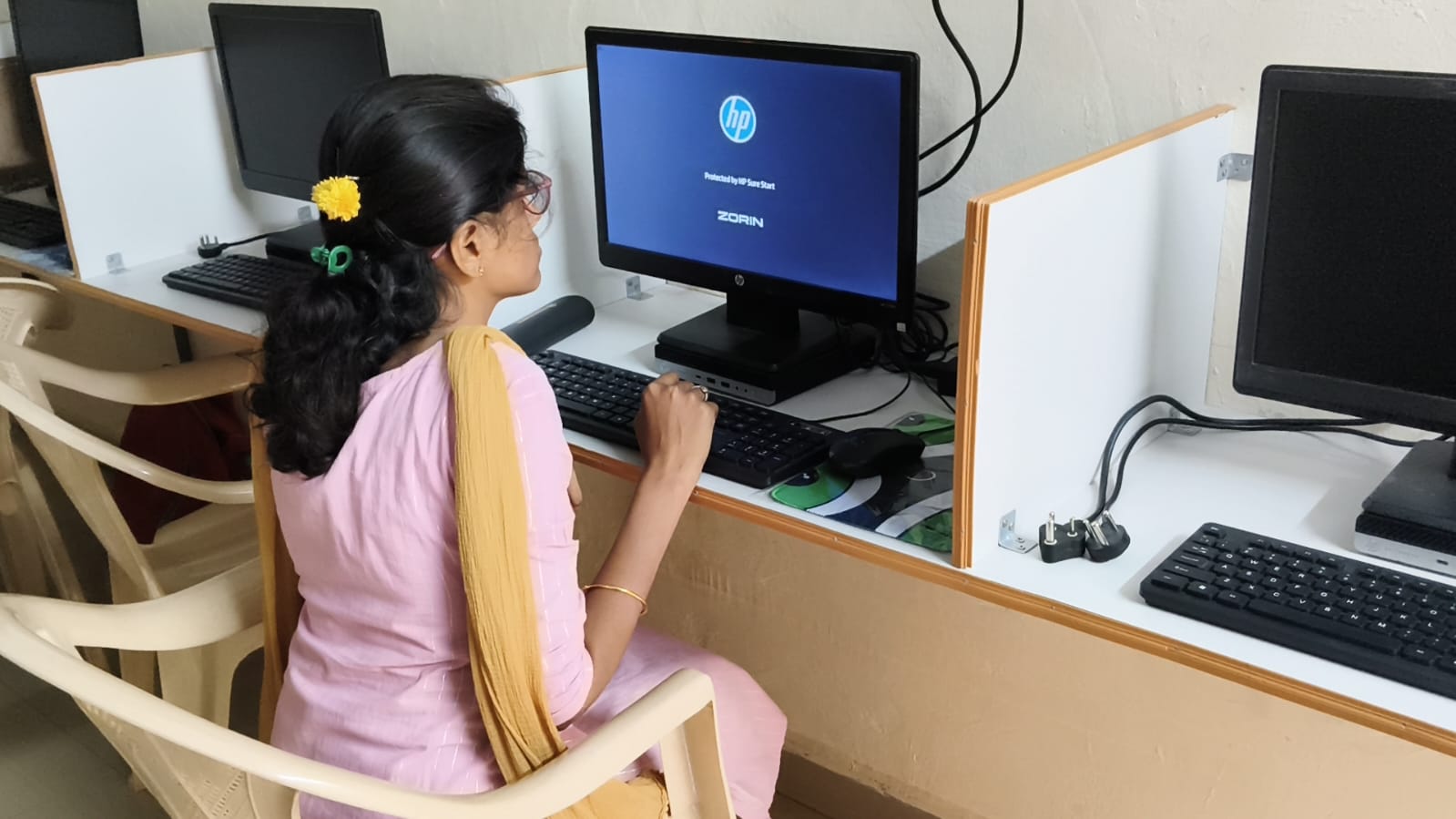
Begin by choosing a project that matters to you. It could be about your school, your community, or something you’re curious about. Rajesh chose water conservation because he saw the problem in his own neighbourhood. Your project should feel real, not like busy work.
Next, break your project into clear stages. Don’t try to do everything at once. Ask yourself: What’s the goal? What information do I need? How will I present this? When is the deadline? Write these down. This is your project plan. You can use LibreOffice on your PC to create a simple document with your plan. Many students skip this step and regret it later.
Then comes research and gathering materials. This is where you learn to find reliable sources, organise information, and think critically. You’ll discover that not everything on the internet is true. You’ll learn to check sources and verify facts. These are real planning skills.
Finally, execute your plan and track your progress. Did you finish on time? What was hard? What would you do differently next time? This reflection is where real learning happens. When you complete your first planned project, you’ll feel the difference between rushing through work and working with purpose.
Tools That Make Project Planning Easier
You don’t need expensive software to learn project planning. Apna PC comes with Scratch, which teaches you to think in steps and sequences. Even if you’re not making a game, Scratch trains your brain to plan logically. You learn to break problems into smaller parts, which is exactly what project-based learning at home is about.
LibreOffice lets you create documents, spreadsheets, and presentations. A simple spreadsheet can become your project tracker. List your tasks, deadlines, and progress. This is a real planning tool that professionals use every day. Zorin OS on Apna PC is fast and reliable, so your computer won’t slow you down when you’re working.
The Apni Prerna monitoring system helps you stay accountable. When your parents can see your progress, you’re more likely to stick to your plan. It’s not about control; it’s about having support and staying on track.
Real Examples of Student Projects With Planning
A student in Nagpur created a digital guide to local tourist spots. She planned interviews, collected photos, researched information, and designed a presentation. She learned scheduling, turn student ideas into real projects, and communication skills. All from one planned project.
Another student in Lucknow made a video about his school’s recycling program. He planned shots, wrote a script, organised interviews, and edited the video. He learned that good planning saved him weeks of confusion. His project got recognition from his school and local news.
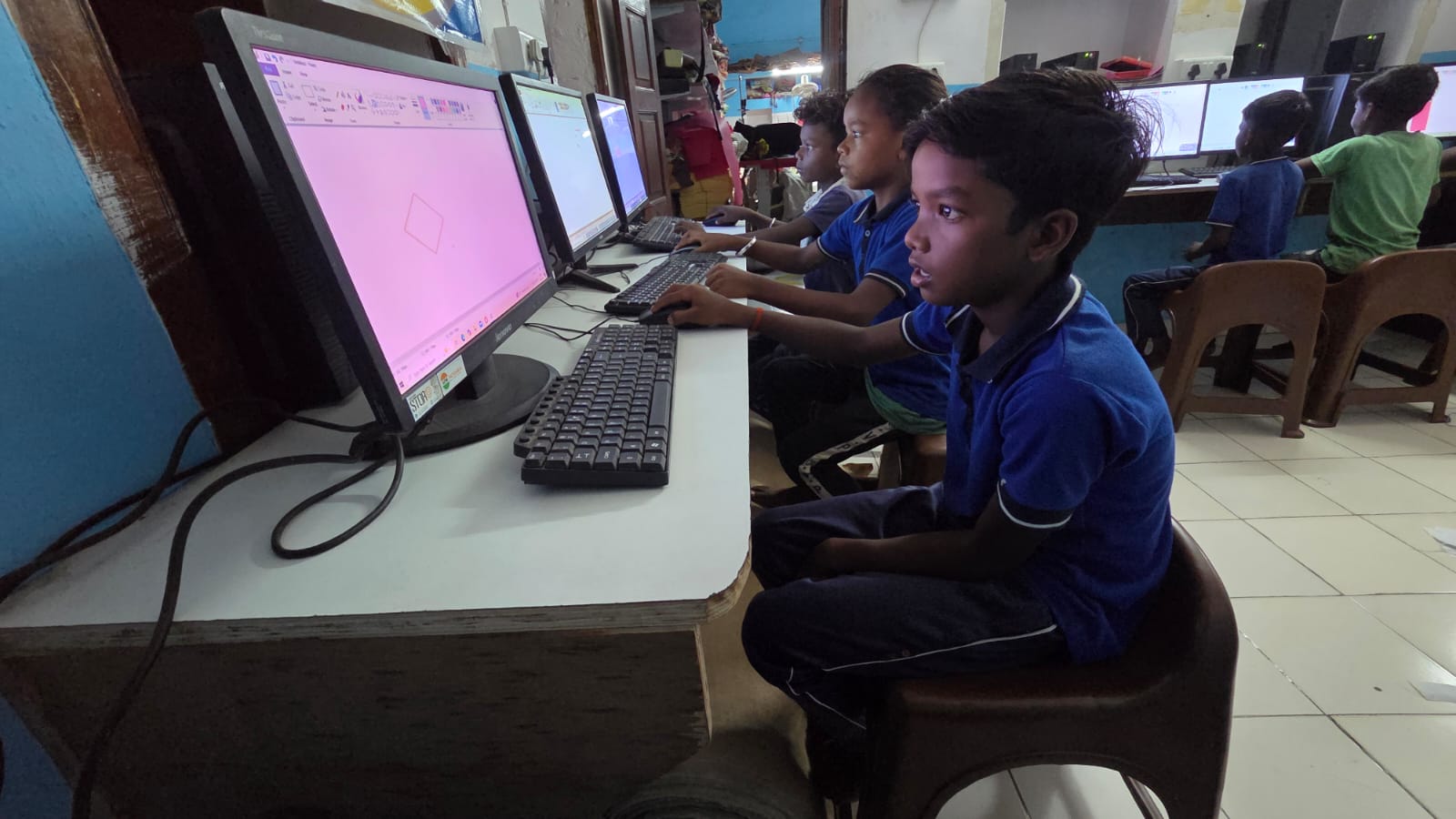
These aren’t exceptional students with special talent. They’re regular kids like you who learned to student development through planning. The difference between them and students who struggle is simple: they planned before they started.
How Apna PC Supports Your Planning Journey
At Rs. 30,000, Apna PC is designed for students in Indian towns and cities who need a reliable computer for learning. It’s not a gaming machine or a status symbol. It’s a tool built for education. The 8GB RAM and 128GB SSD mean your computer won’t freeze when you’re working on projects. You can run multiple programs, work with videos and images, and actually focus on planning instead of waiting for your computer.
When you have a dedicated computer for learning, you develop better habits. You sit down, you plan, you execute, you reflect. This routine builds discipline. You learn that good work takes time and thought. You discover that planning isn’t boring; it’s actually what makes your work better and faster in the end.
The pre-loaded software means you don’t waste time figuring out what to install. You open your computer and start learning immediately. Teachers and parents appreciate this because students get straight to work, not to distractions.
Your Next Step
Start small. Choose one project you want to complete in the next month. Write down your plan in three simple steps: prepare, create, and present. Use your India Ministry of Education resources and your computer to organise your work. Track your progress. When you finish, you’ll have learned more about planning than most students your age.
Project planning isn’t just for school projects. It’s a life skill that will help you in college, in your career, and in everything you do. The earlier you learn it, the more you’ll achieve. With the right computer and the right mindset, you’re ready to start. Visit apnapc.com to learn more.