


Ravi’s Story: When Screen Time Became a Problem
Ravi is 14 years old and lives in Indore with his parents. Six months ago, his school shifted to online classes, and his mother bought him a basic laptop for studying. Within weeks, Ravi started complaining about headaches after every study session. His eyes felt tired, his vision became blurry, and he’d rub his eyes constantly. His parents were worried but didn’t know what was causing it. The real issue wasn’t the studies themselves. It was eye strain from staring at his screen for hours without breaks. Like thousands of Indian students in smaller cities, Ravi didn’t know how to prevent it, and neither did his parents.
If your child or you spend 4-6 hours daily on screens for studies, you’re likely experiencing the same problem. Computer-related eye fatigue is real, and it affects your focus, learning speed, and long-term eye health. The good news? You can fix this with simple changes and the right tools.
Understanding Computer Vision Syndrome
When you stare at a screen, your eyes work harder than reading from a book. Your eyes focus on the same distance for too long, and you blink less often. This causes dryness, fatigue, and that uncomfortable pressure behind your eyes. Doctors call this computer vision syndrome, and it’s becoming common in Indian schools.
Your eyes need movement and rest. When you’re focused on studying for an exam or completing homework on your laptop, your blink rate drops by 66%. This means your eyes dry out faster. Add poor screen brightness settings, and you’ve got a recipe for headaches and blurred vision by evening.
The 20-20-20 Rule That Actually Works
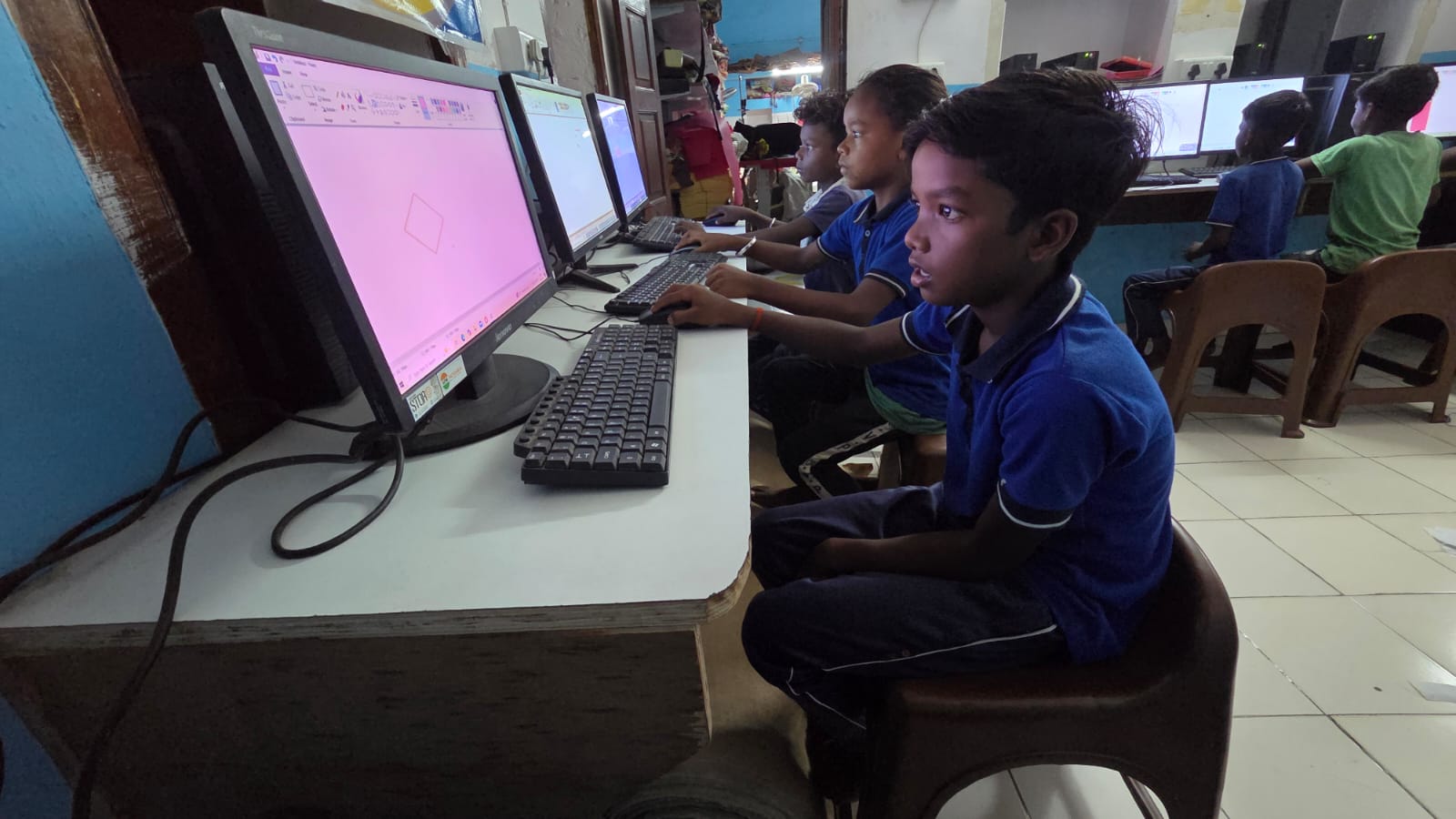
Here’s the easiest way to reduce eye strain: follow the 20-20-20 rule. Every 20 minutes of screen time, look at something 20 feet away for 20 seconds. This forces your eye muscles to relax and refocus.
- Set a phone alarm for every 20 minutes during study sessions
- Look out your window or at a wall across the room
- Let your eyes rest naturally, don’t force them
- Blink slowly 5-10 times to rewet your eyes
This simple habit takes 20 seconds but protects your eyes for hours. Ravi started doing this, and within two weeks, his headaches reduced by half.
Adjust Your Screen Brightness Correctly
Most students study with their screen brightness at maximum. This is wrong. Your screen should match the brightness of your surroundings, not be brighter than your study room. High screen brightness causes your pupils to shrink constantly, leading to strain and fatigue.
Here’s what you should do: Set your screen brightness to about 60-70% of maximum during daytime. In the evening, reduce it further to 40-50%. Your eyes will feel less tired, and you’ll be able to study longer without discomfort. Many educational computers, like Apna PC, come with eye comfort settings on Apna PC that automatically adjust brightness based on time of day.
Position Your Screen at the Right Distance and Angle
How far is your screen from your eyes right now? If it’s less than 50 cm or more than 70 cm, you’re increasing eye strain. The ideal distance is about 50-70 cm, roughly an arm’s length away. Your screen should be slightly below eye level, not at your forehead or down at your lap.
Your screen angle matters too. Tilt your monitor so you’re looking slightly downward, not straight ahead. This reduces the strain on your eye muscles and also helps with posture. Poor posture during study sessions leads to neck pain during long study sessions, which makes things worse.
Use the Right Study Device
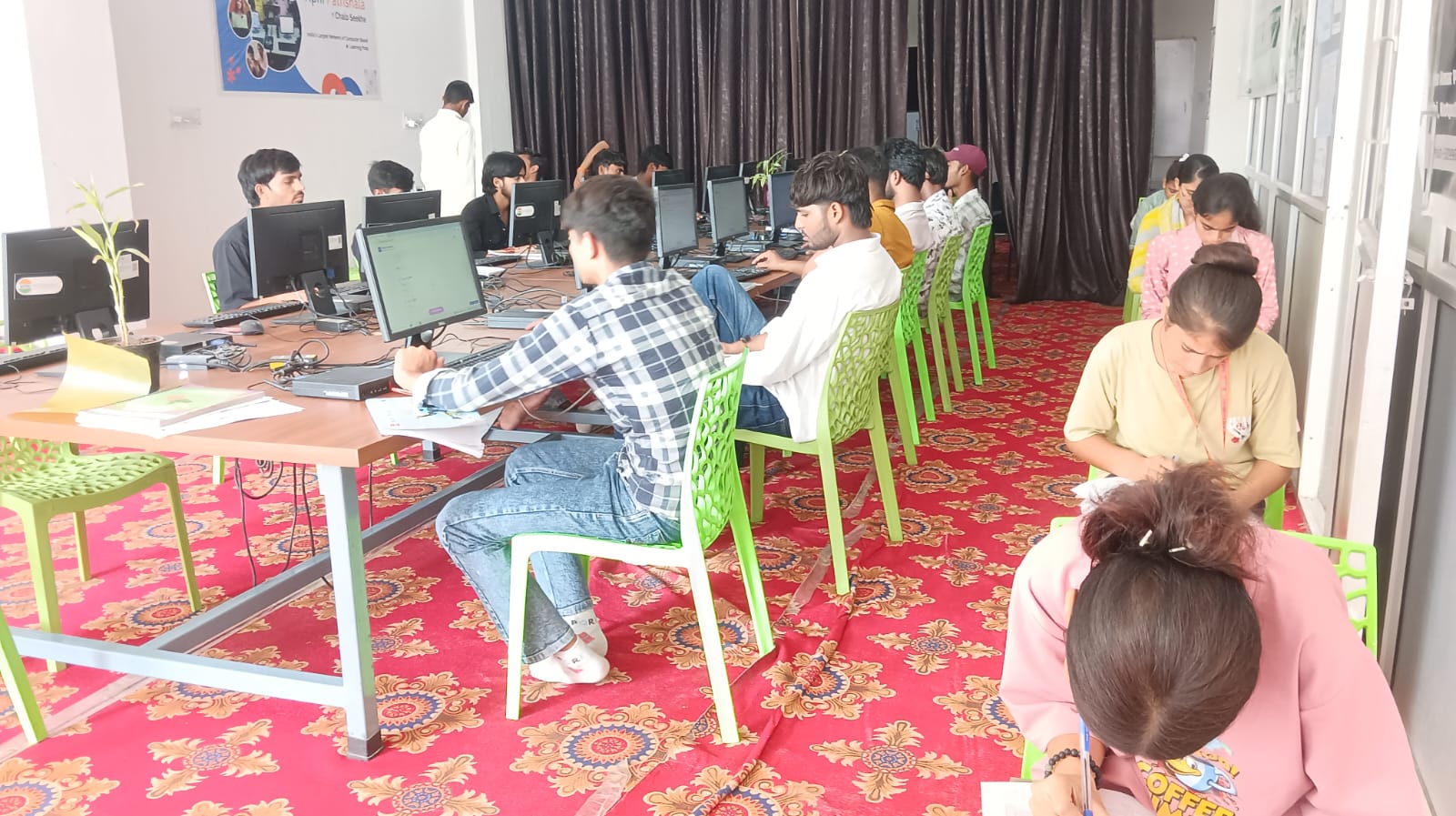
Not all computers are designed for long study hours. Budget laptops with poor screens force your eyes to work harder to read text clearly. If you’re studying 5-6 hours daily, you need a device with a quality display, good screen brightness control, and proper ergonomic support.
Apna PC is built specifically for Indian students. It has 8GB RAM and 128GB SSD for smooth multitasking, but more importantly, it comes with eye comfort settings and proper screen calibration. The device is pre-loaded with Zorin OS, LibreOffice, and Scratch for coding practice. At Rs.30,000 (excluding shipping and GST), it’s affordable for parents in Tier 2-3 cities who want their child to study comfortably.
Other Habits to Protect Your Eyes
Preventing eye fatigue isn’t just about screen settings. Your daily habits matter too. Keep your study room well-lit with natural light during the day. Use a desk lamp in the evening to avoid studying in dim light, which forces your eyes to work harder.
- Blink consciously every few minutes, don’t let your eyes dry out
- Stay hydrated by drinking water regularly
- Reduce blue light exposure 1-2 hours before bed
- Get your eyes checked every 6 months if you study more than 4 hours daily
Check out computer eye strain prevention tips from eye care experts for more detailed guidance.
Your Path to Comfortable Digital Study
Digital study fatigue is preventable. Ravi’s headaches are gone now because he changed three things: he follows the 20-20-20 rule, adjusted his screen brightness, and positioned his monitor correctly. You can do the same starting today.
If you’re investing in a new computer for your child’s studies, choose one designed for long hours of comfortable learning. Visit apnapc.com to learn more.