


The Story of Aarav: When Bad Posture Met Big Problems
Aarav was a bright 14-year-old from Indore whose parents had just bought him his first computer for online classes. His mother, Priya, noticed he’d hunch over the desk for hours, his neck bent forward like a question mark. Within three weeks, he complained of neck pain. By the second month, headaches started disrupting his study sessions. Priya didn’t realise that poor student ergonomics was stealing her son’s focus and health.
This isn’t just Aarav’s story. Across Tier 2 and Tier 3 cities in India, thousands of students are experiencing the same problem. Your child spends 4-6 hours daily on a computer for online classes, coaching, and homework. Without proper computer posture and desk setup, their body pays a heavy price.
Why Student Ergonomics Isnt Just About Comfort
Student ergonomics means arranging your workspace so your body stays healthy while you study. Its not luxury. Its necessity. When your child sits with poor posture, their spine curves unnaturally, muscles strain, and blood flow gets restricted.
Bad posture leads to real consequences:
- Neck and shoulder pain – Makes concentration impossible during exams
- Back problems – Can develop into chronic issues lasting years
- Eye strain – Causes headaches and blurred vision
- Reduced focus – Your child cant study effectively when they’re uncomfortable
- Poor academic performance – Pain directly impacts test scores and learning
Research on student ergonomics research on Wikipedia shows that proper workspace setup improves concentration by up to 25%. Your childs grades arent just about intelligence. They depend on physical comfort too.
The Right Study Chair Makes All the Difference
Most Indian homes have a basic wooden chair that’s too high, too hard, or too uncomfortable. Your child needs a study chair that supports their lower back and keeps their feet flat on the ground. When their feet dangle, their legs go numb. When their back isnt supported, their spine curves forward.
A proper study chair should have these features:
- Height adjustment so feet rest flat on the floor
- Back support that maintains the natural curve of the spine
- Armrests at elbow height to reduce shoulder strain
- Cushioning that distributes weight evenly
Investing in the right study chair now prevents expensive medical bills later. Your child will sit longer, focus better, and feel less pain.
Setting Up Your Desk for Better Computer Posture
The monitor should be at eye level, about an arm’s length away. If your child looks down at the screen, their neck bends forward constantly. If they look up, their neck strains backward. Both positions cause pain within weeks.
Check out our guide on best study table setup for detailed measurements. The keyboard and mouse should be at elbow height so your childs arms stay relaxed. The desk should be large enough for books, notebooks, and the computer without crowding.
A cluttered desk forces your child to lean and twist. A properly organised desk keeps everything within reach and their posture straight.
Your Childs Eyes Need Protection Too
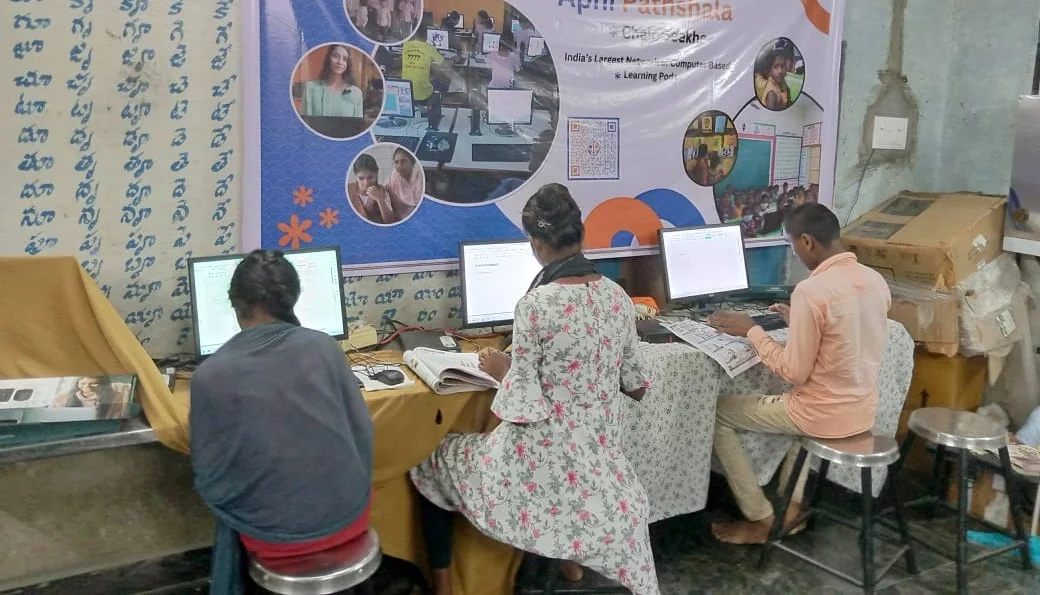
Staring at a screen for hours causes digital eye strain. Your childs eyes get tired, dry, and painful. This is especially serious for students preparing for competitive exams who study 8-10 hours daily on computers.
The 20-20-20 rule helps: Every 20 minutes, look at something 20 feet away for 20 seconds. This relaxes the eye muscles. Also, the screen brightness should match the room lighting. Too bright and it causes glare. Too dim and your child strains to see.
Learn about eye comfort settings for study sessions to reduce strain during long study hours. The Apna PC comes with built-in features to protect your childs vision while they learn.
How Apna PC Supports Healthy Student Ergonomics
The Apna PC is designed specifically for Indian students. Its not just a computer. Its a tool built for healthy, focused learning. At Rs.30,000 (excluding shipping and GST), it offers features that most expensive computers dont include for students.
The Apna PC comes pre-loaded with Zoron OS, a lightweight system that runs smoothly even in areas with slow internet. Apni Prerna helps parents monitor study progress without invading privacy. LibreOffice covers all academic needs for word processing, spreadsheets, and presentations. Scratch teaches coding basics interactively.
With 8GB RAM and 128GB SSD, your child can run multiple applications without the computer slowing down. No lag means no frustration. No frustration means better focus and healthier posture because theyre not hunching over a frozen screen.
The Apna PC also includes study desk organisation tips to reduce clutter and keep your childs workspace ergonomic. A tidy desk means better posture, fewer distractions, and more productive study hours.
What Parents Should Do Starting Today
Dont wait for your child to develop back pain or headaches. Start now. Measure your current desk height. Check if your childs feet touch the ground when sitting. Look at where the monitor sits relative to eye level.
Small changes create big results. Raise the monitor on a stand. Get a proper study chair. Organise the desk so everything is reachable. Set a timer for the 20-20-20 eye rest rule.
If youre planning to buy a computer for your child, choose one designed with student needs in mind. The Apna PC understands that Indian students need affordable, reliable, and ergonomic-friendly solutions. Its built by Apni Pathshala, an organisation that knows education in India inside and out.
Your childs health and academic success depend on the choices you make today. A comfortable workspace isnt a luxury. Its an investment in your childs future. The Apna PC makes that investment affordable and effective for families across Tier 2 and Tier 3 cities.
Start improving your childs study setup this week. Visit apnapc.com to learn more.